


Your Events Anywhere, Anytime.
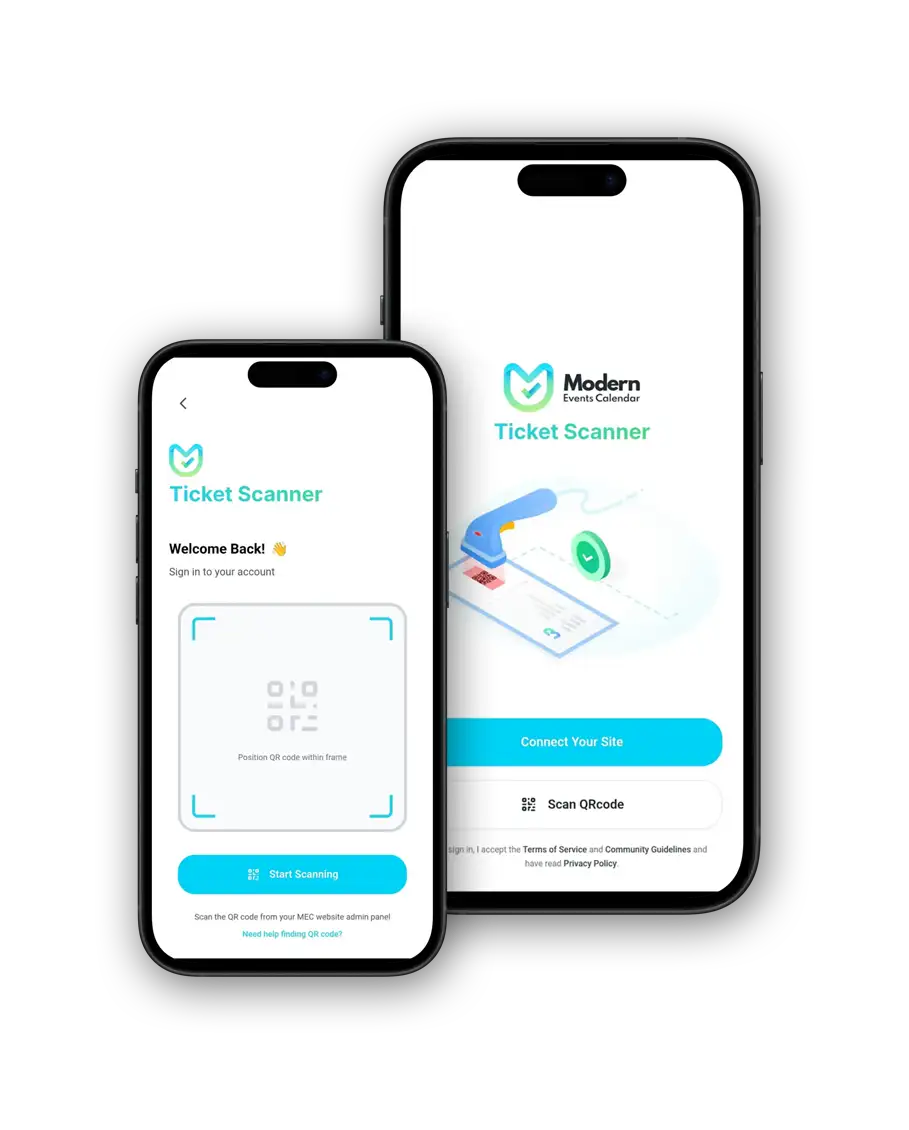
Break free from the desk. Create events, manage attendees, and scan tickets directly from your smartphone, synced instantly with your WordPress site.

Requirements
Getting Started is Easy
The MEC Events App works with both MEC Lite and Pro. To connect the app to your website securely, you simply need our free connector plugin.
Secure App Access
Use MEC Utility to generate secure API keys and QR codes. Set limited permissions (e.g., Check-in only) for specific staff members without giving them full admin access.
Event Management on the Go
No laptop? No problem. Create, edit, and manage your events directly from the app. Changes sync immediately to your WordPress site.
QR Code Check-in
Speed up entry. Scan attendee tickets in real-time using your phone’s camera. Requires the Ticket & Invoice Addon.
The Ultimate Event Experience.
Want to check in attendees at the door or design a seating area? Upgrade to the Ultimate Bundle to get the Ticket & Invoice addon, plus the Seat and Virtual Events addons, and more.
Use-cases
From one-on-one appointments to full‑scale corporate events, MEC provides a scalable solution for all your needs.
Restaurants & Cafes Manage Special Events
Hosting a wine tasting or live music night? Check diners in at the host stand using a mobile device, keeping your front-of-house professional and wire-free.
Art Galleries Seamless Entry
Keep the focus on the art. Discreetly check in VIPs and ticket holders at the entrance without bulky equipment ruining the ambiance.
Clubs & Nightlife Control the Crowd
Equip your bouncers with a scanner that works. Verify tickets instantly in low light and keep the entry flow smooth and secure.
Churches & Non-Profits Coordinate Volunteers
Empower your welcome team to check in attendees for retreats or services using their own phones, without giving them admin access to your website.
Yoga Studios & Gyms Namaste, Anywhere
Manage your class schedules and mark attendance from the mat. No need to log into a computer to see who signed up for the 6 AM flow.
Theatres & Concerts The Show Must Go On
Don't let long lines delay the performance. Scan tickets at the door rapidly and handle last-minute guest list additions right from your pocket.
Attendee Management
Need to check a specific booking? Access the full attendee list for any event. View guest details, ticket types, and payment status, or manually check them in if they forgot their ticket.
Instant Synchronization
The app and your website are one ecosystem. Any change made in the app, whether it's editing an event title, pausing ticket sales, or checking in a guest, reflects on your WordPress site.
Smart Search & Filters
Don't scroll endlessly. Use smart filters to sort events by date, category, or organizer. Whether you are looking for today's schedule or next month's concert, find it in seconds.
Real-Time Dashboard
Open the app and instantly see how your events are performing. View a summary of total events, active bookings, and ticket sales for the day without digging through menus.
FAQ
Is the MEC Events App free?
Yes, the mobile application itself is completely free to download for both iOS and Android. However, to connect it to your website, you must install the free MEC Utility plugin on your WordPress site.
Do I need MEC Pro to use the app?
No! The app works perfectly with both MEC Lite (Free) and MEC Pro. You can create and manage events with either version.
How do I connect the app to my WordPress website?
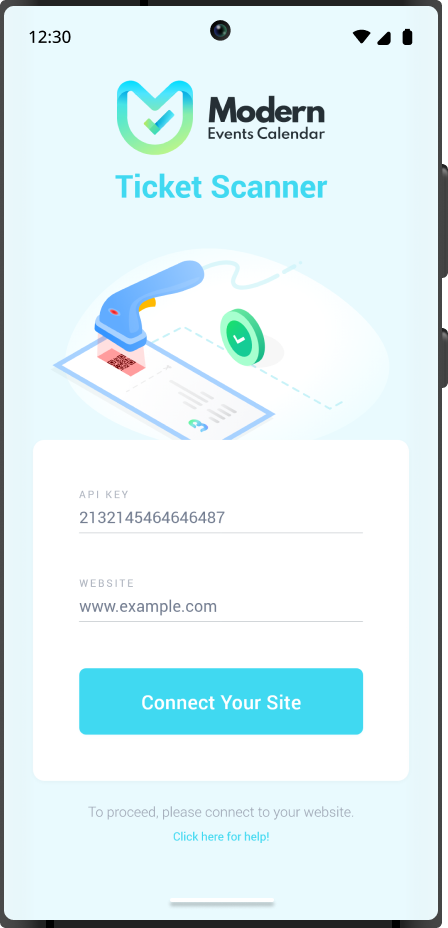
It’s simple. Install the MEC Utility addon on your website. Navigate to the utility menu to generate a QR code. Open the app on your phone, scan the QR code, and you’re instantly connected!
Can I scan tickets with the app?
Yes, but this specific feature requires the Ticket & Invoice Addon (available in the Ultimate Bundle or separately). Once active, you can use the app to scan attendee QR codes and update their check-in status in real-time.
Can I restrict what my staff can do in the app?
Absolutely. Using the MEC Utility dashboard on your website, you can create different API keys with specific permissions (e.g., "Check-in Only"). This allows you to let temporary staff scan tickets without giving them access to edit your events or settings.
Subscribe to our newsletter for the latest news & promotions.
