
Quick answer: The event management platforms compared in this guide solve different operational problems. Cvent suits complex enterprise programs, Bizzabo focuses on B2B event marketing, and Eventbrite combines ticketing with marketplace discovery. Whova and EventMobi concentrate on attendee participation, while RingCentral Events is designed around virtual and hybrid delivery. WordPress plus an event plugin is the alternative for organizations that want the event website, calendar, registration, and ticketing to remain under their control.
Start with your required workflow, event format, attendee volume, technical resources, and hardest operational requirement. A large feature list is irrelevant if the platform cannot handle the part of the event your team finds most difficult.
If you are evaluating a WordPress product rather than a hosted suite, see our event management software page for Modern Events Calendar. Webnus develops MEC; the comparison below evaluates the wider market and treats WordPress as one platform approach.
Event Management Platforms Compared: Quick Picks
| Platform | Best for | Starting price | Runs on |
|---|---|---|---|
| 1WordPress + event plugine.g. Modern Events CalendarOurs | An event site you own | Free · Pro $99/yr + hosting | Your own website |
| 2Cvent | Complex enterprise programs | Custom quote | Enterprise SaaS |
| 3Bizzabo | B2B event marketing | $499/user/mo or quote | Hosted SaaS |
| 4Eventbrite | Public ticketed events | Free for free events · fees on paid tickets | Marketplace |
| 5Zoho Backstage | Accessible all-in-one | Free & paid plans | Hosted SaaS |
| 6Whova | Conference networking | Custom quote | Hosted SaaS |
| 7EventsAir | Detailed conference operations | Custom quote | Enterprise SaaS |
| 8Stova | Enterprise portfolios + services | From $1,995 + per-registration fee | Enterprise SaaS |
| 9Swoogo | Configurable registration | $11,800/yr | Hosted SaaS |
| 10EventMobi | Mobile apps & onsite | $3,500/event or $7,900/yr | Hosted SaaS |
| 11RingCentral Events | Virtual & hybrid events | $99–$299/mo | Hosted SaaS |
Starting prices as listed in this guide; vendors change pricing by plan, region and event size, so confirm before buying. Webnus develops Modern Events Calendar.
From Webnus, the developer of Modern Events Calendar
Run registration and ticketing on your own site, from $99 a year
If your events live on your website, you may not need a platform contract. Modern Events Calendar adds the event engine to the WordPress site you already own.
- Registration, tickets & payments
- Check-in for event day
- No per-ticket platform fees
- Your site, your brand, your attendee data
Free version available · Pro from $99/yr · 30-day refund
Starting price for one yearUsing the prices listed in this guide
Bizzabo = 1 user × $499/mo. Stova adds a per-registration fee. Hosted suites include more services; WordPress also needs hosting and payment processing.
What Does an Event Management Platform Cover?
Event management platforms helps organizers plan, promote, run, and measure events. Depending on the product, that can include an event website, invitations, registration, ticket payments, session selection, speaker management, check-in, badge printing, a mobile app, virtual sessions, sponsor tools, surveys, and reporting.
No product needs to do all of those jobs. A local workshop may only need a public page, online payment, and a check-in list. A multinational conference may need approval workflows, travel coordination, CRM synchronization, access control, lead capture, and reporting across dozens of events.
This is why comparing event management platforms by feature count alone is misleading. First decide which part of the event is hardest to manage. That decision will narrow the field faster than a spreadsheet with 100 checkboxes.
Which Type of Event Management Platform Do You Need?
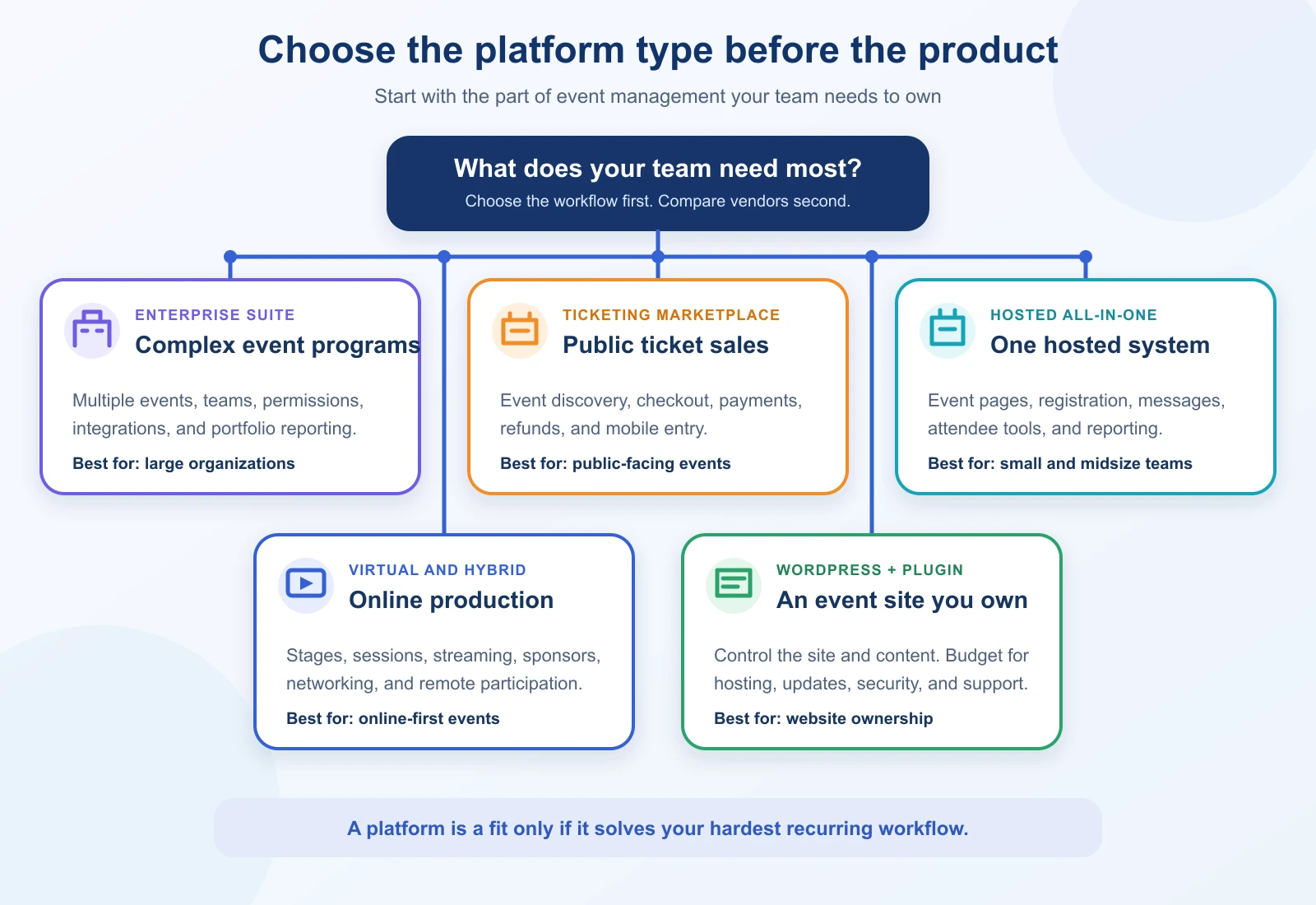
The event management platforms compared here fall into five broad groups. Choosing the right category first will eliminate more unsuitable products than comparing hundreds of individual features.
Enterprise event suites
Products such as Cvent, EventsAir, and Stova cover many stages of the event life cycle. They are built for larger teams, multiple event programs, detailed permissions, and complex reporting. The best event management platform for a large event department may justify a longer sales and implementation process.
Ticketing marketplaces
Eventbrite combines organizer tools with a public event marketplace. That discovery layer can help concerts, classes, fundraisers, and community events reach people who are already looking for something to attend. Per-ticket fees and platform branding deserve close attention.
Hosted all-in-one platforms
Bizzabo, Zoho Backstage, Whova, Swoogo, and EventMobi package event pages, registration, communications, and attendee tools into a hosted service. Their emphasis differs, so check whether marketing, registration, a mobile app, or onsite operations is the real center of the product.
Virtual and hybrid event platforms
RingCentral Events centers on online stages, sessions, networking, sponsor spaces, and audience participation. Several other tools in this guide also support virtual events, but that does not mean virtual delivery is their main strength. The best event management platform for an online-first program should make remote production and participation central to the product.
WordPress plus an event plugin
WordPress is a content management system, not event management platform by itself. Add a suitable event plugin and it can power event listings, calendars, registration, ticketing, and organizer pages on a website you control. This route gives you more ownership, but your team or agency must handle hosting, maintenance, security, backups, and plugin compatibility.
From Webnus, the developer of Modern Events Calendar
Going the WordPress route? Get the theme and the event plugin together
The Event Pro Pack pairs MEC Pro, the event engine, with Kata Pro and its ready-made event templates. Import a template, add your events, and start selling tickets.
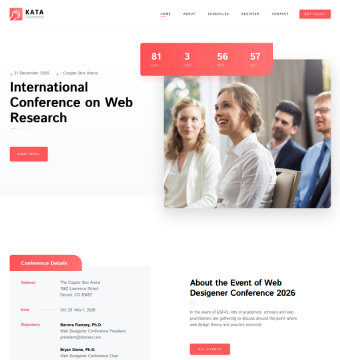
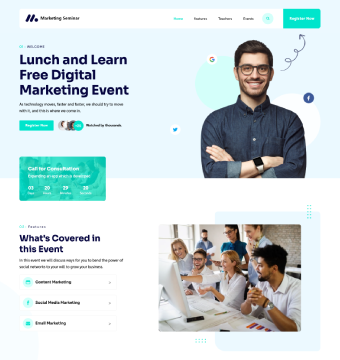
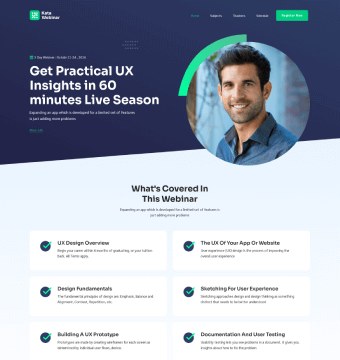


$158$119 /yr for both
1 site · 30-day refund · updates & support included · See all event templates
Event Management Platforms Compared by Use Case and Format
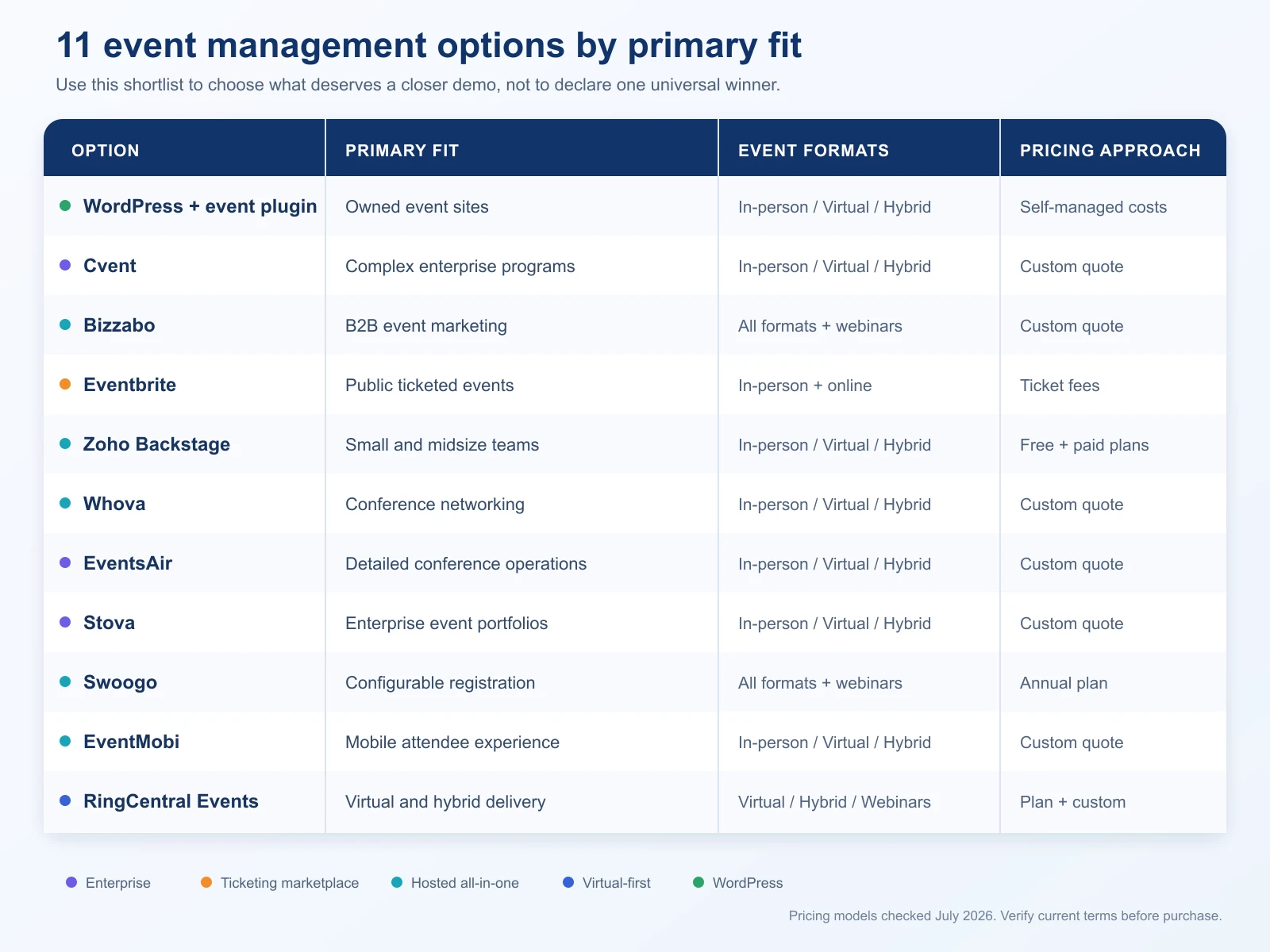
This event management platform comparison focuses on each option’s clearest role, pricing model, and main tradeoff rather than counting features.
| Option | Best for | Event formats | Main strength | Pricing approach |
|---|---|---|---|---|
| WordPress plus an event plugin | Owned event sites | In-person, virtual, hybrid | Control over the website, content, and setup | Hosting, plugin, payment, and maintenance costs |
| Cvent | Large and complex event programs | In-person, virtual, hybrid | Broad enterprise event operations | Custom quote |
| Bizzabo | B2B marketing teams | In-person, virtual, hybrid, webinars | Marketing and attendee experience | Custom quote |
| Eventbrite | Public ticketed events | Mainly in-person, with online event support | Ticket sales and marketplace discovery | Fees on paid tickets, varying by market |
| Zoho Backstage | Small and midsize teams | In-person, virtual, hybrid | Accessible all-in-one toolkit | Free and paid plans |
| Whova | Conferences and associations | In-person, virtual, hybrid | Networking and attendee participation | Custom quote |
| EventsAir | Detailed conference operations | In-person, virtual, hybrid | Registration, logistics, abstracts, and onsite tools | Custom quote |
| Stova | Enterprise event portfolios | In-person, virtual, hybrid | End-to-end platform plus services | Custom quote |
| Swoogo | Configurable registration | In-person, virtual, hybrid, webinars | Registration logic and branded event sites | Annual subscription, with add-ons |
| EventMobi | Mobile and onsite engagement | In-person, virtual, hybrid | Event app and attendee tools | Custom quote |
| RingCentral Events | Virtual and hybrid events | Virtual, hybrid, webinars | Online production and audience interaction | Plan-based and custom options |
Pricing models can change and may vary by country, event volume, attendee count, contract term, and optional services. Check the vendor’s current pricing page or proposal before buying.
How We Compared the Event Management Platforms
This is an editorial comparison based on current official product, documentation, and pricing pages. It is not presented as a hands-on lab test.
Each option had to cover a clear event-management use case and provide enough current information to assess its place in the market. We compared the products on the same practical questions:
– Which event formats does it support?
– Which workflow is it strongest at?
– Does it cover registration, communications, attendee experience, and reporting?
– How much setup and ongoing administration is likely?
– Is pricing public, fee-based, subscription-based, or quote-based?
– What tradeoff should a buyer investigate before signing?
Disclosure: Webnus develops Modern Events Calendar, a WordPress event plugin. In this guide, WordPress is assessed as one platform approach using the same practical criteria as the hosted services. Modern Events Calendar is not ranked as a separate entry.
12 Event Management Platforms Compared for 2026
1. WordPress plus an event plugin: best for an event site you control
Best for: WordPress provides the best event management platform approach when events must remain part of a wesite the organization owns to have control over design, content, URLs, and data handling.
WordPress takes a different route from the software-as-a-service products below. You choose the host, theme, event plugin, payment tools, and any marketing integrations. The result can support recurring event listings, calendars, organizer and venue pages, registration, ticket sales, and online-event links, depending on the plugin and extensions you select.
If ticket delivery and door entry are deciding factors, our guide to QR tickets and check-in in WordPress explains how downloadable tickets, printed badges, and mobile scanning work together.
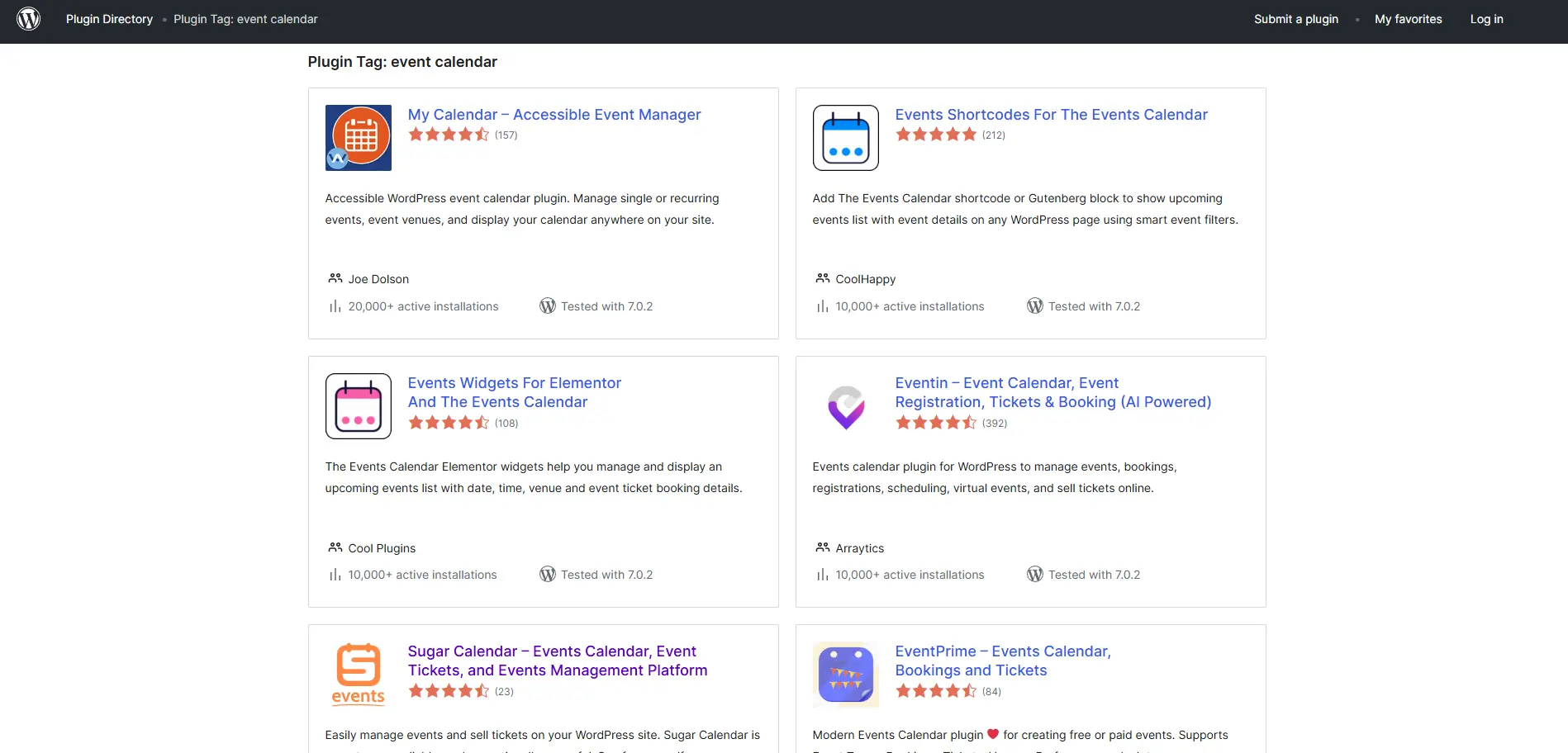
This model is especially useful when events support a broader content or membership strategy. A museum can publish exhibitions beside editorial content. A training company can connect courses to its existing site. An association can keep events, resources, and member information under one domain.
The tradeoff is ownership of the technical work. Someone needs to manage updates, backups, security, performance, payments, and compatibility between plugins. Add-on costs can also accumulate, so compare the complete setup rather than one plugin’s starting price.
If this approach fits, you can compare leading WordPress event plugins before deciding. The separate guide on how to create an event website with WordPress explains the setup process.
Choose it if: Website ownership and flexibility matter more than having one vendor manage the entire system.
2. Cvent: best for complex enterprise event programs
Best for: Large organizations running many events, especially when registration, onsite operations, venue sourcing, travel, integrations, and portfolio reporting need to work together.
Cvent’s event management platform covers branded event sites, registration, payments, agenda selection, communications, reporting, mobile attendee tools, and onsite check-in and badging. Its wider product set also addresses venue sourcing and corporate event programs.
Cvent may be the best event management platform choice when one system must support complex programs, onsite operations, and portfolio reporting. A central event team can apply common processes across conferences, internal meetings, field events, and customer programs while connecting attendee data with other business systems.
That breadth also raises the stakes of implementation. Smaller teams may find that they are buying more system than they need. Ask what is included in the proposed package, which modules cost extra, how data integrations are scoped, and how much administrator training is expected.
Pricing: Quote-based. Contract cost depends on the products and event program.
Choose it if: Governance, scale, and cross-event reporting are more important than fast self-service setup.
3. Bizzabo: best for B2B event marketing teams
Best for: Bizzabo belongs on a best event management platform shortlist for teams that treat events as measurable B2B marketing channel.
Bizzabo supports in-person, virtual, hybrid, and webinar formats. Its product pages cover event websites, registration, mobile apps, onsite check-in and badging, audience engagement, integrations, and analytics.
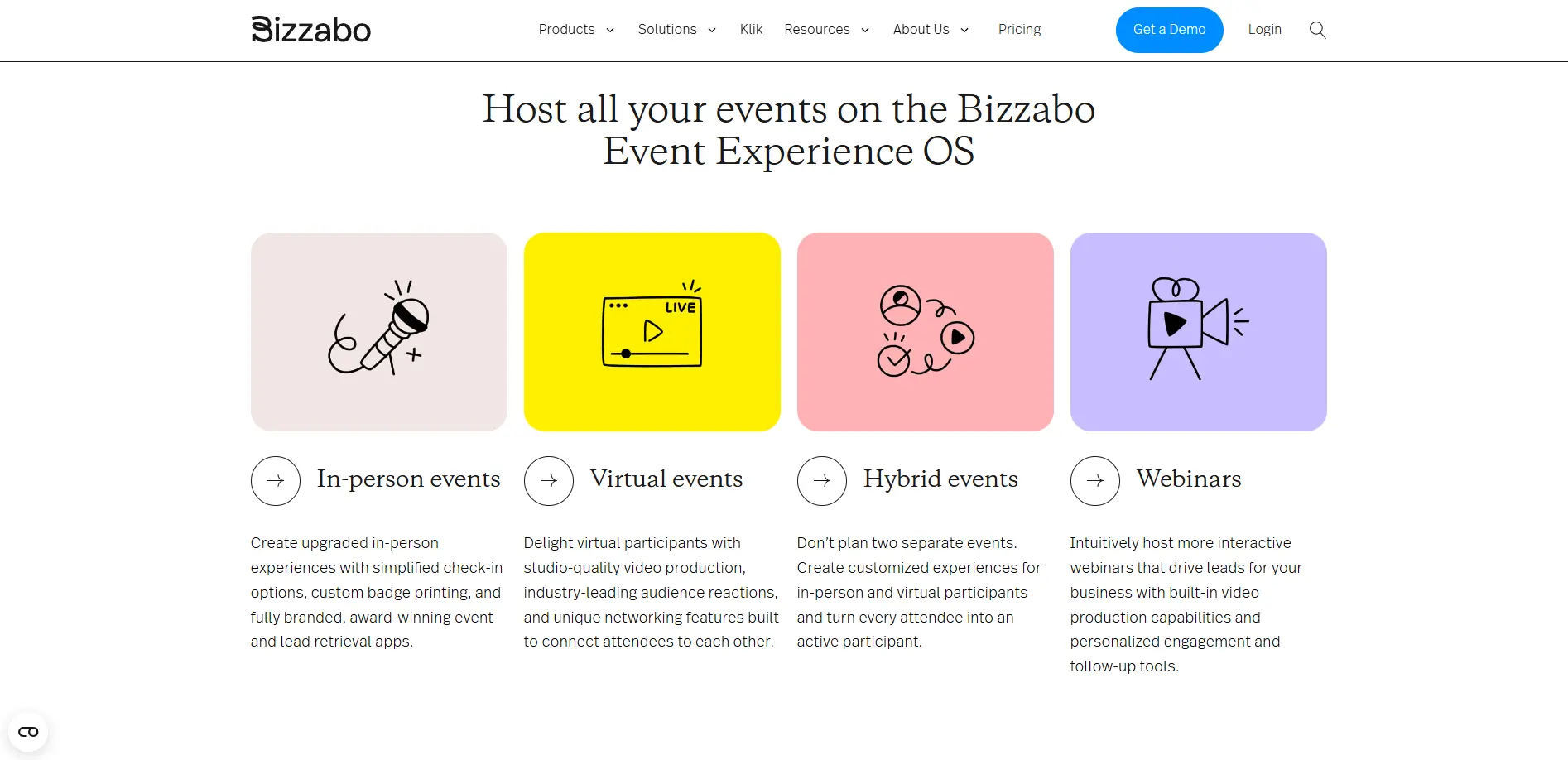
Bizzabo makes the most sense when the event team works closely with demand generation, field marketing, or customer marketing. It can give those teams a shared view of event content, registration, participation, and follow-up instead of leaving data in separate point tools.
Teams should still map the exact attendee journey during evaluation. Confirm what is native, what needs an integration, and which onsite or production services are separate. This matters when the program includes both small repeatable events and a few high-production conferences.
Pricing: 499/user per month or Quote-based.
Choose it if: You need event operations to connect closely with B2B marketing and attendee engagement.
4. Eventbrite: best for public ticketed events and discovery
Best for: Eventbrite may be the best event management softare option when public discovery and straightforward ticket sales are the main requirements.
Eventbrite combines ticketing and registration tools with a consumer marketplace. Organizers can build event pages, offer different ticket types, accept online payments, send event emails, use marketing tools, and check attendees in with the organizer app.
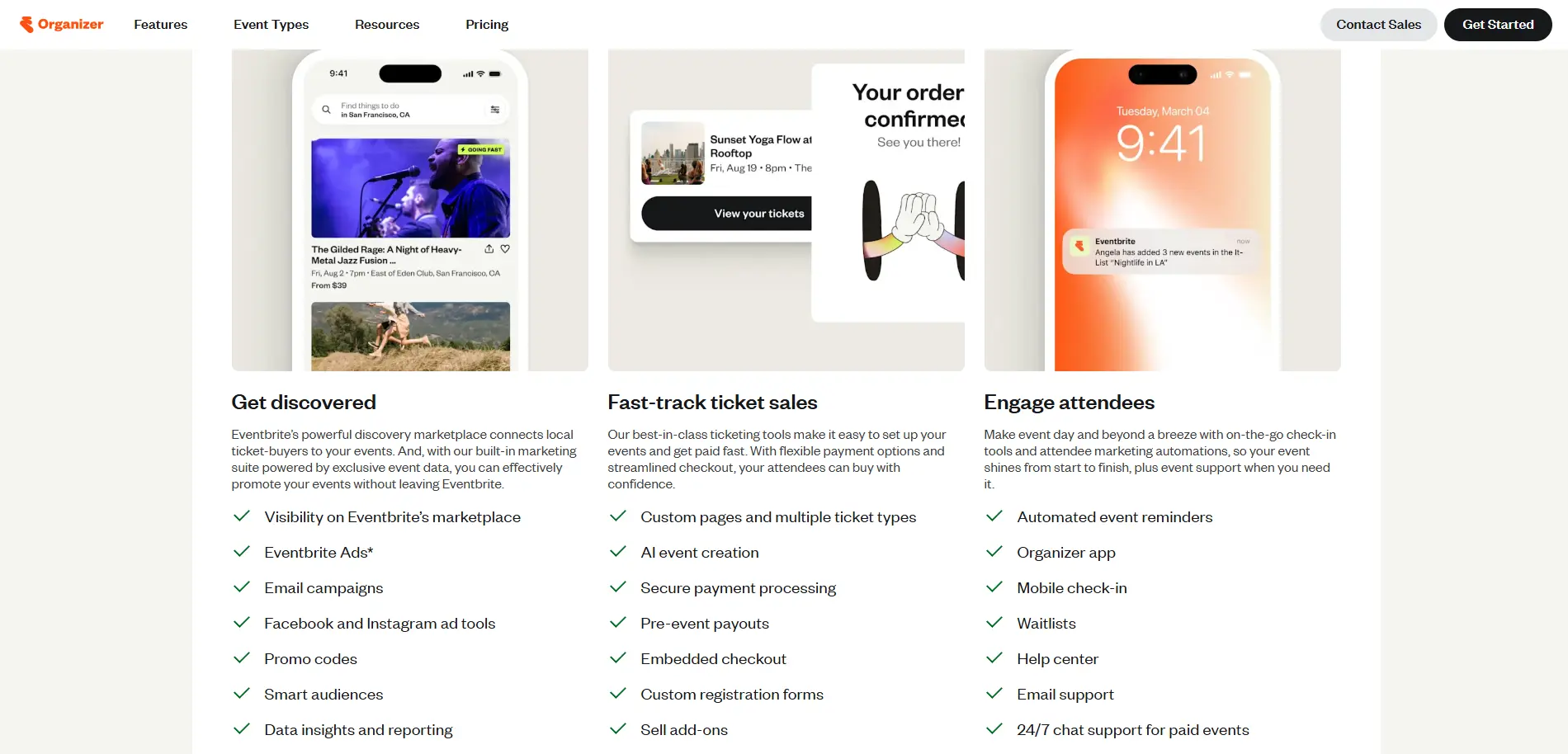
The marketplace is its clearest distinction. If people do not already know your brand, appearing where they browse for local or topical events may help. The software is also familiar to many ticket buyers, which can reduce friction at checkout.
The tradeoff is the fee model and reduced control compared with an event site you own. Paid-ticket fees differ by country and can change, so calculate them using your expected ticket price and order size. Also check payout timing, refund handling, data export, page branding, and which marketing tools require added spend.
Pricing: Free events can be listed without organizer fees. Paid events are subject to ticketing and payment-processing terms that vary by market.
Choose it if: Selling public tickets quickly and reaching marketplace visitors matter more than complete control over the buying experience.
5. Zoho Backstage: best accessible all-in-one option
Best for: Small and midsize organizations that want one hosted tool for event pages, registration, attendee communications, and event-day operations.
Zoho Backstage supports in-person, virtual, and hybrid events. Its tools cover a website, agenda, speakers, sponsors, registration, ticketing, check-in, sessions, audience participation, and analytics. Organizations already using other Zoho products may also value the familiar account and integration environment.
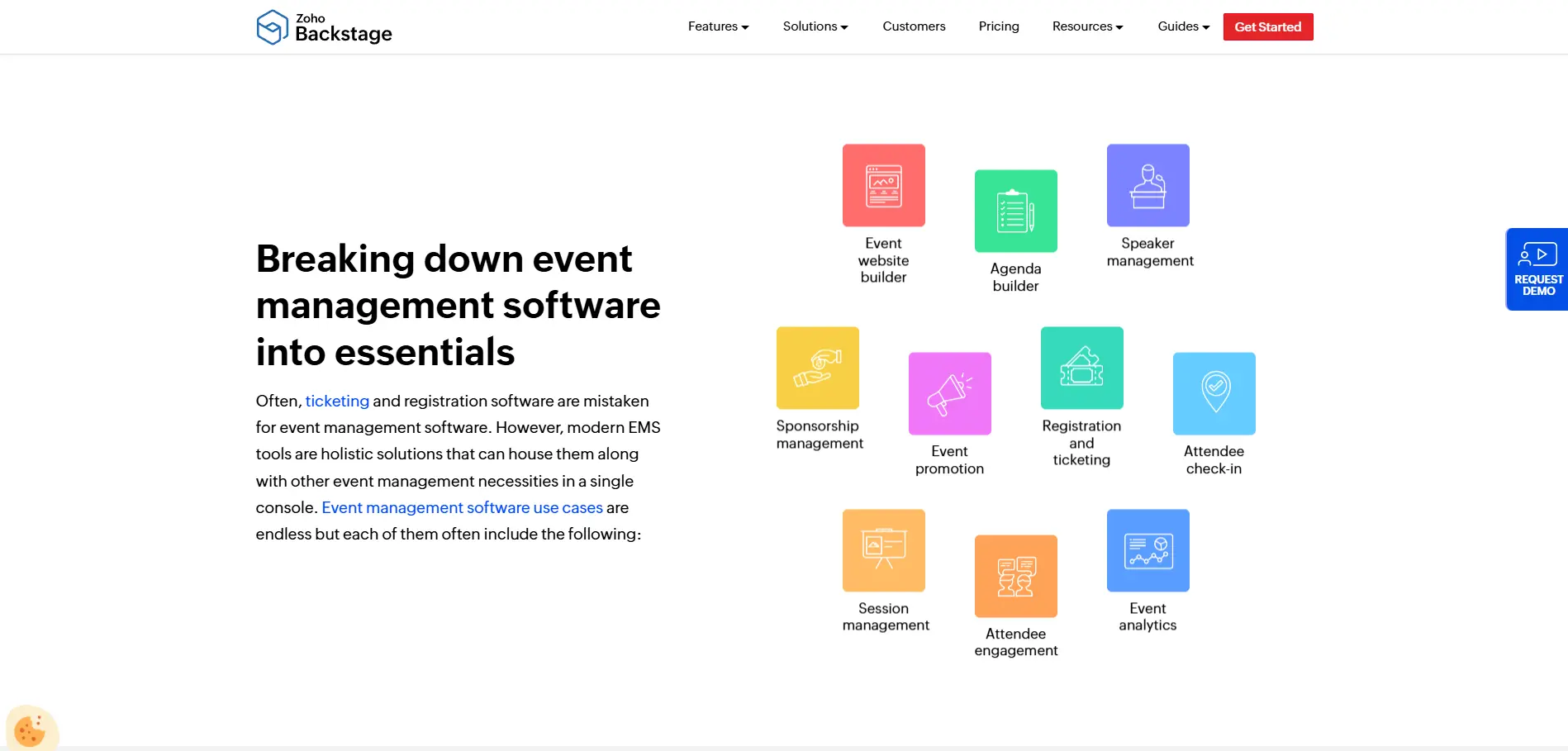
Backstage occupies useful ground between basic ticketing and a large enterprise suite. A team can run a professional conference or internal event without assembling many separate services.
The main evaluation question is depth. Test the workflows that are unusual in your program, such as complex approval paths, special badge rules, advanced sponsor reporting, or custom data movement. An all-in-one product can cover the common case while still needing workarounds for a specialized one.
Pricing: Free and paid plans are available. Plan limits and included features vary.
Choose it if: You want a broad set of event tools without starting with an enterprise sales project.
6. Whova: best for conference networking and attendee participation
Best for: Whova is a strong candidate for best event management for conferences built around networking, sessions, and attendee participation.
Whova combines registration, agenda tools, speaker and session management, badges, self check-in, announcements, and event-app features. Its attendee experience emphasizes networking, discussion, personal agendas, and participation before and during the event.
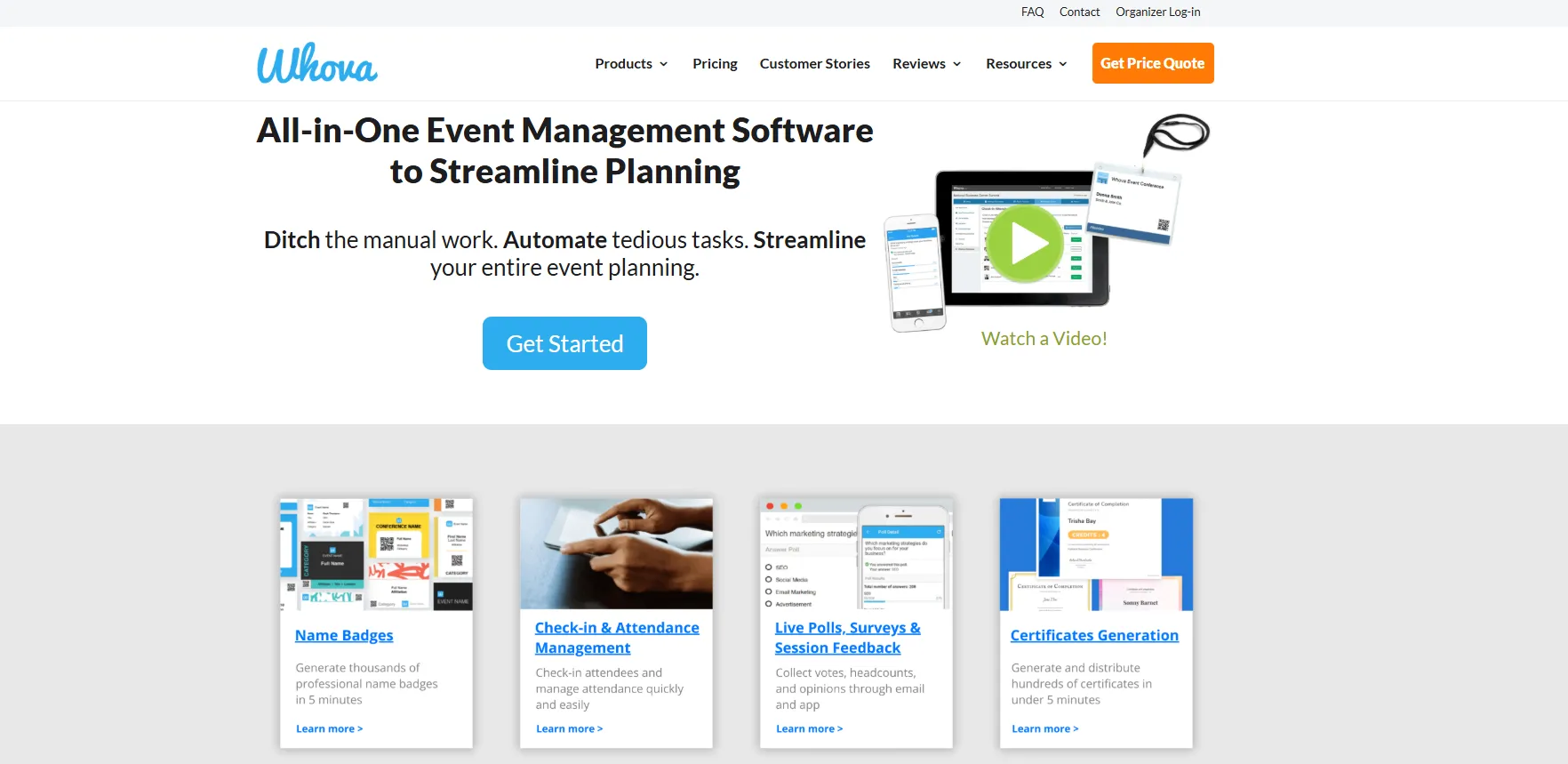
That makes Whova attractive when the mobile experience is not an optional brochure. For a multi-track conference, the app can become the practical place where attendees plan sessions, receive changes, connect with peers, and interact with organizers.
Do not evaluate the app in isolation. Walk through the organizer’s back-office tasks as well, including registration changes, imports, session capacity, sponsor delivery, exports, and post-event reporting. Also confirm which functions remain available after the event ends.
Pricing: Quote-based, according to event requirements.
Choose it if: Networking and mobile attendee activity are central measures of event quality.
7. EventBookings: best for low-fee ticketing and registration
Best for: Organizers who sell tickets from their own audience and want to keep more of the revenue, rather than paying for reach they may not need.
EventBookings handles the ticketing side of an event without trying to be a full enterprise suite. You get a branded event page, as many ticket types as the event needs, early-bird prices, coupons, group bookings and multi-session passes. The registration form is built with drag-and-drop fields, so collecting dietary requirements or a member number does not require a workaround. On event day, the mobile app scans tickets and can also sell them at the door.
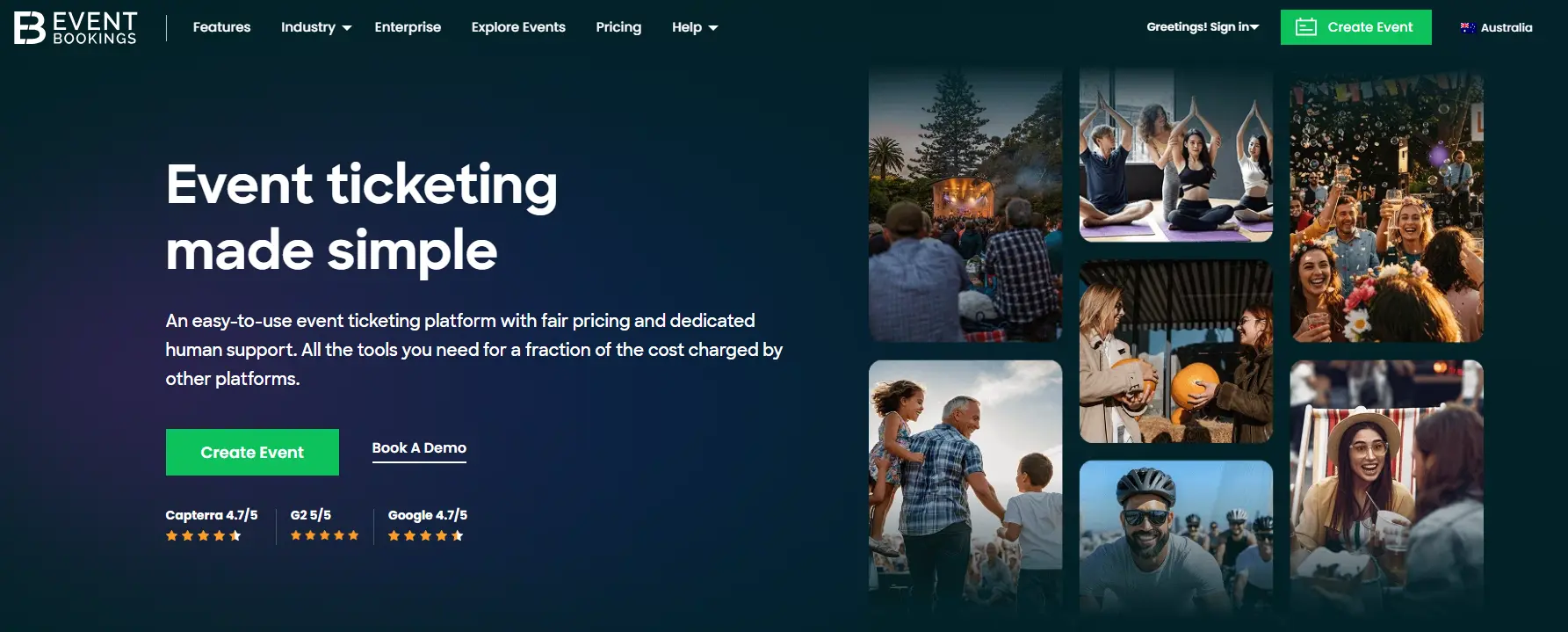
What separates it from the better-known marketplaces is the fee structure and who owns the attendee list. There is no subscription, free events cost nothing at all, and you decide whether the service fee comes out of your revenue or is added to the buyer’s total. Attendee details stay in your account instead of feeding a consumer marketplace, which tends to matter for councils, schools, and charities with their own privacy commitments. Recurring events, timeslot bookings, and built-in video conferencing for online sessions are part of the platform rather than paid extras.
The catch is exposure. EventBookings has an Explore listing, but it will not put your event in front of people who are casually browsing for something to do on Saturday, so promotion stays your responsibility. It is also not built for conference operations at the scale of Cvent or EventsAir. If your program involves abstract submissions, multi-stage approvals, or travel coordination, this is the wrong shortlist. Before committing, check the fee for your country, confirm payout timing, and look at which features sit behind the premium plans.
Pricing: Free events are free, with no organizer fees. Paid tickets are charged a per-ticket service fee that varies by country and payment method. Check the EventBookings pricing page for the current rate in your market.
Choose it if: Ticket fees and attendee data ownership matter more to you than marketplace visibility.
8. EventsAir: best for detailed conference operations
Best for: EventsAir may be the best event management platform fit when abstracts, speakers, travel, logistics, and onsite work must stay connected.
EventsAir covers registration, abstracts, speaker workflows, agendas, budgeting, logistics, a mobile app, check-in, kiosks, badge printing, exhibitor tools, lead capture, hybrid streaming, and reporting.
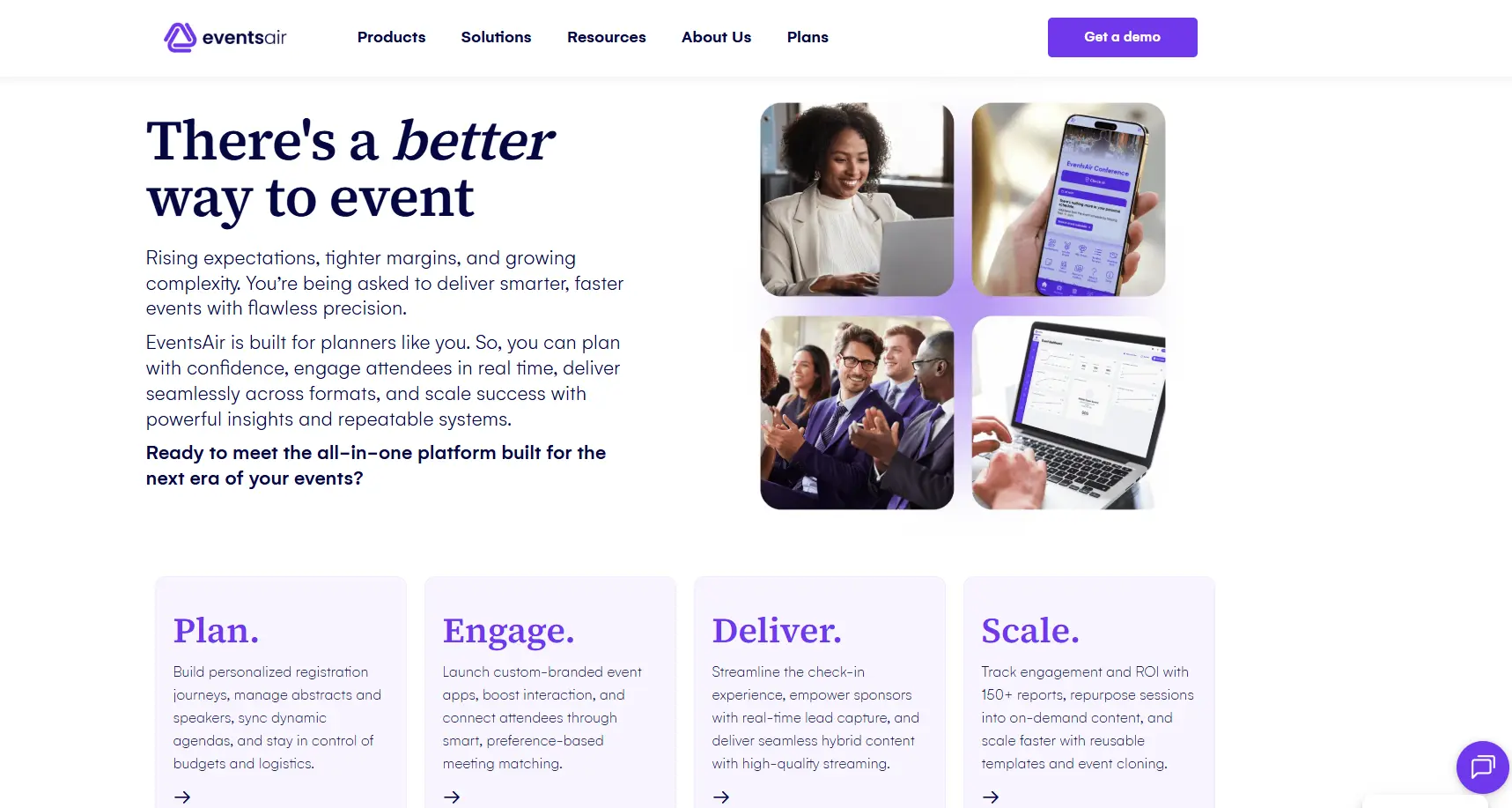
The product stands out when the difficult work happens behind the registration form. Academic congresses and large conferences may need to collect submissions, review them, assign sessions, coordinate presenters, manage accommodation, and keep operations connected through event day.
With that scope comes a learning curve. During a demo, ask to see your hardest workflow from start to finish rather than a general tour. Confirm setup responsibilities, training, onsite hardware, support coverage, and how reporting works across multiple editions of an event.
Pricing: Quote-based.
Choose it if: Conference logistics and program management are more demanding than event promotion.
9. Stova: best for enterprise event portfolios and service support
Best for: Organizations running a mixed portfolio of in-person, virtual, and hybrid events with enterprise requirements.
Stova provides registration, event content, attendee engagement, branding, analytics, onsite check-in, badges, kiosks, and portfolio management. The company also offers professional and support services for teams that need help delivering complex events.
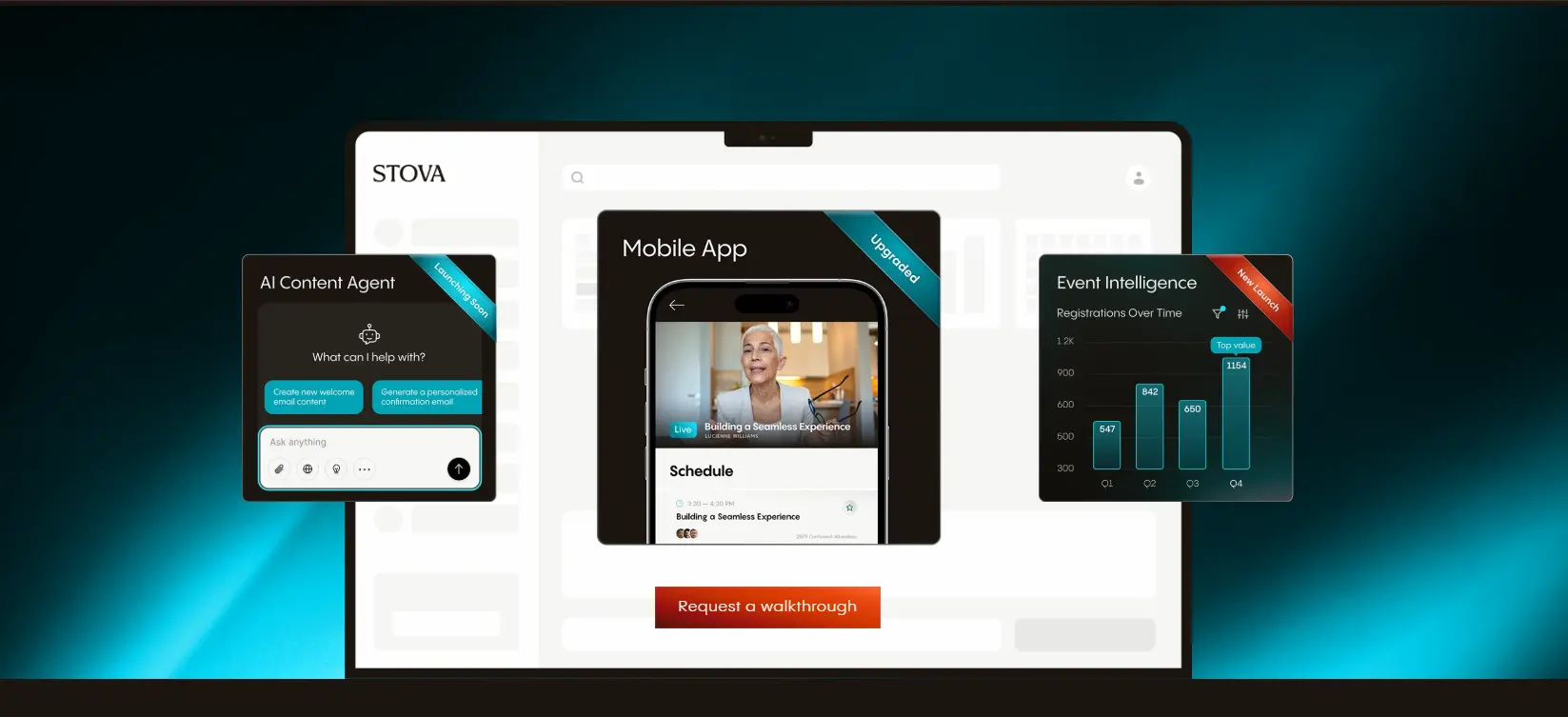
The name may be unfamiliar to readers of the old version of this article. Stova brought together Aventri, MeetingPlay, and eventcore, so Aventri should no longer appear as a separate current recommendation.
Buyers should examine both platform fit and service scope. Ask which tasks stay with your team, which can be handled by Stova, and how support changes across regions and event dates. It is also worth checking how existing Aventri-era processes or integrations map to the current product.
Pricing: 3 tiered plans starting at $1995 plus a per-registeration fee
Choose it if: You want enterprise event technology with the option to add delivery expertise and services.
10. Swoogo: best for configurable registration and event websites
Best for: Event teams that need branded registration paths, conditional logic, repeatable event sites, and connections to an existing business stack.
Swoogo centers much of its product on registration and event marketing. It also provides event websites, email tools, check-in, badges, a mobile app, exhibitor and hotel tools, integrations, analytics, an event hub, and an optional call-for-speakers workflow.
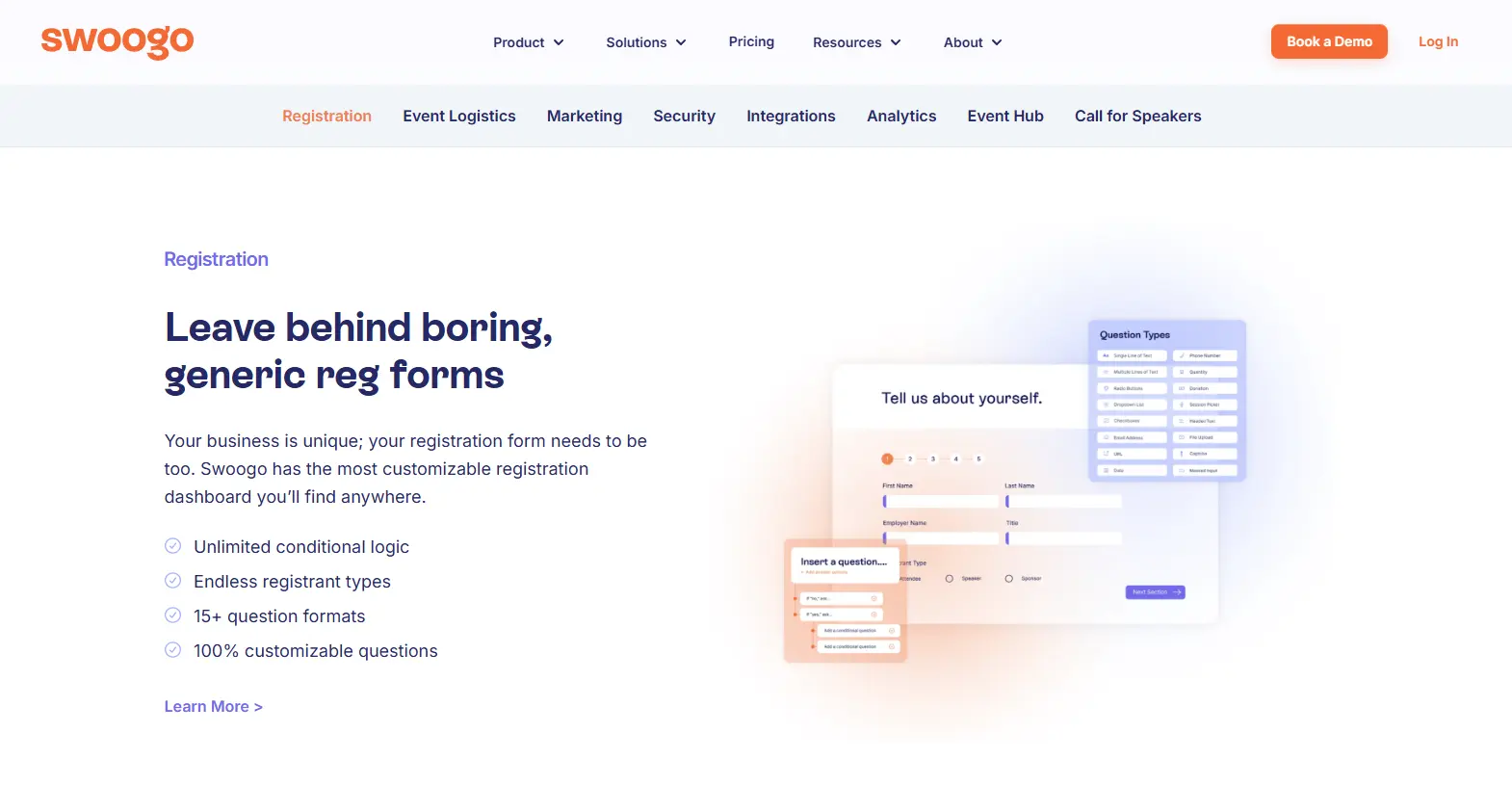
Its configurable registration is useful when different attendee groups should see different questions, prices, sessions, or communications. That can suit agencies, field marketing teams, higher-education events, and companies running many events from shared templates.
Swoogo is not positioned as a low-cost tool for an occasional meetup. Its pricing is annual, and some capabilities are sold as upgrades. Buyers should list required users, domains, apps, onsite functions, support, and add-ons before comparing the proposal with other vendors.
Pricing: Annual subscription at $11,800, with enterprise options and paid upgrades.
Choose it if: Registration logic and brand control matter, and your team runs enough events to justify an annual platform.
11. EventMobi: best for mobile event apps and onsite engagement
Best for: Associations, conferences, and internal events where the app, check-in, attendee communication, and sponsor activity are important.
EventMobi offers event websites and registration, check-in and badge printing, lead capture, mobile event apps, virtual-event tools, networking, appointments, polls, surveys, analytics, and integrations.
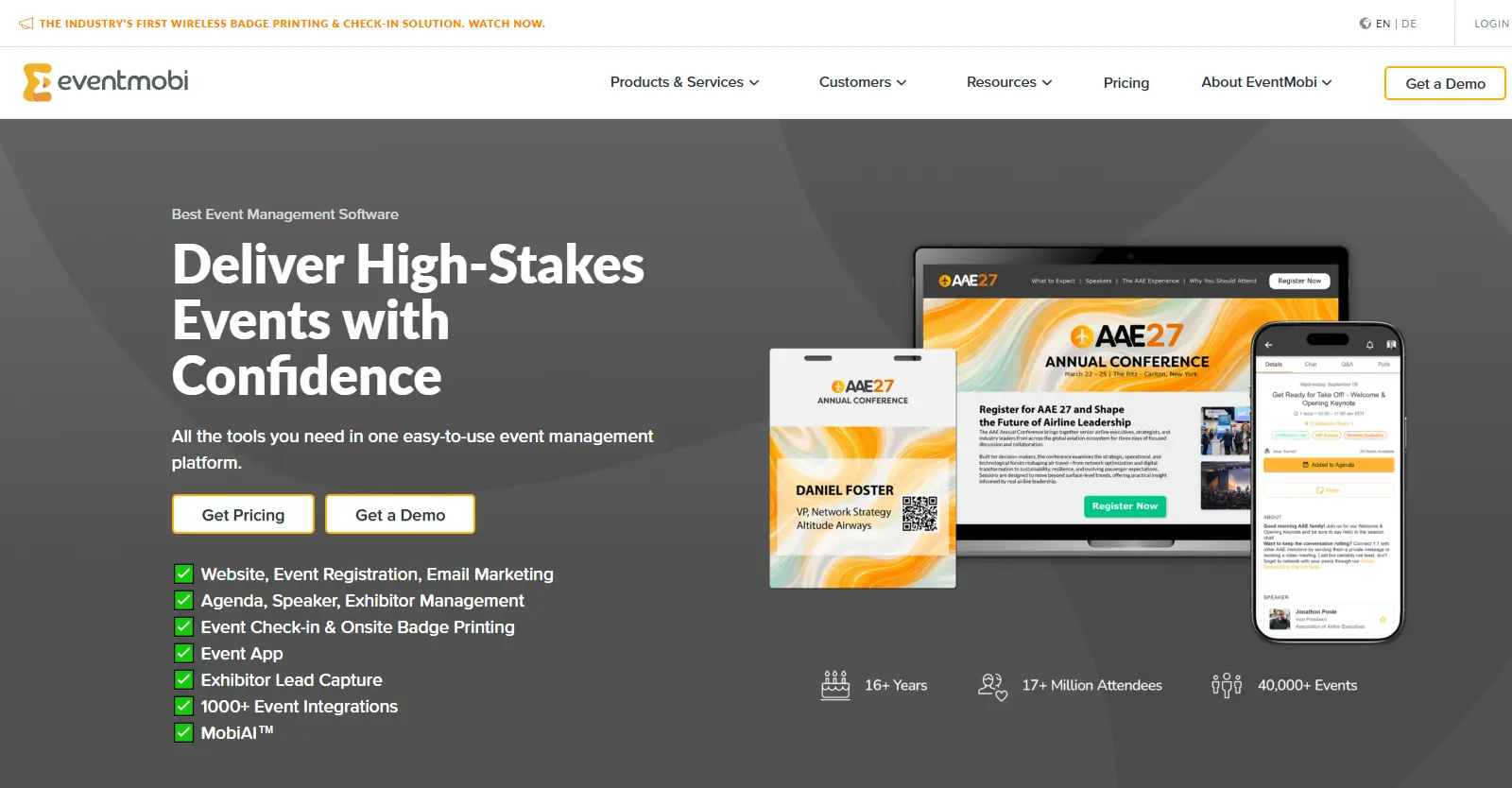
The platform is worth considering when attendees need one clear mobile destination for agendas, alerts, contacts, content, and participation. Organizers can also use the same environment to support exhibitors and capture feedback.
As with any app-led option, adoption is part of the product decision. Ask how attendees access the app, whether download-free options exist for your use case, how content is updated onsite, and what data sponsors or exhibitors can receive. Review the registration and reporting tools with the same care as the attendee interface.
Pricing: Quote-based based on event requirements but also two plans that start at $3500/event or $7900/year
Choose it if: The mobile attendee experience and event-day communication are central to the program.
12. RingCentral Events: best for virtual and hybrid event delivery
Best for: RingCentral Events may be the best event management softare option when virtual production is more important than venue logistics.
RingCentral Events, formerly Hopin Events, provides branded event pages, streaming and production tools, stages and sessions, networking, sponsor or expo areas, engagement features, analytics, and business integrations.
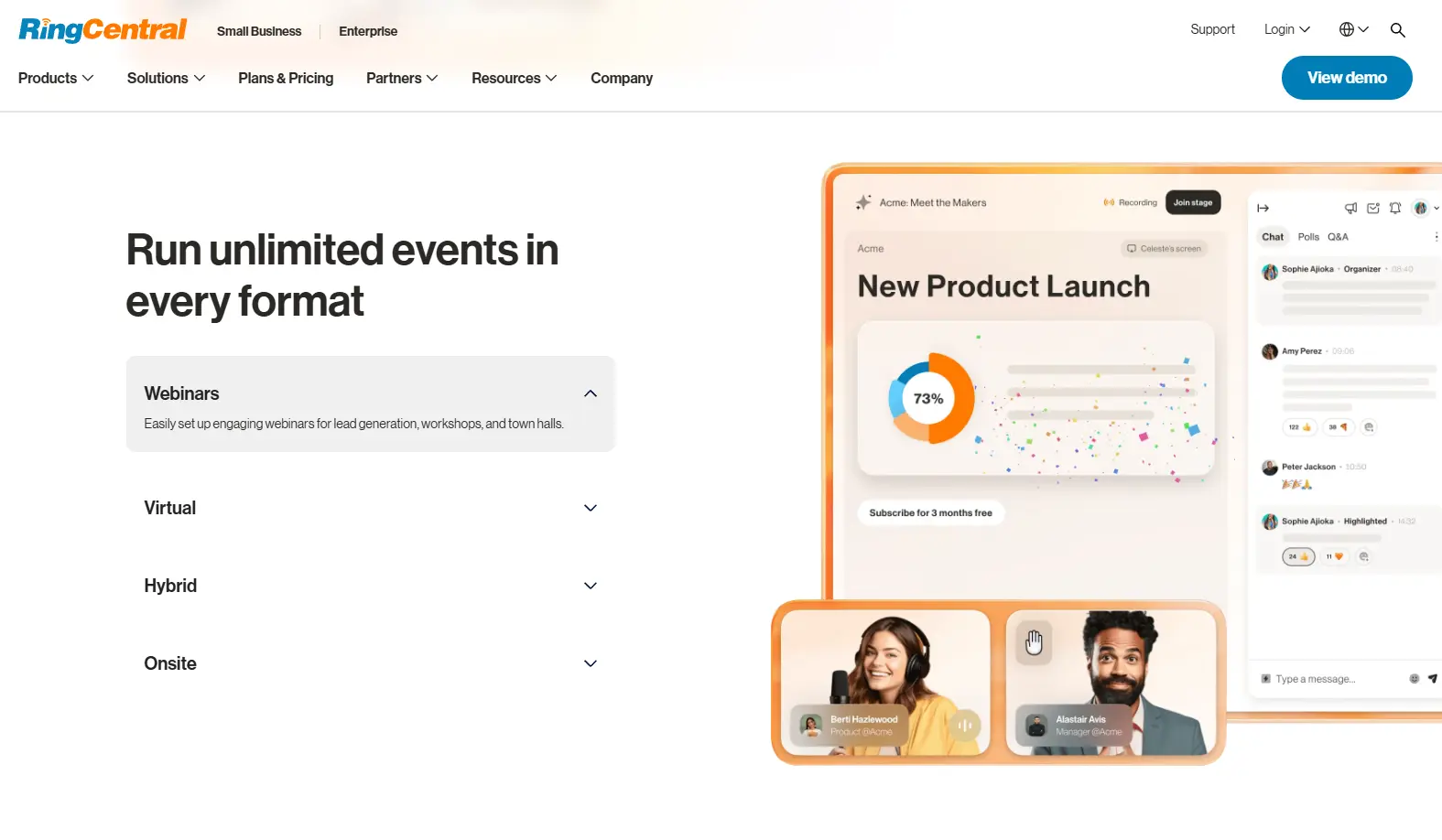
This is the most focused virtual event management choice in the list. It can support the delivery side of a virtual event marketing program, from registration and branded online spaces to live sessions and post-event content. That focus is useful when production quality and remote audience participation matter more than venue or travel logistics.
Hybrid events require careful evaluation because platform alone does not join two audiences. Ask how onsite video will reach the platform, who runs production, how remote and room-based attendees interact, and which engagement data reaches your CRM. Confirm attendee and organizer limits for the plan under consideration.
Pricing:Plan-based starting at $99 per month while going up to $299. Limits and included features differ by plan.
Choose it if: Virtual production and online participation are the heart of the event.
How to Compare Event Management Platforms for Your Workflow
The event management platforms compared in this guide should be evaluated against your recurring workflow, technical resources, complete cost, and hardest operational requirement.
1. Start with the event you run most often
Choose for the repeatable event, not the once-a-year exception. Write down its format, attendee count, ticket model, number of sessions, organizer roles, and required reports. If one large annual conference has unusual needs, decide whether the main platform must cover them or whether a specialist service can be added for that event.
2. Map the full attendee journey
Follow one attendee from invitation or discovery through registration, payment, reminders, check-in, sessions, networking, surveys, and follow-up. Mark every place where data moves to another system. This exposes integration and handoff problems that feature lists tend to hide.
3. Separate requirements from preferences
A required feature has a business consequence if it is missing. A preferred feature is merely convenient. Payment support in the right currency may be required. A choice of 30 page templates may not be. This distinction prevents attractive extras from outweighing operational basics.
4. Calculate total cost, not the headline price
Include setup, subscription or ticket fees, payment processing, extra administrator seats, mobile apps, badge equipment, support, integrations, virtual production, and internal staff time. For WordPress, include hosting, premium extensions, maintenance, and development. For enterprise tools, include implementation and contract minimums.
5. Test the difficult workflow
Do not spend the demo watching a vendor create a basic event page. Bring a real scenario: a group registration with approval, a multi-track agenda with limited capacity, a refund after a ticket transfer, or a last-minute room change. Ask the vendor to show how that exact case works.
6. Check data access and exit options
Confirm what you can export, in which format, and how quickly. Ask what happens to event pages, recordings, attendee data, and reports when the contract ends. These details matter even when you expect a long relationship.
Questions to ask during an event platform demo
– Which parts of our workflow are included in the quoted plan?
– Which features require another product, integration, or paid add-on?
– How are paid tickets, taxes, refunds, cancellations, and chargebacks handled?
– Can different attendee types follow different registration paths?
– What can our team change without vendor or developer help?
– How does the system handle duplicate contacts and CRM synchronization?
– What happens if internet access fails at check-in?
– What support is available during our event hours and time zone?
– Can we export all attendee, engagement, and financial data?
– What are the limits on events, attendees, users, emails, storage, and streaming?
– How long are recordings, event pages, and reports retained?
– What will our first event require from our internal team?
Which of the Event Management Platforms Compared Should You Choose?
Of the event management platforms compared, the right choice is the one that removes your hardest operational problem without introducing more platform than your team can administer, for .
For a large enterprise program, begin with Cvent, Stova, or EventsAir. For B2B marketing, compare Bizzabo and Swoogo. For public ticket sales, Eventbrite is the clearest starting point. For conference participation, look closely at Whova and EventMobi. For virtual and hybrid production, put RingCentral Events on the shortlist. Zoho Backstage is a practical middle ground for teams that want broad hosted capabilities.
Choose WordPress plus an event plugin when the event experience should be part of a website you own and your team is ready to manage the technical setup. That route is not automatically cheaper or easier, but it offers a level of site and content control that hosted platforms may not.
Before signing, run one real event scenario through the product, price every required component, and speak with the people who will administer it each week. Their daily workflow is the final test. For starters, you can read our comparison of how Modern Events Calendar and The Events Calendar handle event creation and management.
Frequently Asked Questions
1. What is the best event management platform for small businesses?
Zoho Backstage, Eventbrite, and WordPress plus an event plugin are sensible starting points, but they suit different needs. Use Eventbrite for public ticket sales and discovery, Zoho Backstage for a hosted all-in-one tool, and WordPress when owning the event site matters and you can maintain it.
2. Which event management platform is best for virtual events?
RingCentral Events is the most virtual-focused option in this comparison. Bizzabo, Cvent, Zoho Backstage, Whova, EventsAir, Stova, Swoogo, and EventMobi also support virtual or hybrid use cases. Compare production tools, audience interaction, session formats, integrations, and attendee limits before choosing.
3. Can WordPress be used as an event management platform?
Yes. WordPress needs an event plugin to add functions such as calendars, recurring events, registration, ticketing, venue pages, and organizer pages. You must also arrange hosting, maintenance, security, backups, and any required payment or email services.
4. What is the difference between an event management platform and event registration software?
Registration software collects attendee details, choices, and payments. Event management platforms usually covers a wider set of work, which may include websites, invitations, speakers, sessions, check-in, badges, mobile apps, virtual delivery, sponsors, surveys, and reporting.
5. How much do event management platforms cost?
There is no useful single average. Some products offer free plans or charge per paid ticket. Others use monthly or annual subscriptions, while enterprise platforms provide custom quotes. Calculate the cost of the full setup, including processing fees, add-ons, users, equipment, integrations, support, and staff time.