
Looking for the best way to add brands to your WooCommerce store? This guide compares six options, updated for 2026.
In the growing e-commerce market, selling brand-specific products is important to succeed.
Whether you’re an experienced online retailer or just starting your journey, effectively showcasing which brands you have on offer can make all the difference in attracting customers and driving sales.
That’s where WooCommerce Brands plugins come in.
People are more likely to buy a product or service they’re already familiar with.
So in this blog, we’ll explore six of the best WooCommerce Brands plugins available, each offering unique features and functionalities to help your customers gravitate towards the specific brand item they want.
Let’s explore how these plugins can improve your e-commerce store!
Quick answer: since WooCommerce 9.6 (January 2025), a basic Brands feature is built into WooCommerce itself, so many stores no longer need an extra plugin just to add brand names and logos. A dedicated plugin still makes sense when you want brand filters, carousels, custom brand pages or design control beyond the defaults.
What Are the Essential Features of a WooCommerce Brands Plugin?
The popularity of a product’s brand is what draws in potential buyers.
For WooCommerce store owners selling products from well-known brands, highlighting these brands can be crucial.
WooCommerce Brands help in adding a brand taxonomy to your existing WooCommerce Tags and Categories.
Let’s imagine you sell used, rare watches, now if you add the brand to WooCommerce, you assign existing products to that brand which makes them stand out more in the product display or brand-based search.
For instance, offering a “Mechanical Watch” may garner some interest, but advertising a “Seiko Mechanical Watch” is likely to attract a larger pool of potential buyers.
Adding product brands to a WooCommerce store can be challenging.
While you can mention brand names in the product title or use the existing category taxonomies, these methods might be counterintuitive.
Fortunately, there’s a simple solution: using a WooCommerce Brands plugin.
It is essential for these Brands plugins to showcase brand thumbnails and be displayable via shortcodes or widgets on any page with their dedicated slug.
Customizing how the information is displayed on the product page is also important.
The plugins below enable you to easily add brand thumbnails and links, as well as create dedicated pages for each brand. You can then assign brands to your products seamlessly from the WooCommerce products menu.
6 Best WooCommerce Brands Plugins List
Below, we’ve listed 6 WordPress plugins to add brands for WooCommerce in no particular order.
Most of them cover the same functionality so ease of use or comprehensiveness of the WooCommerce plugin will be a determining factor in making your decision.
Brands for WooCommerce
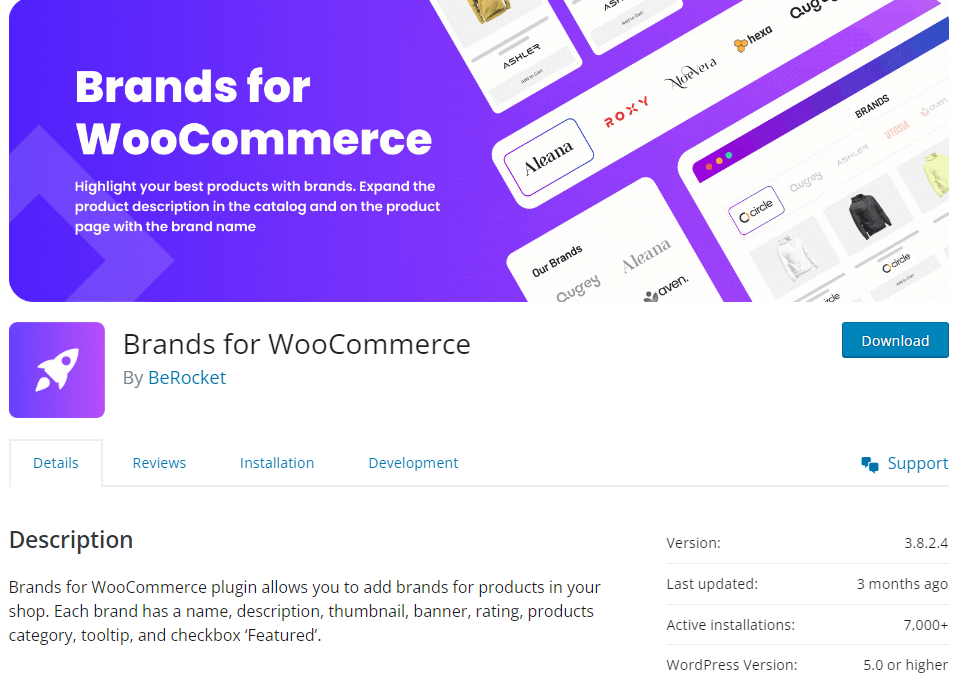
Brands for WooCommerce is a lightweight and efficient plugin to add brand functionality to your WooCommerce store.
It has a simple setup process and is compatible with various themes and WooCommerce plugins.
Features:
- Simplified brand management with easy-to-use interface and settings.
- Shortcode to display brand lists
- Custom pages for brands
- Add Brand Thumbnails
- Lightweight plugin with minimal impact on site performance
- Support for Gutenberg
Pricing: Free
ShopPress
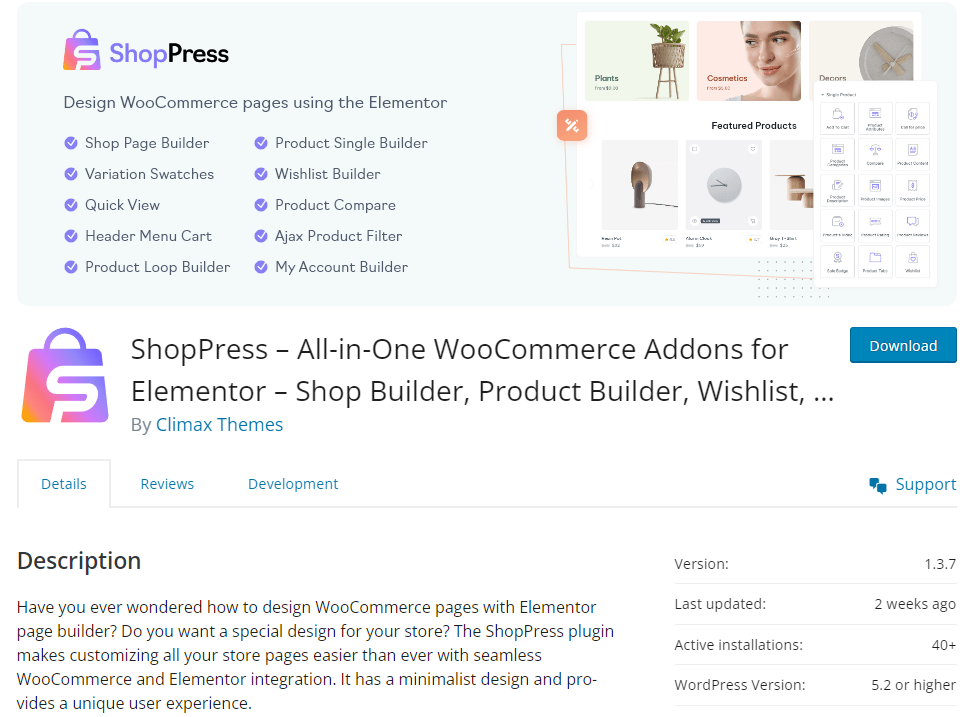
ShopPress stands out as a user-friendly WooCommerce builder plugin with a full list of features including WooCommerce Brands, making it an attractive option for those seeking easy customization and compatibility.
Its drag-and-drop builder based on Elementor simplifies brand management, offering features like brand thumbnails, custom brand pages, and brand filters to enhance product visibility.
It also has a Brands Elmentor widget so you can add a brand-specific view on any page so users can quickly navigate to those products.
Features:
- Intuitive user interface for easy management of brands.
- Display Brand label, logo, and title on the product loop
- Robust customization options for brand logos, links, and brands separator
- A complete WooCommerce shop builder plugin that goes beyond brands
- Display number of products for each given brand
- Streamlined brand search experience
- Customizable brands slug
Pricing: Free version available; Pro plans from $79 to $299
Perfect Brands for WooCommerce
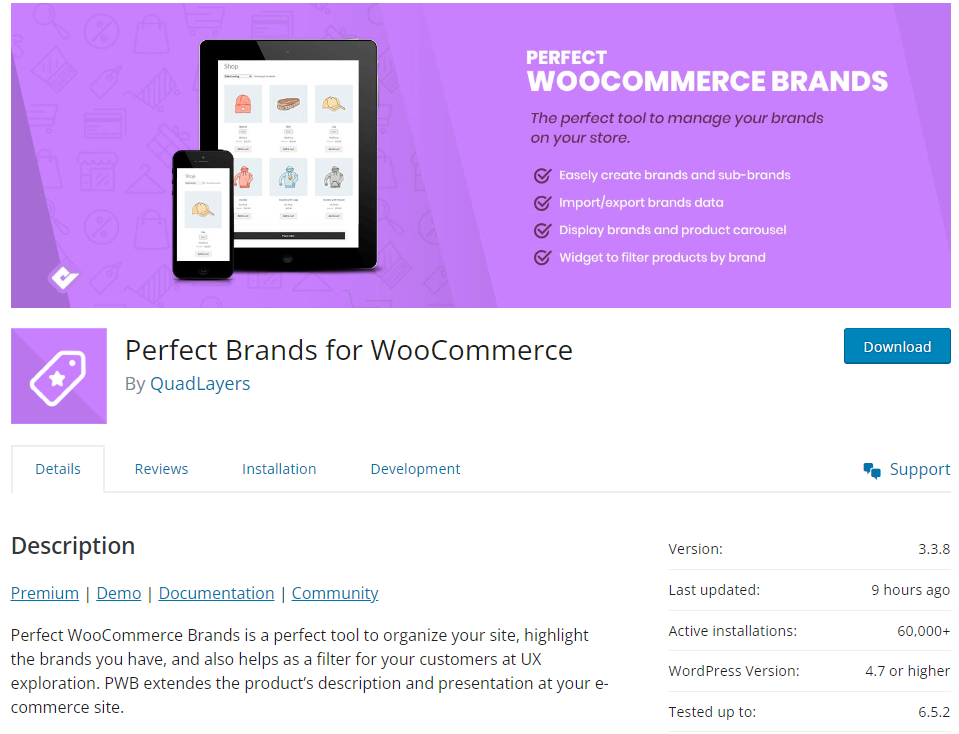
Perfect Brands for WooCommerce boasts a comprehensive feature set, including brand logos, customizable brand slugs, and brand filters, all within an intuitive user interface.
Features:
- Comprehensive brand management features, including brand logos, links, and custom pages.
- Seamless integration with WooCommerce for efficient product branding.
- Various shortcodes with different order filters
- Favorite Brands
- Translation ready
- Multiple widgets for dropdown and list view
- Import brands from other brands plugins
Pricing: Free, or Pro from $49/year (lifetime licenses from $99)
YITH WooCommerce Brands Add-On
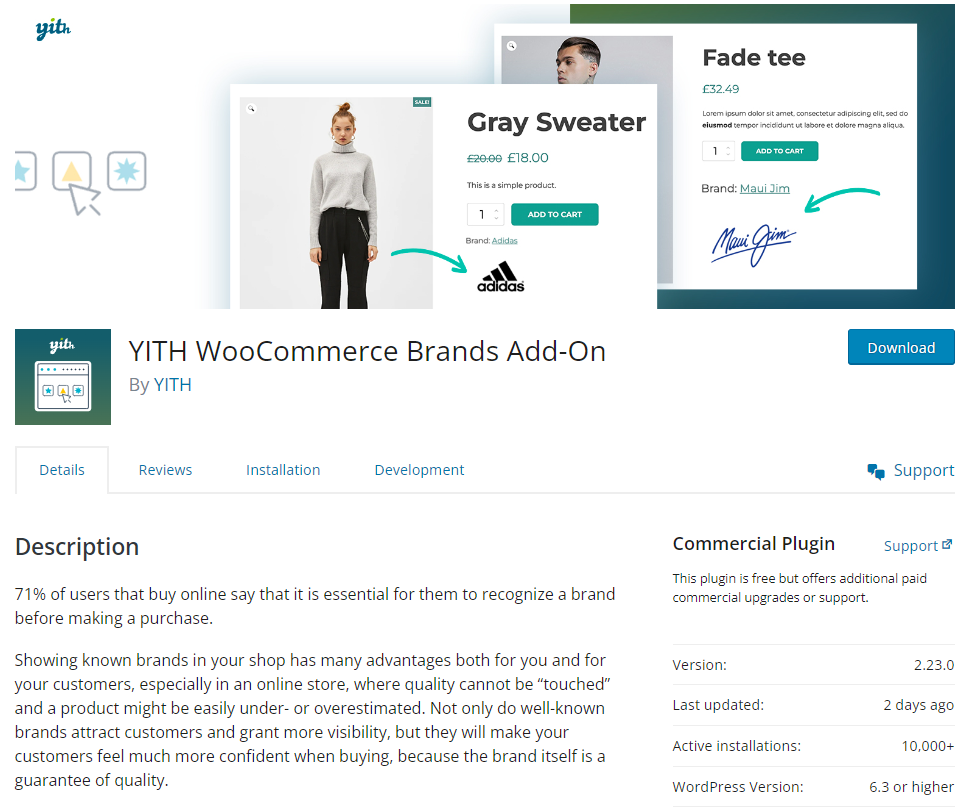
Developed by a reputable plugin team, YITH WooCommerce Brands Add-On offers essential features like brand logos and pages with regular updates and customer support.
However, its reliance on premium versions for some features may pose challenges for users on a budget.
Features:
- Create unlimited brands with name and logo
- Integration with popular themes
- Hierarchical brand management
- Compatibility with Yoast SEO in the premium version
- Include or Exclude brands from coupons
Pricing: Free, with a yearly Premium license (see YITH’s site for current pricing)
WooCommerce Brands
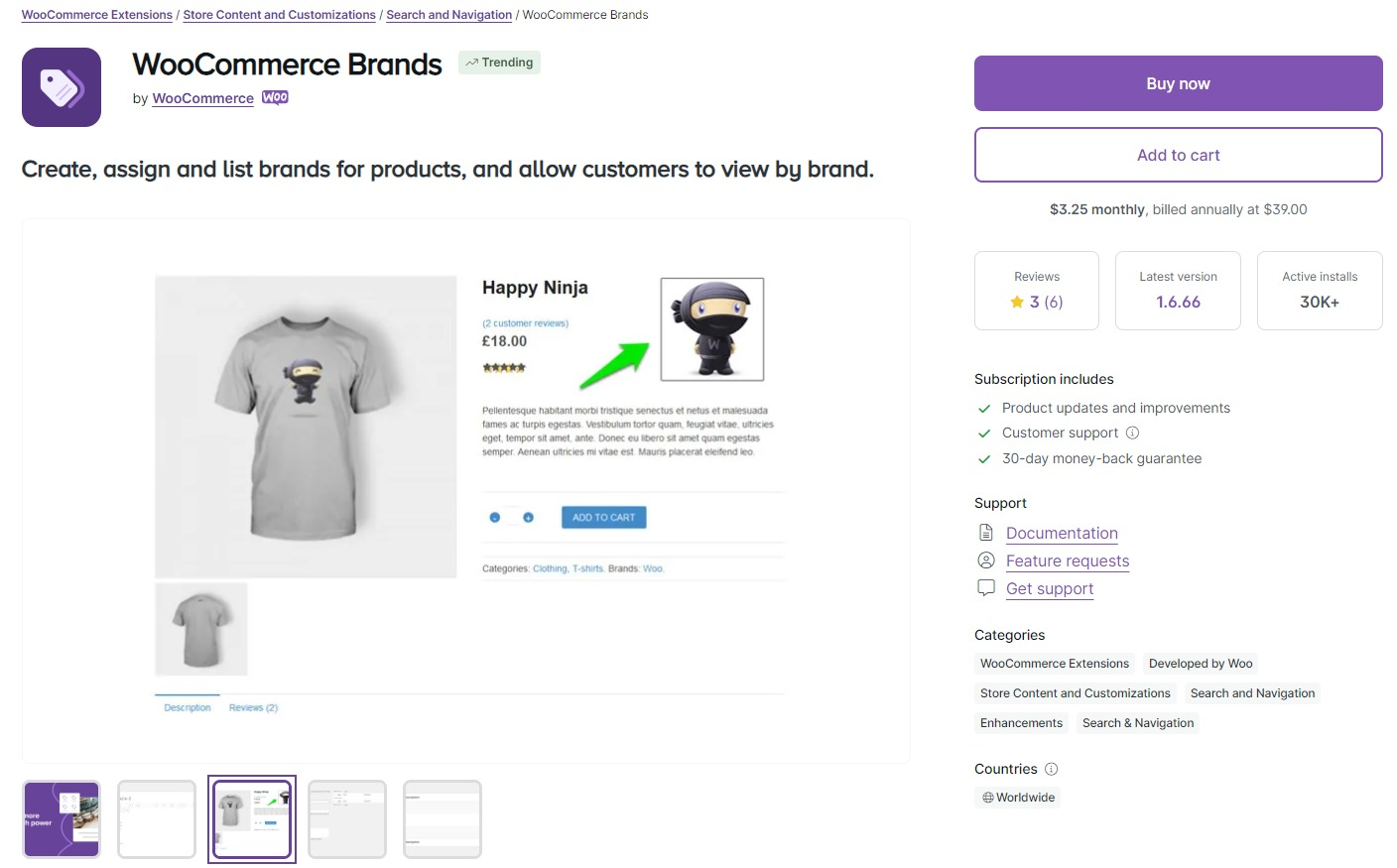
WooCommerce Brands started as a paid official extension. Since WooCommerce 9.6 it ships with WooCommerce core, so every store can create brands, add logos and descriptions, and show brand archive pages without installing anything.
It’s the most reliable choice for compatibility because it’s maintained by the WooCommerce team, and it works with the block editor. The trade-off is a fairly basic feature set: if you need sliders, advanced filters or detailed styling, you’ll still want one of the other plugins on this list.
Features:
- Basic brand management functionality
- Easy setup and configuration for quick integration with WooCommerce
- Sidebar widget display and list view shortcodes
Pricing: Free (included in WooCommerce 9.6 and later)
Smart Brands for WooCommerce
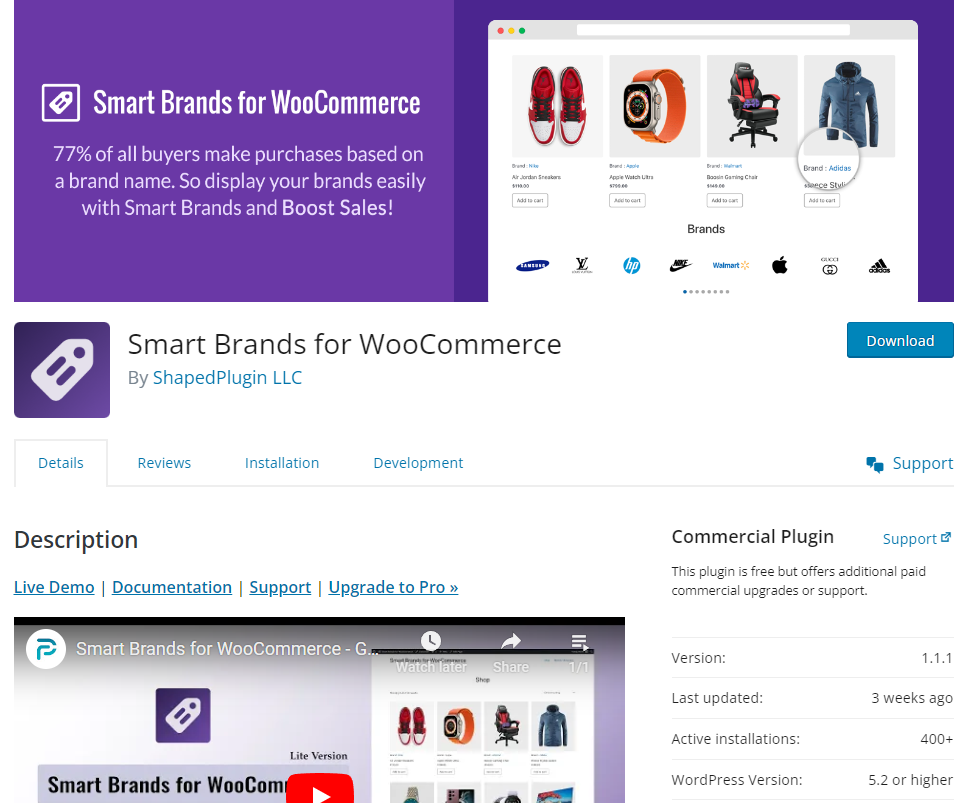
Smart Brands for WooCommerce stands out with advanced features such as sliding view.
The easy to use shortcode generator will come in handy to add brands lists and customize them without coding.
Features:
- Minimalist design
- Brand archive page
- Unique shortcode brands displays
- Brand styling options
- Set space between brands in carousel view
- RTL support
Pricing: Free
Final Thoughts
Each of these WooCommerce Brands plugins offers unique features and benefits to enhance your online store’s branding and product visibility.
All of them are reliable and easy to use so it’s best to test them out before making a final decision to stick to one.
If you only need to label products by brand, start with the free Brands feature that’s now part of WooCommerce. It’s simple, stable and costs nothing.
Others like ShopPress stand out as a prime choice for its unparalleled user-friendly interface, seamless integration with WooCommerce, and robust customization options.
ShopPress allows you to effortlessly manage your brand assets, create custom WooCommerce product and shop pages, and enhance product discoverability, all while enjoying a streamlined user experience.
The prevailing trend in WooCommerce extensions is going for more comprehensive plugins rather than ones that cover a specific niche.
We’ve included plugins that cover the brands for WooCommerce niche but also included one that has it all.
Whether you’re a beginner or an experienced e-commerce entrepreneur, WooCommerce Brands plugins empower you to elevate your brand presence and drive sales in today’s competitive online marketplace.