


You don't have a technology problem. You have a connection problem.
Your registration lives in one tool. Your vendor contracts sit in shared drives.
Your floor plans are trapped in software that hasn't been updated since 2019. And every time a client asks for a post-event report, your team spends two days copying numbers between spreadsheets.
This isn't a niche frustration. According to a Swoogo survey, 44.5% of event planners don't have their event management platform connected to their CRM, and 68.8% have no link between their platform and their marketing automation tools.
That's not a gap. That's a canyon.
The good news? You probably don't need to rip out everything and start over. Most event companies already own 80% of the tools they need.
The problem is those tools don't talk to each other. Here's how to fix event management software integration without blowing your budget or disrupting your next event.
The Real Cost of Running Events on Disconnected Tools
Event teams are small. Most companies running 15 to 50 events per year operate with teams of five to ten people. When those people spend a third of their week hunting for data scattered across platforms, you're burning headcount on work that software should handle.
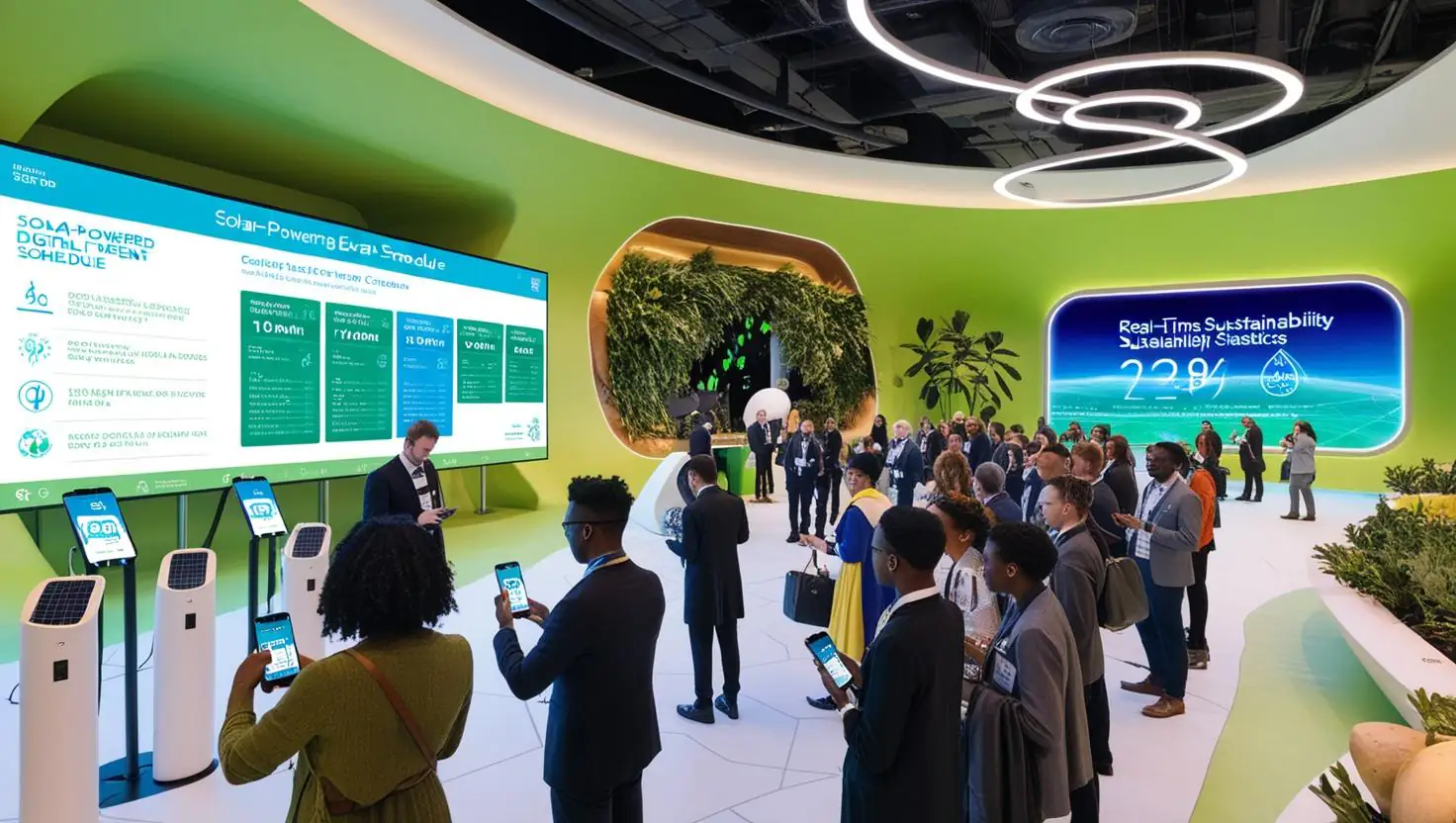
This isn't speculation. Research from Infoverity's 2024 analysis found that data silos cause employees to lose roughly 30% of their weekly work hours chasing information across disconnected systems.
For a five-person event team, that's the equivalent of losing 1.5 full-time employees to admin work every single week.
The financial hit is just as real. Gartner's research shows that poor-quality data costs organizations an average of $12.9 million per year.
Your event company probably isn't losing millions directly, but the downstream effects compound fast: double-booked venues because the calendar didn't sync, attendee data that's outdated because registration and the CRM aren't connected, sponsorship reports that take a week to assemble because the numbers live in four different places.
An EventMobi survey of event planners found that 83% use more than one event management tool, and 70% of those respondents said a lack of integration between their tools is the single biggest challenge they face. Seven out of ten.
That's not a minor inconvenience; it's a structural problem baked into how most event companies operate.
The event management software market is valued at roughly $7 to $10 billion in 2025 (estimates vary by research firm, but Grand View Research, Fortune Business Insights, and IMARC Group all place it in this range). The market is growing at double-digit rates annually. There's no shortage of tools.
There's a shortage of connected ones.
What a Unified Event Operations Platform Actually Looks Like
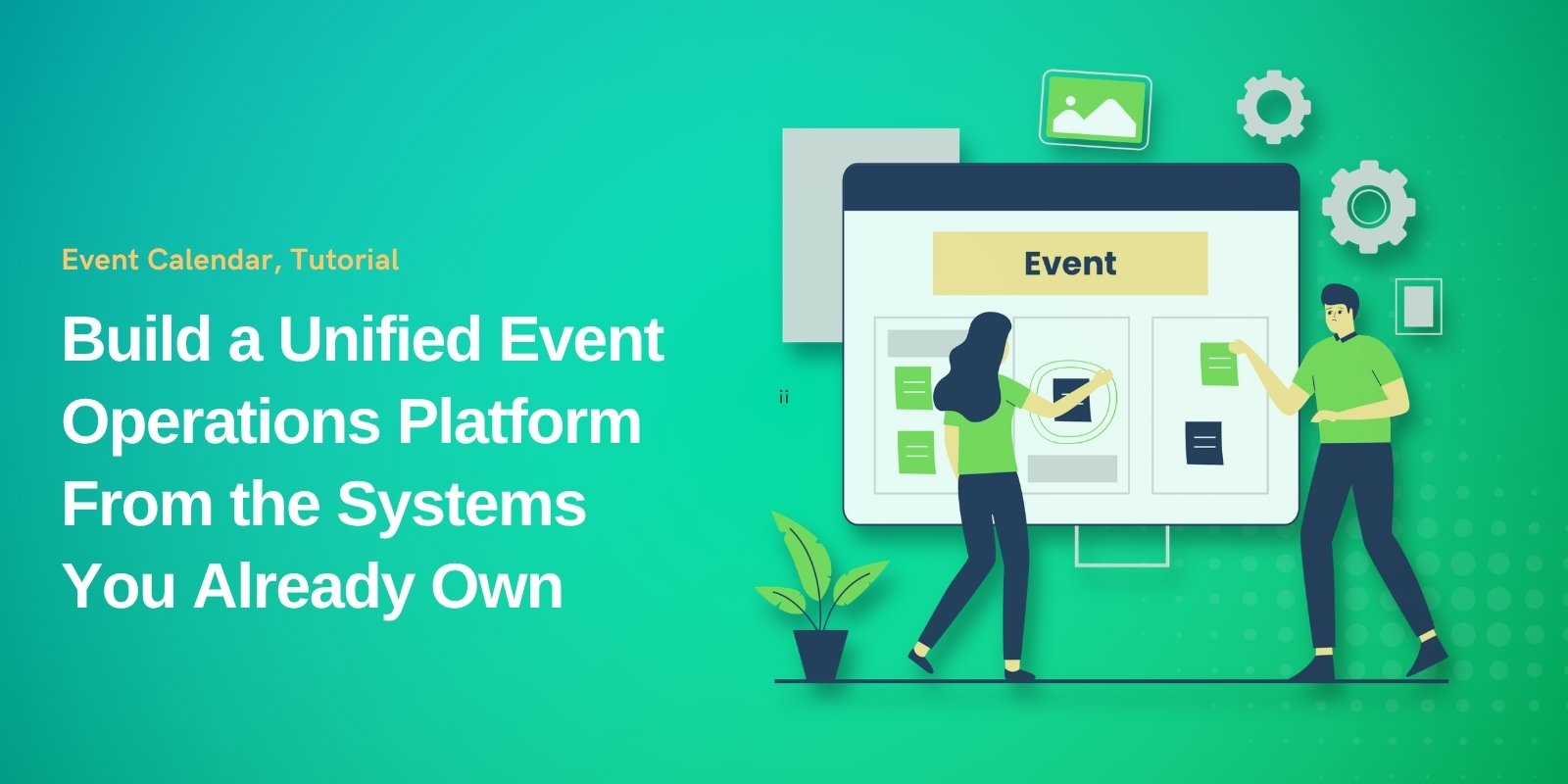
A unified platform doesn't mean one giant piece of software that does everything. That's a fantasy vendors sell, and it rarely works in practice. What it actually means is creating a connected ecosystem where your existing tools share data automatically, so your team works from a single source of truth.
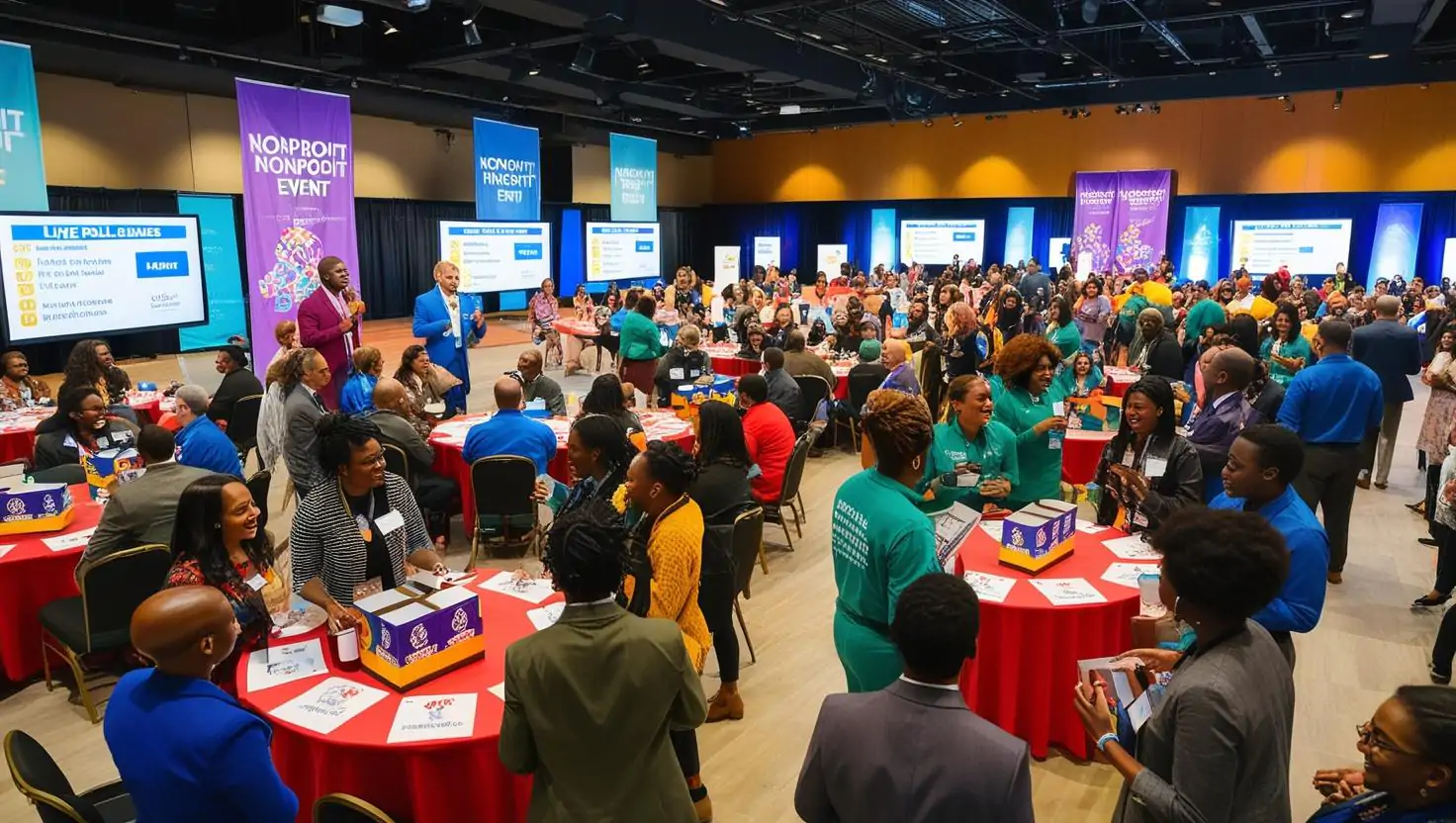
Think of it this way: your registration system, your CRM, your project management tool, your financial tracking, and your on-site logistics software each do their job well individually.
The problem starts when your registration tool collects attendee data that never reaches your CRM, or when your project management timelines don't reflect real-time changes in vendor availability.
A unified platform connects these layers:
- Data layer: One central place where attendee records, vendor information, event schedules, and financial data are stored or synced. This could be your CRM, a data warehouse, or even a well-structured cloud database.
- Workflow layer: Automated handoffs between tools. When someone registers, their data flows into the CRM automatically. When a vendor confirms a delivery date, the project timeline updates. No copying, no pasting.
- Reporting layer: A single dashboard (or a connected set of dashboards) that pulls from all your tools to give you real-time visibility into registrations, budgets, logistics, and attendee engagement.
For many event companies, achieving this connected state requires modernizing the outdated systems sitting at the core of their operations. This is where legacy system modernization services become relevant, not as a wholesale replacement, but as a strategic upgrade that makes your existing tools capable of communicating with each other through modern APIs, cloud integration, and data standardization.
MuleSoft's 2025 Connectivity Benchmark Report found that only about 28% of enterprise applications are integrated on average. The remaining 72% sit in isolation. For event companies, those disconnected apps aren't just an IT inconvenience. They're the reason your team works weekends before every major conference.
How to Audit Your Current Stack Before You Touch Anything
Before you integrate a single system, you need to know exactly what you're working with. Most event teams accumulate tools organically over years, and nobody has a complete picture of the full stack.
Here's a straightforward audit process that takes about a week:
- List every tool your team touches during a single event lifecycle. Start from the moment a client inquiry comes in and end at the final post-event report. Include everything: email platforms, spreadsheets, project management apps, registration systems, payment processors, survey tools, floor plan software, badge printing systems, and communication tools. Most teams discover they're using 8 to 15 distinct tools.
- Map data flow between those tools. For each tool, ask: where does the data come from, and where does it go next? Draw it out on a whiteboard or in a simple diagram. You'll quickly see where manual handoffs happen (someone exports a CSV from one tool and imports it into another). Those manual handoffs are your integration priorities.
- Identify your “source of truth” gaps. For key data categories like attendee information, vendor contacts, budgets, and event schedules, determine whether there's one authoritative version or multiple conflicting versions scattered across tools. DATAVERSITY's 2024 Trends in Data Management survey found that 68% of organizations cite data silos as their top concern. Chances are high that your event company is no exception.
- Rate each tool on three criteria: functionality, integration capability, and replaceability. Some tools work great but can't connect to anything else. Some are outdated but hold years of historical data. Some could be replaced tomorrow with no disruption. This rating system tells you where to invest in integration and where to consider swapping tools entirely.
- Calculate the time cost of your current workarounds. Ask each team member: how many hours per week do you spend on manual data entry, copy-pasting between tools, or reconciling conflicting information? The total will almost certainly shock you.
This audit gives you a clear, honest map of your technology landscape. Without it, any integration effort is just guesswork.
Connecting What You Have: A Practical Integration Roadmap
Once you've completed the audit, resist the urge to integrate everything at once. That approach fails more often than it succeeds. Instead, prioritize connections that eliminate the most painful manual work first.
Phase 1: Connect registration to your CRM (Weeks 1-4)
This is the highest-impact integration for most event companies. When attendee data flows automatically from registration into your CRM, you eliminate duplicate records, improve post-event follow-up, and give your sales team real-time visibility into who's attending. Most modern registration platforms (Cvent, Eventbrite, Bizzabo) offer native CRM integrations or API access. If yours doesn't, that's a red flag worth addressing.
Phase 2: Link financial tracking to project management (Weeks 4-8)
Budget overruns are the second-most common complaint among event managers, and they're almost always caused by disconnected financial data. When your invoicing tool, expense tracking, and project timelines share data, you can see budget health in real time rather than discovering problems after the event.
Phase 3: Unify communications and logistics (Weeks 8-12)
Vendor coordination, team communication, and on-site logistics should feed into a shared operational view. This phase is more complex because it involves multiple stakeholders and workflows, but it's what separates reactive event management from proactive operations.
For the middleware that connects these systems, you have practical options at different budget levels:
- Low budget: Tools like Zapier or Make (formerly Integromat) can connect hundreds of apps through simple automation workflows. They're not perfect for complex data transformations, but they handle straightforward data passing well.
- Mid budget: Integration platforms like Workato or Tray.io offer more sophisticated data mapping and error handling for teams that need reliability at scale.
- Higher budget: Custom API integrations built by a development team, which offer the most flexibility and performance but require ongoing maintenance.
The right choice depends on your event volume, team size, and how mission-critical real-time data is to your operations.
Event Management Software Integration: What to Prioritize First (And What Can Wait)
Not every integration delivers equal value. Here's how to rank your priorities based on what event companies consistently report as their biggest pain points:
Fix first (high pain, high impact):
- Registration-to-CRM sync. This one connection alone can save 5 to 10 hours per event for a mid-size team.
- Centralized attendee data. When G2 reports that 67.4% of event planners have changed or plan to change their event software, it's often because they can't get a clean view of their attendees across tools.
- Budget tracking connected to actual expenses. No more end-of-event surprises.
Fix second (moderate pain, compounding value):
- Automated post-event reporting. Pulling data from multiple sources into a single report manually is the task most event teams dread. Automating this saves days per event and improves accuracy.
- Vendor management integration. Connecting vendor communications and contracts to your project timeline reduces the back-and-forth that eats up your week.
Fix later (lower urgency, nice to have):
- Real-time attendee engagement dashboards during live events.
- AI-powered networking and session recommendations.
- Advanced predictive analytics for future event planning.
These “fix later” items are genuinely valuable, but they depend on having clean, connected data first. Skipping ahead to AI and analytics before your foundational data flows are solid is like putting a GPS in a car that doesn't have an engine.
Avoiding the Common Traps
Event companies that successfully build unified platforms share a few habits. Those that fail tend to make the same mistakes.
Trap 1: Trying to do everything in one weekend. Integration is iterative. Plan for three to six months of phased work, not a single migration weekend. The companies that rush this process usually end up with half-working connections that nobody trusts, which is worse than no connection at all because your team reverts to manual processes anyway.
Trap 2: Ignoring your team's workflow. The best-connected system in the world fails if your team won't use it. Involve coordinators, producers, and on-site managers in the planning process. They know where the real bottlenecks are. A project manager who's been exporting CSVs every Monday morning for three years can tell you exactly what fields matter and what gets lost in translation.
Trap 3: Choosing tools based on features instead of connectivity. A flashy tool with zero API access is a future data silo. When evaluating any new software, “Does it integrate with what we already use?” should be question number one. Check for native integrations with your CRM and project management tools, open API documentation, and webhook support. If the sales rep can't answer those questions clearly, walk away.
Trap 4: Skipping data cleanup before integration. Connecting two systems that both contain messy, duplicate data just creates a bigger mess faster. Clean your data first, then connect your systems. Deduplicate attendee records, standardize naming conventions for vendors and venues, and archive anything older than three years that's cluttering your active databases.
Making It Stick
Building a unified event operations platform isn't a one-time project. It's a shift in how your company thinks about technology. The teams that succeed treat their tech stack like their event portfolio: something that needs regular review, occasional pruning, and strategic investment.
Start with the audit. Pick one high-impact integration. Measure the time savings after three events. Then use those results to build the case for the next phase. Within six months, you'll have a connected operation that runs on shared data instead of shared frustration.
The event industry's adoption of technology is accelerating fast. Whova's trend report notes that 79% of organizers now use event management systems, and 61% use mobile event apps. The tools are there. The question is whether they're working in isolation or as a coordinated system.
Your tools already do their individual jobs well. It's time they started working together.
1. What is a unified event operations platform for event companies?
A unified event operations platform is a connected system that links your event management software, CRM, registration platform, budgeting tools, and project management apps so they share data automatically. Instead of working in separate silos, all systems work together through integrations, APIs, or middleware. This helps event companies improve efficiency, reporting accuracy, and team collaboration.
2. Why do event companies need integrated event management software?
Event companies need integrated event management software because disconnected tools create duplicate work, outdated attendee data, reporting delays, and budget mistakes. When registration systems, CRM platforms, and financial tools are connected, teams save time, reduce manual errors, and gain real-time visibility into event operations.
3. How can I connect my existing event software without replacing everything?
Most event businesses can connect existing software by using native integrations, APIs, or automation platforms such as Zapier, Make, Workato, or custom integrations. The best first step is to audit your current technology stack, identify where manual data transfers happen, and prioritize the most valuable connections first.
4. What is the best first integration for an event management business?
For most event management businesses, the best first integration is connecting the registration platform with the CRM system. This ensures attendee data flows automatically, improves post-event follow-up, reduces duplicate records, and gives sales and marketing teams accurate real-time information.
5. How long does it take to modernize an event company’s technology stack?
Modernizing an event company’s technology stack usually takes three to six months when handled in phases. The most effective approach is to start with one high-impact integration, measure time savings and operational improvements, then expand gradually. A phased strategy reduces disruption and improves long-term adoption.