



Liquid View Layouts
New skins designed for future! These skins are created based on the latest design methods to make your website so much more appealing and your visitors will surly admire it. Liquid-View Layouts Addon is available for the Pro and Lite versions of MEC and is a wonderful addition to MEC’s extensive archive of skins and layouts and can instantly change the look of your calendar after installation.
Is Liquid View Layouts right for you?
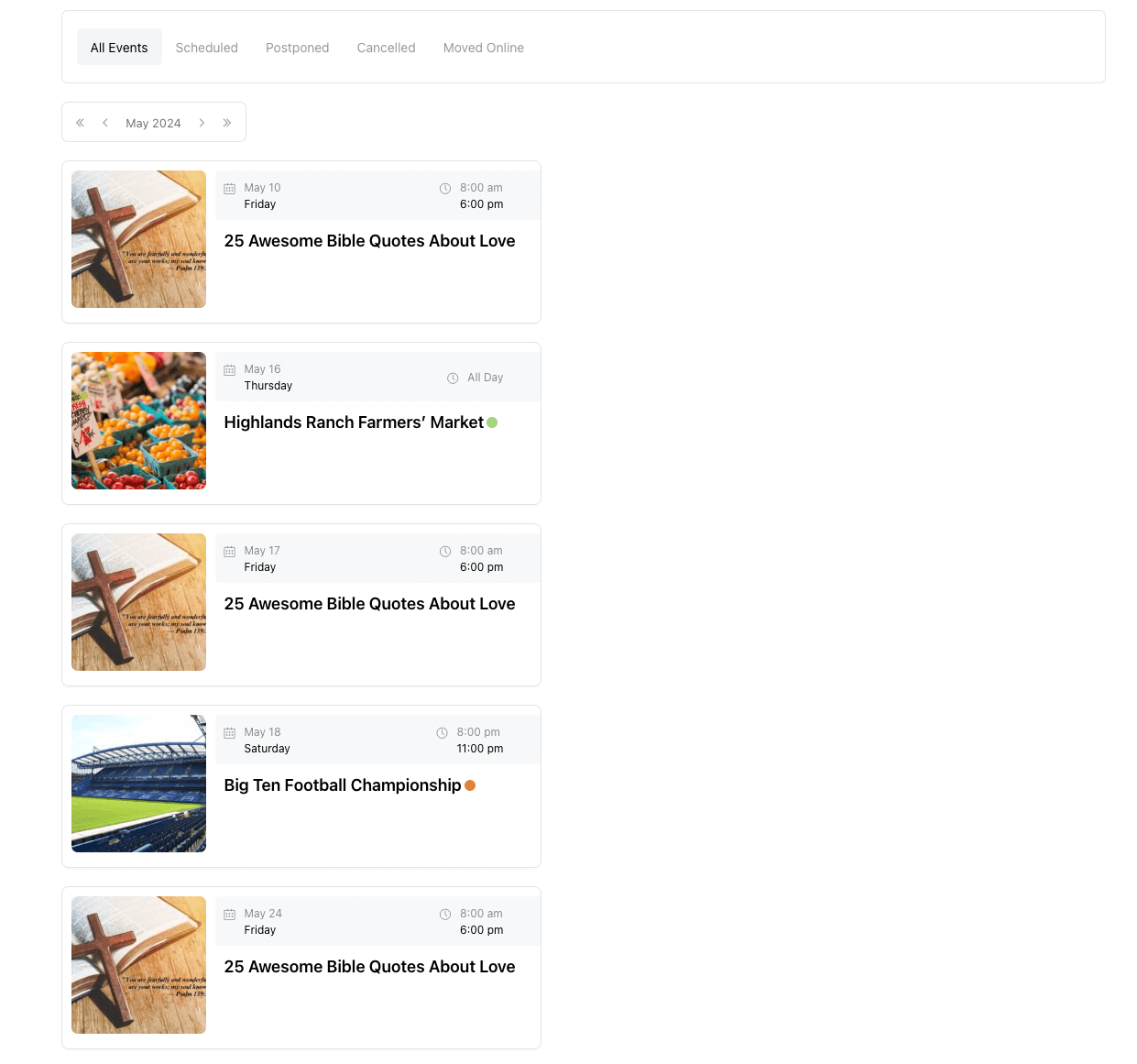
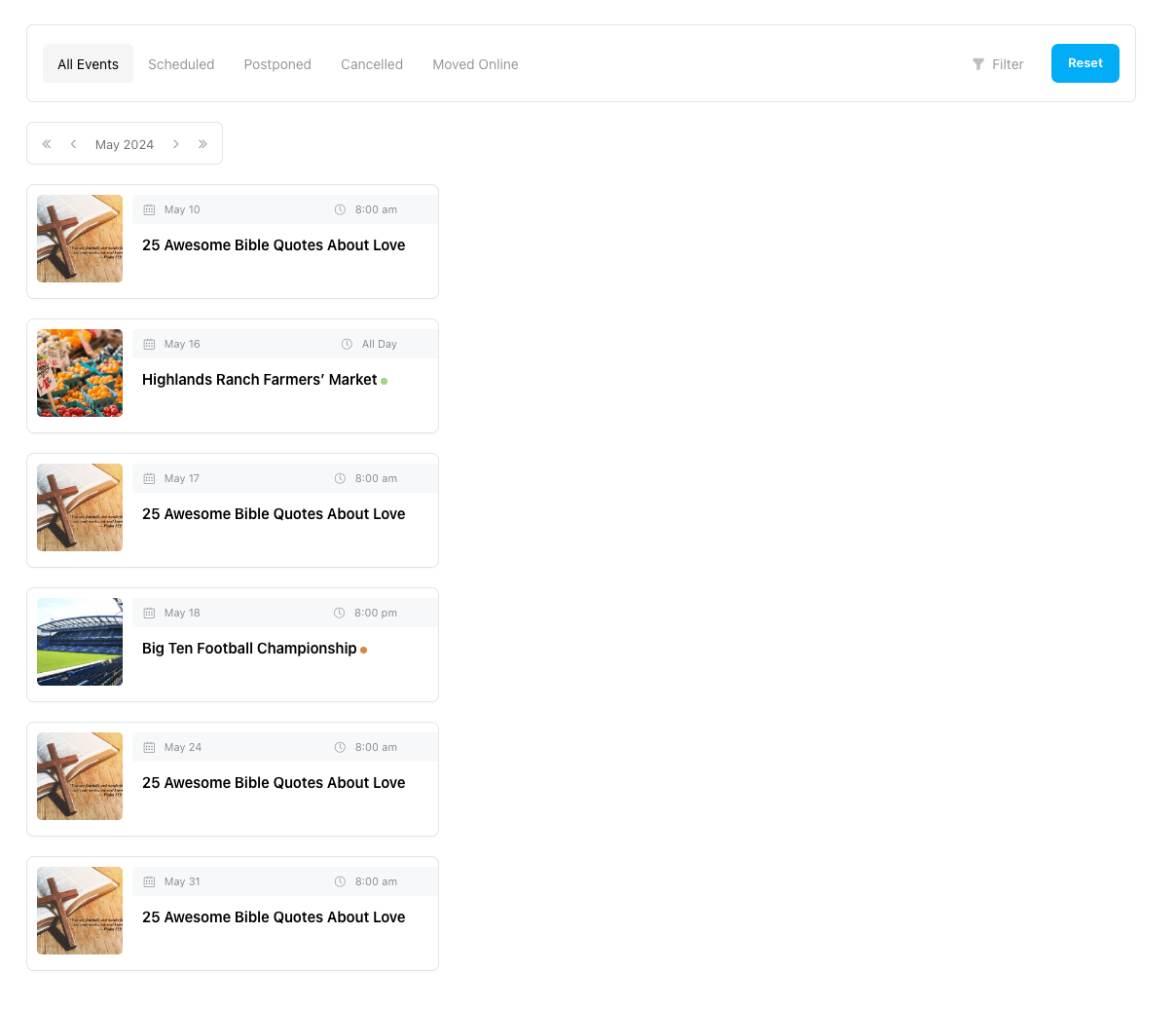
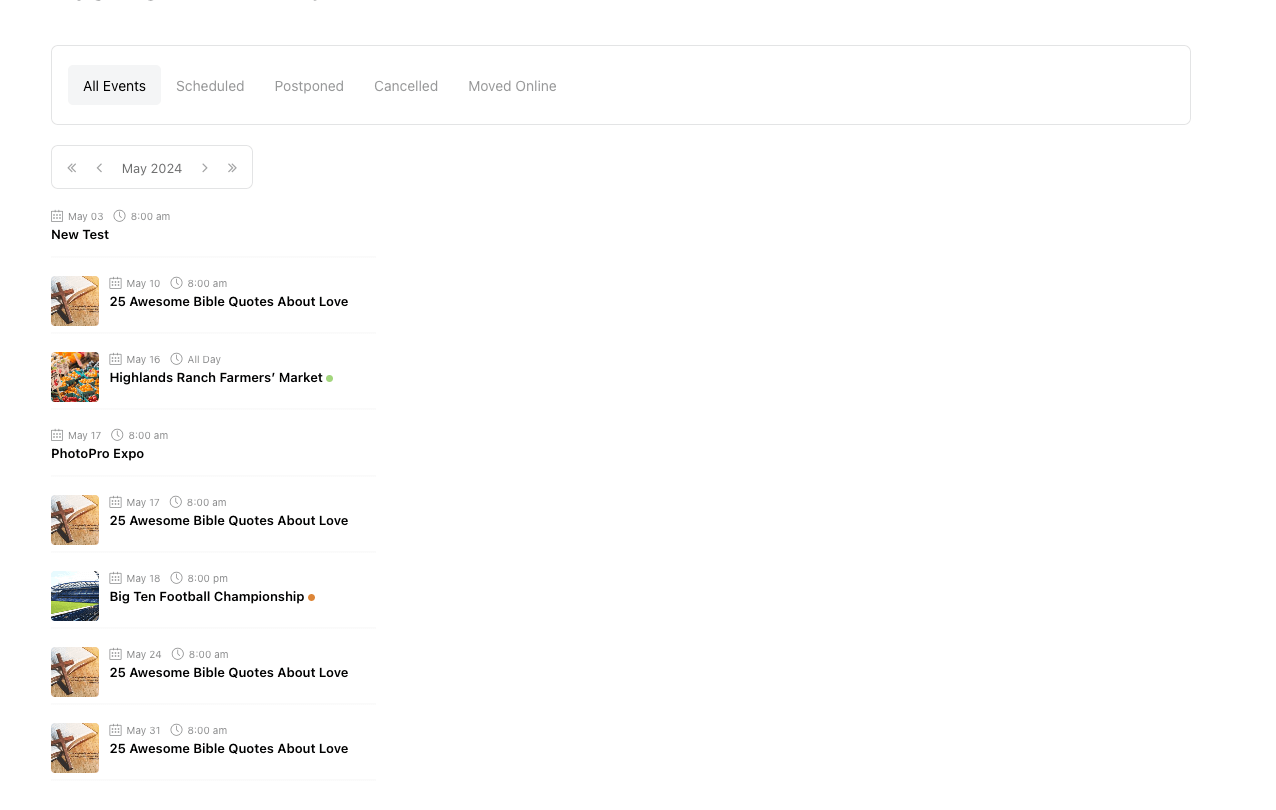
Liquid View Layouts adds more than 20 responsive skins for Modern Events Calendar shortcodes and single event pages. It suits sites that want new calendar designs without building their own.
Requirements
- MEC Lite or Pro, version 6.0 or higher
- PHP 7.4 or higher and WordPress 5.0 or higher
What to know
- Some skins include list and grid views.
- The skins are pre-designed and don’t offer detailed control over individual elements.
- Skins appear only when the style is set to Liquid.
Setup
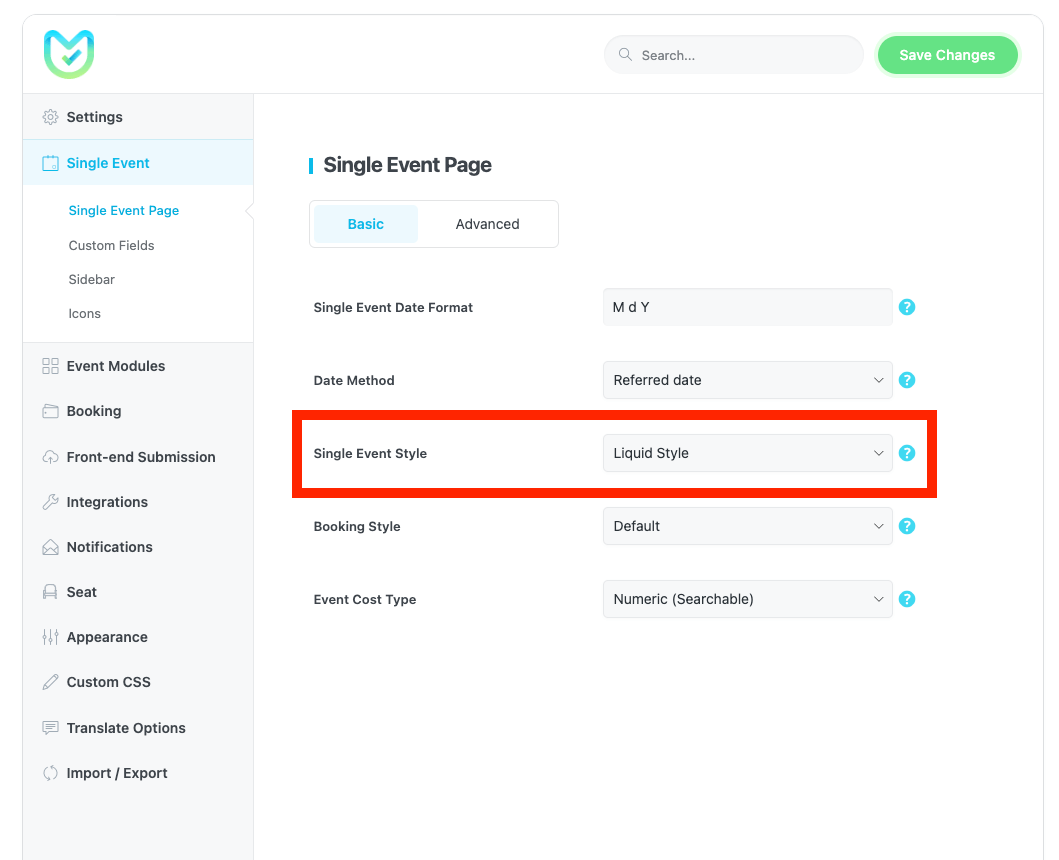
For a listing, go to MEC > Shortcodes, select a skin, and set the style to Liquid. For single events, set the style in MEC Settings > Single Event. For the full walkthrough, see the Liquid View Layouts documentation.
Key Features
New Skins
More than 20 skins for all shortcodes and single events. Just with a single click!
More Freedom
Besides the new skins, you can have the liquid styles as well!
Single Event Widgets
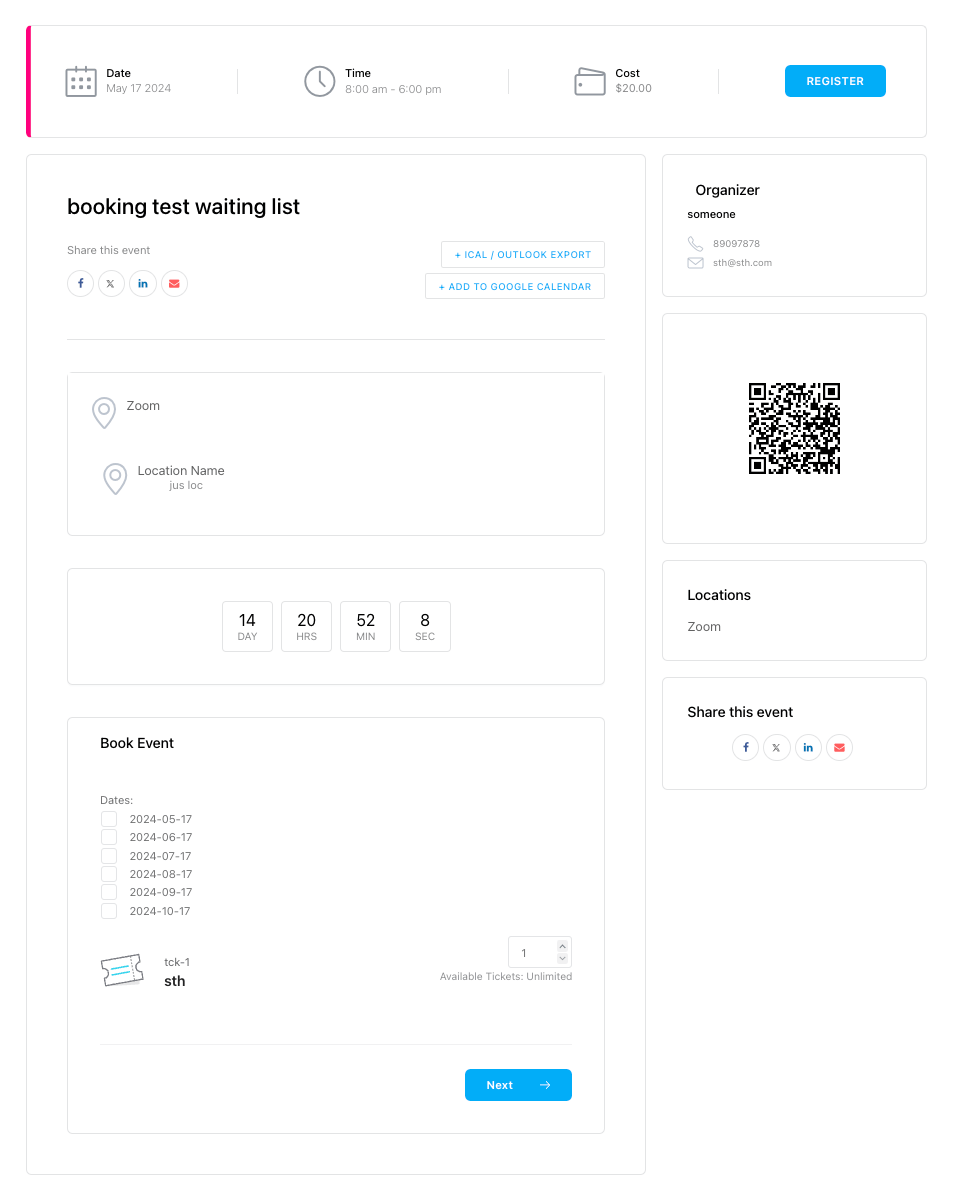
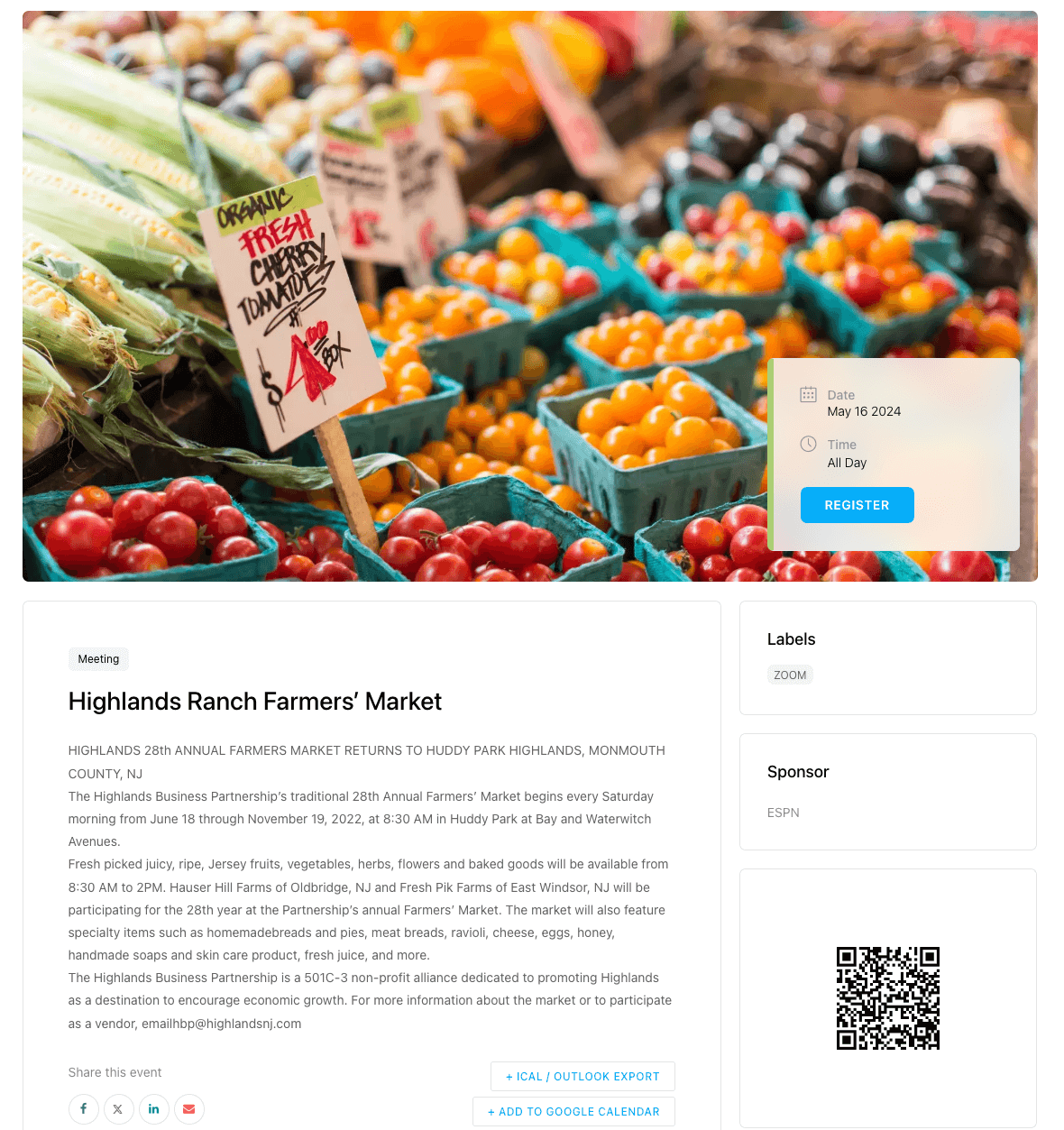
The widgets are now more stylish in the single events, giving a modern-looking appearance to your website.
Reservation System
The previous system with a more stylish UI and more optimized UX to make a more efficient platform for your end users.
Professional Filtering
Just the good old ones, with the new UI and improved UX.
No Need for Special Configurations
You can choose the liquid view from the skins, just with a click!
Responsive
It’s compatible with all devices; mobile phones, tablets, etc.
Optimized Accessibility
Now it is simpler and more convenient to have an optimized access to the events.
Screenshots
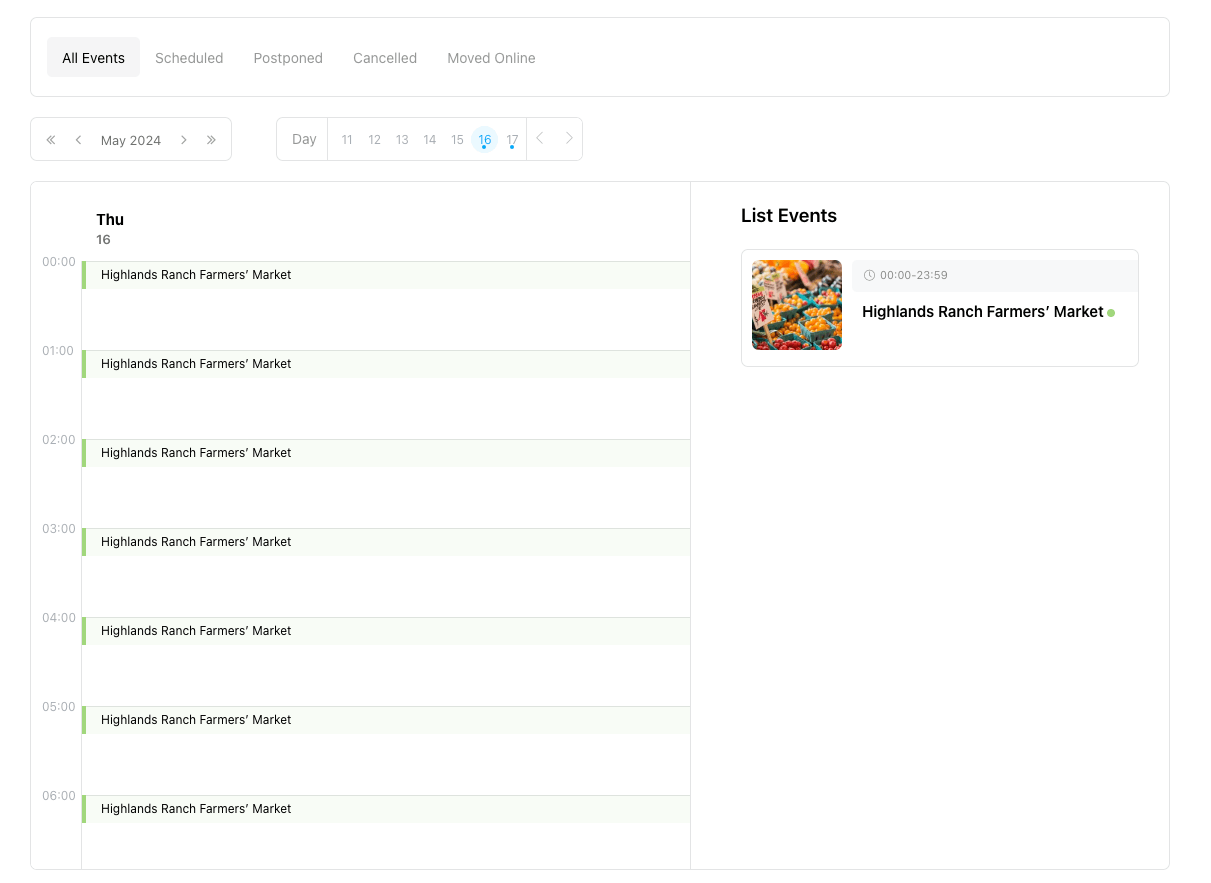
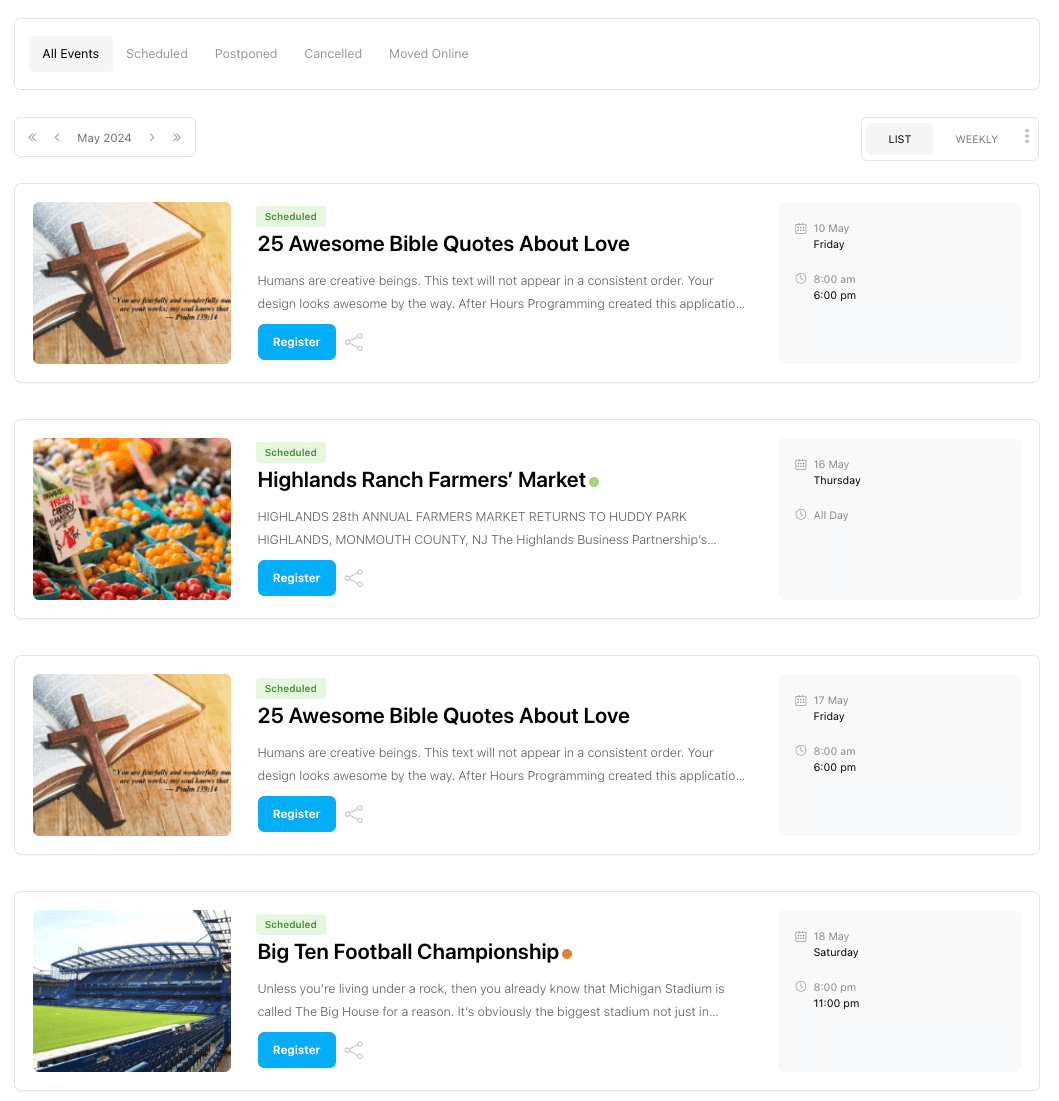
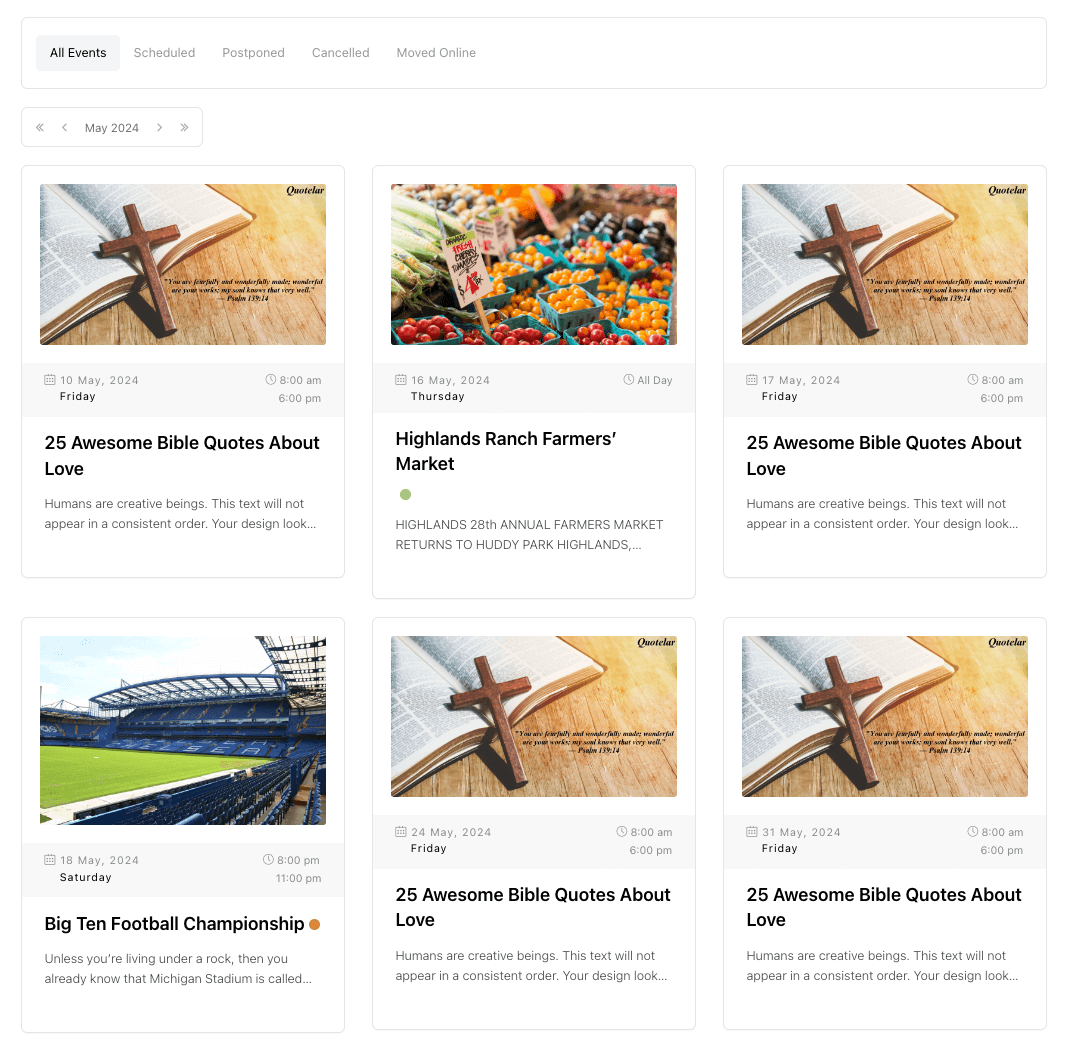
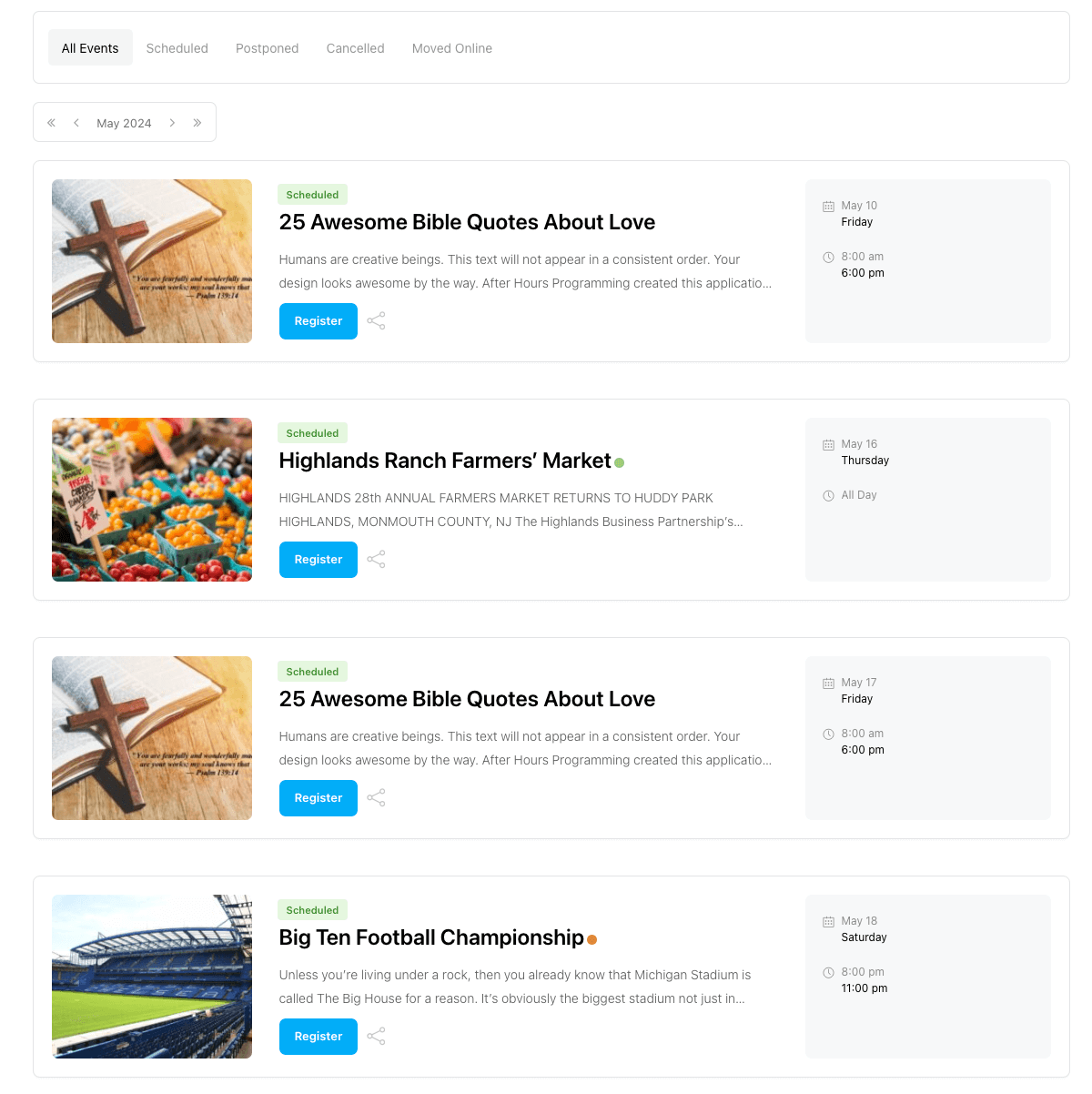
Changelog
- Fixed: Duplicate options issue in Liquid View layouts settings.
- Fixed: Visual issues in Map View and Slider View skins.
- Fixed: Security issues reported in the security audit report.
- Fixed: Archive Pages displayed the default calendar instead of Liquid Layout when Full Calendar skin was selected.
- Fixed: Load More button translation issue.
- Fixed: Navigation icons disappearing on mobile devices.
- Fixed: Search Form and date filter issues, including missing Start Date and End Date fields.
- Improved: Enhanced Search Form and filter styling and functionality.
- Fixed: Weekly view in Full Calendar archive page with Liquid style not scrolling beyond certain hours
- Fixed: Some minior issues
- Added: German language translation files.
- Fixed: Translatability of No Events text and incorrect CSS classes in Grid skin.
- Fixed: Month filtering table functionality and UI synchronization issues.
- Fixed: Style Per Event option failing to override global settings for Liquid styles.
- Fixed: Weekly-Liquid skin not rendering any output on the frontend.
- Fixed: Dual select boxes appearing simultaneously when resetting filters.
- Fixed: Navigation and Dots display options not working for Carousel-Liquid skin.
- Fixed: Date Picker in Liquid views ignoring the specific selected start date.
- Fixed: Liquid shortcodes ignoring WordPress date format settings for international sites.
- Fixed: Several other reported minor bugs and improvements.
- Fixed: Scroll issue after clicking "Load More" in mobile view (Liquid styles).
- Fixed: "Add to Calendar" button not visible in Liquid skins despite enabling "Subscribe to Calendar"
- Fixed: Weekday names not following site language settings in Liquid layout.
- Fixed: "New Window" option for Single Event Display opens modal instead.
- Fixed: "Descending Order" option not working in Liquid layout.
- Fixed: Thumbnail size settings not applied in Liquid layout.
- Fixed: Full content loading instead of excerpt in Liquid Large style.
- Fixed: Month navigation dropdown disappears after navigating back.
- Fixed: Unable to display Price, Booking button, Labels, and Custom Fields in Liquid Large style.
- Fixed: Scroll not working properly on mobile for Liquid layout events.
- Fixed: Month selection box disappears after navigating back and forth quickly.
- Fixed: Weekly view time range overextends for events.
- Fixed: "Start Date" and "End Date" filters not working correctly in Grid view.
- Fixed: Incompatibility between Liquid Single Event layout and Advanced Taxonomies add-on.
- Fixed: Custom Fields module not appearing in Liquid sidebar layout.
- Fixed: Weekly view does not start from current week as expected.
- Fixed: Stray p tag appears in shortcode output.
- Fixed: "Enable style per event" option doesnt apply Liquid skin.
- Added: Event Gallery
- Fixed: Display social links in organzier widget
- Fixed: Thumbnail size option
- Fixed: Styling in mobile and tablet
- Fixed: Display organizer in list view large skin
- Fixed: Translations issues
- Fixed: Hide month filters
- Fixed: Scroll in mobile
- Fixed: Some minior issues
- Added: Event Gallery
- Fixed: Display skins in shodrtocdes
- Fixed: Some minior issues
- Fixed: Activation
- Initial Release.
Get Liquid View Layouts
1 Site license for $69. Premium Features, 1 Year Auto Updates, 1 Year Premium Support.
