




Running a WordPress-based business comes with a long to-do list.
You are managing your website, writing content, handling clients, and somewhere in the middle of all that, you are also trying to plan an event.
Maybe it is a product launch webinar, a local networking meetup, or an annual conference for your industry.
Whatever the event looks like, one thing is usually true: you cannot do it all yourself. And honestly, you should not try to.
This guide is for business owners and teams who use WordPress as their main platform and want to get better at delegating event planning work without things falling apart.
Why Event Planning Tasks Eats So Much of Your Time
Most people underestimate how many small tasks go into planning even a modest event.
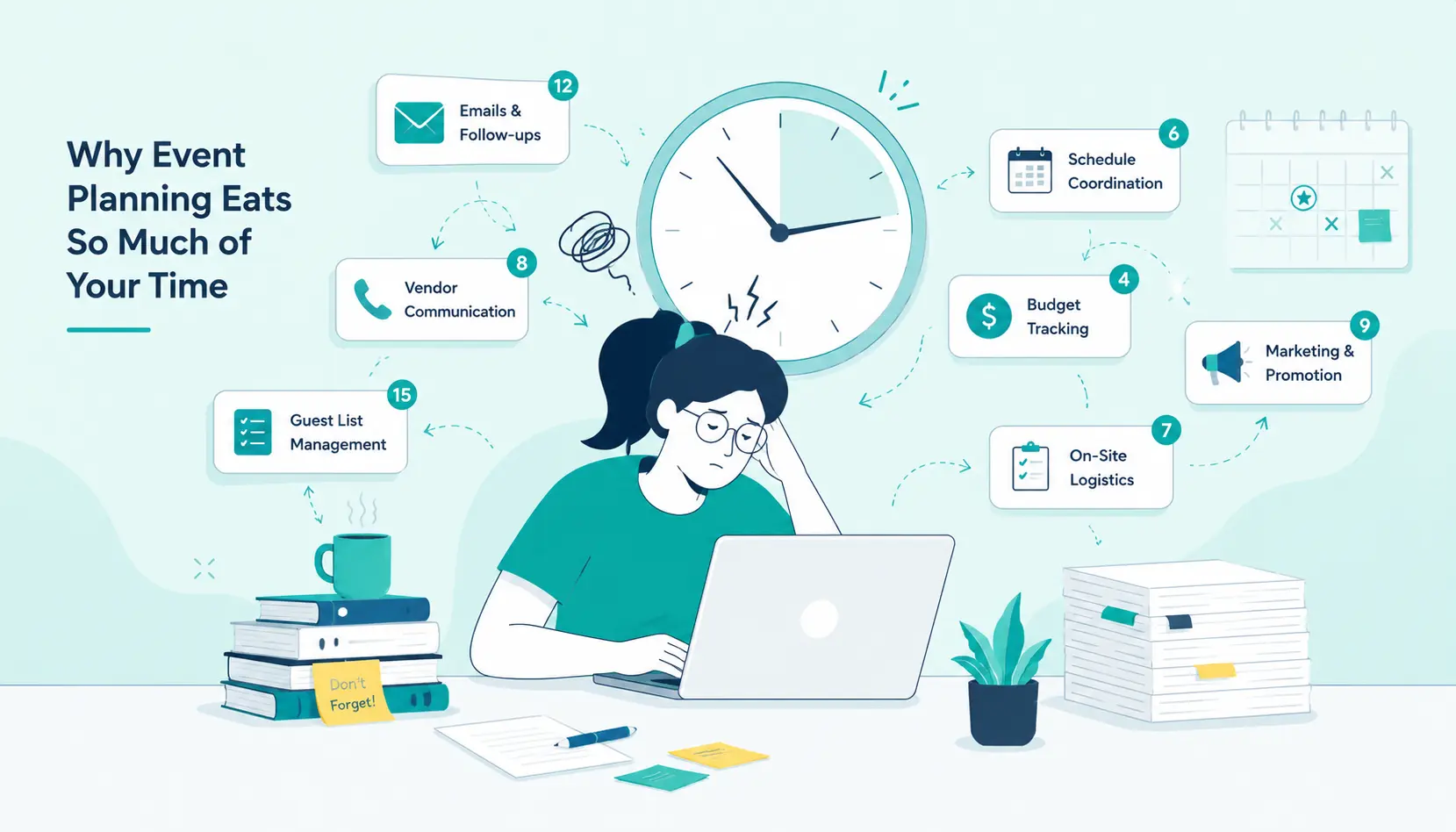
You have registration pages to build, emails to send, speaker schedules to coordinate, social media posts to write, and follow-up sequences to set up.
Each task on its own seems manageable. Together, they become overwhelming fast.
For WordPress businesses specifically, there is the added layer of technical work:
installing or configuring event plugins, setting up payment integrations, testing registration forms, and making sure everything works on mobile.
That stuff alone can take hours.
The good news is that almost all of these tasks can be delegated. You just need a clear system for it.
Start by Separating What Only You Can Do
Before you hand anything off, take ten minutes and write down every task involved in your upcoming event. Then go through the list and mark the ones that genuinely require your specific input or decision-making.
Tasks that should stay with you:
- Setting the event theme and overall direction
- Approving the final agenda
- Deciding on keynote speakers or panelists
- Signing off on budgets or major vendor decisions
Tasks that are safe to delegate:
- Setting up and testing the event registration page on WordPress
- Writing and scheduling reminder emails
- Managing social media announcements
- Coordinating with vendors or venue contacts
- Updating the event page with new information
- Answering common attendee questions
You will probably find that your “must do myself” list is shorter than expected.
Who Can You Delegate To?
This depends on the size of your team. If you have staff, you likely already have people who can take on specific tasks based on their skills.
A team member who handles your content can write event copy. Someone who manages your WordPress backend can handle plugin setup and registration testing.
But not every WordPress business has a large team.
Maybe it is just you, or you and one other person. In that case, bringing in outside help makes a lot of sense. One option a lot of small business owners have found useful is to hire a virtual assistant who can take on the repetitive, time-consuming tasks:
updating pages, sending out emails, responding to attendee inquiries, and keeping your event calendar organized.
The key is to be specific about what you need from whoever you bring on. Vague instructions lead to redone work and frustration on both sides.
Setting Up Your WordPress Event Infrastructure First
Before you delegate, make sure your event setup on WordPress is ready to be handed off. Your tools and workflows should be simple enough for someone else to use without needing to call you every five minutes.
Choose a reliable event plugin
Options like The Events Calendar, EventOn, or WooCommerce-based ticketing setups are widely used and well-documented. Pick one and stick with it.
If the person you delegate to runs into trouble, the large user community around these tools means answers are easy to find.
Create templates for recurring tasks
If you run events regularly, build out email templates, registration page templates, and social media post formats. This way, whoever handles your next event is not starting from scratch every time.
Document your process
A simple checklist or step-by-step document goes a long way. Write down:
- How to access your event plugin
- How to add ticket tiers
- Where to find brand assets
- Who to contact for specific approvals
This does not need to be fancy. A shared Google Doc works perfectly fine.
Delegating the WordPress Technical Side
This is where a lot of business owners hesitate. The WordPress backend can feel like something only they should touch. But with the right setup, it is very manageable to hand off.
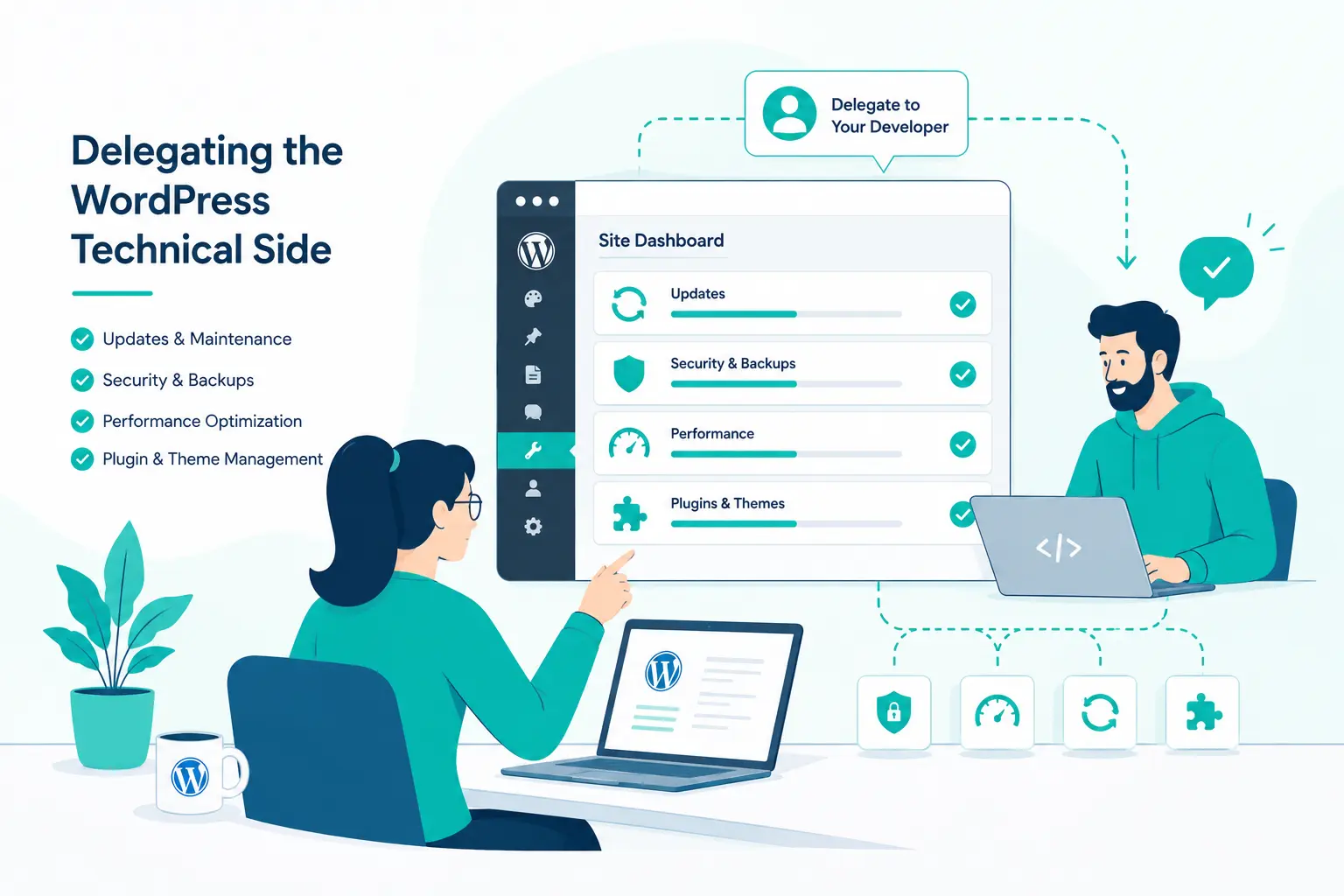
Technical event tasks that are safe to delegate:
- Registration page setup — Once you have decided on the event details, someone else can build the page using your template. Give them access to a staging environment if possible, so they can test before anything goes live.
- Plugin configuration — Setting up ticketing, payment gateways, and confirmation emails is mostly a matter of following steps. With clear documentation, this does not require deep WordPress knowledge.
- Form testing — Before any event page goes live, someone should go through the registration process from start to finish. This is tedious but important, and it is a perfect task to delegate.
- Post-event updates — After the event, pages often need to be updated or redirected. This is straightforward work that does not need your attention.
Delegating the Communication Side
Event communication involves a lot of repetitive writing and scheduling. It is also where most of the attendee experience happens, so it matters. But it does not all need to come directly from you.
Work with whoever is handling communications to create:
- A pre-event email sequence (confirmation, reminder one week out, reminder one day out)
- Social media posts for announcement, countdown, and post-event wrap-up
- A FAQ document for common attendee questions
Once these are written and approved by you, the execution can be handed off entirely. Your job at that point is just to review and approve, not to write every email from scratch.
Giving Clear Briefs Makes Everything Easier
The biggest reason delegation fails is not that the person you handed off to was incompetent. It is usually that the brief was too vague.
“Set up the event page” means something different to you than it does to someone else.
A good brief for any event task should include:
- What the end result should look like
- Any specific WordPress plugins or tools to use
- Login access or where to find credentials
- Deadline and any intermediate check-ins
- Who to contact if something is unclear
It sounds like more work upfront, but a thorough brief saves you far more time later. You avoid the back-and-forth, the mistakes, and the redone work.
Keeping Oversight Without Micromanaging
Delegating does not mean disappearing. You still want to stay informed, especially for your first few events using this approach.
A simple way to do this is to set up brief check-ins at key milestones:
- Once the registration page is ready and tested
- Once all emails are drafted and scheduled
- One day before the event goes live for a final review
These do not need to be long conversations. A quick message saying “registration page is tested and ready” with a link to review is enough.
As you build trust with whoever is handling the work, you can reduce the check-ins.
Eventually, you will find that events run mostly on their own, with just a few decisions that actually need you.
After the Event: Delegating the Wrap-Up
People often delegate well during the planning phase and then take everything back once the event is over. But post-event tasks are just as delegatable.
Things you can hand off after the event:
- Sending post-event thank-you emails to attendees
- Sharing recordings or resources with registered participants
- Collecting feedback through a post-event survey
- Updating the WordPress event page to reflect the event as past
- Compiling attendance data or preparing a basic report
None of these require you specifically, and together, they go a long way toward helping you engage attendees after your event. Hand them off with the same clarity you used during the planning phase.
Tools That Make Delegation Smoother
A few tools make the whole process easier for WordPress-based event planning:
- Trello or Asana — for task management, so everyone can see what has been done and what is still pending
- Google Drive — for shared documents, briefs, brand assets, and templates
- Slack or a similar messaging tool — for quick communication without long email threads
- WordPress user roles — lets you give team members or assistants the right level of access without handing over full admin control
Final Thoughts
Event planning does not have to mean late nights and last-minute scrambles. For WordPress businesses, the tools and people to help are usually more accessible than it seems.
The real shift is mental: accepting that you do not need to do it all yourself, and putting in the upfront work to set others up for success.
Start small. Pick two or three tasks from your next event and delegate them with a clear brief. See how it goes. Refine the process.
Over time, you will have an event system that runs without draining you.


