


Elementor Form Builder
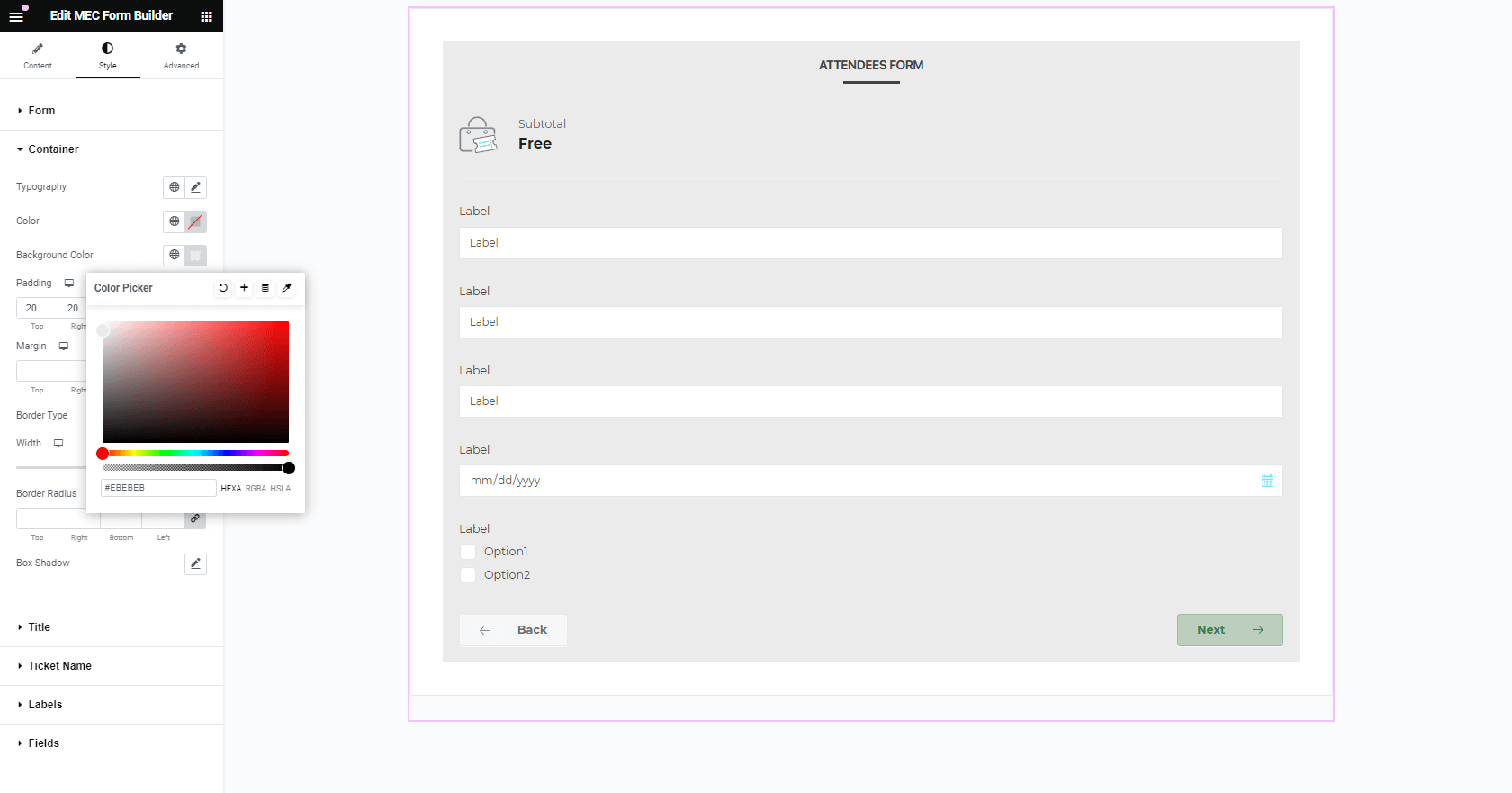
With this add-on you can create unique forms for your events with custom styles in Elementor. You can also apply a form to all events or set it exclusively for one event. Other options include setting the typography of the form, padding, borders, and margin customization, plus using colors consistent with your website. What’s more is that you can lay out forms just like you want.
Is Elementor Form Builder right for you?
Elementor Form Builder lets you build custom ticket booking forms in Elementor and apply them to all events or to a single event. It suits organizers who need booking forms that match their site.
Requirements
- MEC Pro (it is not compatible with MEC Lite)
- Elementor, installed and activated
- The Form Builder post type enabled in Elementor
- WordPress 5.0 or higher
What to know
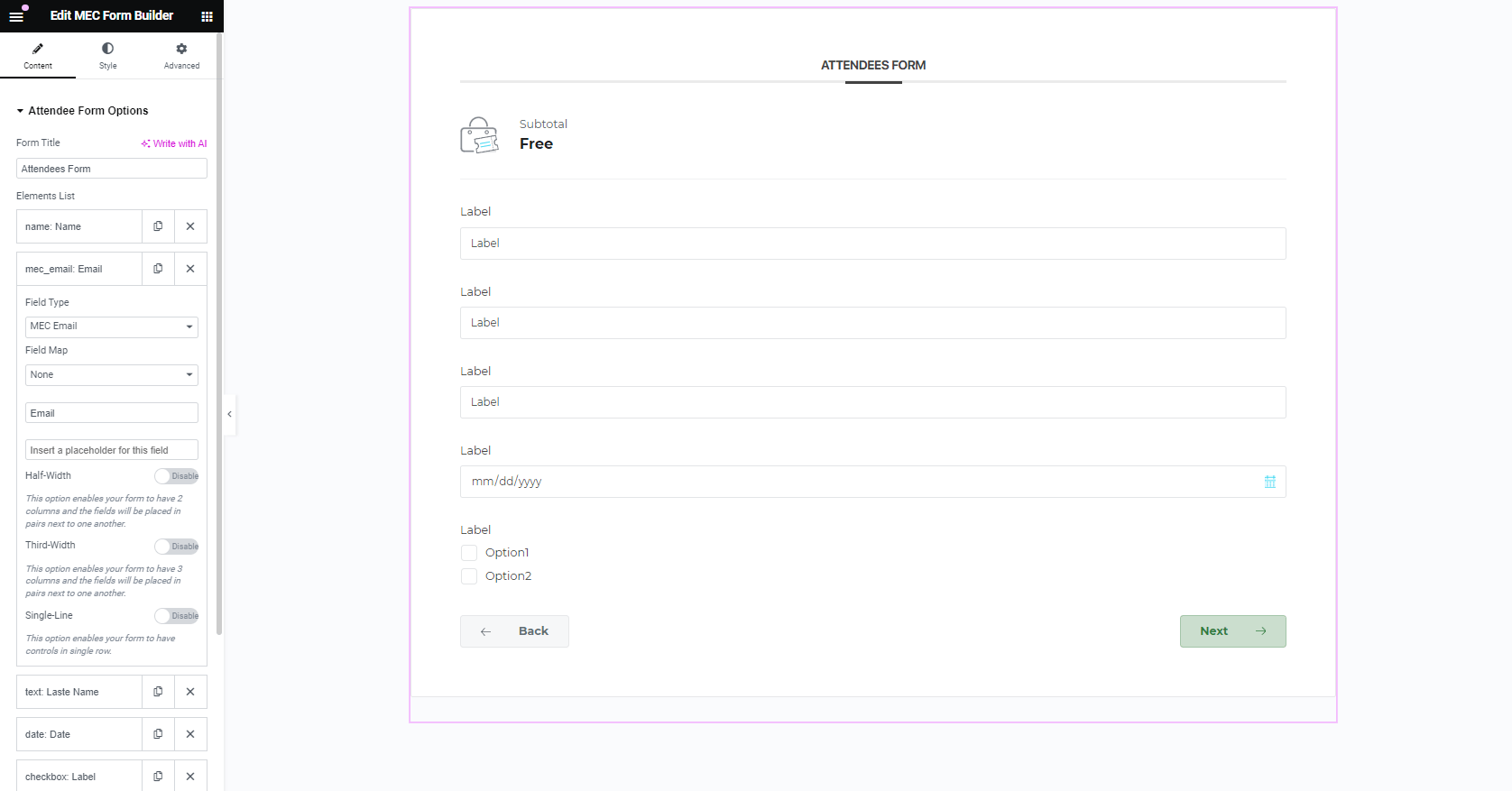
- You can set field types, required fields, labels, placeholders, and widths, and map fields such as the WooCommerce billing address.
- It has no built-in conditional logic, so all configured fields always display.
- The classic form builder and this add-on can’t be used together on the same event.
- It covers booking forms only and uses MEC’s built-in payment gateways.
Pricing
$39 for 1 site, $99 for 5 sites, or $179 for 10 sites. Each license includes 1 year of updates and premium support.
Setup
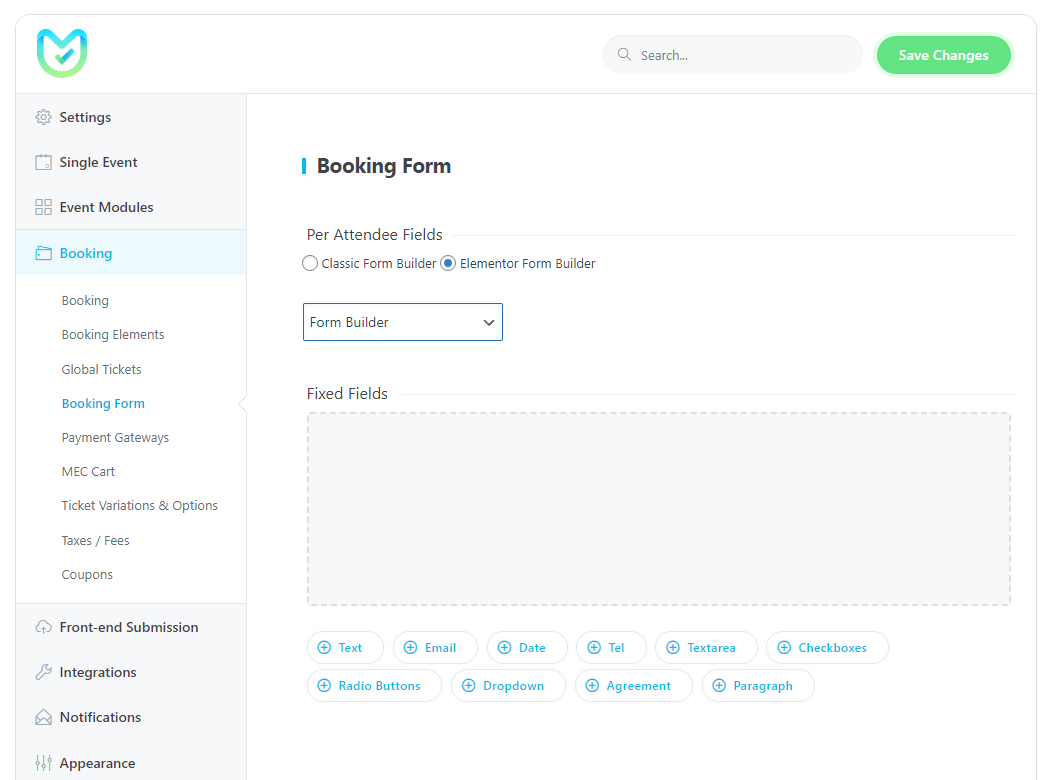
Create forms in MEC > Form Builder. Apply one globally in MEC Settings > Booking > Booking Form, or per event in the event’s Booking Form settings. For the full walkthrough, see the Elementor Form Builder documentation.
Key Features
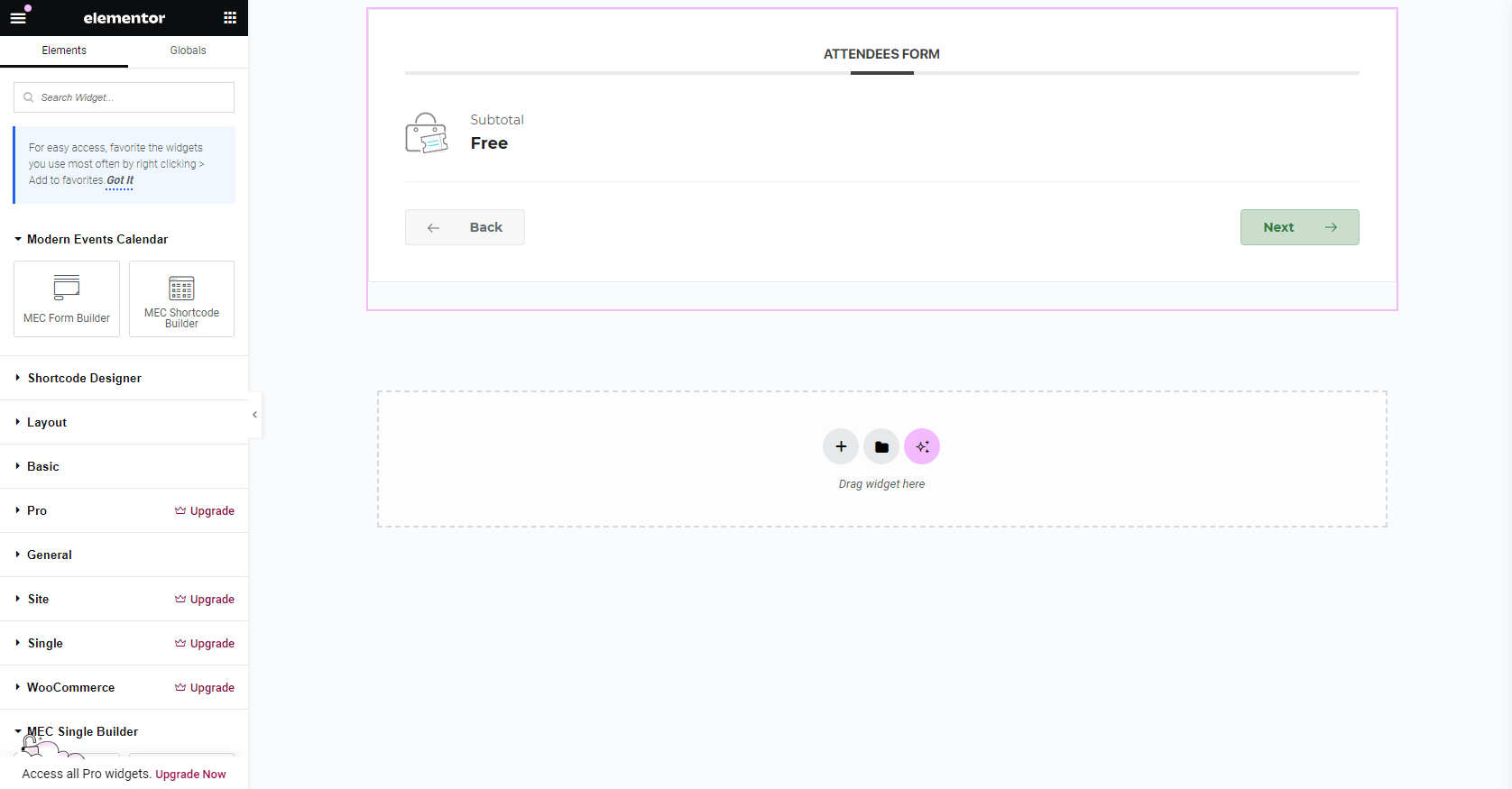
Elementor Editor
Use Elementor Page Builder to create the forms you want in the way you want.
Customization
Change the style of the form and unify it with the style of your website.
View The Form In Any Style
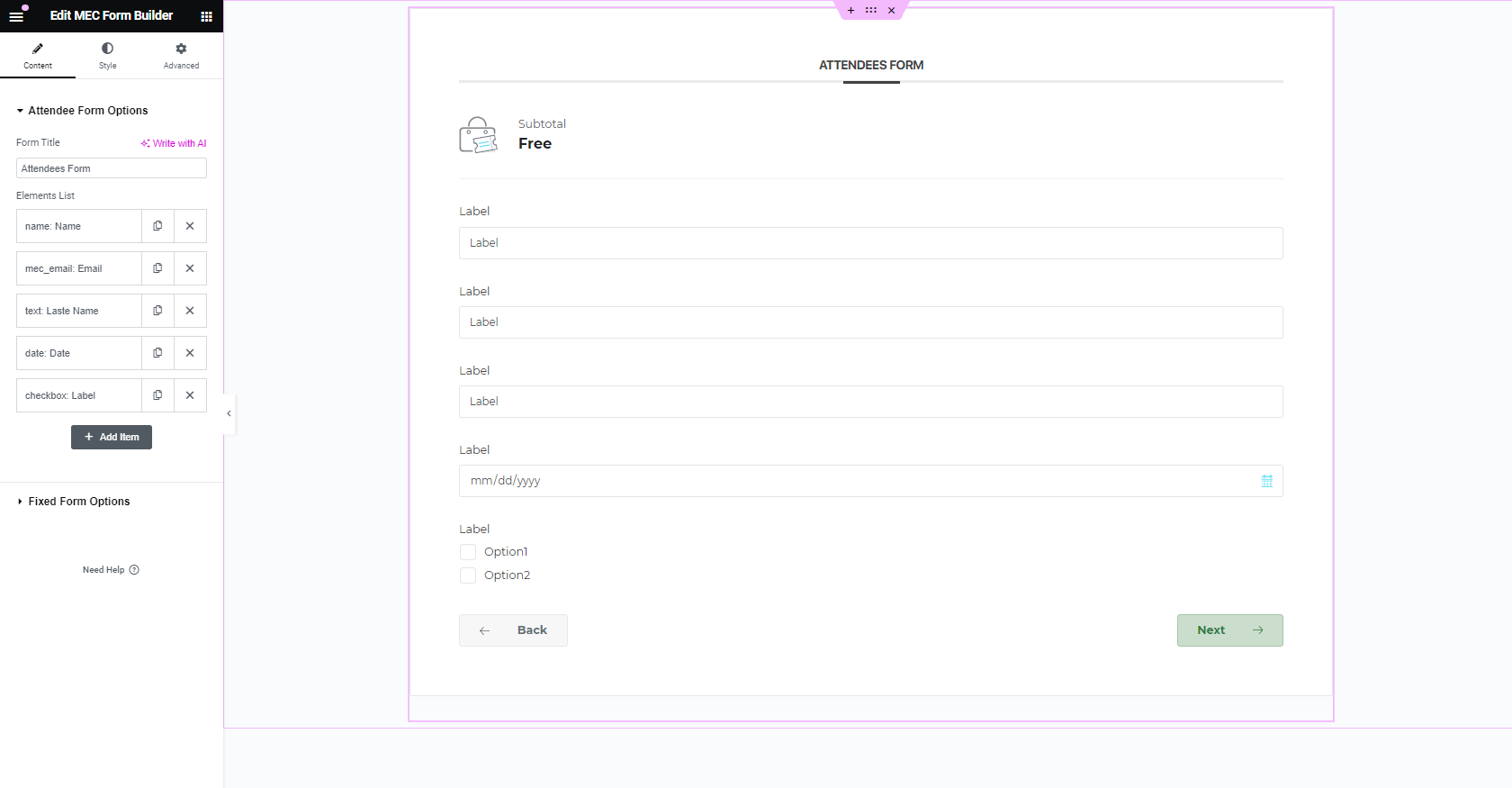
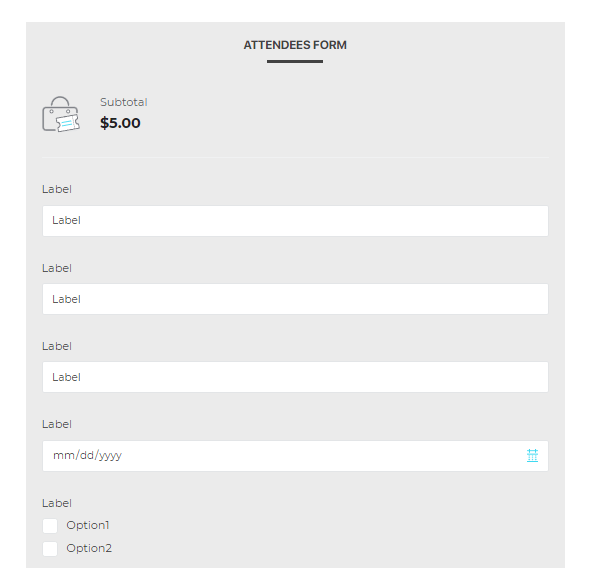
Enables you to create your form as full-width or multi-column and there are no restrictions.
Unlimited forms
Create as many forms as you like for your tickets and events.
Field layout
Layout the fields in a form just like you want.
Easy to use
Show and hide details via the options easily
Screenshots
Changelog
Subscribe to our newsletter for the latest news & promotions.
