
Change ShopPress License Domain
The ShopPress plugin is designed to be used with a single website and comes with a single-user license. This means that you can only activate the license on one domain at a time. However, if you need to change ShopPress license domain, you have the option to do so. By updating the ShopPress license domain, you can deactivate the plugin on the current domain and activate it on a different one. This can be a useful feature if you need to transfer the plugin to a new website or if you are no longer using the plugin on the original domain.
Accessing Webnus Dashboard
Section titled “Accessing Webnus Dashboard”In order to manage your license or use it on another domain, log in to your Webnus Dashboard and hit the Dashboard button.
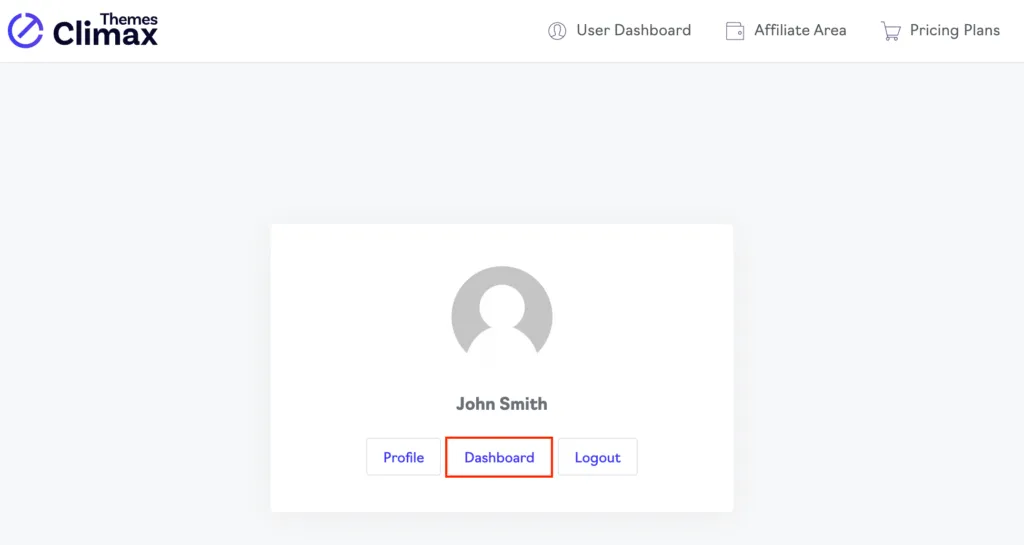
When you navigate to the dashboard menu, you will be able to view a list of all the products that you have purchased.
Change ShopPress License Domain
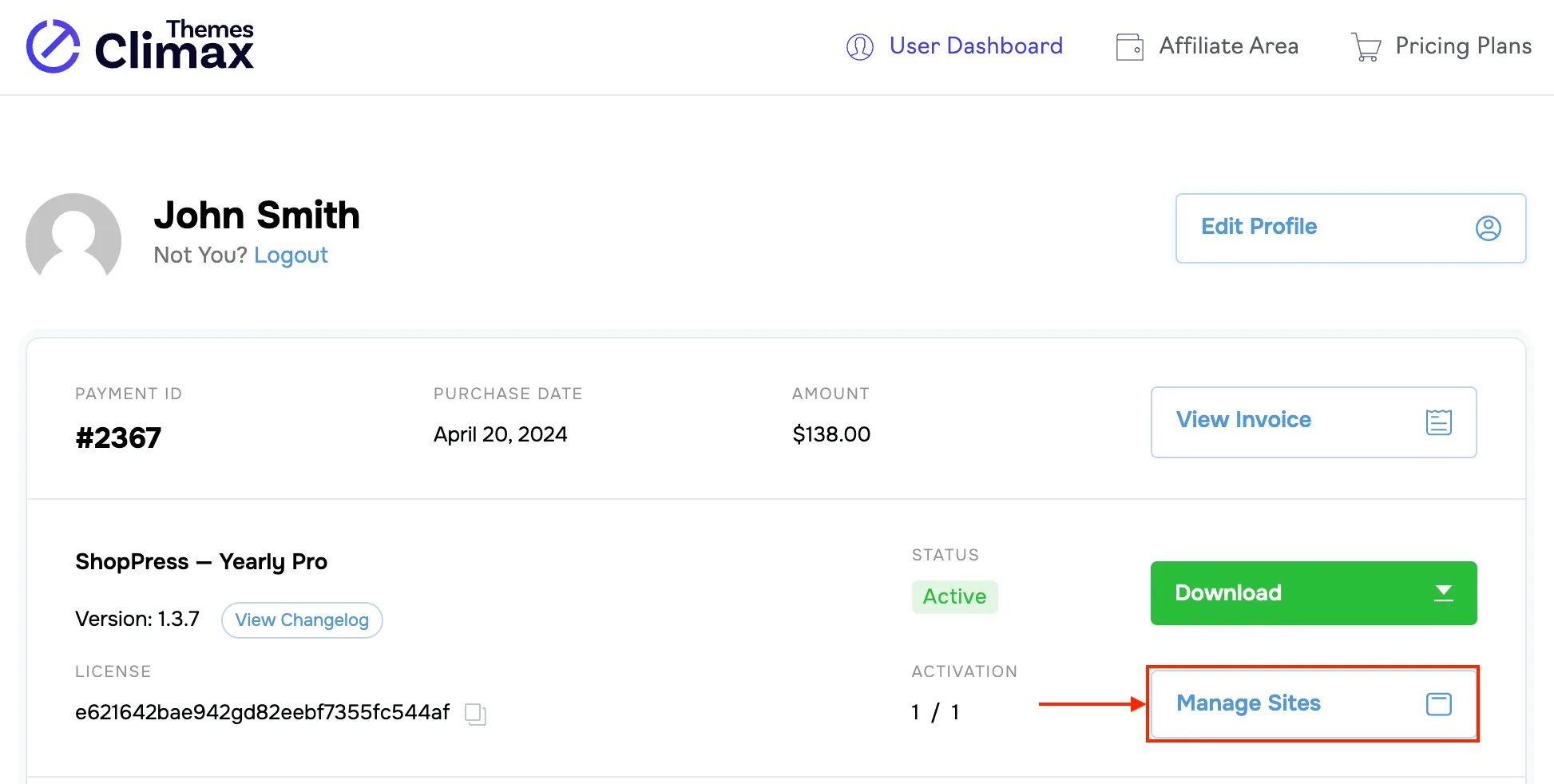
Section titled “Change ShopPress License Domain”Click on the Manage Sites button to enter the Manage License section.
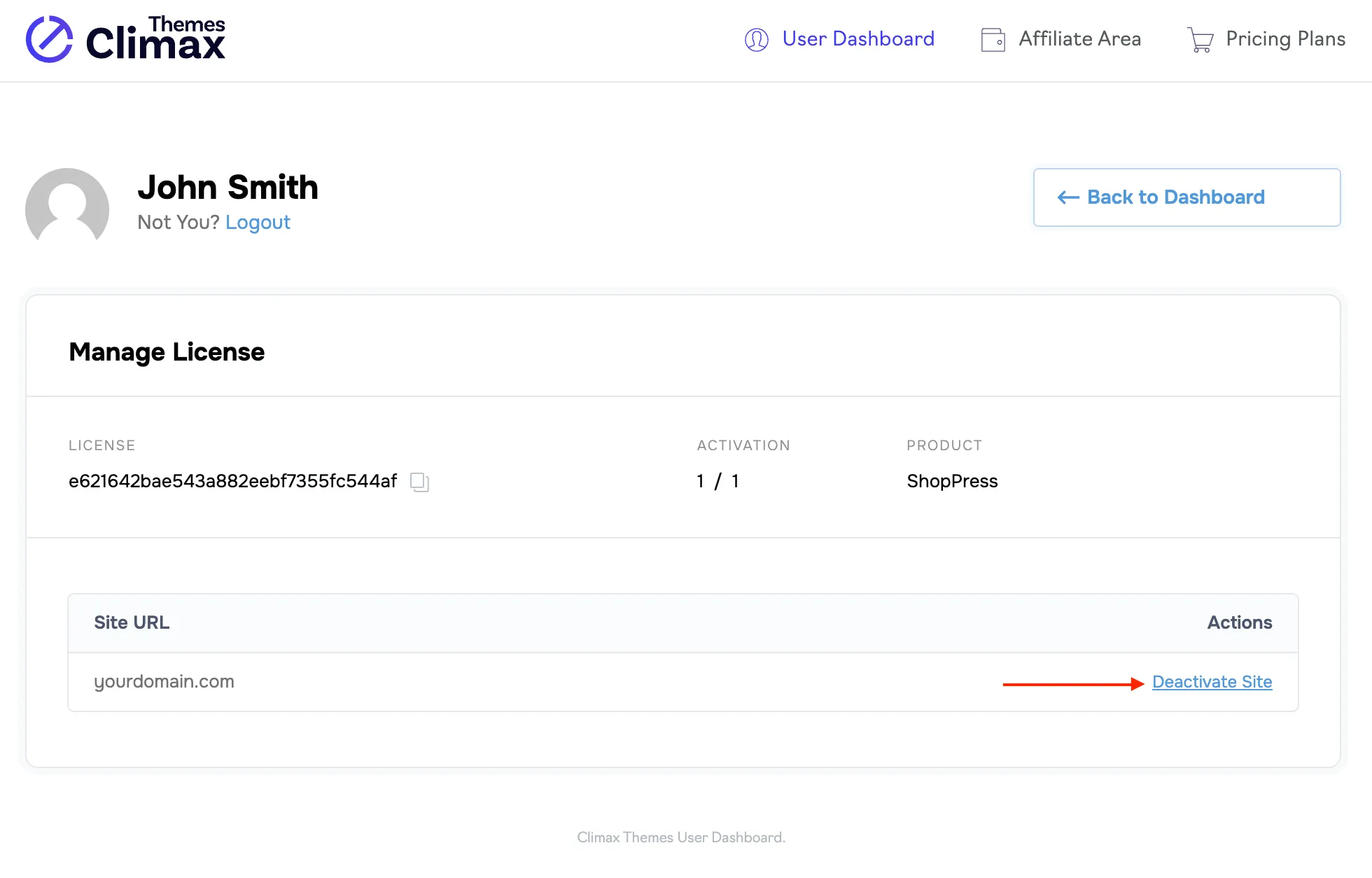
On this page, click on the Deactivate Site link. Now, your license has been revoked and you will be able to use it on another domain by going through the activation process again.