

Import/Export ShopPress Settings
This article will guide you through the process of importing/exporting ShopPress settings from start to finish.
When building a website from scratch, you can speed up the process and enhance the usability of the ShopPress plugin by importing settings and preferences from a previous project.
How to Import/Export ShopPress Settings?
Section titled “How to Import/Export ShopPress Settings?”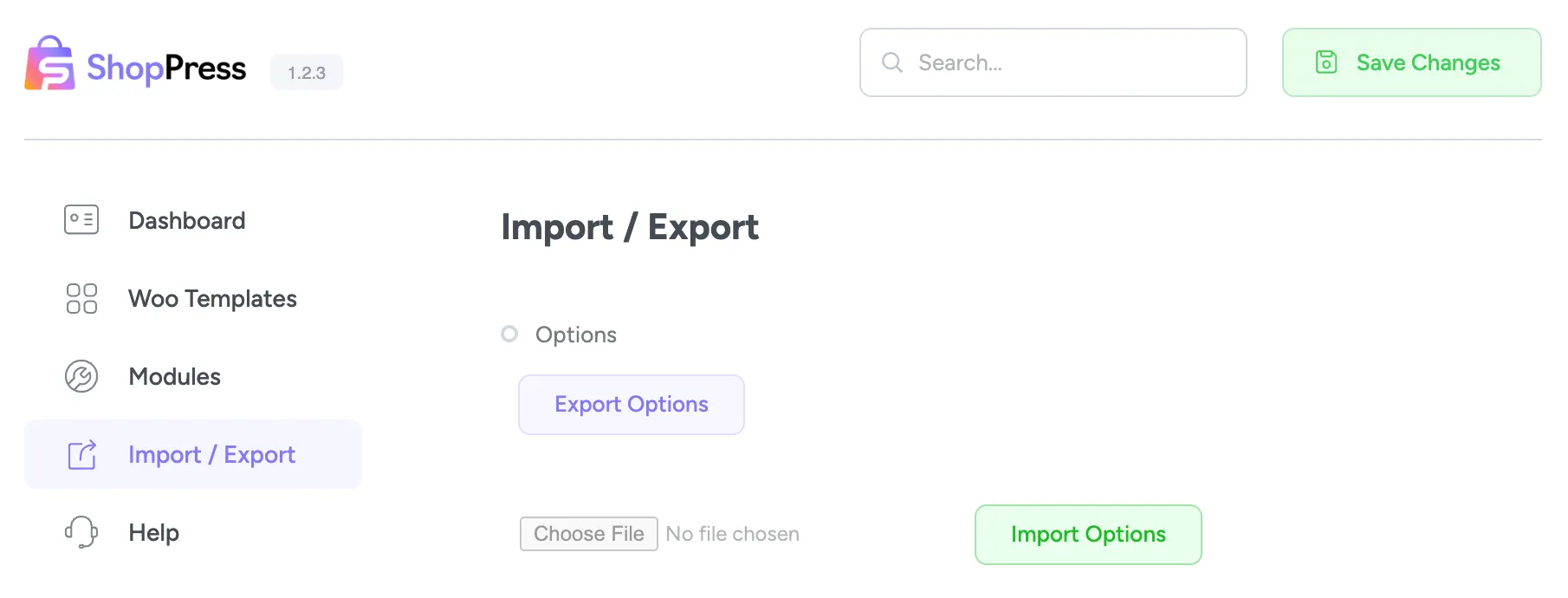
Import/Export Options
Section titled “Import/Export Options”You have the option to easily import or export all the applied settings of the ShopPress plugin, including configurations for components and modules. By clicking the Export Options button, you can effortlessly export your settings and, similarly, import them whenever necessary. This makes it convenient to manage your settings and ensures that you can quickly transfer them to other instances of the plugin.