
A booking link can solve the back-and-forth of finding a time. Running a service business usually asks more of it: collecting a deposit, assigning the right staff member, keeping a room available, and handling the appointment when a customer changes plans.
Quick answer: What is the best appointment booking app in 2026?
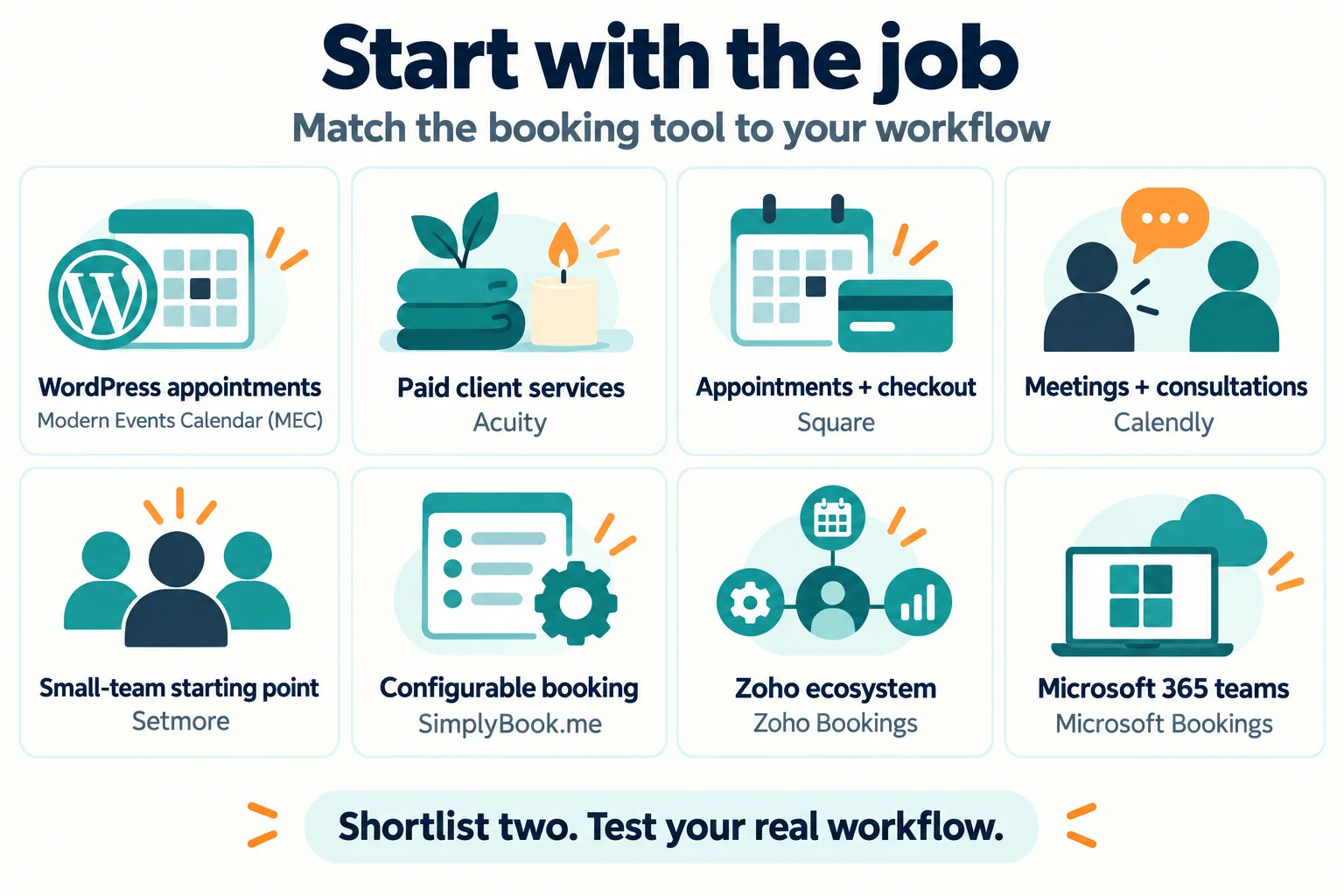
For a WordPress business that wants appointments on its own website, Modern Events Calendar (MEC) Pro is our WordPress pick. For a hosted service, start with Acuity for paid client appointments, Square for appointments alongside checkout, or Calendly for meetings. Setmore suits a small team’s free starting point; SimplyBook.me offers configurable service booking. Check Zoho Bookings or Microsoft Bookings first if you already use their business suites. The deciding factors are your calendar workflow, payment needs, and the full cost of the required plan.
Publisher disclosure: Webnus develops Modern Events Calendar. We include MEC for its WordPress appointment workflow and explain its limitations alongside the other options.
This guide compares eight options, including a native WordPress plugin and seven hosted services. Start with the use case that matches your business, then use the trial checklist to test your shortlist.
The best appointment booking apps at a glance
Prices below are US-dollar list prices checked on September 24, 2026. Annual-billing figures are monthly equivalents, not month-to-month commitments. Taxes, payment processing, messaging charges, and optional add-ons may increase the total. MEC pricing was checked on September 26, 2026. Product links point to official pricing or licensing sources.
| App | Best fit | Main strength | Pricing reference | Main limitation to check |
|---|---|---|---|---|
| Modern Events Calendar | Appointment booking within WordPress | Time-slot booking alongside an existing events website | MEC Pro: $99/year for one site | Requires WordPress; hosting, maintenance, and optional add-ons affect total cost |
| Acuity Scheduling | Paid appointments and ongoing client services | Intake forms, deposits, and service scheduling | Starter: $16/month billed annually or $20 monthly; one calendar | Packages and subscriptions require Standard or higher |
| Square Appointments | Businesses using Square for checkout | Appointments connected with the wider Square operation | Free plan; Plus $49/location/month; Premium $149/location/month | Paid subscriptions scale by location; processing costs are additional |
| Calendly | Consultations and business meetings | Availability sharing and meeting coordination | Free plan; Standard $10/seat/month billed annually | Free has one event type; round-robin assignment requires Teams or higher |
| Setmore | Small teams starting with a free booking page | Free scheduling for up to four users | Free plan; Pro $5/user/month billed annually | Two-way calendar sync and deposits require Pro |
| SimplyBook.me | Service businesses needing configurable booking features | Choice of booking features and provider capacity | Free plan; Basic $11.90/month billed annually or $13.90 monthly | Booking volume and premium custom-feature allowances both matter |
| Zoho Bookings | Businesses working in the Zoho ecosystem | Scheduling alongside existing business applications | Free for one user; paid plans billed per user | Confirm current paid rates and separate resource costs before budgeting |
| Microsoft Bookings | Organizations with eligible Microsoft 365 subscriptions | Shared booking pages connected to Outlook | Included in eligible subscriptions, including Business Basic, Standard, and Premium | No native payment collection; access depends on licensing and administrator settings |
How we selected these apps
This is a research-based comparison of vendor documentation and pricing, reviewed alongside competing guides. We have not run hands-on product tests for this article. Recommendations reflect documented capabilities and practical fit, not measured usability scores or claims about reducing no-shows.
We prioritized customer self-booking, staff availability, calendar connections, payment requirements, and understandable plan limits. The shortlist covers general-purpose tools for small businesses and client-facing teams, including MEC as a native WordPress option. It is not an exhaustive WordPress-plugin roundup or a review of specialist medical practice software and salon marketplaces.
The decision examples are hypothetical. Use the trial checklist later in this guide to verify how a shortlisted app behaves with your calendars, services, and payment setup.
1. Modern Events Calendar: best for appointment booking inside WordPress
TL;DR: Choose MEC for your shortlist when you want to manage appointments on your WordPress website, especially if that site also lists events or classes.
Modern Events Calendar combines event publishing with appointment booking in its Pro version, listed at $99/year for one website. Its value here is keeping that work within the WordPress site you already manage.
The MEC appointment booking features include configurable slot durations, buffer time, date-specific availability changes, booking windows, and multiple-slot selection. For a coach, that could mean reserving time between private sessions while making selected days unavailable.
Know the distinction: MEC is a WordPress plugin, so budget for hosting, updates, backups, and any optional add-ons you need. A hosted scheduler may be more convenient if you want the provider to manage the underlying booking application.
There are also appointment-specific limits. MEC’s documentation lists Event Repeating, Hourly Schedule, and SEO Schema / Event Status as incompatible with Appointments. Appointment availability has its own weekly-repeat settings; do not assume regular event recurrence and appointment scheduling work identically. Before configuring your services, review the MEC Appointments setup guide.
Check before choosing: Build one real service and test its availability, payment, confirmation, and cancellation behavior on your site. If external calendar conflict prevention is essential, verify that exact appointment workflow instead of assuming a calendar integration covers it.
2. Acuity Scheduling: best for paid client services
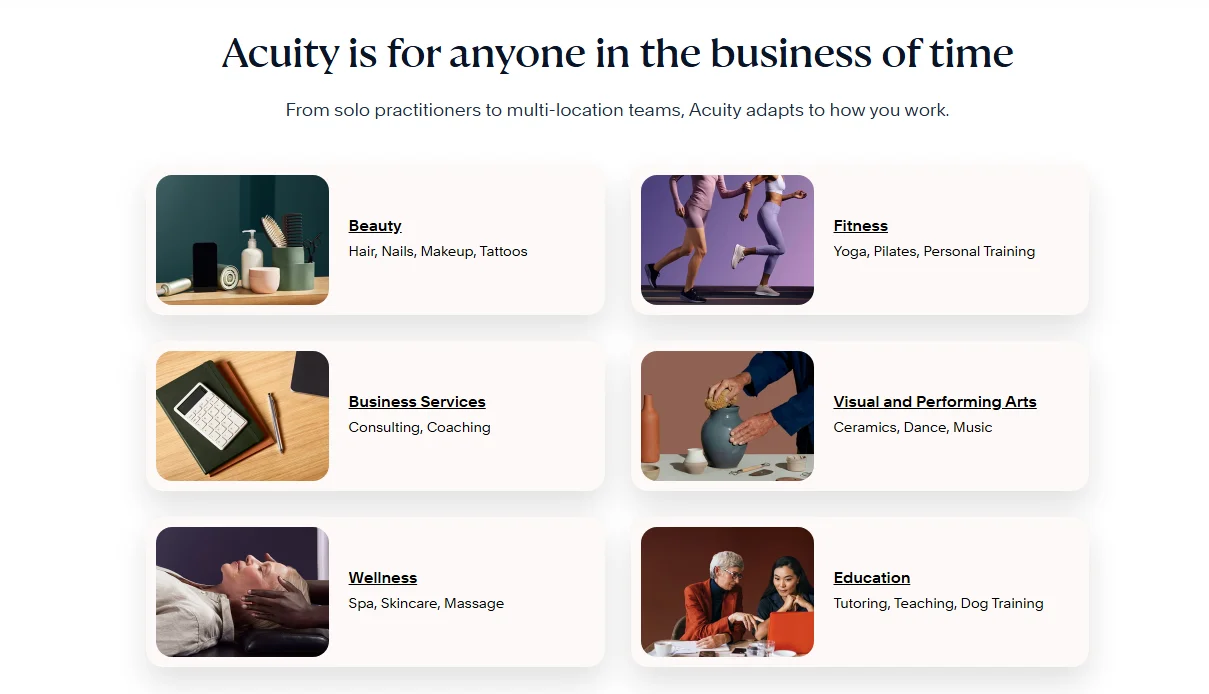
TL;DR: Start with Acuity when booking an appointment also means collecting client information, taking payment, or managing repeat services.
A consultation might need an intake form before the meeting. A tutor might sell several lessons together. Those requirements belong in the booking process, rather than in separate follow-up emails. Acuity’s service scheduling features make it a relevant candidate for these workflows. Acuity features.
Starter includes one calendar, intake forms, payments, and deposits. Standard adds packages, memberships, subscriptions, and text reminders, with six calendars included. Its price is $27/month billed annually or $34 monthly. There is a seven-day trial, but no permanent free plan. Acuity pricing.
The useful distinction is the calendar allowance. Acuity does not price these plans by multiplying the headline amount by every staff member. Still, confirm how your staff and appointment types will use those calendars.
Choose the plan around your service: A hypothetical tutor selling individual lessons could evaluate Starter. If selling lesson packages is essential, budget for Standard from the outset. Check the complete purchase and redemption process during the trial.
3. Square Appointments: best when scheduling and checkout belong together
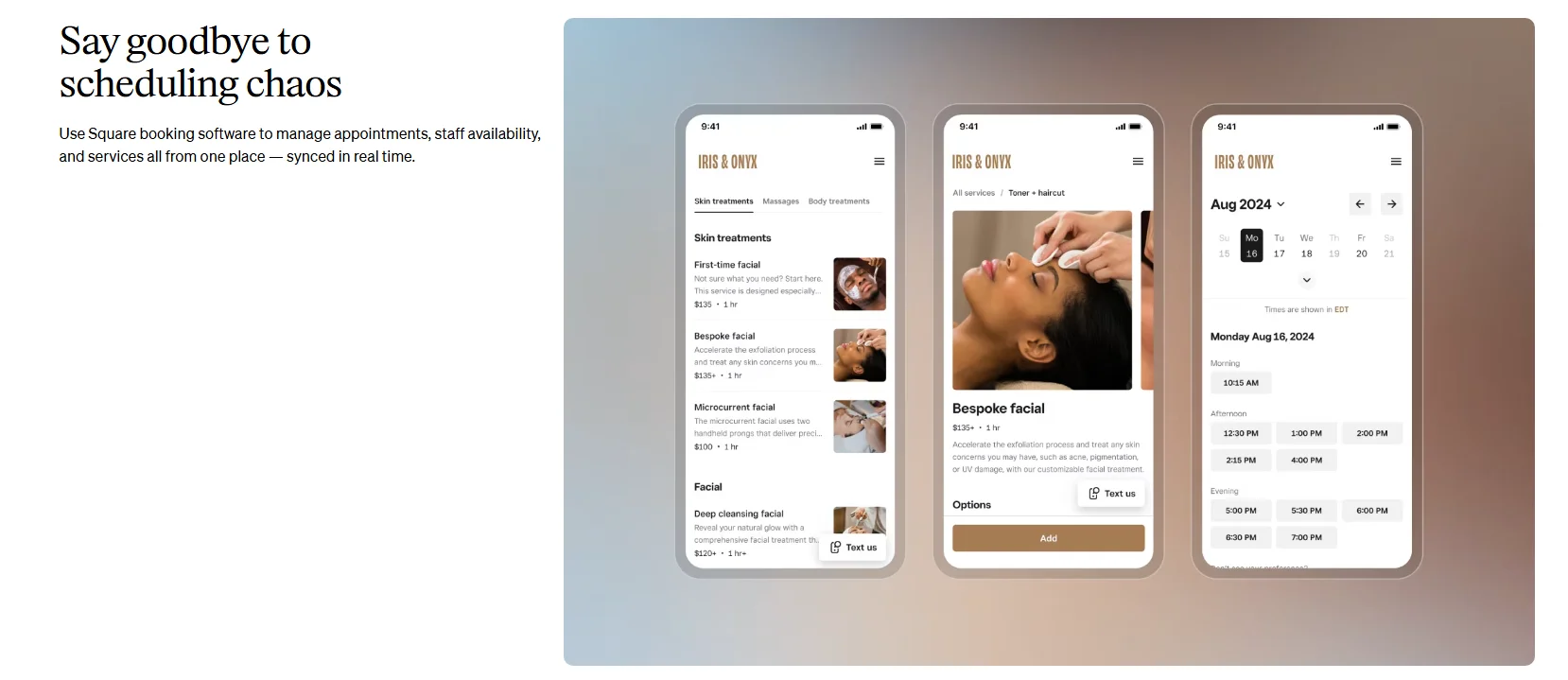
TL;DR: Consider Square when the appointment is one part of a business that also needs an integrated checkout operation.
For a service business, the customer visit may include both an appointment and a purchase. Evaluating Square makes sense when you want those activities within the same vendor’s system. Its appointment offering includes free and paid tiers, with the paid plans charged per location. Square Appointments pricing.
Multi-location operations introduce another question: what must be available for a booking to go ahead? Square documents scheduling for staff, services, and resources such as rooms, chairs, or equipment across locations. A resource is the physical thing an appointment needs in addition to a person. Square multi-location features.
Check before choosing: Verify the tier needed for your specific resource and calendar requirements. A feature being available somewhere in the product does not establish that it is included in the free plan.
Also compare the whole transaction cost. A low subscription price does not remove payment-processing fees. For multiple locations, calculate the subscription for every location that needs the paid tier before comparing Square with a per-user alternative.
4. Calendly: best for consultations and meeting coordination
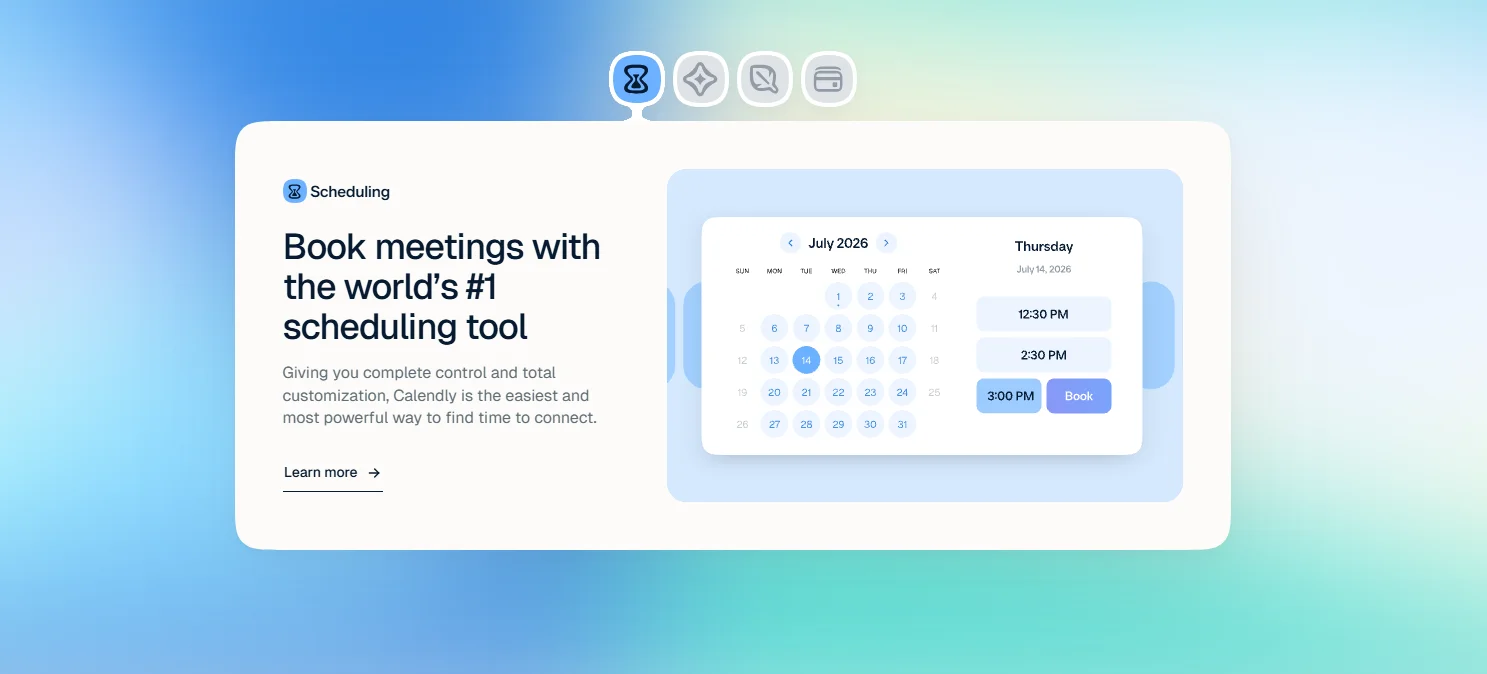
TL;DR: Choose Calendly for a shortlist centered on meetings, especially when the main task is letting people book time with you or your team.
Calendly’s core workflow is straightforward: share availability and let someone choose an available meeting time. That makes it relevant to consultants, account teams, recruiters, and other businesses where the meeting itself is the primary service or next step. Calendly scheduling.
The free plan allows one event type and one connected calendar. Standard adds multiple event types, more calendar connections, reminders, and Stripe or PayPal payment collection. Teams adds round-robin assignment and routing capabilities. Standard costs $10 per seat per month with annual billing; Teams starts at $16 on that basis. Calendly pricing.
Check before choosing: A paid consultation does not automatically require a more specialized service-booking app. But rotating appointments among several staff members is a different requirement from letting each person publish their own booking link.
Write down the assignment rule you need. “Customers choose a consultant” and “the system distributes leads among available consultants” should be evaluated separately. Do not budget for Standard if round-robin distribution is essential.
5. Setmore: best for a small team’s free starting point
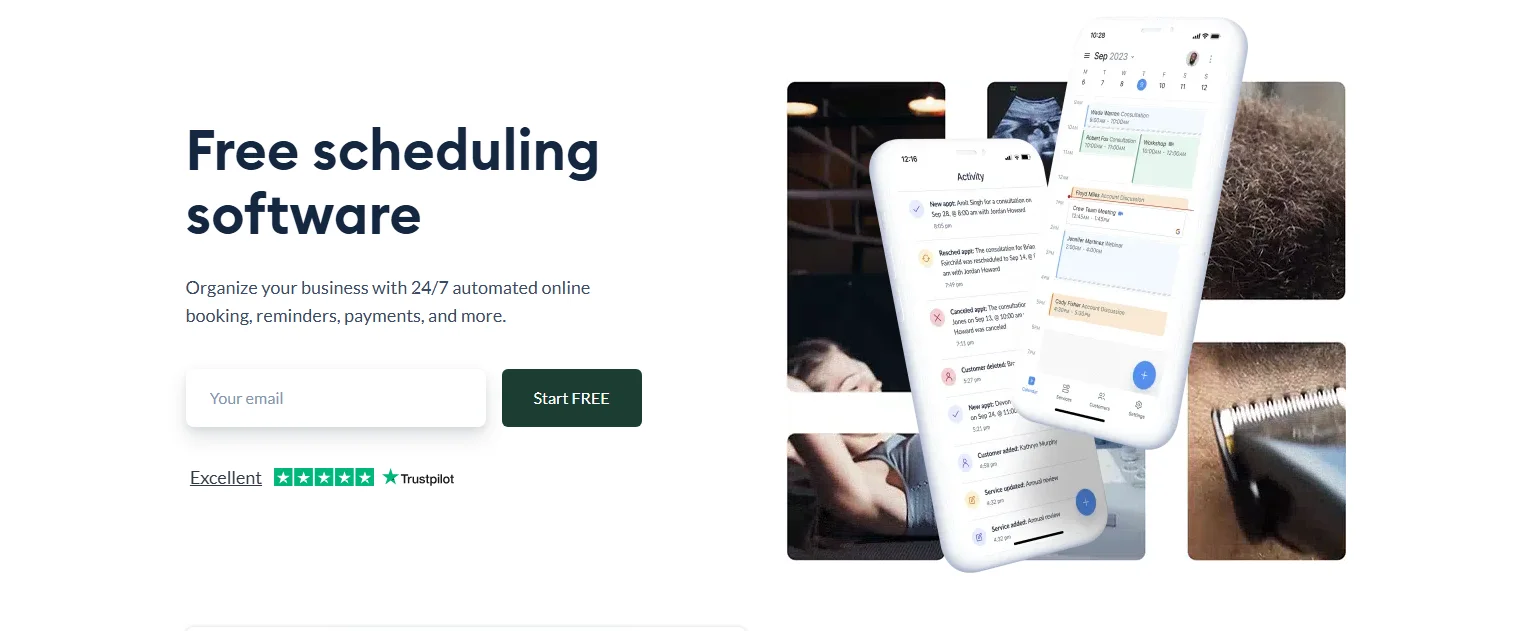
TL;DR: Put Setmore on your shortlist when up to four users need a free booking setup, provided its calendar limitations fit your operation.
Setmore’s current free plan includes unlimited appointments, payment collection, and email reminders. Older comparisons may still mention a 200-appointment limit; that is not what its pricing page listed at this review. Pro adds two-way calendar sync, deposits, recurring appointments, and SMS reminders. It starts at $5 per user per month with annual billing. Setmore pricing.
The upgrade question is especially important for people who already work from an external calendar. Two-way sync is the connection intended to keep changes flowing between calendars. During a trial, check exactly which events block availability and how cancellations behave; the phrase alone does not explain every rule.
Check before choosing: If staff regularly add meetings outside the booking app, put that workflow ahead of the free-plan price. A free booking page is less useful if your working process still requires manual availability checks.
For WordPress users, Setmore also documents an integration route. Confirm the customer experience on your actual site before committing. Setmore for WordPress.
6. SimplyBook.me: best for configurable service booking
TL;DR: Evaluate SimplyBook.me when you need a tailored service-booking setup and are willing to plan both booking capacity and feature allowances.
SimplyBook.me uses several limits together. Its free plan includes 50 bookings per month, one provider, and one premium custom feature. Basic includes 100 bookings, five providers, and three premium custom features, at $11.90/month billed annually or $13.90 monthly. SimplyBook.me pricing.
That pricing structure calls for a requirements list before you select a plan. Count the people taking appointments, estimate bookings, and identify which capabilities consume a premium custom-feature slot. Do not assume that meeting the provider limit means every required feature is included.
Check before choosing: Ask what happens during a busy month and what the next suitable tier costs. Separately check messaging charges and other paid extras. The free plan also requires monthly renewal, which should be part of the administrative routine if you use it.
This is a useful candidate for businesses with specific booking requirements, but its flexibility makes the headline price an incomplete comparison. Price the configuration you intend to use.
7. Zoho Bookings: best for teams already using Zoho
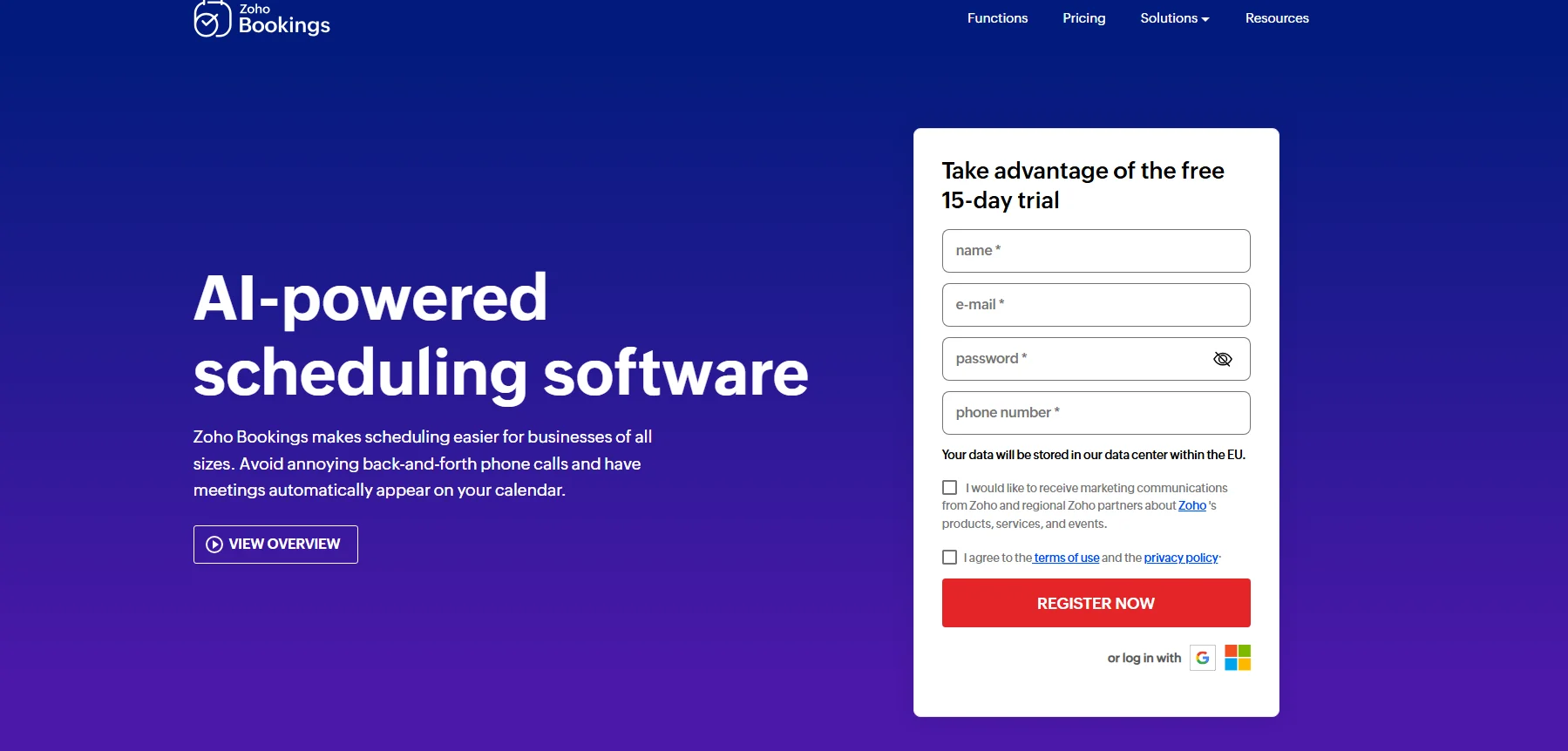
TL;DR: Start with Zoho Bookings when scheduling needs to fit an existing Zoho workflow, then verify the plan and integration requirements together.
Zoho documents one-to-one, group, collective, and resource booking, alongside connections with applications including Zoho CRM and Bigin. Those capabilities make it worth evaluating when a booking should connect with an existing customer record or wider business process. Their availability can depend on configuration and plan. Zoho Bookings features.
The free plan supports one user. Paid plans use per-user billing, and resource booking can involve separately billed add-ons. Zoho One includes the Premium edition, making existing subscriptions relevant to the comparison. We could not reliably confirm current US paid-plan amounts from the official pricing page during this review, so no unverified figure is quoted here. Zoho Bookings pricing.
Check before choosing: Test a specific customer journey. For example, book as a new customer and inspect the resulting record in the application your team uses. Then repeat with an existing customer. Record whether the integration creates duplicates, carries the fields you need, and requires another subscription.
8. Microsoft Bookings: best for eligible Microsoft 365 users
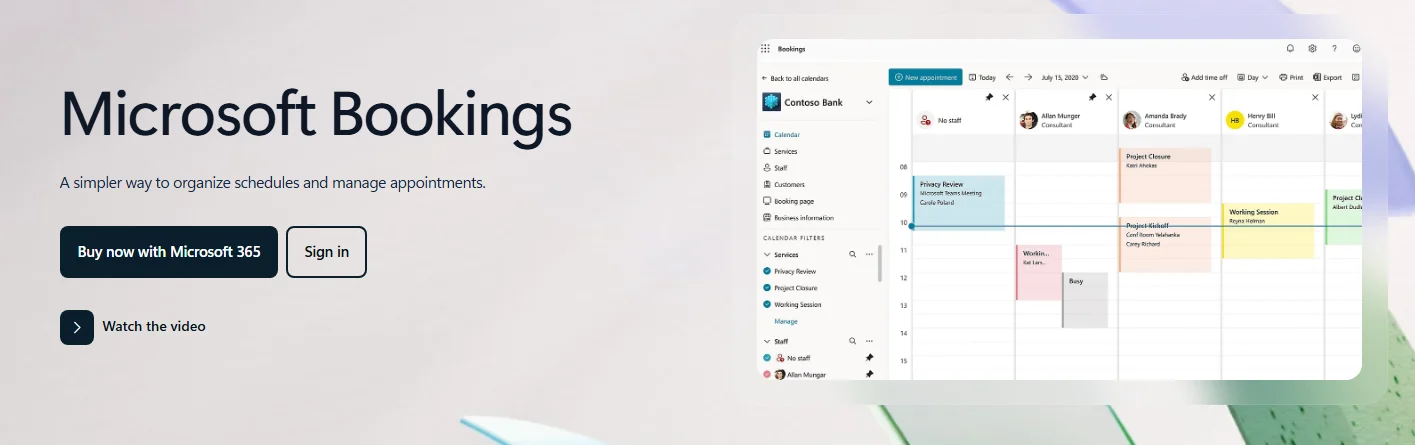
TL;DR: Check Microsoft Bookings first if your organization already pays for an eligible Microsoft 365 subscription and does not need payment collection inside the booking flow.
Shared Bookings supports customer-facing booking pages, services, staff availability, and Outlook-based scheduling. It can also create Teams meeting links for online appointments. For a team already organizing work in Microsoft 365, that makes it a sensible first candidate to evaluate. Microsoft Bookings overview.
The limitation is clear: Microsoft says Bookings does not support payments. It is also not sold as a standalone application, and an administrator can restrict access. An eligible subscription therefore matters more than a blanket claim that the product is “free.” Microsoft Bookings FAQ.
Check before choosing: Confirm your license and access before building the booking process around it. If taking a deposit is mandatory, decide whether a separate payment step is acceptable. Test that complete journey, including what happens when someone books but does not pay.
How to choose the best appointment booking app for your business
Start with one real appointment and follow it from the customer’s first click through the staff member’s calendar. This exposes requirements that a feature checklist can miss.
Identify what makes a time slot bookable
A solo consultant may need only their own availability. A three-person studio might need a qualified employee and a particular room at the same time.
Write the rule explicitly: “This service needs one available instructor and the large room for 60 minutes, followed by 15 minutes of cleanup.” Then ask each shortlisted vendor to show how that rule is configured and which plan supports it.
Do the same for staff assignment. Customer choice, automatic distribution, and a meeting requiring two employees are different booking situations.
Compare the usable plan, not the cheapest plan
Use this budgeting structure:
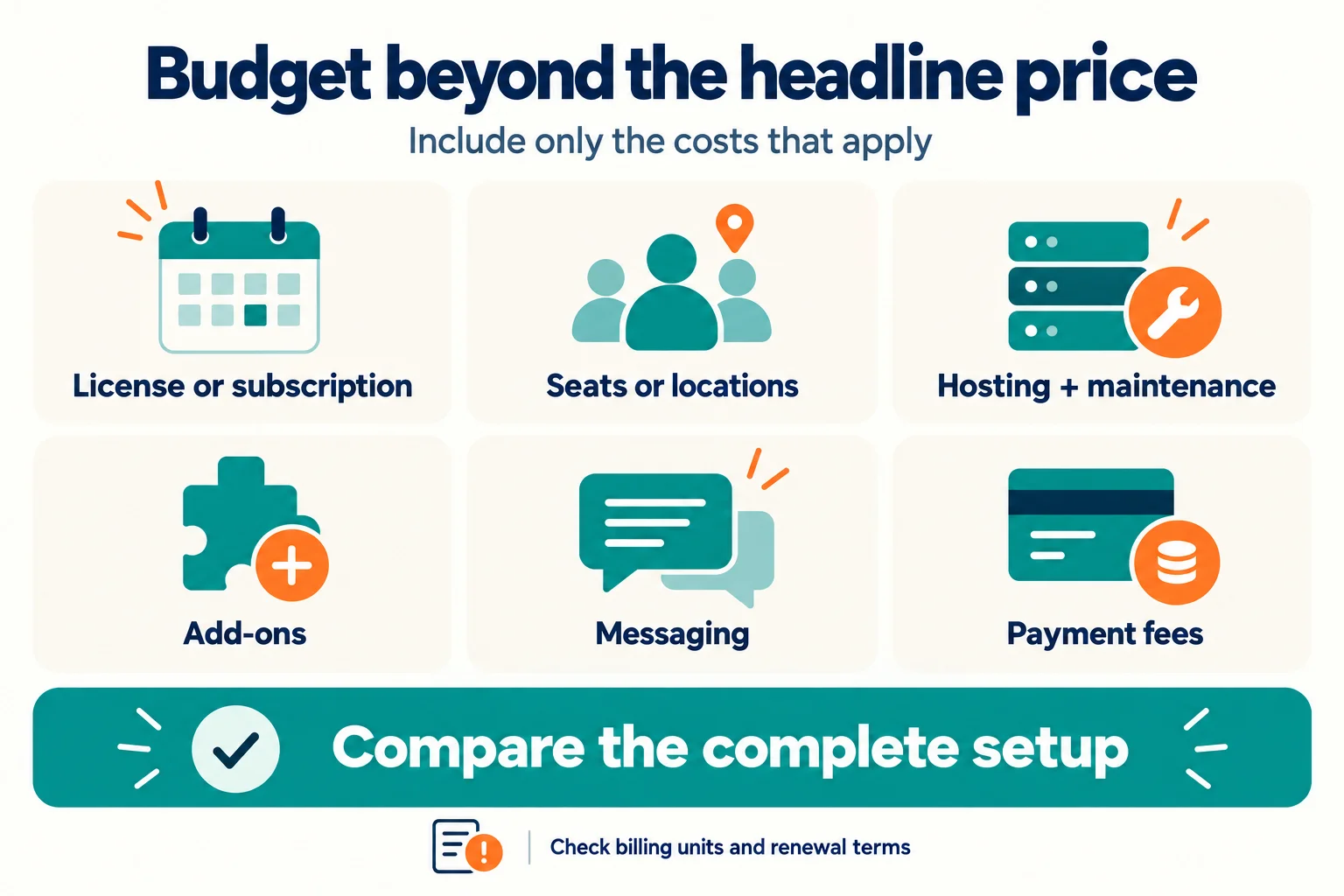
Monthly operating cost = subscription + required seats or locations + add-ons + messaging + payment processing.
Keep annual commitments separate from monthly flexibility. Estimate processing fees using your expected transaction volume and the provider’s applicable rates, rather than treating them as a flat subscription expense.
For a hypothetical three-person business, Calendly Standard’s annual-billing equivalent is $30/month for three seats. Acuity Standard is $27/month on annual billing and includes six calendars. These are different products and allowances, not equivalent service bundles. The arithmetic simply shows why billing units matter. Calendly pricing, Acuity pricing.
Use free plans to test a viable workflow
A free plan should support the task you actually intend to run. A solo consultant offering one meeting type has different needs from a team offering six paid services.
Before entering your full service catalog, identify the first likely upgrade trigger: another staff member, a second meeting type, deposits, text reminders, external calendar synchronization, or booking volume. That trigger belongs in the initial budget.
Do not migrate every customer record just to discover that a required feature sits on a higher tier. Build a small trial using fictional customer information and representative services first.
A practical trial checklist for appointment booking software
Run the same scenario in your two strongest candidates. This gives you comparable observations instead of relying on the order of a vendor’s feature list.
| Test | What to do | What to record |
|---|---|---|
| External availability | Add a busy event in each connected work calendar, then try to book that time | Whether it blocks correctly, any delay, and relevant settings |
| Booking conflict | Attempt overlapping bookings that need the same staff member or resource | Whether the app prevents the conflict and explains the problem |
| Mobile booking | Complete a booking on a phone, including forms and payment if required | Unclear fields, unnecessary steps, and confirmation details |
| Time zones | Use a second time zone for a remote appointment | Whether the booking page, confirmation, and calendar agree |
| Rescheduling | Move a confirmed appointment from the customer link | Updated staff calendar, released original slot, and replacement reminders |
| Cancellation | Cancel a paid booking using your intended policy | Availability release, customer message, and actual payment or refund state |
| Staff absence | Make the assigned employee unavailable | How existing bookings are identified and handled |
| Administration | Find and export the records your business needs | Accessible fields, export format, and permission restrictions |
When reviewing the customer message, use our appointment confirmation examples to check that the service, time, location, and change instructions are clear.
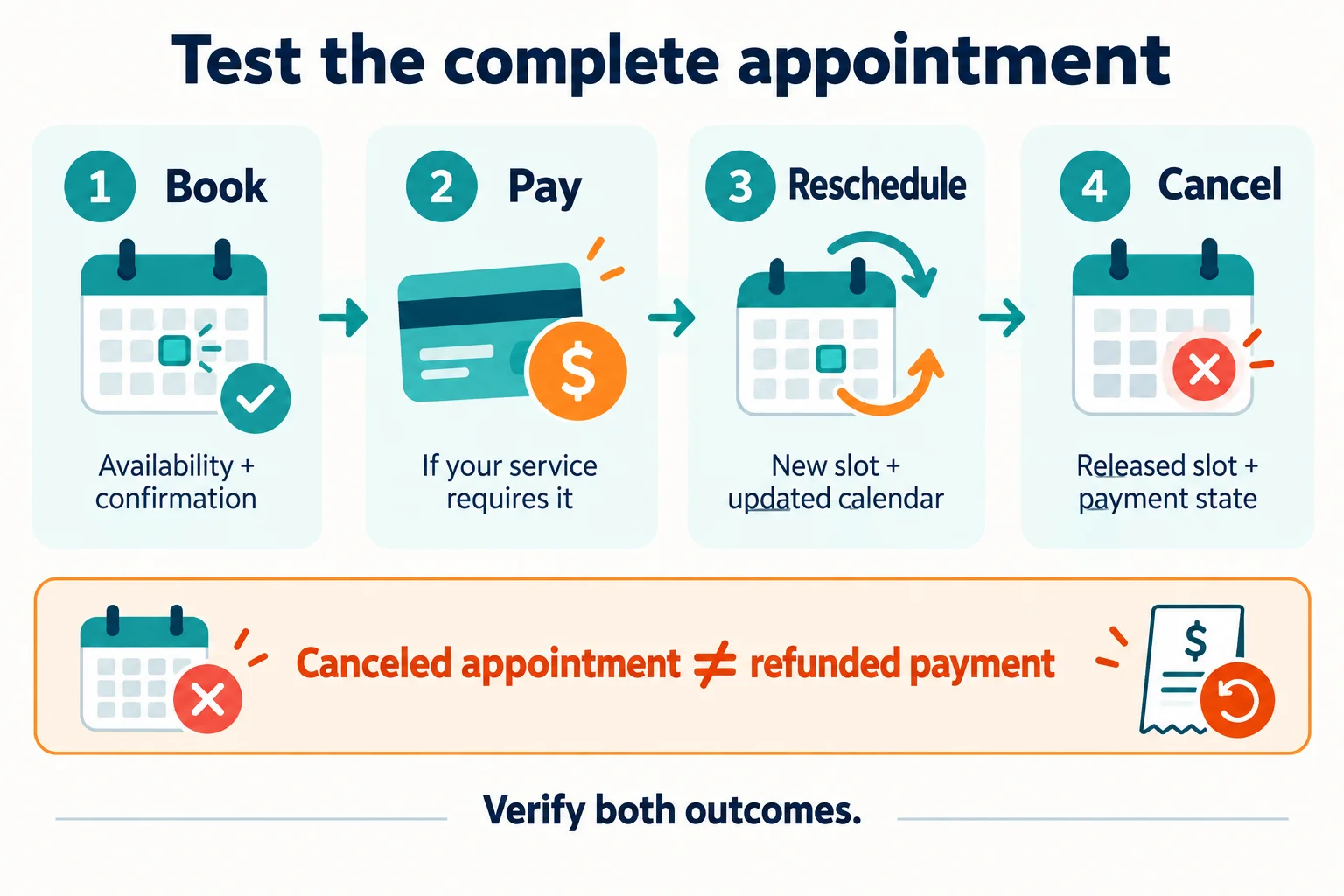
For payment checks, use a supported test environment where available. If a real transaction is necessary, understand the fees and refund behavior first. A canceled appointment and a refunded payment are separate outcomes; verify both rather than assuming one causes the other.
Set your pass conditions before testing. For example, you might require an externally blocked slot to become unavailable within a defined operational window, or require rescheduling without staff intervention. Record the observed result, plan name, configuration, and test date.
If a candidate fails, determine whether the cause is a setting, a plan restriction, or an unsupported workflow. This is more useful than assigning a general star rating without explaining what failed.
What if your website runs on WordPress?
Decide whether you want a hosted scheduling service connected to WordPress or a booking system managed within WordPress itself. This article includes both approaches: MEC runs within WordPress, while the other seven options are hosted services.
A hosted booking page may be linked from your site or embedded where the vendor supports it. For example, Microsoft documents embedding a Bookings page in a website. Setmore also provides a WordPress integration. Compare that hosted approach with MEC when managing the booking system inside WordPress matters to you. Microsoft Bookings FAQ, Setmore WordPress integration.
Test the actual implementation on your site: booking on a phone, returning after payment, and finding the confirmation. A working vendor demo does not establish that your site’s layout and configuration will produce the same experience.
Choose two candidates and test the complete appointment
For appointments managed inside WordPress, begin with MEC Pro. For a hosted paid-service workflow, begin with Acuity. For appointments alongside Square checkout, evaluate Square. For meeting coordination, consider Calendly. Setmore and SimplyBook.me offer different free-plan starting points, while Zoho and Microsoft deserve early consideration when you already use their ecosystems.
Then test the journey that matters to your business: book, pay if required, reschedule, cancel, and check the staff calendar. The right choice should pass those checks on a plan whose full cost you understand.
Frequently asked questions
1. What is the best appointment booking app for a small business?
The best choice depends on how you work. Modern Events Calendar suits businesses managing appointments within WordPress. Acuity is a strong option for paid client services, Square connects scheduling with checkout, and Calendly fits meetings and consultations. Compare the plan that supports your actual workflow, including payments, staff availability, and reminders.
2. Can I use Modern Events Calendar for appointment booking?
Yes. MEC Pro supports time-slot appointments on WordPress, with configurable durations, buffer time, booking windows, and availability adjustments. It is particularly relevant when your website handles both events and appointments. See the MEC appointment features.
3. Is there a free appointment booking app?
Yes. Calendly, Setmore, SimplyBook.me, and Zoho Bookings offer free plans with different limits. Check the number of users, booking allowances, calendar connections, and payment features before choosing. A free plan can be useful until a required feature makes an upgrade necessary.
4. Can customers book appointments directly on my WordPress website?
Yes. You can use a native WordPress option such as MEC or connect a hosted booking service through a supported embed or booking link. MEC manages appointment settings within WordPress; hosted services manage their booking application separately.
5. What features should I look for in appointment booking software?
Start with calendar conflict prevention, customer rescheduling, reminders, and staff availability. Add payment collection, deposits, intake forms, or room booking if your service requires them. Test these features together rather than relying on a feature checklist alone.
6. Can appointment booking apps accept payments?
Many can, but payment support and plan requirements vary. Check the supported payment processor, transaction fees, deposit options, and refund process. Microsoft Bookings does not provide native payment collection, so businesses needing payment during booking should account for a separate step.
7. Can booking software prevent double bookings?
It can help when availability, calendar connections, staff assignments, and resource rules are configured correctly. Test an overlapping appointment and an externally blocked calendar slot before launch. A calendar connection alone does not prove that every conflict will be prevented.
8. Does canceling an appointment automatically refund the customer?
Do not assume so. Cancellation and refund behavior depend on the booking system, payment processor, and settings. During your trial, cancel a paid appointment and check both whether the time slot becomes available and what happens to the payment.