
The best blogging platform depends on what you want to publish and how much control you need. WordPress.org is the strongest all-purpose choice when ownership and flexibility matter. WordPress.com, Wix, Hostinger Website Builder, Squarespace, and Weebly handle more of the technical work. Medium gives writers access to an existing audience, while Substack and Ghost combine web publishing with newsletters and paid subscriptions. Blogger remains a simple free option.
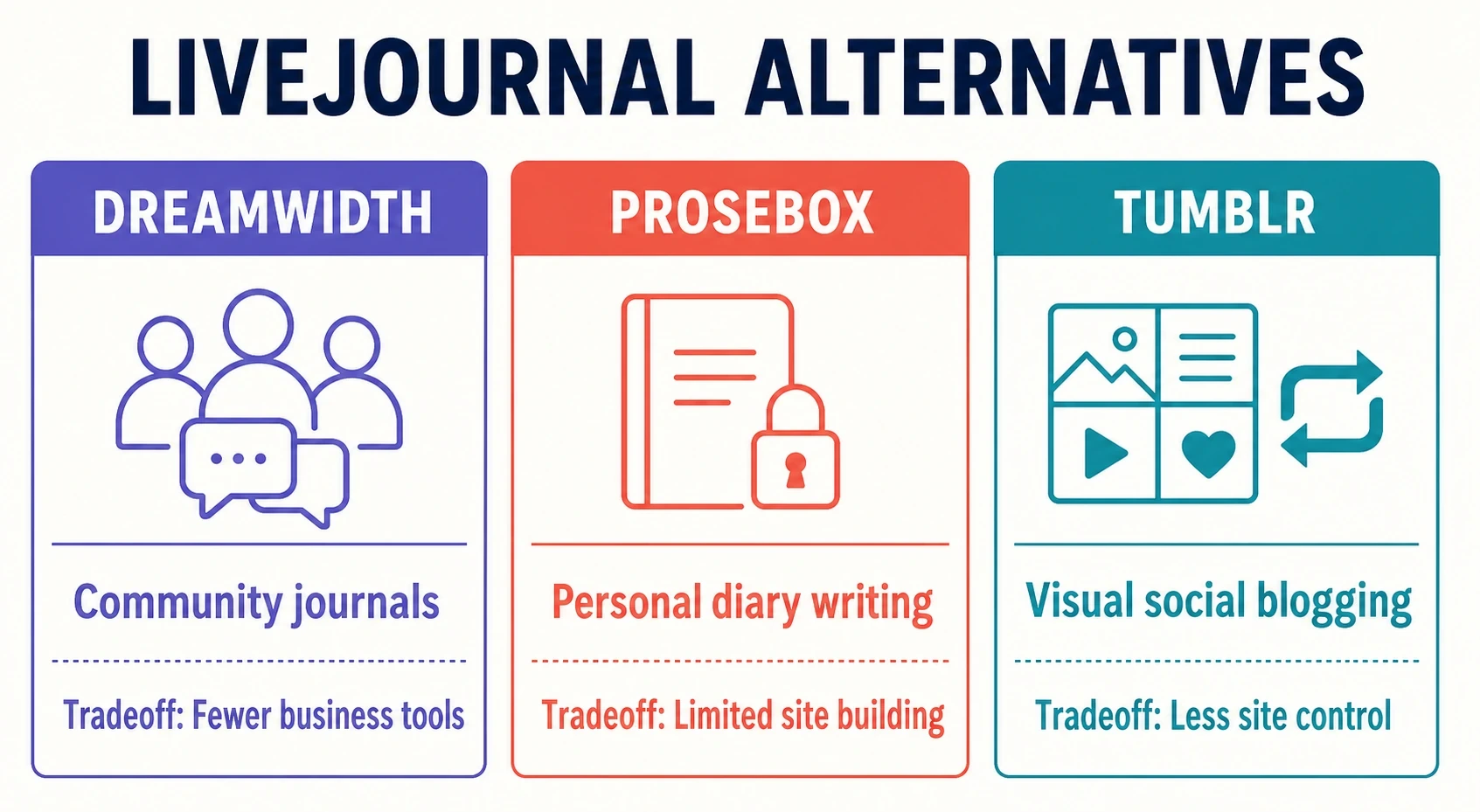
If you are looking for a LiveJournal alternative, Dreamwidth is the closest match for community journals, Prosebox suits personal or anonymous diary writing, and Tumblr is better for short, visual, social posts.
This blogging platform comparison looks at setup effort, control, audience, monetization, and portability. The main table compares the best blog platforms, while the second gives former LiveJournal users a focused shortlist. This keeps the best blogging platforms and LiveJournal alternatives separate instead of treating them as one category.
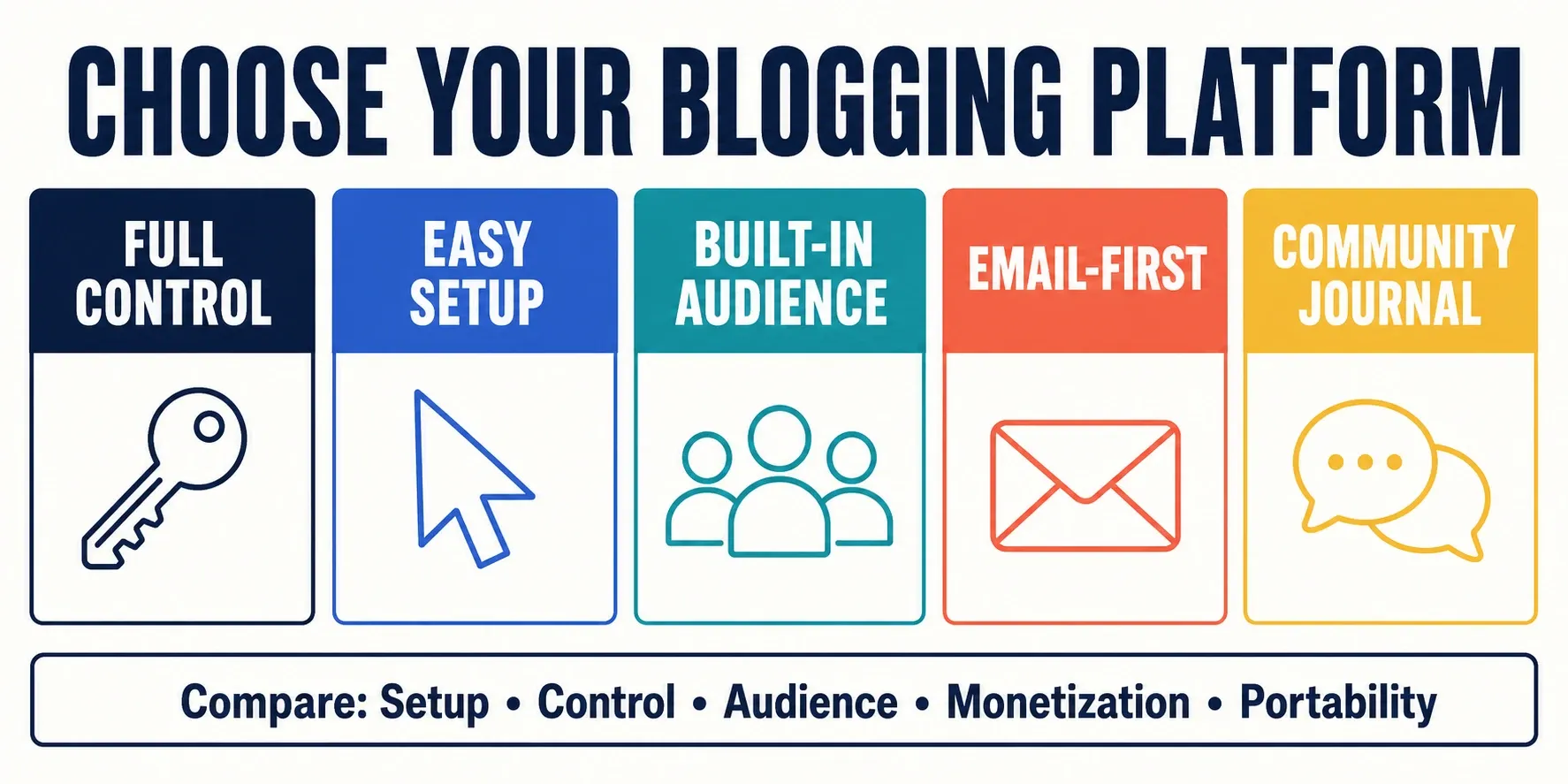
| Platform | Best for | Setup effort | Control | Monetization | Main limitation |
|---|---|---|---|---|---|
| WordPress.org | Long-term sites that need full control | Medium to high | Very high | Ads, affiliates, products, memberships, services | You manage hosting, maintenance, and security |
| WordPress.com | Beginners who want managed WordPress | Low | Medium, depending on plan | Subscriptions, payments, ads, and commerce vary by plan | Less freedom than self-hosted WordPress |
| Wix | Visual blogs and small business sites | Low | Medium | Ads, affiliates, products, services | Harder to move and extend than WordPress.org |
| Medium | Writers who want built-in discovery | Very low | Low | Medium Partner Program | Limited brand and site control |
| Substack | Email-first writers and paid newsletters | Very low | Low to medium | Paid subscriptions | Substack takes 10% of paid subscription revenue |
| Hostinger Website Builder | Beginners who want an all-in-one builder | Low | Medium | Ads, affiliates, services, and store features | Less portable than an open CMS |
| Blogger | A simple free personal blog | Very low | Low | AdSense and other basic methods | Limited design and publishing tools |
| Squarespace | Design-led blogs and portfolio sites | Low | Medium | Products, memberships, services, and affiliates | Less server and plugin control than WordPress.org |
| Ghost | Independent publications and memberships | Medium | High | Paid memberships and newsletters | Smaller extension market than WordPress |
| Weebly | Basic blogs attached to small sites or stores | Low | Low to medium | Ads, affiliates, products, and services | Less room to grow than WordPress or Ghost |
| LiveJournal | Personal journaling and community blogging | Low | Low to moderate | Limited monetization and paid account upgrades | Primarily designed for journaling and community interaction rather than building a modern standalone website |
Not every option in this comparison is a dedicated blogging platform. Wix, Hostinger Website Builder, Squarespace, and Weebly are general-purpose website builders that include blogging tools. They remain in the comparison because many readers want a complete website with a blog rather than a standalone publishing system.
Quick comparison: LiveJournal alternatives
| Alternative | Best for | Closest match to LiveJournal | Main limitation |
|---|---|---|---|
| Dreamwidth | Community journals and long-form personal writing | Journals, reading pages, comments, and communities | Fewer website-building and business tools |
| Prosebox | Personal or anonymous diary writing | Separate journals and community discovery | Not designed for a business or publication site |
| Tumblr | Visual, social, or multimedia blogging | Following, sharing, and community interaction | Less control than a self-hosted website |
The best blogging platforms make their tradeoffs clear. A useful blogging platform comparison should help you decide which compromises fit your project, rather than name one winner for every reader.
Key Takeaways
- WordPress.org is the best all-round choice when you want full ownership, unlimited themes and plugins, and the widest range of ways to earn money.
- WordPress.com, Wix, Hostinger Website Builder, Squarespace and Weebly handle hosting and updates for you, which suits beginners who don’t want to manage a server.
- Medium and Substack give writers a built-in audience and newsletter tools, but the platform controls discovery and some of the reader relationship.
- Dreamwidth is the closest LiveJournal alternative; X, Threads and Bluesky work for short updates but can’t replace a searchable blog archive.
- Before you commit, check how easily you can export your posts and subscribers, because moving platforms later is rarely painless.
How to choose a blogging platform
Blogging gives you more room than a typical social post to develop an idea, organize an archive, and build a recognizable home for your work. The best platforms to start a blog are not identical, though. A personal journal, a paid newsletter, and a company content site need different tools.
The best blogging platforms match the publishing job, the writer’s technical comfort, and the way the site will attract readers. Start with the decisions below before comparing individual brands.
Use these five questions to narrow the list.
How much setup work can you handle?
A hosted service takes care of hosting, software updates, and much of the routine maintenance. WordPress.com, Wix, Medium, Substack, Hostinger Website Builder, Blogger, Squarespace, and Weebly fall into this broad group.
The best blog platforms for beginners usually remove server maintenance, but that convenience can reduce control or make moving harder later.
WordPress.org and self-hosted Ghost give you more control, but you must arrange hosting and handle more maintenance.
How much control do you need?
Themes, templates, plugins, code access, analytics, and domain settings determine how much you can change.
WordPress.org offers the widest range of themes and plugins. If you want a simple, text-focused design, start by reviewing WordPress personal blog themes or minimalist WordPress themes for writers. Hosted builders trade some of that freedom for easier setup.
The best blogging platforms for a strong brand let you use a custom domain and adjust the site’s design without trapping important content in a format you cannot export.
Do you need an existing audience?
Medium, Substack, Tumblr, and the microblogging services later in this guide include social or network discovery. That can help new writing reach readers, but the platform controls how that discovery works.
The best blogging platform for built-in discovery may not be the best place to keep your only archive. Consider using the network to reach readers while maintaining a site or export you control.
A self-hosted site gives you a clearer home base, but you must attract readers through search, email, social posts, or referrals.
How will the blog make money?
For bloggers who plan to earn revenue, check the exact methods each service allows. Common choices include advertising, affiliate links, sponsorships, products, services, memberships, and paid subscriptions.
The best blogging platforms for monetization support the method your audience is likely to accept. A subscription publication needs different tools from a product-review blog or a consultant’s site.
WordPress.org gives you the broadest choice. Substack and Ghost focus on subscriptions, Medium has its Partner Program, and Blogger supports advertising. Hosted-builder features can depend on the plan.
Can you export your work?
Before choosing the best blogging platform for a long-term project, check whether you can export posts, media, comments, subscribers, and payment relationships in a useful format.
Any serious blogging platform comparison should treat exports as a core feature, not an emergency option to investigate after a service changes.
The 10 best blogging platforms for 2026
The following best blog platforms cover different levels of technical skill, ownership, and audience building. The order reflects broad usefulness, not a claim that one service is right for every publisher.
For each best blogging platform candidate, compare its strongest use case with the limitation listed at the end of the section.
1. WordPress.org
Best for: Bloggers and businesses that want maximum ownership and room to grow.
WordPress.org is free, open-source publishing software. You install it with a web host and use your own domain. That arrangement gives you control over the site, its files, its design, and most decisions about monetization.
The main benefit is flexibility. Themes and plugins can change the design and add forms, memberships, stores, analytics, and editorial tools. WordPress began as blogging software and remains one of the best blogging platforms for sites that may expand later.
For many professional publishers, it is the best blogging platform because the site can change hosts and add new functions without moving to a different publishing system.
The tradeoff is responsibility for hosting, a domain, backups, updates, security, and occasional troubleshooting. Managed hosting can reduce that work.
If you choose the self-hosted option, follow our guide to launch a WordPress blog before working through the rest of the setup.
Main limitation: More setup and maintenance than a fully hosted service.
2. WordPress.com
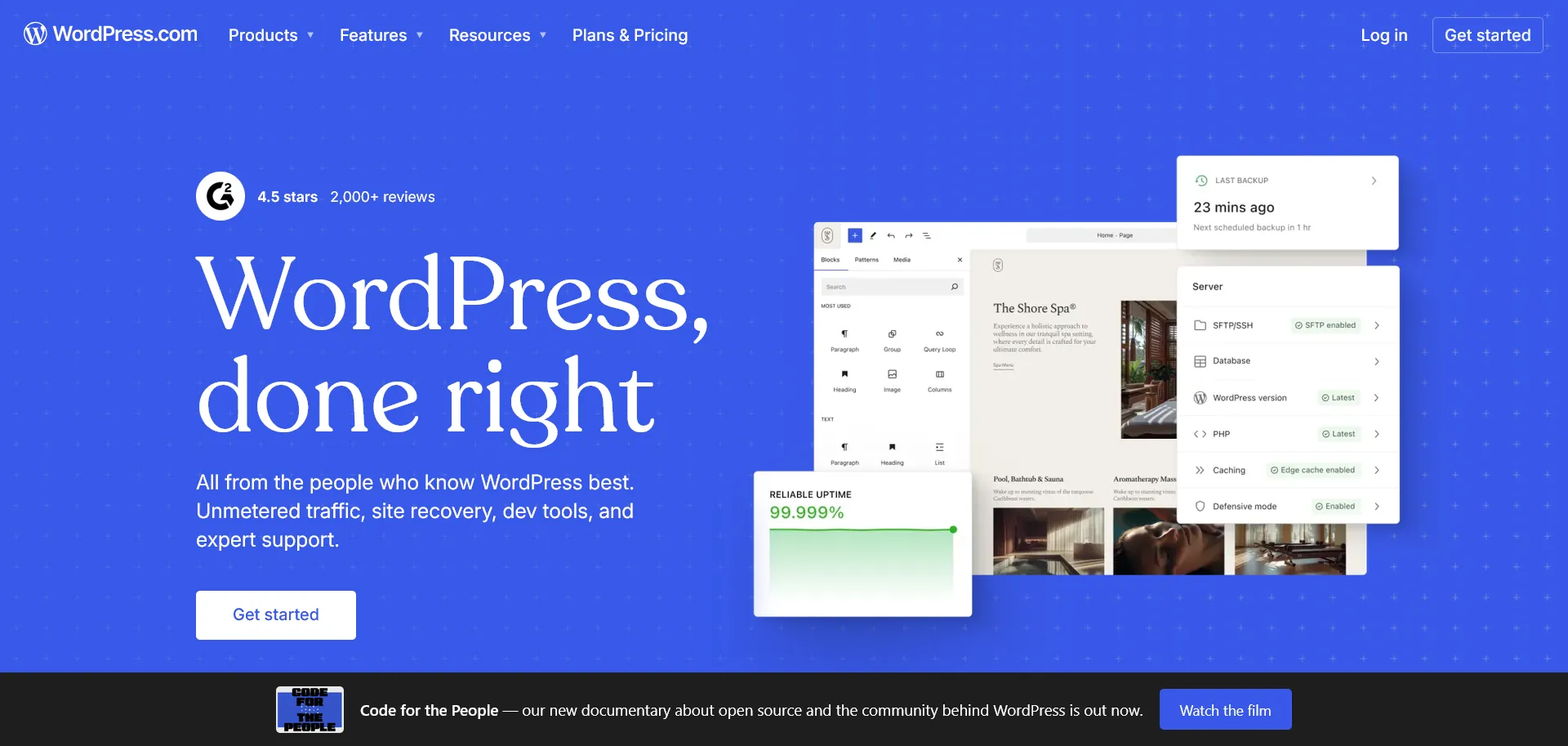
Best for: People who want WordPress publishing without arranging their own hosting.
The first question many new bloggers ask is: WordPress.com or WordPress.org? Both use WordPress, but the service model is different.
WordPress.com is hosted and managed for you. It has a free plan for testing the editor and publishing a basic site, while paid plans add features and reduce service restrictions.
WordPress.com is easier for beginners than a self-hosted installation. It also gives you less control than WordPress.org, especially when a feature, theme, plugin, storage limit, or monetization method depends on the selected plan. Compare the current plan details before choosing it for a business or paid publication.
It belongs among the best blogging platforms for beginners who like the WordPress editor but do not want to maintain a server.
For a first site, it can be the best blogging platform when managed hosting matters more than unrestricted plugin access.
Main limitation: Full WordPress freedom is tied to plan limits and costs.
3. Wix
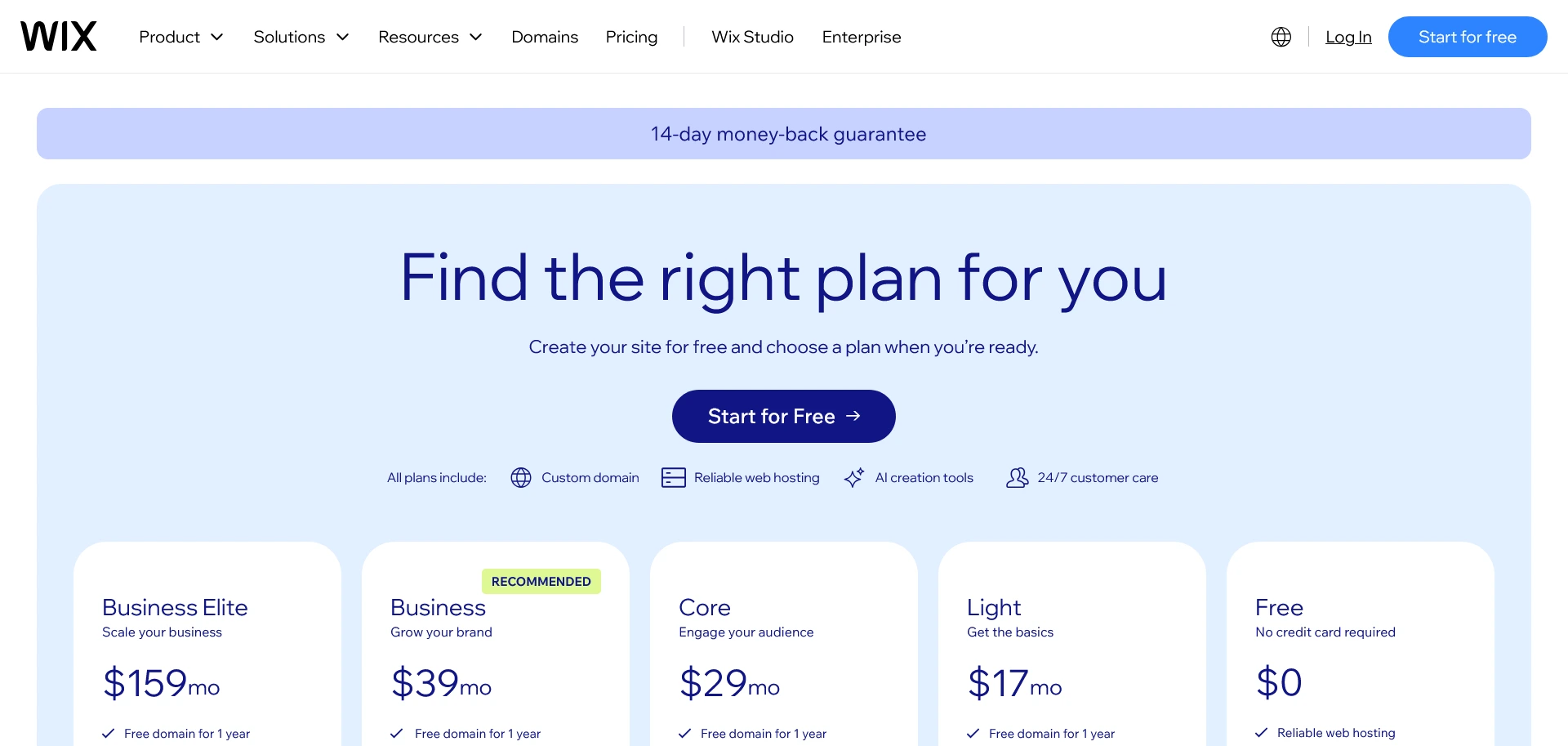
Best for: Beginners who want a visual website builder with blogging included.
Wix is a beginner-friendly website builder rather than a blank publishing system. Its drag-and-drop editor and templates let people without coding knowledge create a blog and adjust the design visually.
That managed setup lets you focus on content. Wix can suit a photographer, consultant, or small business that wants a blog besides service pages or a portfolio.
Wix offers a free site option for testing and paid plans for features such as connecting a custom domain and removing Wix branding. The main compromise is control. The platform is easier to start than WordPress.org, but its structure is more controlled and moving a developed site elsewhere can take more work.
That balance puts Wix among the best blog platforms for visual beginners, especially when the blog supports a portfolio or small business site.
Main limitation: Less portability and back-end freedom than an open CMS.
4. Medium
Best for: Writers who value a simple editor and access to an existing reading network.
Medium combines publishing with a social reading network. Writers can publish directly without buying hosting or designing a site.
The clean editor and built-in distribution make Medium one of the best platforms to start a blog when writing matters more than brand control. It can also serve as a secondary channel for selected or adapted material from a primary site. If you republish, use Medium’s import and canonical-link options so search engines can identify the original source.
Medium may be the best blogging platform for testing a writing topic before you build a separate site, provided you accept its limited branding and audience access.
Eligible writers can apply to the Medium Partner Program. This is separate from submitting to a Medium publication, and paid membership is not required simply to publish.
Main limitation: Limited control over design, audience access, and the wider site experience.
5. Substack
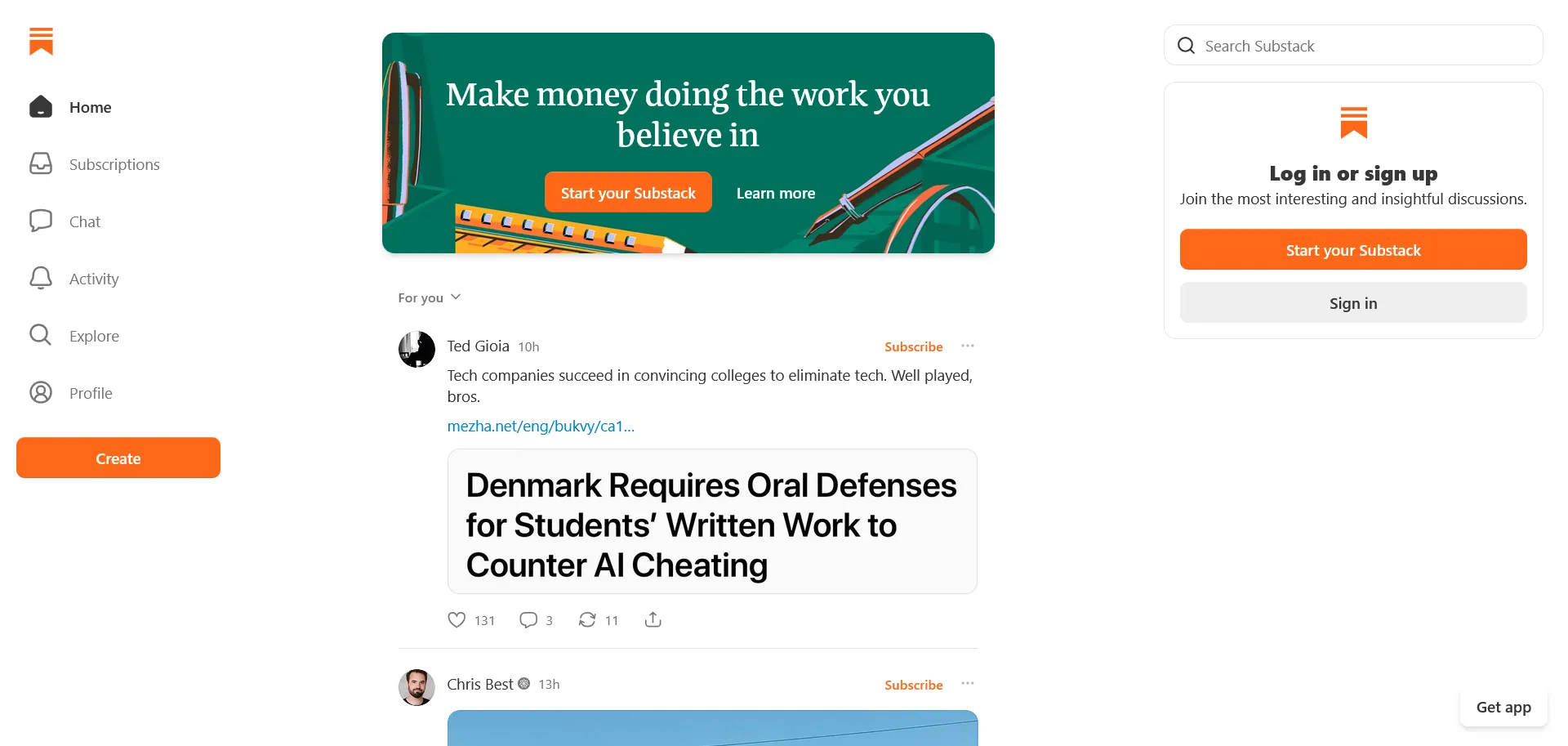
Best for: Writers who want a blog, email newsletter, and paid subscriptions in one account.
Substack combines a public publication, email delivery, subscriptions, and payments. Writers can publish free posts, email subscribers, place selected work behind a paywall, and add audio or video.
Publishing free content has no monthly platform charge. When a writer enables paid subscriptions, Substack takes 10% of the subscription revenue, and payment-processing fees also apply. That model is easy to start but can become expensive as paid revenue grows.
Substack is strongest for email-first writers who do not want to assemble several services. It exports posts, subscriber lists, and related data, but gives you less design control than WordPress.org or Ghost.
These focused tools place it among the best blogging platforms for independent newsletter writers, though the percentage fee deserves attention before paid revenue grows.
For email-first work, Substack can be the best blogging platform when simple subscriber management matters more than full site design.
Main limitation: The revenue share and controlled design become more noticeable as a publication grows.
6. Hostinger Website Builder

Best for: Beginners who want hosting, a visual builder, blogging tools, and AI-assisted setup together.
Hostinger Website Builder includes a drag-and-drop editor, responsive templates, hosting, and a blog manager with categories and scheduling.
Its AI tools can generate a starting site, edit text, create images, and draft posts. SEO controls include titles, descriptions, alt text, headings, link attributes, and sitemaps. Generated material still needs editorial review.
Publishing requires a paid plan after the trial. It works well for someone who wants one provider and does not need WordPress.org’s plugin market or server access.
For that reader, Hostinger can be the best blogging platform when fast setup matters more than a large extension market.
Main limitation: Less extensible and portable than an open publishing system.
7. Blogger
Best for: A free, uncomplicated personal blog managed through a Google account.
Blogger is Google’s free publishing service. You sign in with a Google account, choose a Blogspot address or connect a registered custom domain, select a theme, and start publishing.
Its simple dashboard includes statistics, Google Analytics support, search settings, comments, feeds, advertising options, and an XML backup for posts and comments.
Blogger remains one of the best blogging platforms for a no-cost personal project, class blog, or small archive. Its age and simplicity are also its main drawbacks: the theme selection, extension options, editorial features, and growth paths are more limited than on WordPress.
For a small no-cost archive, Blogger can be the best blogging platform if its basic tools cover the full project.
Main limitation: Basic customization and fewer tools for a growing professional publication.
8. Squarespace

Best for: Design-conscious bloggers who want an all-in-one website and polished templates.
Squarespace is a hosted website builder used for blogs, portfolios, service sites, and online stores. Its templates and section editor make it a practical choice when visual presentation matters and you do not want to maintain web software.
The platform includes blog authors, comments, scheduling, excerpts, RSS feeds, and email subscriptions. It also handles sitemaps, static URLs, mobile layouts, structured data, and standard metadata.
Squarespace is less open than WordPress.org and lacks the same type of plugin library. In return, it handles much of the technical work.
It remains one of the best blogging platforms for a polished portfolio or service site where the blog is one part of a consistent visual design.
Squarespace can be the best blogging platform when a coordinated visual site matters more than server access or a large plugin library.
Main limitation: Less back-end control and fewer expansion choices than self-hosted WordPress.
9. Ghost
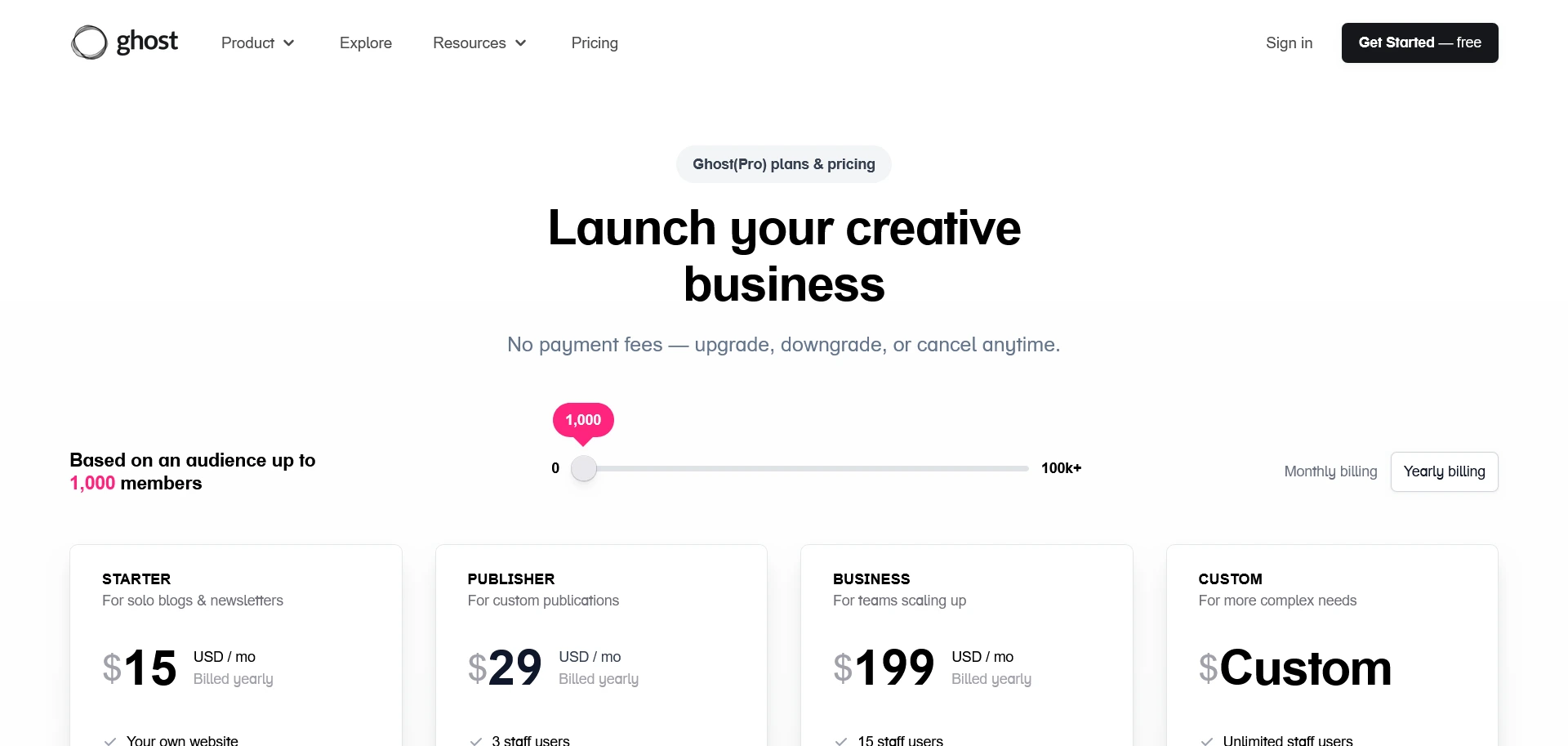
Best for: Independent publishers building newsletters, memberships, or paid publications.
Ghost is open-source publishing software aimed at writers, journalists, and independent publishers. You can self-host it or pay for the managed Ghost(Pro) service.
Ghost combines a focused editor with scheduling, newsletters, member accounts, audience segments, and paid tiers. It connects to the publisher’s Stripe account and charges no Ghost transaction fee, although Stripe fees apply.
Ghost offers more ownership and design control than Medium or Substack, but self-hosting requires more setup. Its extension market is smaller than WordPress’s. For writing, email, and memberships, it can be the best blogging platform outside the WordPress family.
It is one of the best blog platforms for a reader-funded publication that wants its website and newsletters in the same system.
Main limitation: A smaller extension market and more setup than newsletter-first services.
10. Weebly
Best for: Beginners adding a basic blog to a small website or store.
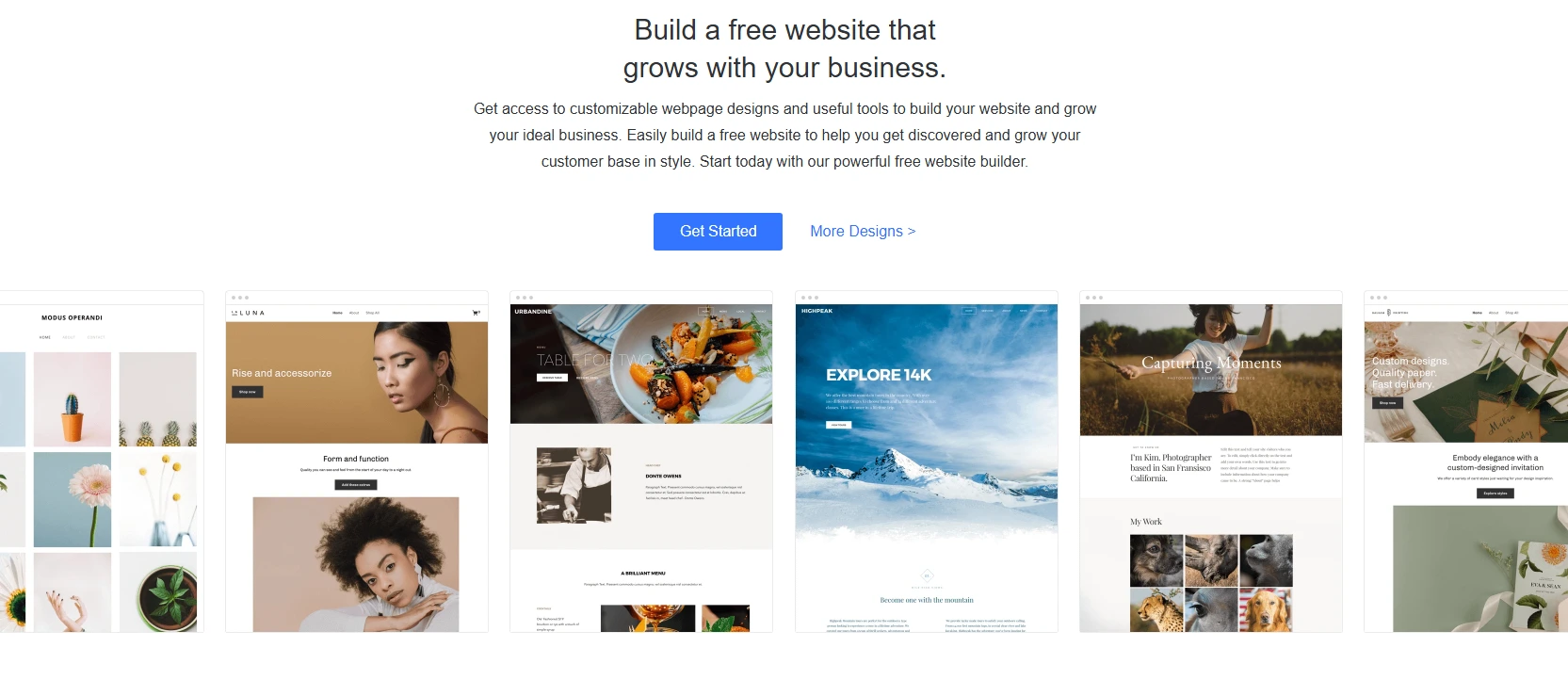
Weebly is a hosted builder with drag-and-drop editing, responsive themes, blogging, custom-domain support, and an app center.
Square’s ownership has put more emphasis on commerce, but Weebly’s official site continues to present blogs as a supported use case. That makes it reasonable for a small site or store whose blog is not the main product.
Its publishing, design, and extension choices do not match WordPress.org, and it is less suited to subscriptions than Ghost or Substack. Review the editor before moving an established archive.
Among the best platforms to start a blog with a visual builder, Weebly is the most suitable for modest sites that do not need a complex editorial workflow.
Main limitation: Limited long-term growth for a content-heavy publication.
Best LiveJournal alternatives
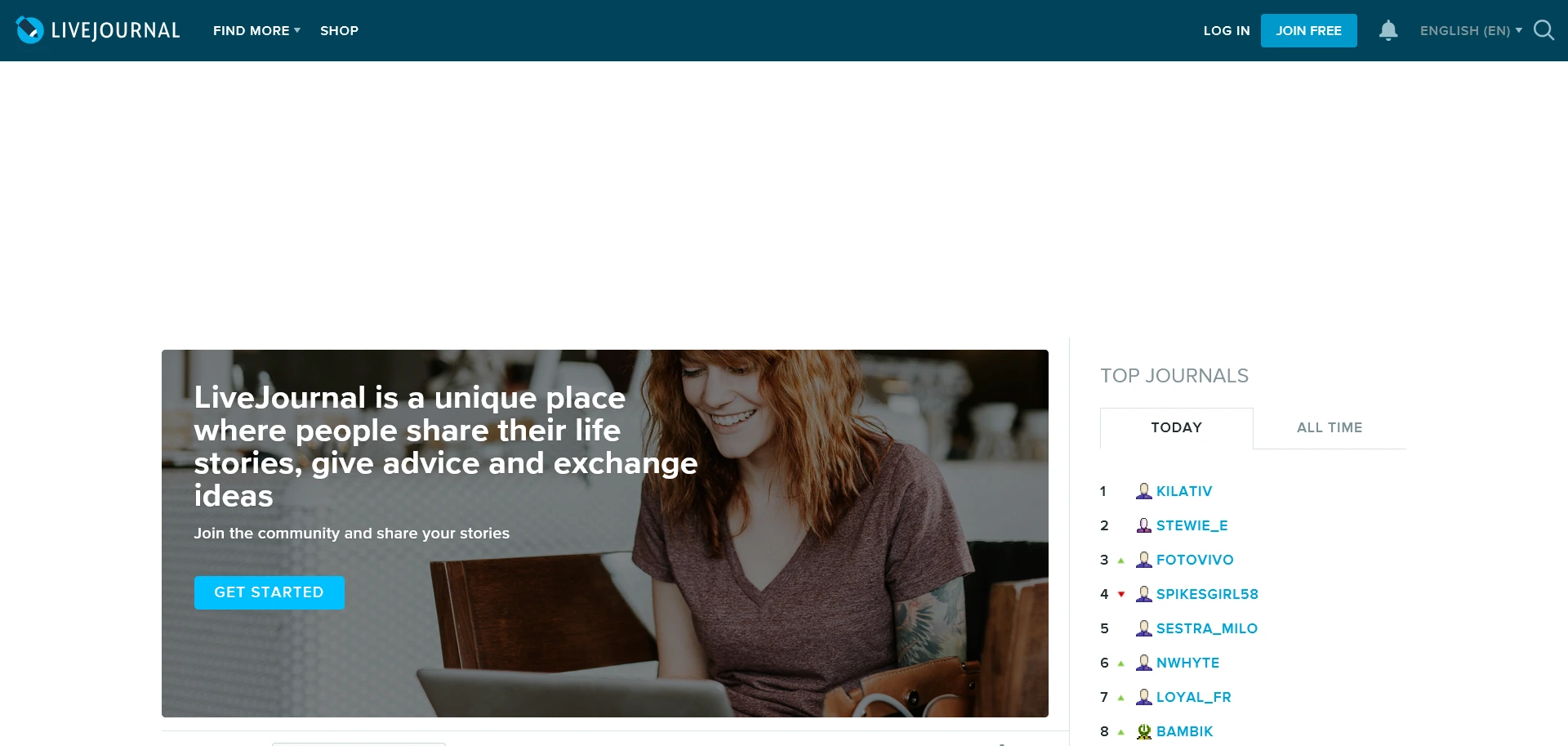
LiveJournal combines personal journals with profiles, friends, comments, and communities. It still suits people who want journal-style writing and discussion, but it is no longer one of the main ten recommendations in this blogging platform comparison. These three options cover the closest current use cases.
Most readers comparing the best blogging platforms need a public site or publication. People who specifically want a community journal may prefer one of the following services.
Dreamwidth
Dreamwidth retains the journal, reading-page, commenting, and community structure familiar to LiveJournal users. Basic functions such as posting entries, joining communities, and commenting are available to free accounts, while paid accounts add higher limits and extra tools. It is the closest match for people who value the older community-journal format.
Prosebox
Prosebox is a simple online journal and diary community. Writers can separate their work into multiple journals, choose how much personal information to share, and read recent public entries from other members. It fits personal and reflective writing better than a business content site.
Tumblr
Tumblr blends blogging and social networking. Its post formats suit short text, images, GIFs, audio, video, and mixed-media work. Reblogs and follows help content circulate inside the network.
Tumblr can handle longer posts, but its strongest use is still visual, community-led publishing. It supports blog exports, which is important if you want a backup of posts and uploaded media. It offers less control over a full site than WordPress.org, but more blog identity than a typical microblogging profile.
For visual community publishing, Tumblr remains one of the best platforms to start a blog without building a separate website first.
Best microblogging platforms
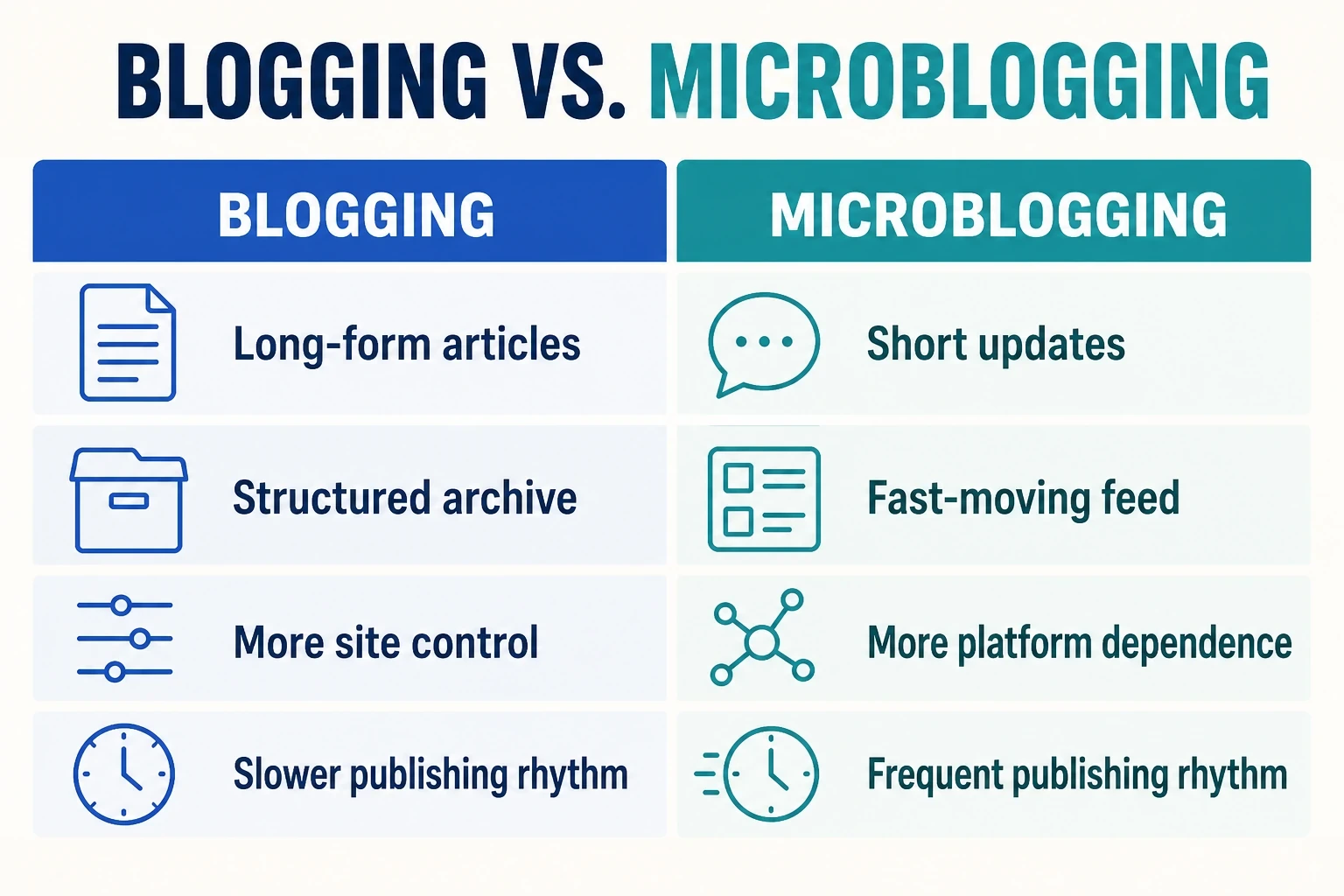
Microblogging services are useful for short updates, conversations, and distribution. They do not replace a full blog when you need a structured archive, search-focused articles, email ownership, or complete control over presentation.
A fair blogging platform comparison should separate these short-form networks from tools designed to manage a full site and permanent content library.
X (formerly Twitter)
X supports real-time short posts, threads, media, and public discussion. It can help writers share article ideas, react to news, and send readers to a main blog. Reach can change with the feed and platform rules, so treat it as a distribution channel rather than the only home for your work.
Threads
Threads is Meta’s text-focused social network and connects closely with Instagram accounts. It works for short observations, conversations, and sharing links or media with an existing social audience. As with X, you have limited control over discovery and presentation.
Bluesky
Bluesky is a social app built on the open AT Protocol. It supports short posts, replies, media, custom feeds, and public conversations. Its open-network approach gives users and developers more choice than a fully closed social platform, but it is still a microblogging channel rather than a complete replacement for a website.
Blogger vs. WordPress
Blogger and WordPress can both publish a personal blog, but they are built for different levels of control. Here, WordPress means the self-hosted WordPress.org software.
| Factor | Blogger | WordPress.org |
|---|---|---|
| Ease of use | Faster initial setup through a Google account | More setup because you choose hosting and maintain the installation |
| Customization | Themes, layout settings, and some code editing | Large theme and plugin market plus code and database access |
| Ownership and control | Hosted on Google’s service | Hosted with the provider you choose and easier to move between hosts |
| Monetization | Basic advertising and external monetization options | Broad support for ads, affiliates, products, stores, services, and memberships |
Blogger is the best blogging platform of the two for a free, low-maintenance personal site. WordPress.org is the better long-term choice when the blog is part of a business, needs advanced features, or may grow into a larger publication.
Which blogging platform should you choose?
Choose WordPress.org when ownership, customization, and long-term growth matter most. Pick WordPress.com, Wix, Hostinger Website Builder, Squarespace, or Weebly when you prefer a managed service. Medium suits writers who want a ready-made reading network. Substack is a direct route to an email-first publication, while Ghost gives independent publishers more control over newsletters and memberships. Blogger remains useful for a simple free blog.
These best blogging platforms cover most common publishing needs without forcing every writer into the same service. The right shortlist follows from the type of content, the desired audience relationship, and the level of technical responsibility you can accept.
For short social updates, use X, Threads, or Bluesky alongside a main site rather than as its only archive. Shortlist two platforms, test their editors, and confirm the export process before you commit your archive or domain.
Frequently asked questions
1. What is the best blogging platform for beginners?
WordPress.com and Wix are approachable choices for beginners who want a complete website because hosting and maintenance are handled for them. Medium is simpler when you only want to publish articles, while Substack suits an email-first publication. Choose based on whether you need a website, an existing audience, or a newsletter.
2. Can you start a blog for free?
Yes. Blogger, Medium, Substack, WordPress.com, and Wix let you begin without paying, although their free options differ in domains, branding, design control, and monetization. A free account is useful for testing the editor. Check the current upgrade and export rules before building a large archive.
3. Is WordPress.org or WordPress.com better for blogging?
WordPress.org is better when you want maximum ownership, plugin access, monetization freedom, and the ability to change hosting providers. WordPress.com handles hosting and routine maintenance, so it is easier to start. The tradeoff is that customization and advanced features depend more heavily on your WordPress.com plan. This distinction is confirmed in the official WordPress comparison.
4. What is the best LiveJournal alternative?
Dreamwidth is the closest LiveJournal alternative for journal-style posts, comments, reading lists, and communities. Prosebox is a better fit for personal or anonymous diary writing. Tumblr works better for images, short posts, sharing, and social discovery. The right choice depends on which part of LiveJournal you want to replace.
5. Which blogging platform is best for making money?
WordPress.org supports the broadest range of monetization methods, including advertising, affiliate links, memberships, stores, products, and services. Ghost and Substack are more focused on paid newsletters and subscriptions, while Medium has its own partner program. No platform guarantees income. Your audience and business model matter more.
6. Can you move a blog to another platform later?
Many platforms let you export posts, but moving a complete blog is rarely a one-click process. Designs, URLs, comments, images, subscribers, and payment relationships may not transfer together. Before committing, check what the platform exports and whether the destination can import it. Keep independent backups from the beginning. For example, Blogger and Tumblr document their export options