



Elementor FES Builder
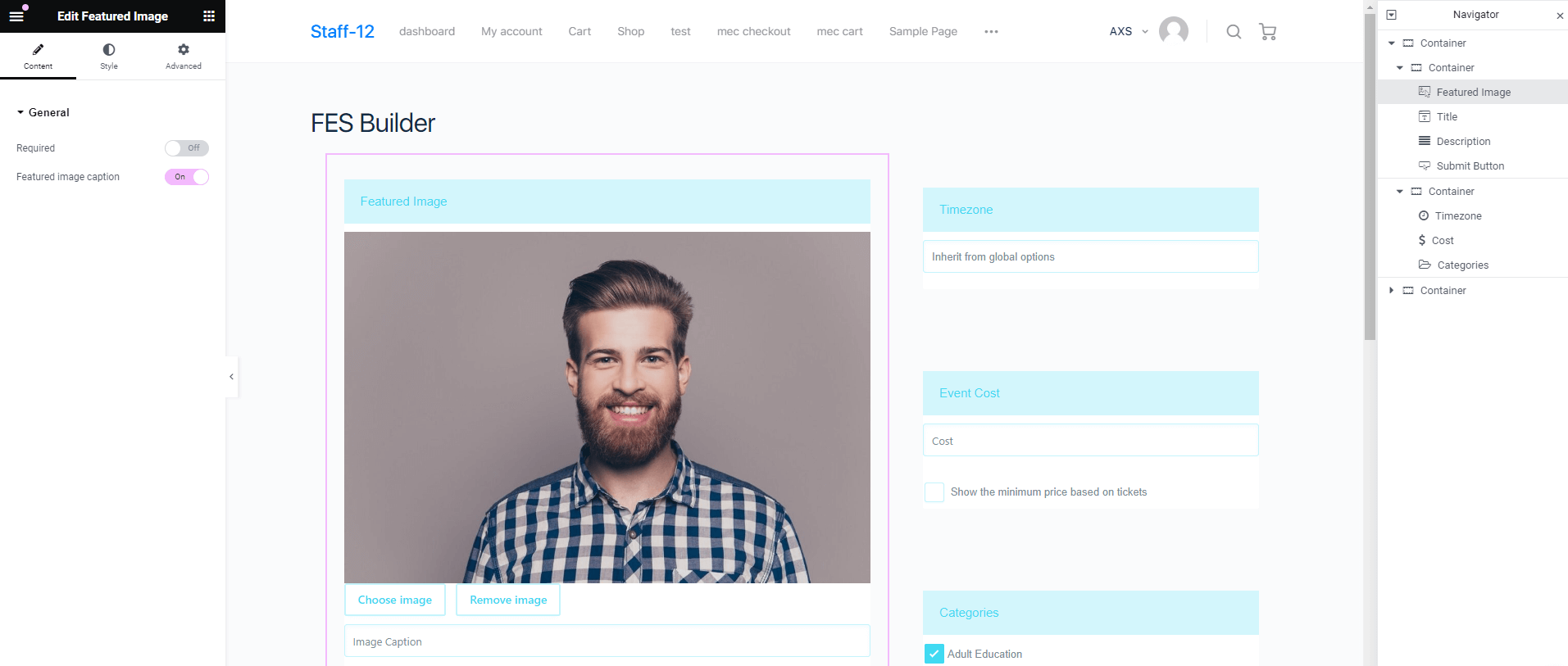
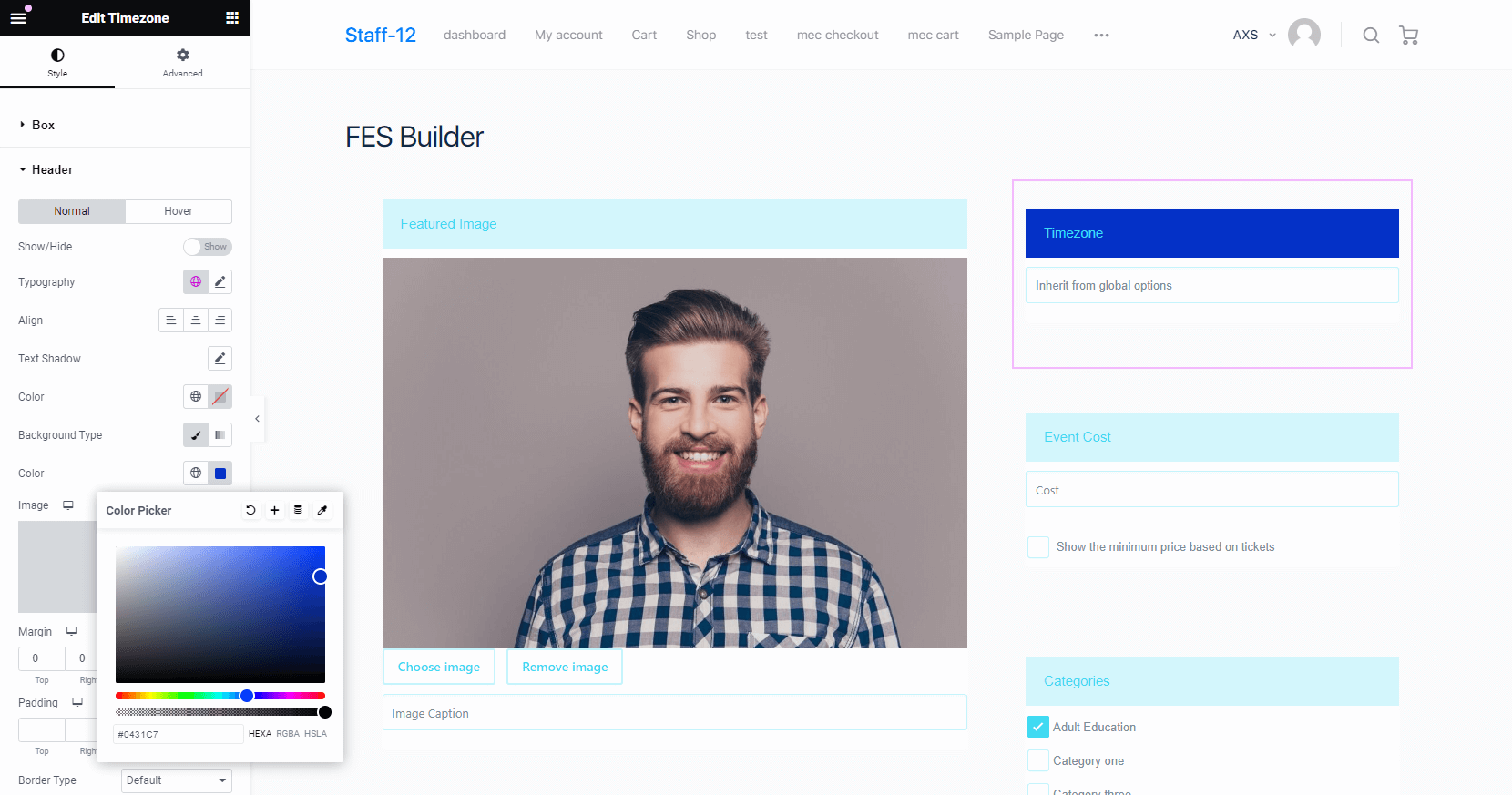
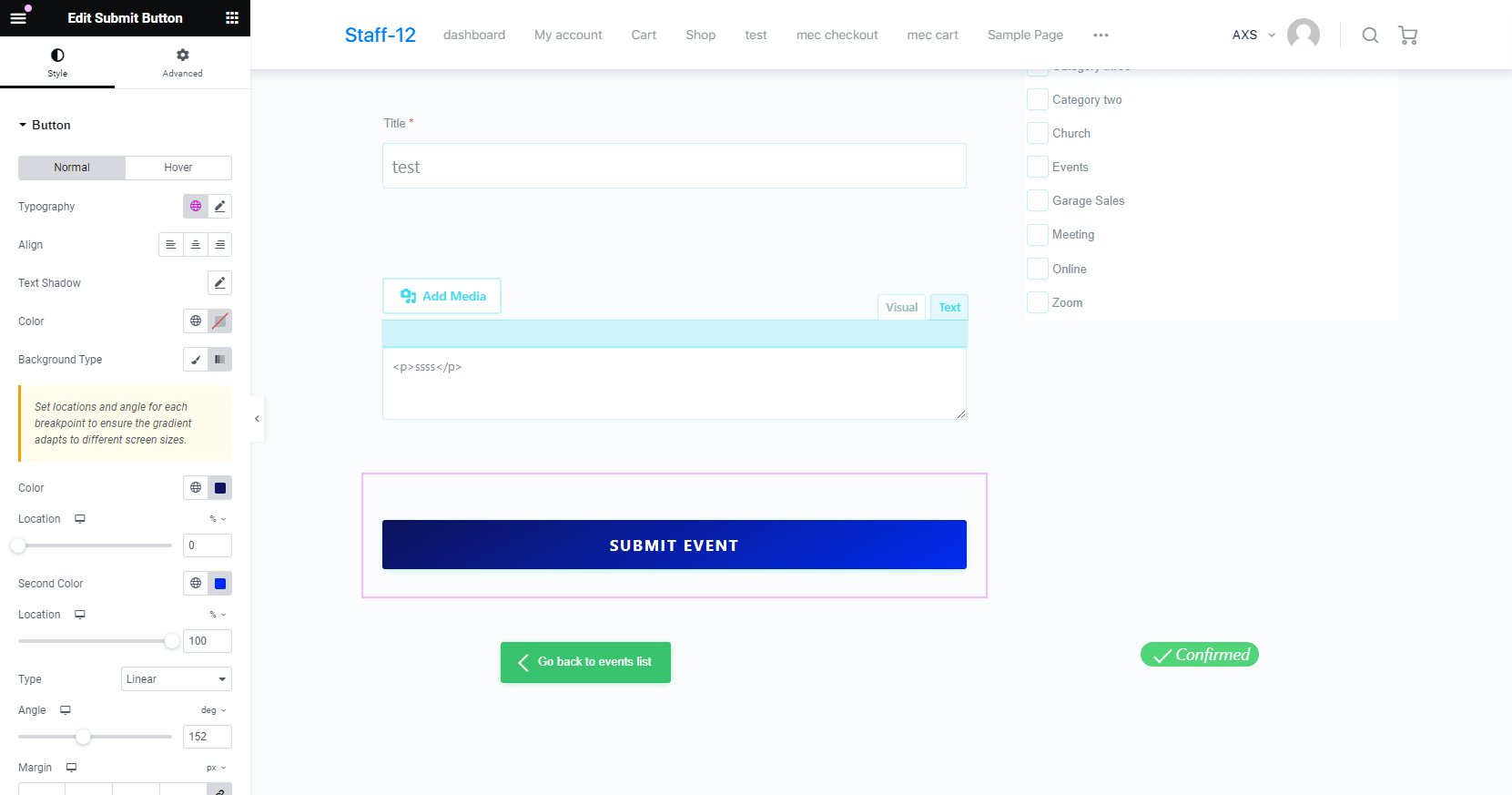
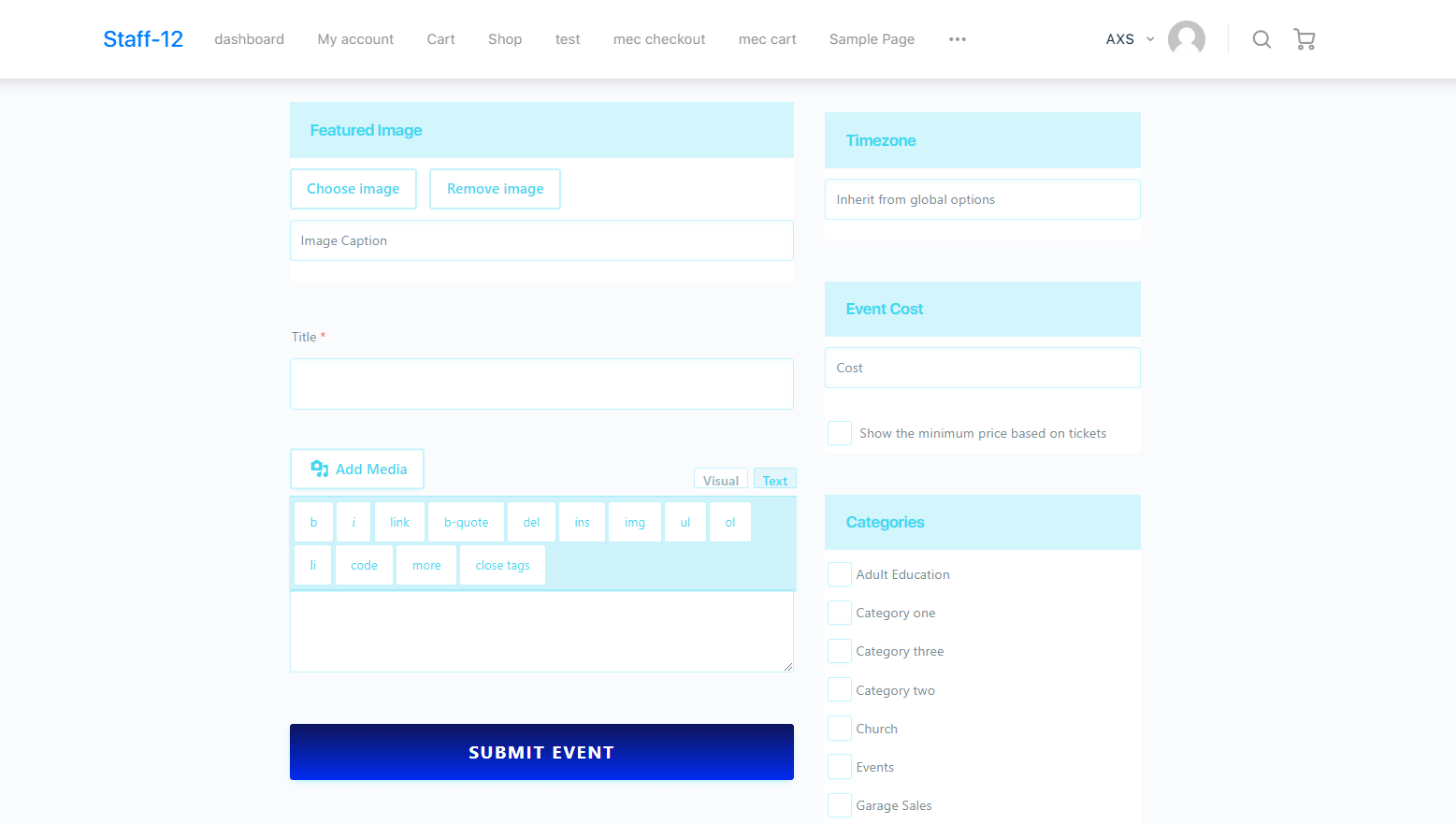
With this add-on you can create unique FES forms for your website with custom styles using Elementor. Other options include setting the typography of the form, padding, borders, margin customization, and most importantly using colors consistent with your website. Now you can finally lay out FES forms just the way you want.
Is Elementor FES Builder right for you?
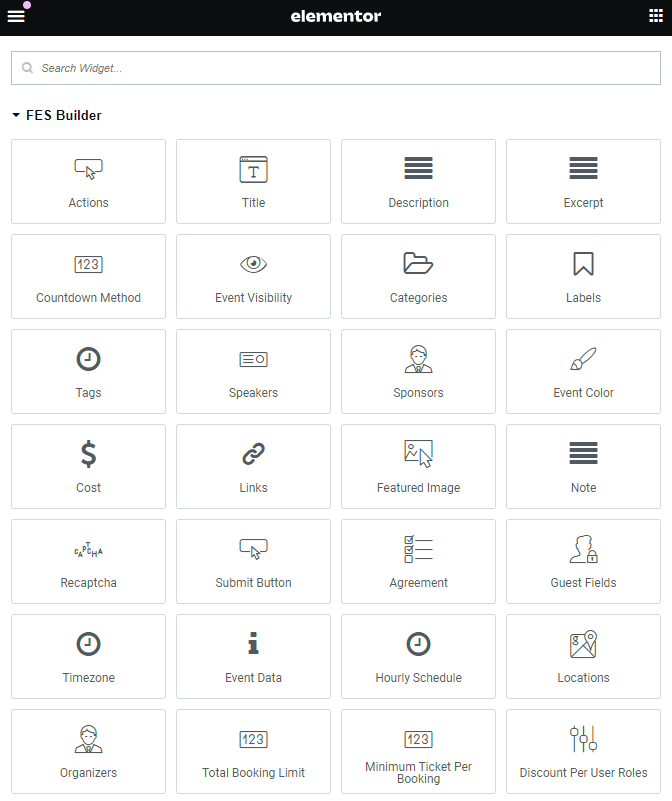
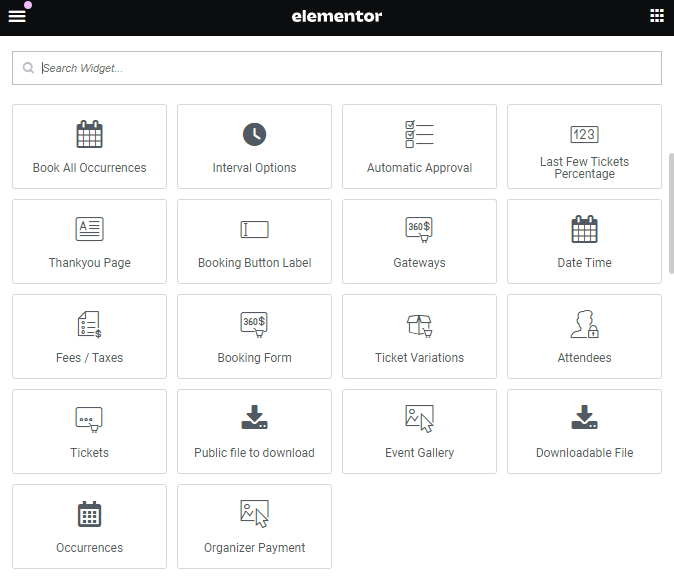
Elementor FES Builder lets you design frontend event submission forms visually in Elementor, with more than 40 widgets for event details. It suits sites that accept events from users and want the form to match their design.
Requirements
- MEC Lite or Pro, version 6.0 or higher
- Elementor 3.0 or higher
- PHP 7.4 or higher and WordPress 5.0 or higher
What to know
- You can create multiple form templates and mark individual fields as required.
- It works only with Elementor, not other page builders.
- It has no conditional logic for showing or hiding fields.
- A field appears only if its widget is in the template, and the template needs the Submit Button widget.
Setup
Enable Events FES Builder in Elementor > Settings > General, create a template in M.E. Calendar > FES Builder, then select it in MEC > Settings > Frontend Event Submission. For the full walkthrough, see the Elementor FES Builder documentation.
Key Features
Making fields required
With this addon you can decide whether a field is going to be required to fill or not.
Customization
Change the style of the form and unify it with the style of your website.
Unlimited forms
Create as many forms as you like for your tickets.
Field layout
Layout the fields in a form just like you want.
View the form in any style
Enables you to create your form as full-width or multi-column and there are no restrictions.
Elementor Editor
Use Elementor Page Builder to create the forms you want in the way you want.
Screenshots
Changelog
- Added: Required option for the Date & Time widget with required field indicator support.
- Fixed: Featured Image upload was not working unless the Description widget was present in the form.
- Fixed: Addressed security issues identified in the security audit report.
- Fixed: Add New Speakers form not appearing in FES Builder templates.
- Fixed: Some minor issues.
- Fixed: Missing icons in editor.
- Fixed: BuddyBoss Groups module not displaying content in Elementor FES builder
- Improved: Added ability to edit text for each Agreement module individually in FES builder
- Fixed: Minor issues
- Added: Group widget
- Fixed: Typography controls
- Improved: Loading styles and scripts
- Improved: Editor
- Fixed: Input selector
- Added: Event gallery widget
- Added: Organizer payment widget
- Fixed: Some minor issues
- Fixed: Time format
- Fixed: Template manager
- Fixed: Some minor issues
- Fixed: Activation
- Initial Release.
Get Elementor FES Builder
1 Site license for $39. Premium Features, 1 Year Auto Updates, 1 Year Premium Support.
