



Elementor Shortcode Designer
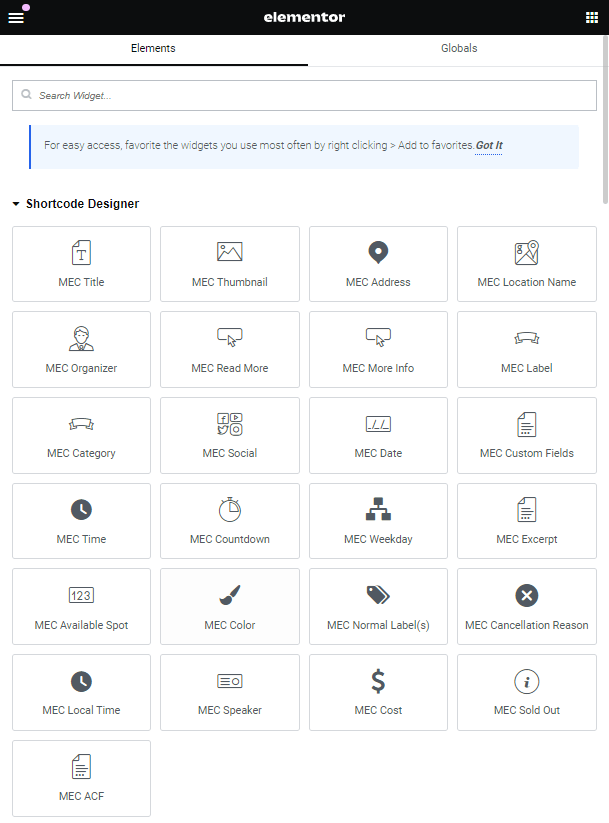
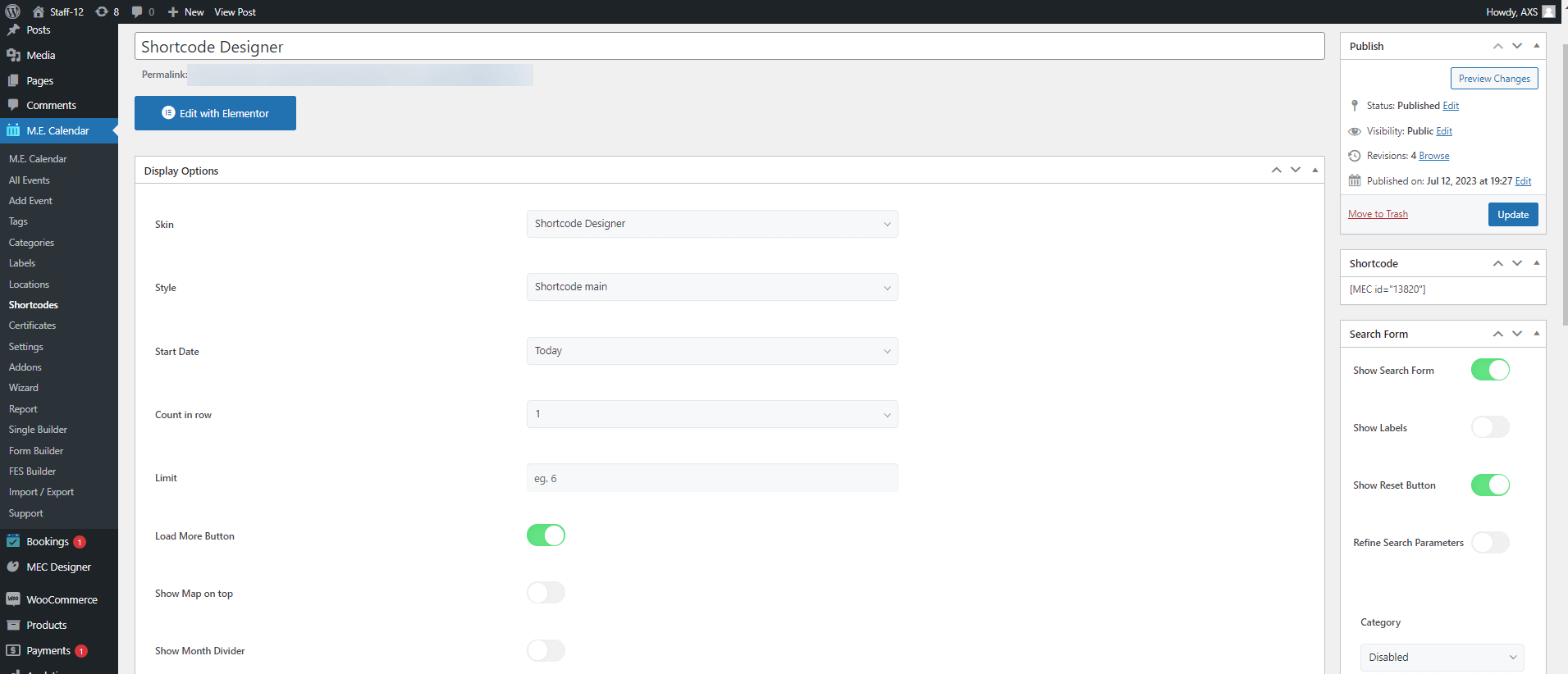
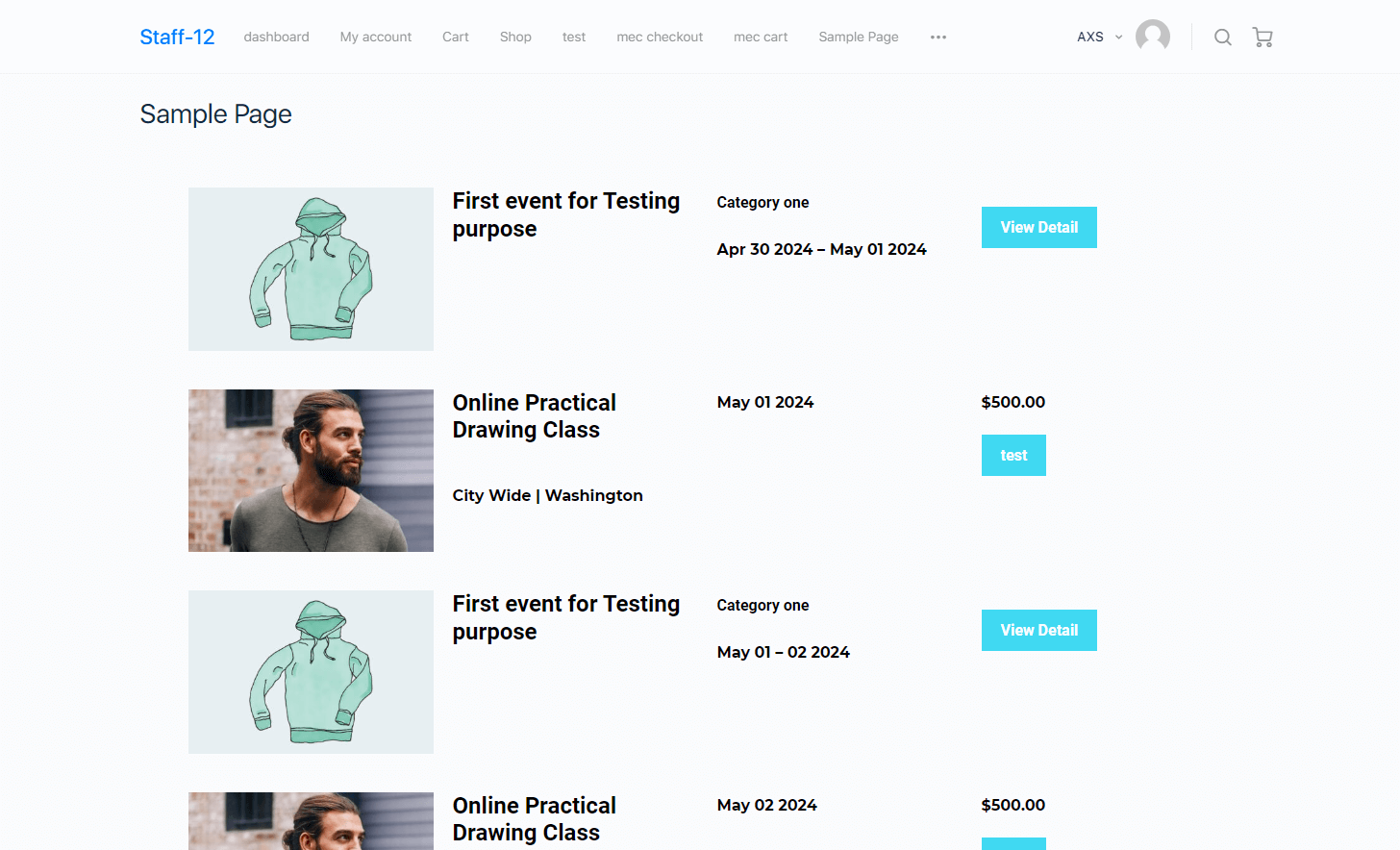
This addon allows you to create shortcodes with your desired layout. You can rearrange the widgets using Elementor to achieve the desired view and place it on a page. It is possible to control the number of events displayed or even turning on/off tiny little things like the map view at the top of the shortcode. It also includes both Simple and Modal display methods and a lot more.
Is Elementor Shortcode Designer right for you?
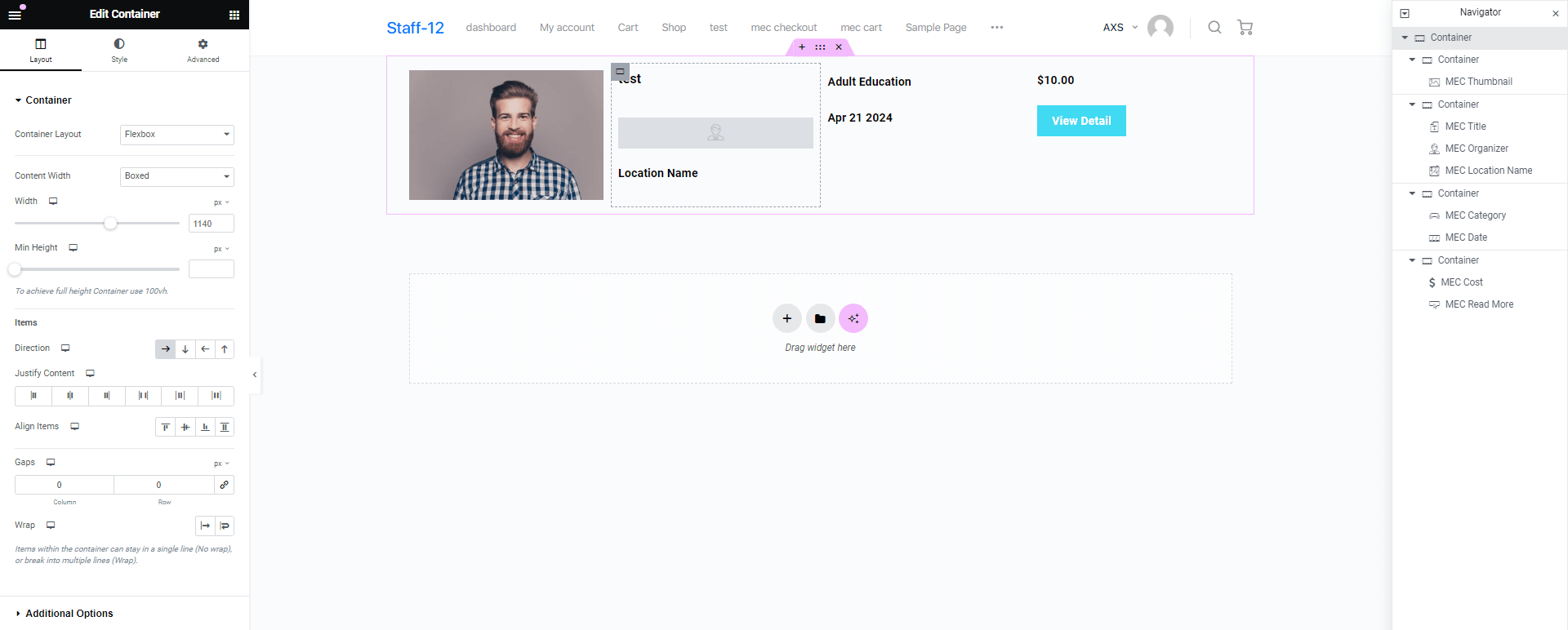
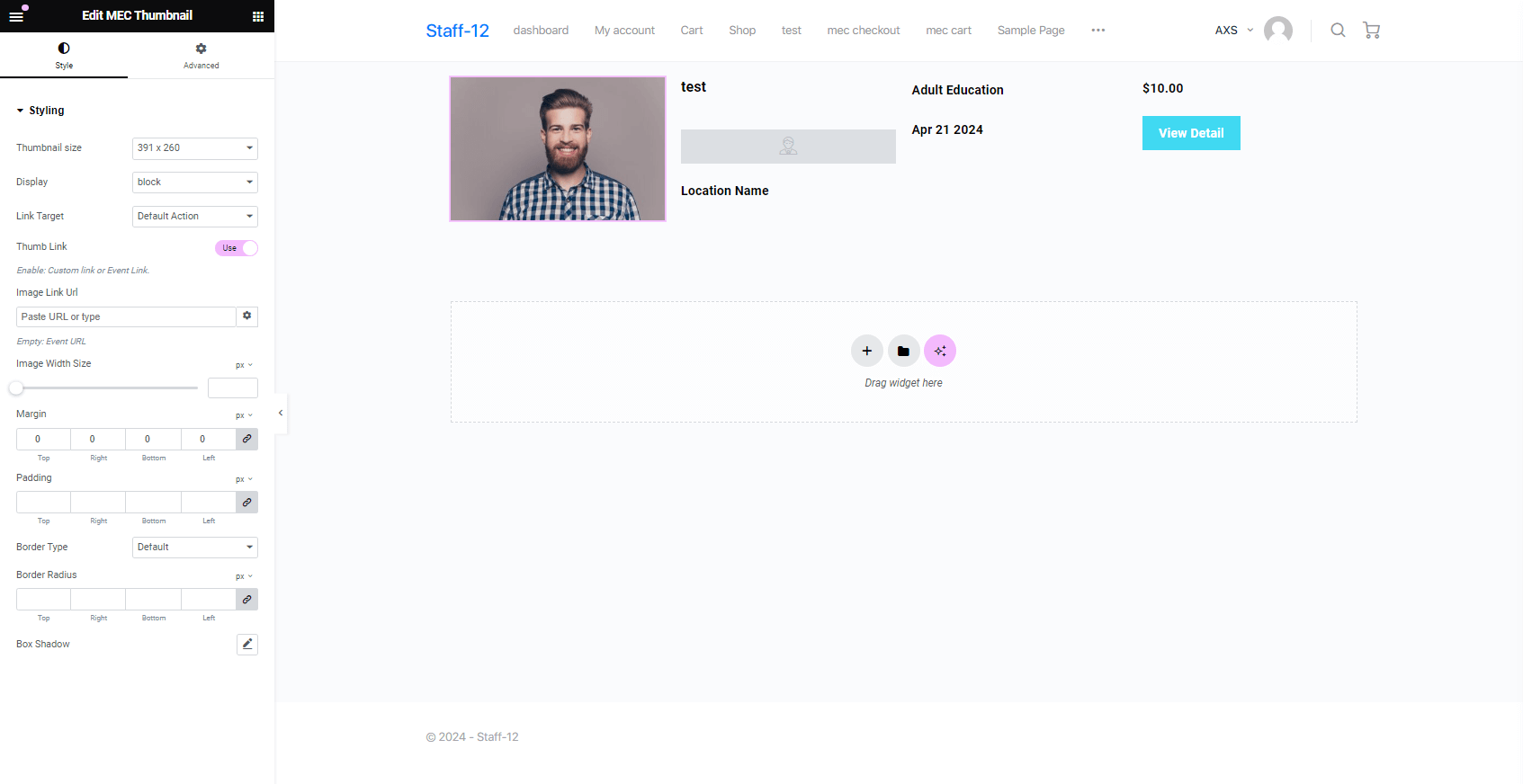
Elementor Shortcode Designer lets you build custom event list designs with Elementor’s drag and drop editor and style each element inside an event item. It suits sites that need a list design the default skins don’t offer.
Requirements
- MEC Lite or Pro, version 6.0 or higher
- Elementor 3.0 or higher
- PHP 7.4 or higher and WordPress 5.0 or higher
- The
allow_url_fopenserver setting enabled
What to know
- You can create unlimited designs, add a search form, and show a map above the list.
- It is designed for Elementor only.
- It doesn’t offer a live preview while placing shortcodes. The Elementor Shortcode Builder add-on covers that.
- If the default MEC skins already meet your needs, it adds complexity you may not need.
Pricing
$39 for 1 site, $99 for 5 sites, or $179 for 10 sites. Each license includes 1 year of updates and premium support.
Setup
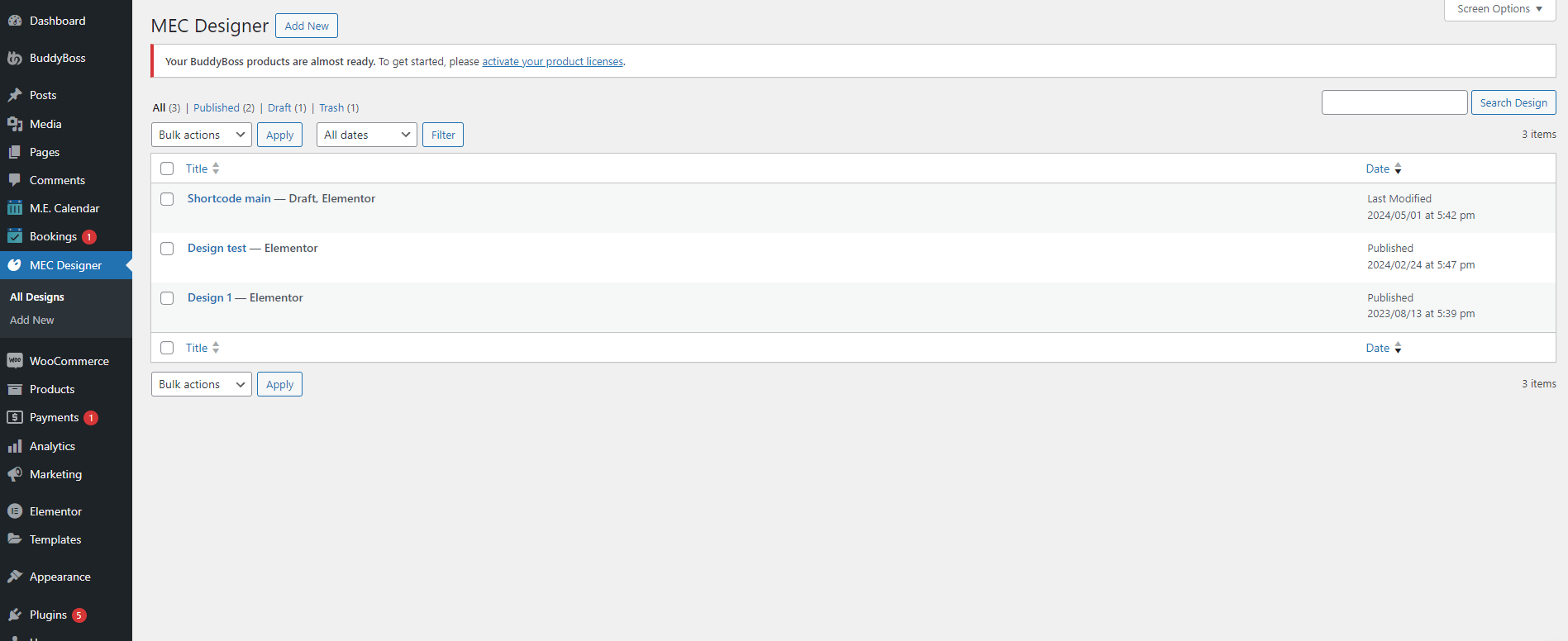
Enable MEC Designer in Elementor > Settings > General, create a design in MEC Designer > Add New, then choose the Shortcode Designer skin in M.E. Calendar > Shortcodes. For the full walkthrough, see the Elementor Shortcode Designer documentation.
Key Features
Exclusive Shortcode
Creating custom shortcodes with exclusive designs
Placement of the Elements
Change the position of every element in your shortcode
Advanced Settings
All essential shortcode settings available in one page for you
Map Above the Shortcode
Access to a map above the shortcode so the end-user can find your events easier
Display Module
Display events in a popup view within the shortcode’s page
Filter Options
Configuring the filter in order to limit the events being displayed
Accessibility and Configuration
Easy access and fully configurable just like other shortcodes
Search Bar
Advanced search functionality similar to other shortcodes including all the search fields in MEC
Screenshots
Changelog
Subscribe to our newsletter for the latest news & promotions.
