



Virtual Events
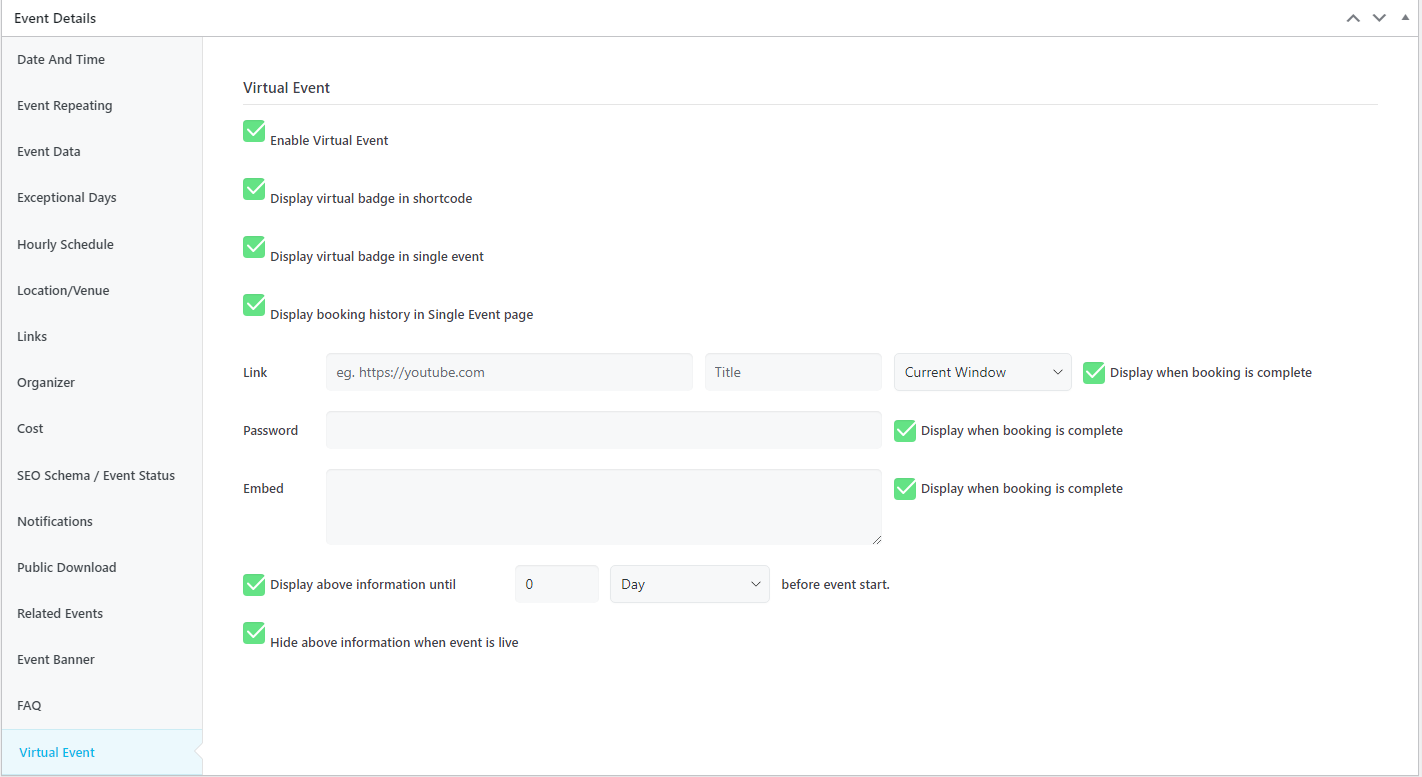
With this addon you can easily display details of your virtual events to the user. You can use an embed code of your event plus username and password. You can also set it up so that these info are only displayed after users book a ticket or to display them to everyone. You can also sent these info via email after booking.
Is Virtual Events right for you?
Virtual Events lets you embed live streams on event pages and share links and passwords with attendees. It suits organizers who run online or hybrid events on their own site.
Requirements
- MEC Lite or Pro
- The Virtual Events add-on, installed and activated
- WordPress 5.0 or higher
What to know
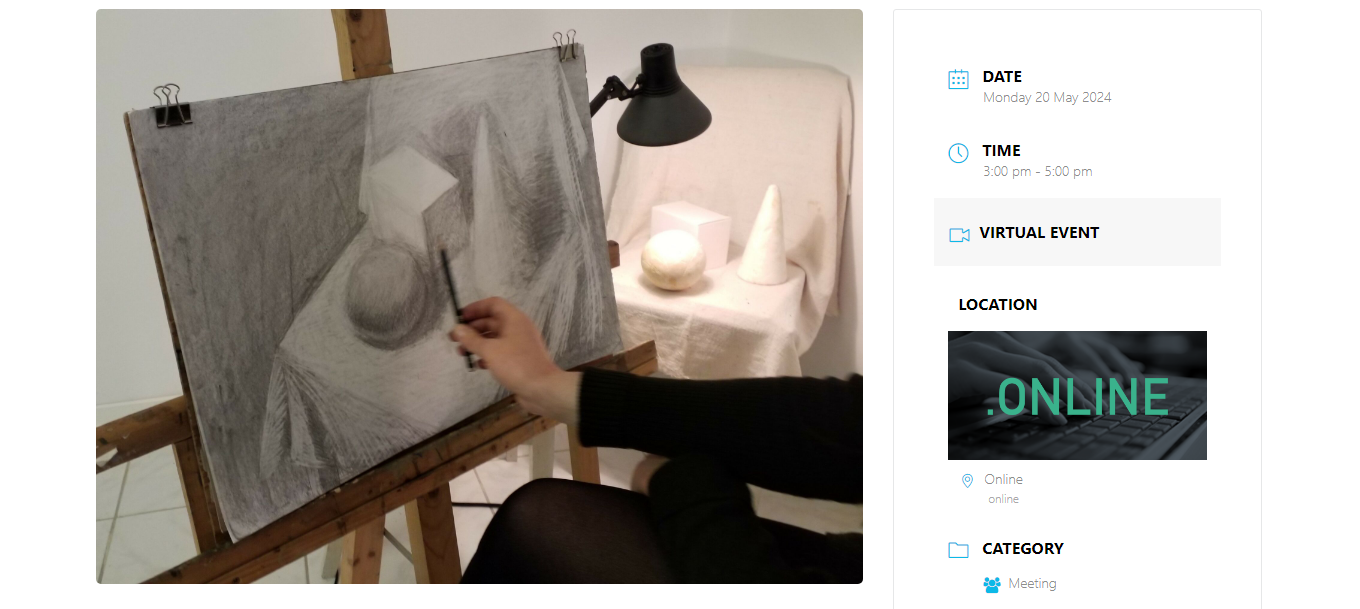
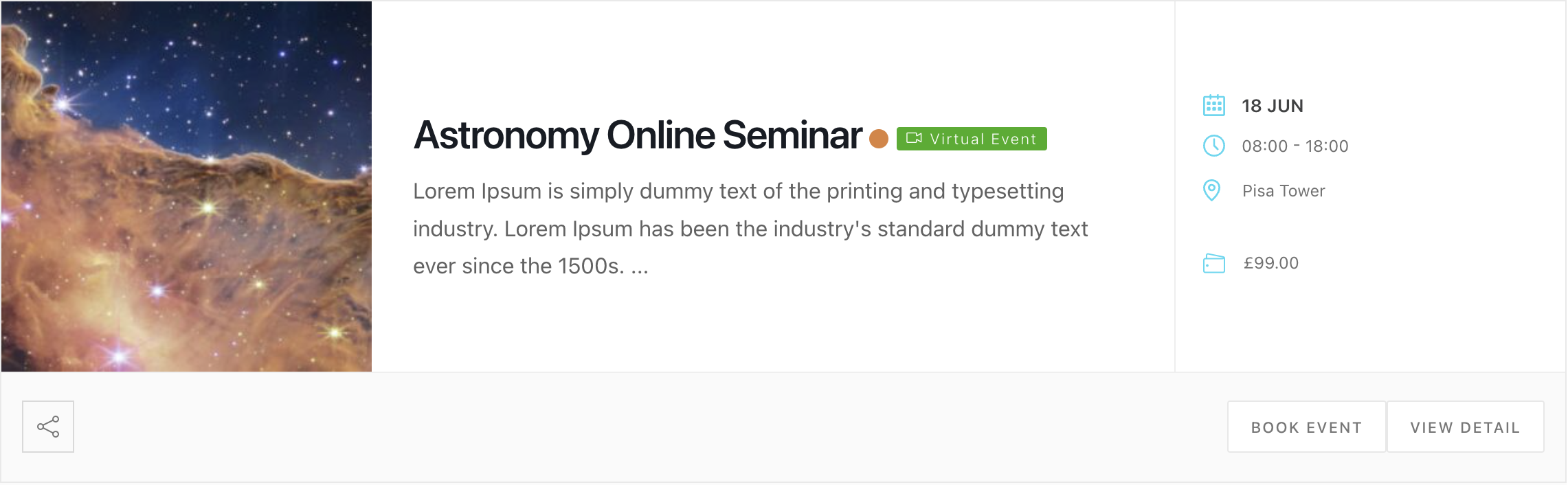
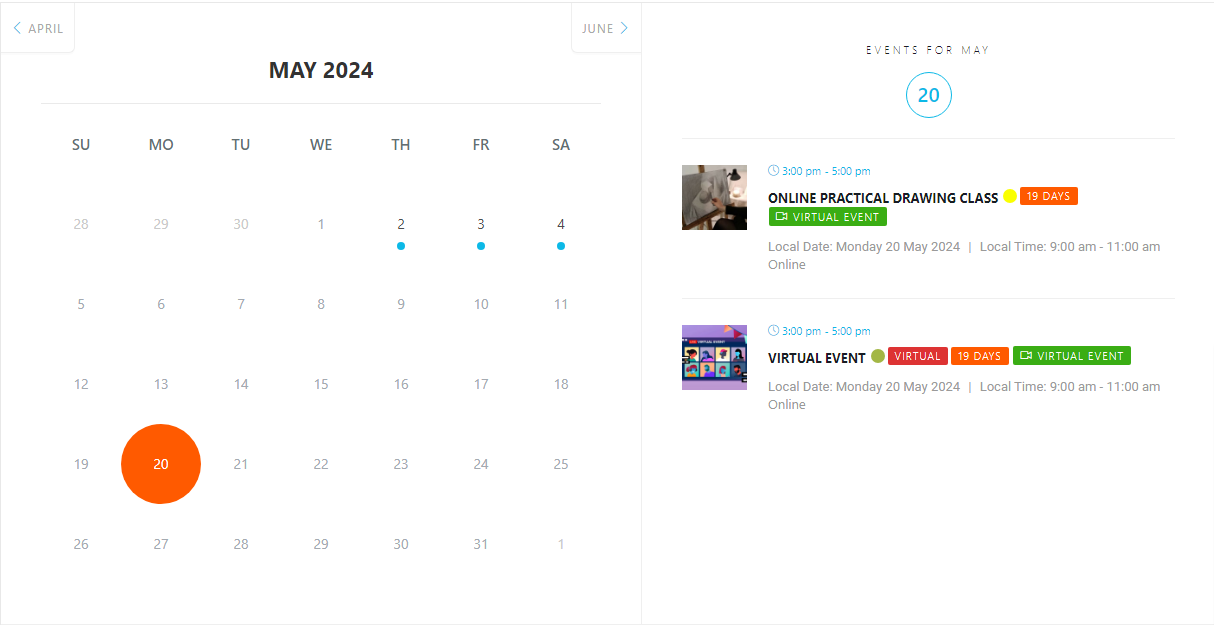
- It adds a virtual event badge to shortcodes and the single event sidebar.
- Link and password details can go to attendees by email through MEC placeholders.
- Custom details for each occurrence require MEC Pro.
- All attendees share the same password by default. Unique passwords per user aren’t supported.
Pricing
$39 for 1 site, $99 for 5 sites, or $179 for 10 sites. Each license includes 1 year of updates and premium support.
Setup
Open an event in MEC > All Events and use the Virtual Event menu in Event Details. Email placeholders are in the MEC notification settings. For the full walkthrough, see the Virtual Events documentation.
Key Features
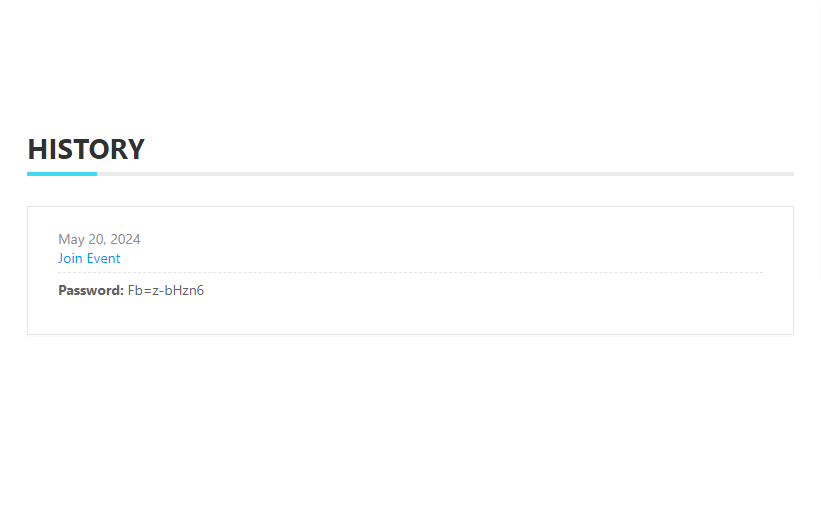
View password
Provide the password specific for your events to the attendees in the event
Private link
Provide a private link for your events to the attendees in the event
View embedded
View an embedded code so users can use that to join the event
Display Badge
Virtual event badge display for single events and shortcodes
Limit view
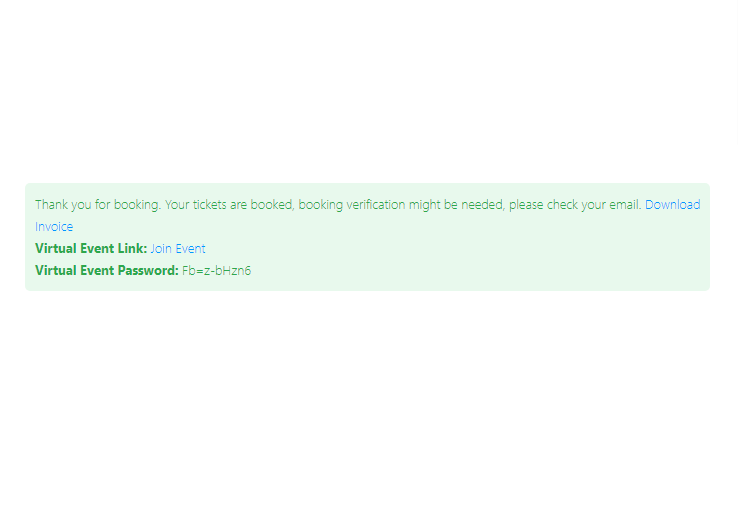
Limit viewing the link and password for the events so that only users that have booked can view those
Email placeholders
Using specific placeholders you can embed the virtual event’s info in the emails that are sent to the users
View in Single Event
Enable the specific badge in the sidebar of virtual events
View in shortcodes
Enable virtual event badge in all the shortcodes you have in user website
Screenshots
Changelog
Subscribe to our newsletter for the latest news & promotions.
