



Event API
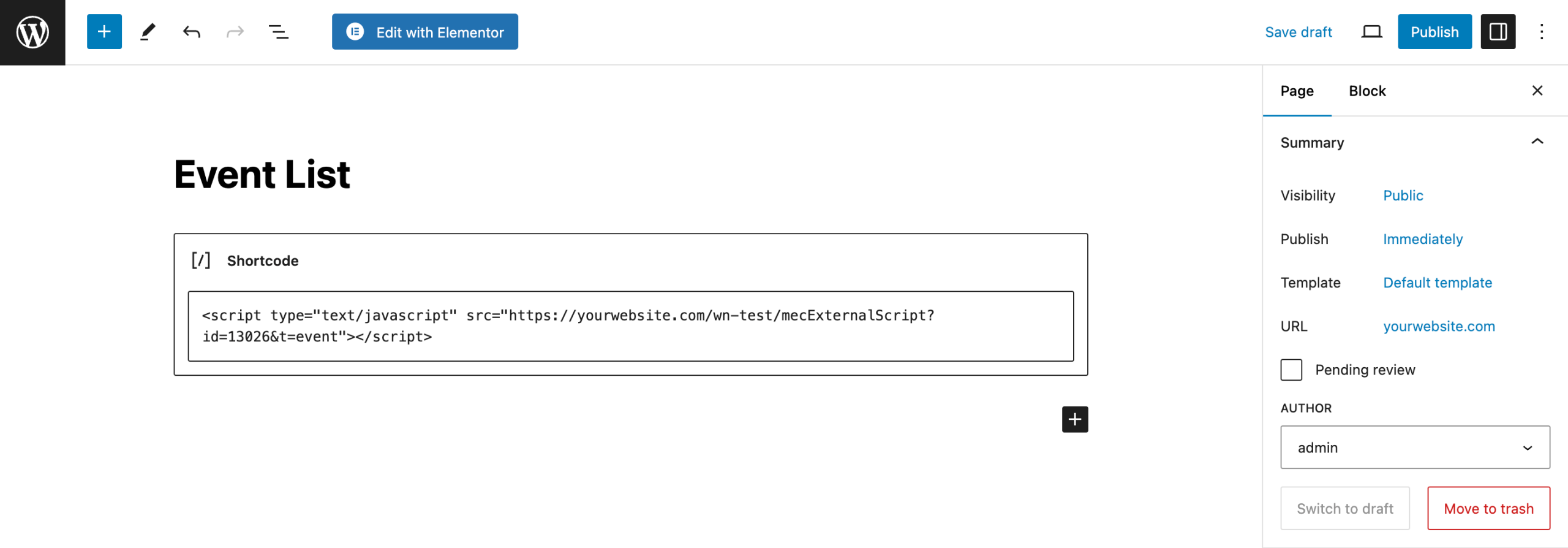
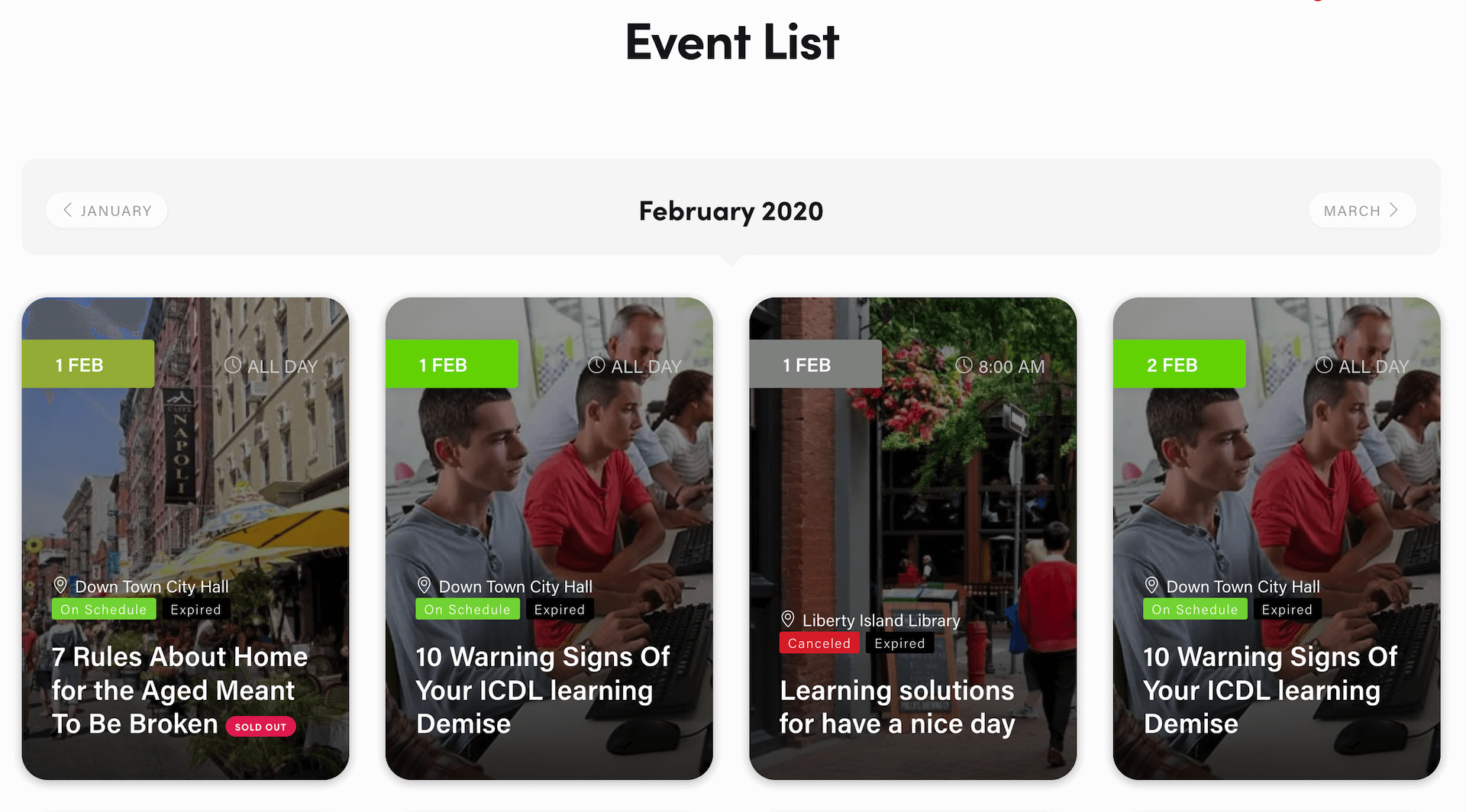
With this add-on, you can easily copy events from one website into another, export your scripts, or download JSON file. View events from your WordPress website and any web application on any platform. Single Events, shortcodes, activation immediately after installation, and domain management are other features of the add-on.
Is Event API right for you?
Event API displays your Modern Events Calendar events on other websites with a generated script or JSON file, so you don’t have to enter the same event data twice. It suits sites that share events across domains.
Requirements
- MEC Lite or Pro
- The Event API add-on, installed and activated
- A host that allows iframes, if you use the script method
- WordPress 5.0 or higher
What to know
- Output options are a JavaScript embed for shortcodes or single events, the full calendar as JSON, or events only as JSON.
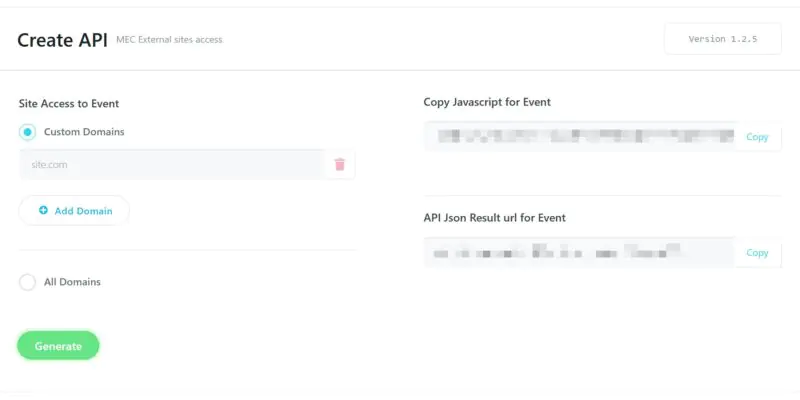
- You can allow specific domains or all domains.
- Speed optimization tools on the destination site, such as WP Rocket or Autoptimize, may need external links excluded.
- The display depends on the destination site’s CSS.
Pricing
$49 for 1 site, $129 for 5 sites, or $199 for 10 sites. Each license includes 1 year of updates and premium support.
Setup
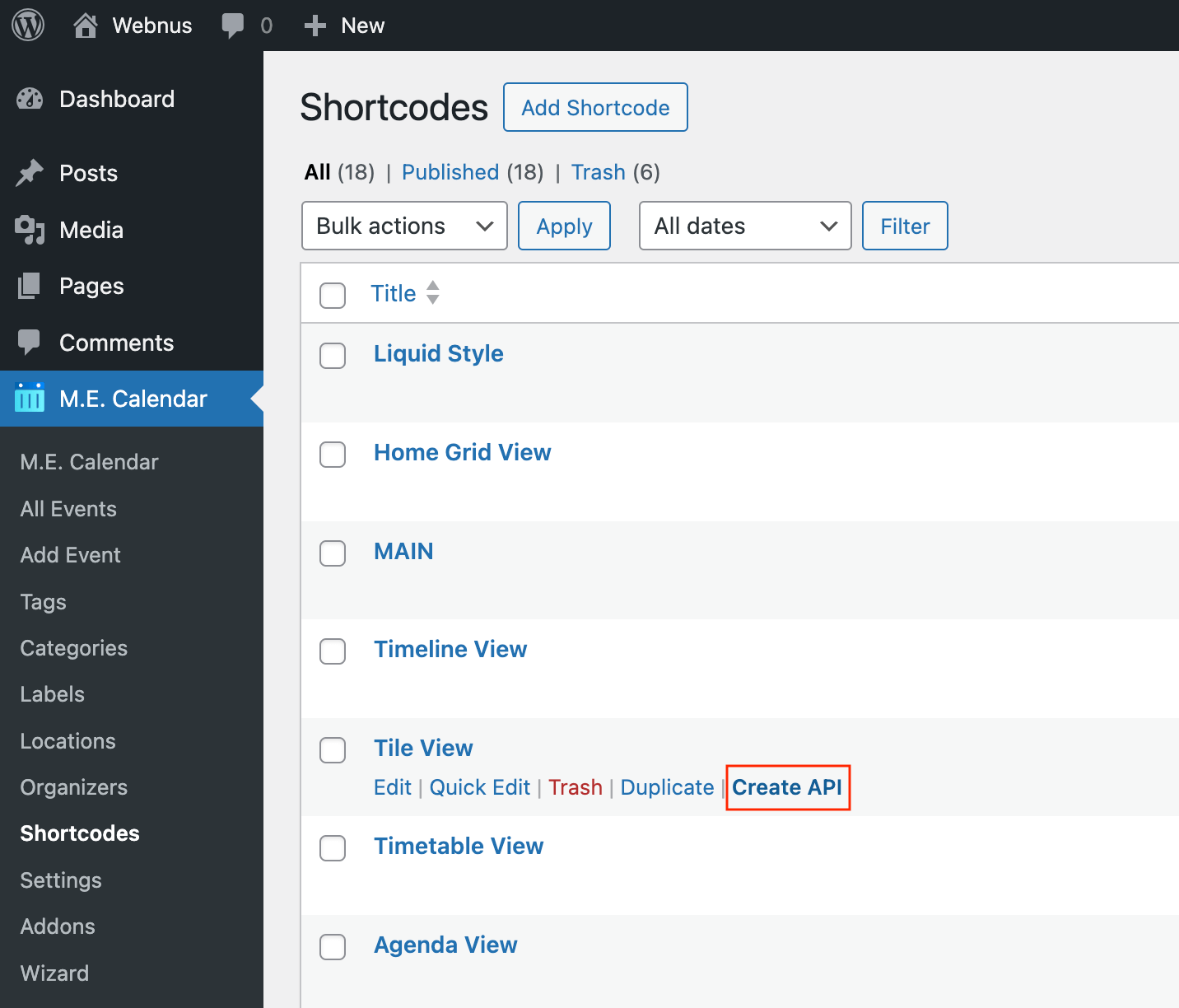
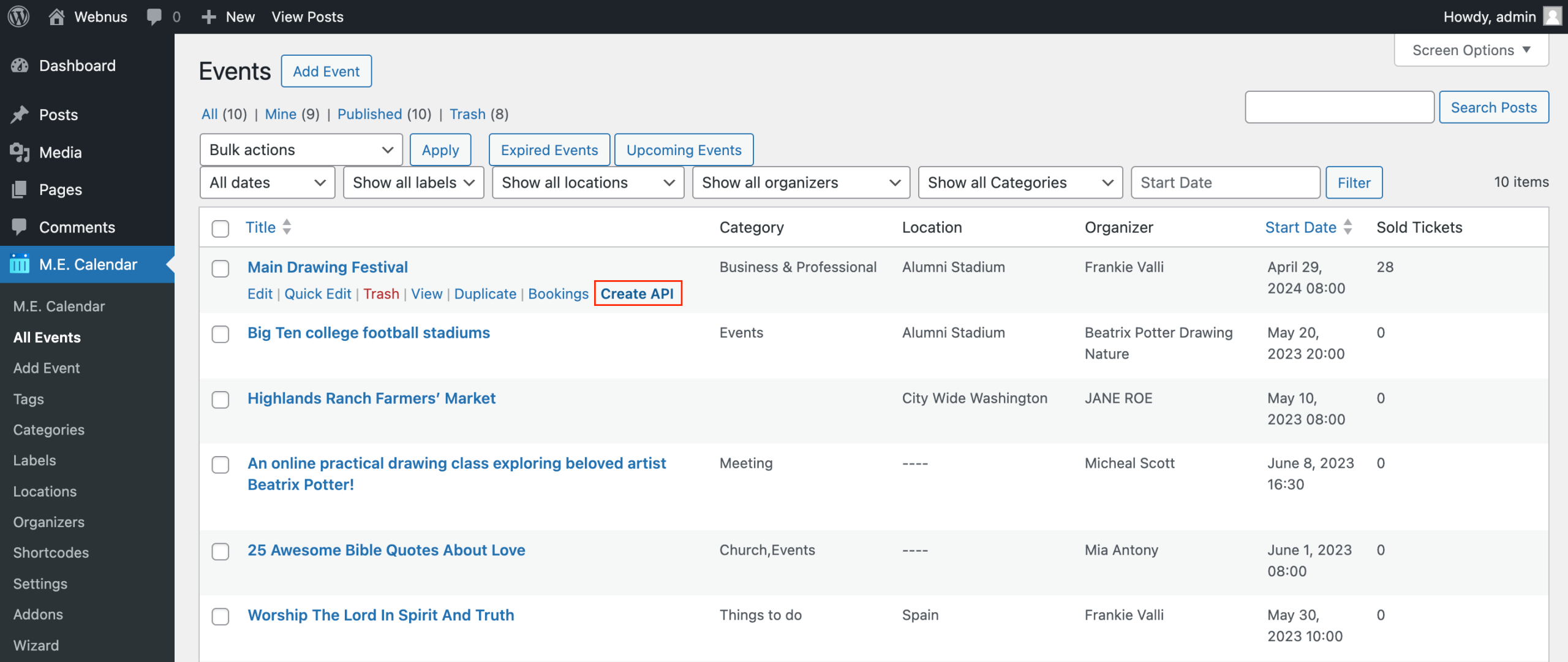
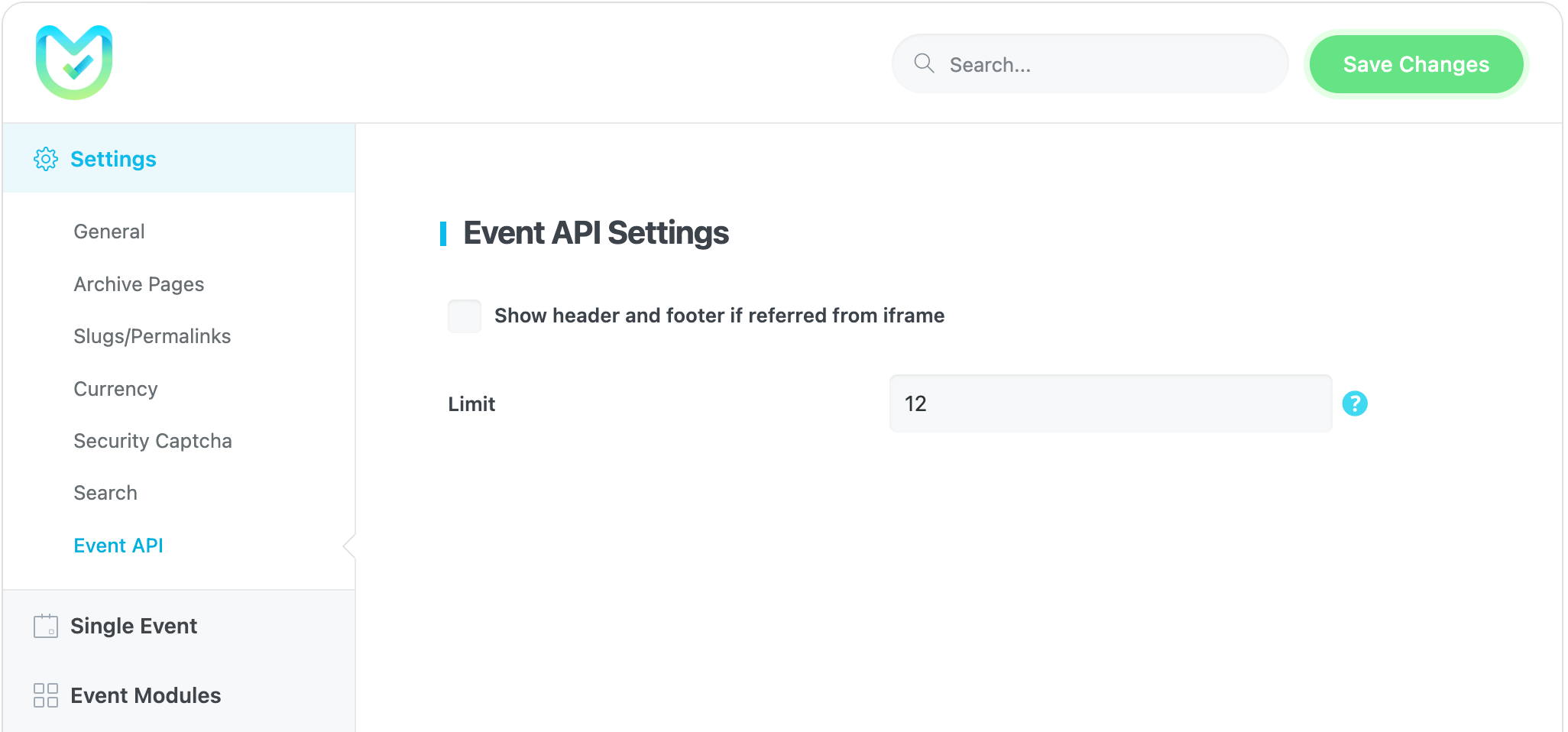
Create an API from MEC > Shortcodes or MEC > All Events. Global options are in MEC Settings > Settings > Event API. Click Generate after you set your domains, or the API stays inactive. For the full walkthrough, see the Event API documentation.
Key Features
Managing Domain
You can limit API to a particular domain or use it for all domains
Transferring Data
Transfer data from your single events and shortcodes between websites.
JSON Files
Download your data in JSON and view them on any platform or web application.
Downloading Scripts
Download your own script for the destination website or application.
Screenshots
Changelog
Subscribe to our newsletter for the latest news & promotions.
