

How WooCommerce Stores Are Using Product Customization to Compete With Big Brands in 2026 – Best WoWooCommerce Brands Plugins
Welcome to our blog about the best WooCommerce Brands plugins in 2026!
In the growing e-commerce market, selling brand-specific products is important to succeed.
Whether you're an experienced online retailer or just starting your journey, effectively showcasing which brands you have on offer can make all the difference in attracting customers and driving sales.
That's where WooCommerce Brands plugins come in.
People are more likely to buy a product or service they’re already familiar with.
So in this blog, we'll explore six of the best WooCommerce Brands plugins available, each offering unique features and functionalities to help your customers gravitate towards the specific brand item they want.
WooCommerce stores now deliver the kind of product customisation that used to be reserved for big e-commerce platforms and enterprise brands.
Small and medium-sized retailers are using these features to offer personalised shopping experiences that can stand toe-to-toe with the industry giants.
Product customisation gives WooCommerce retailers a real way to stand out, boost customer engagement, and justify higher prices – even without a massive marketing budget.
The technology behind these experiences is more accessible than ever. Stores can now add options like custom engravings, colour selections, or fully configurable products with surprising ease.
This shift really shows up in sectors where personalisation drives buying decisions. If you know how to use these tools well, you can turn a regular WooCommerce shop into something that competes with bigger brands – on experience, not just size.
Let's explore how these plugins can improve your e-commerce store!
Why Product Customisation Matters in E-Commerce
Product customisation has become a major differentiator for online retailers.
Customers expect the power to tailor products to their tastes, especially when they're making thoughtful purchases.
This change in consumer behaviour affects business outcomes in a big way. When shoppers can tweak products to fit their needs, they're less likely to return items that miss the mark.
Choosing specific features or colours gives buyers more confidence and helps avoid disappointment after the sale.
Customisation delivers measurable benefits:
- Higher average order values – People usually spend more when they can add personal touches
- Improved customer retention – Unique products help forge stronger connections with your brand
- Reduced return rates – If a product matches someone's exact specs, they're less likely to send it back
- Enhanced competitive positioning – Personalisation makes you stand out in crowded markets
Your WooCommerce store gets a real edge when you offer customisation options. Big retailers often can't match this level of personalisation because of their standardised processes and huge inventories.
That gives smaller stores a shot at competing.
Modern consumers want products that reflect their own style. Instead of settling for what's available, they get to be part of the design process.
This involvement turns a simple purchase into a more meaningful experience – one that keeps people coming back and telling their friends.
What a Strong WooCommerce Customisation Setup Looks Like
A solid product customisation system brings a few core parts together. Visual configurators are front and centre, letting shoppers see their choices come to life as they make them.
Visual product builders give instant previews when customers pick options. Browsing becomes interactive, and decisions feel real.
Real-time price updates keep things transparent, so shoppers always know how their choices affect the final cost – no surprises at checkout.
Material and colour selectors should do more than simple dropdowns. Swatch displays with crisp images help people understand texture and finish before they commit.
Fabric previews, dimension sliders, and style variations put real control in the customer's hands – just like you'd expect from a top-tier retailer.
Tak DreamSofa as an example. DreamSofa built a WooCommerce store where customers can configure their furniture by picking style, size, fabric, and colour.
Their configurator proves WooCommerce can handle complex customisation tools just as well as any purpose-built platform.
Technical performance matters, too. Your setup should have responsive design that works smoothly across phones and desktops.
Page load speeds need to stay quick, even with big images and interactive elements. If your configurator lags, people will bail before they finish designing.
The best setups also include:
- Clear navigation between customisation steps
- Save and share options for configurations
- Mobile-optimised touch controls
- Persistent cart memory that keeps custom designs safe
When you get these pieces working together, your store can deliver a polished experience that rivals what big brands spend millions to build.
Plugins and Tools That Make It Possible
Product customisation only works well if you've got the right technical base. WooCommerce has a bunch of plugins that let store owners add personalised options without needing to hire a developer.
Product add-on plugins let you create custom fields for text, file uploads, colour picks, and other choices. They slot right into your product pages and automatically update prices when customers select extra features.
Visual configurator plugins take it up a notch by showing live previews as people make changes. This is especially useful for things like furniture, clothing, or accessories – anywhere visuals drive the sale.
Customers can see exactly what they're getting before they add it to their cart.
Page builder solutions help you craft dynamic product pages that support more complex customisation flows. You can design layouts that guide shoppers through each step, usually with drag-and-drop tools that don't require coding.
The trick is picking plugins that play nicely together. Too many plugins can slow your store and cause conflicts.
Stick to tools that cover your actual needs and keep your site quick.
Most effective setups mix three things: a solid add-ons plugin for basic options, a visual tool for preview-heavy products, and a flexible page builder for engaging product pages.
This combo gives you the features you need to compete with bigger retailers, while keeping your store responsive and user-friendly.
Tips for Getting Started
Start with just one product that has solid profit margins and obvious customisation potential. Focusing on a single item helps you test things out without overwhelming yourself or your customers.
Invest in quality images for every custom option. People want to know exactly what they’re getting, so professional photos or sharp 3D renders really matter.
Poor visuals can ruin even the coolest custom features, so don’t skimp here.
Before launching, check these technical essentials:
- Test page loading speed with customisation features turned on.
- Make sure everything works smoothly on mobile devices.
- Check that custom options look clear on small screens.
- Confirm checkout can handle personalised items without hiccups.
Mobile shoppers make up a huge chunk of online traffic. Your customisation interface should feel natural on touchscreens, with buttons and options that are easy to tap.
Don’t overcomplicate your first offerings. A simple colour selector or text field is usually enough to start.
You can always add more options later, once you see how shoppers use the basic features.
Watch how people use your customisation tools right from day one. Track which options get picked most, and notice where users drop off.
This feedback will help you tweak and improve the experience as you go.
What Are the Essential Features of a WooCommerce Brands Plugin?
The popularity of a product’s brand is what draws in potential buyers.
For WooCommerce store owners selling products from well-known brands, highlighting these brands can be crucial.
WooCommerce Brands help in adding a brand taxonomy to your existing WooCommerce Tags and Categories.
Let’s imagine you sell used, rare watches, now if you add the brand to WooCommerce, you assign existing products to that brand which makes them stand out more in the product display or brand-based search.
For instance, offering a “Mechanical Watch” may garner some interest, but advertising a “Seiko Mechanical Watch” is likely to attract a larger pool of potential buyers.
Adding product brands to a WooCommerce store can be challenging.
While you can mention brand names in the product title or use the existing category taxonomies, these methods might be counterintuitive.
Fortunately, there's a simple solution: using a WooCommerce Brands plugin.
It is essential for these Brands plugins to showcase brand thumbnails and be displayable via shortcodes or widgets on any page with their dedicated slug.
Customizing how the information is displayed on the product page is also important.
The plugins below enable you to easily add brand thumbnails and links, as well as create dedicated pages for each brand. You can then assign brands to your products seamlessly from the WooCommerce products menu.
6 Best WooCommerce Brands Plugins List
Below, we’ve listed 6 WordPress plugins to add brands for WooCommerce in no particular order.
Most of them cover the same functionality so ease of use or comprehensiveness of the WooCommerce plugin will be a determining factor in making your decision.
Brands for WooCommerce
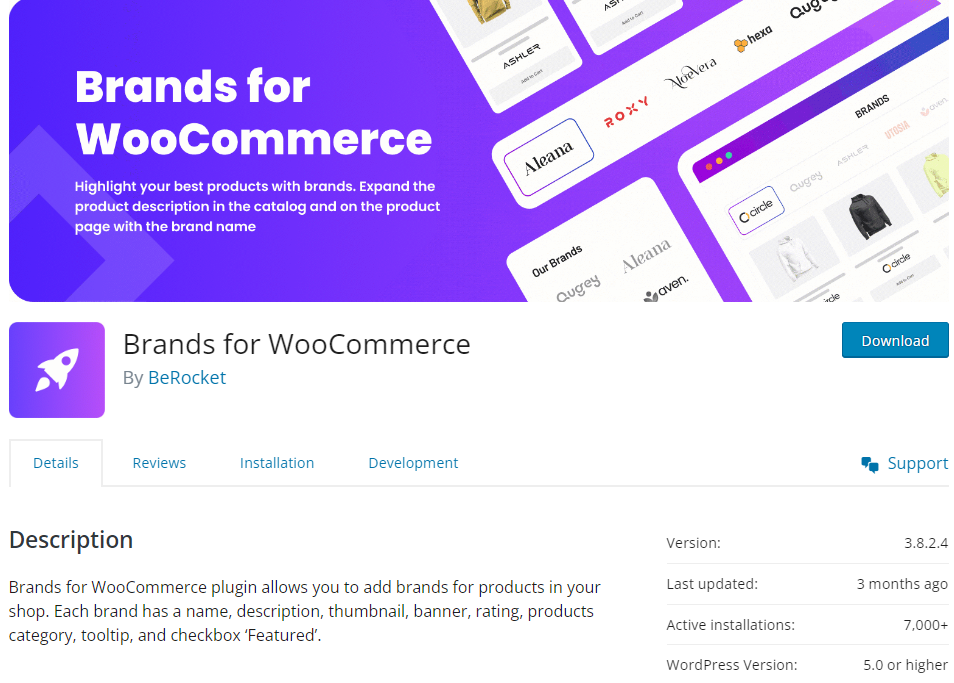
Brands for WooCommerce is a lightweight and efficient plugin to add brand functionality to your WooCommerce store.
It has a simple setup process and is compatible with various themes and WooCommerce plugins.
Features:
- Simplified brand management with easy-to-use interface and settings.
- Shortcode to display brand lists
- Custom pages for brands
- Add Brand Thumbnails
- Lightweight plugin with minimal impact on site performance
- Support for Gutenberg
Pricing: Free
ShopPress
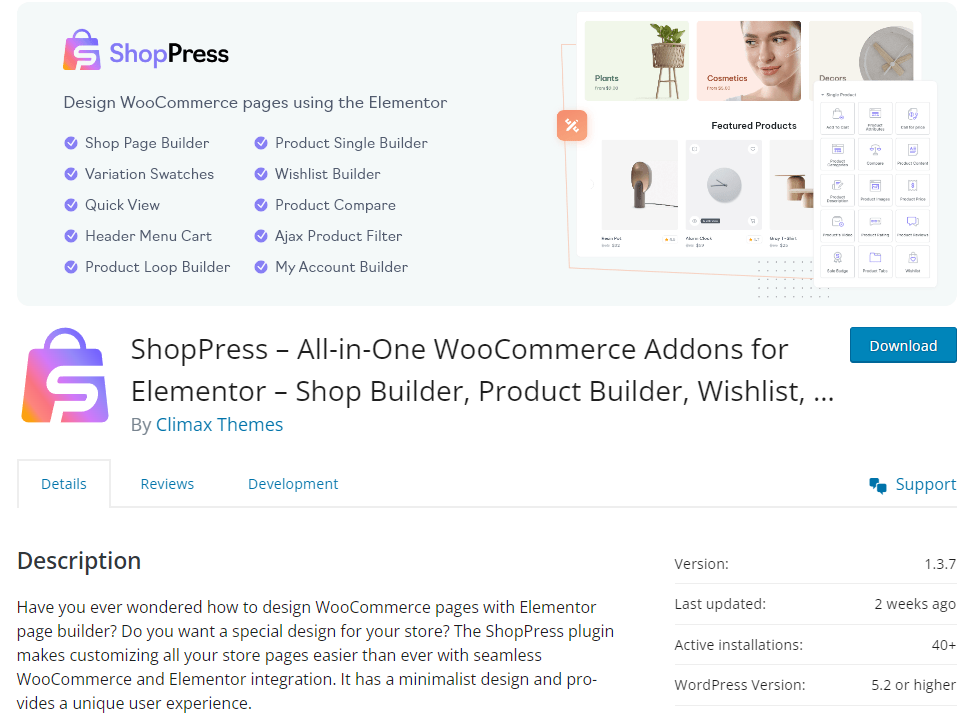
ShopPress stands out as a user-friendly WooCommerce builder plugin with a full list of features including WooCommerce Brands, making it an attractive option for those seeking easy customization and compatibility.
Its drag-and-drop builder based on Elementor simplifies brand management, offering features like brand thumbnails, custom brand pages, and brand filters to enhance product visibility.
It also has a Brands Elmentor widget so you can add a brand-specific view on any page so users can quickly navigate to those products.
Features:
- Intuitive user interface for easy management of brands.
- Display Brand label, logo, and title on the product loop
- Robust customization options for brand logos, links, and brands separator
- A complete WooCommerce shop builder plugin that goes beyond brands
- Display number of products for each given brand
- Streamlined brand search experience
- Customizable brands slug
Pricing: Free or Yearly and Lifetime plans starting from $29 to $399
Perfect Brands for WooCommerce
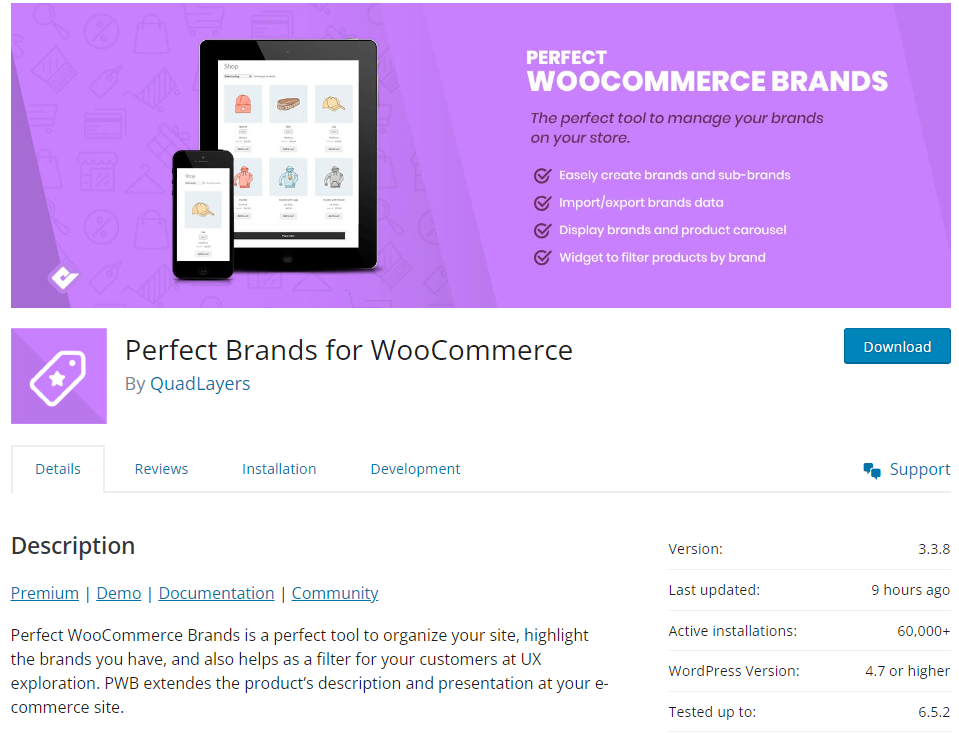
Perfect Brands for WooCommerce boasts a comprehensive feature set, including brand logos, customizable brand slugs, and brand filters, all within an intuitive user interface.
Features:
- Comprehensive brand management features, including brand logos, links, and custom pages.
- Seamless integration with WooCommerce for efficient product branding.
- Various shortcodes with different order filters
- Favorite Brands
- Translation ready
- Multiple widgets for dropdown and list view
- Import brands from other brands plugins
Pricing: Free or Annual and Lifetime plans starting from $49 to $299
YITH WooCommerce Brands Add-On
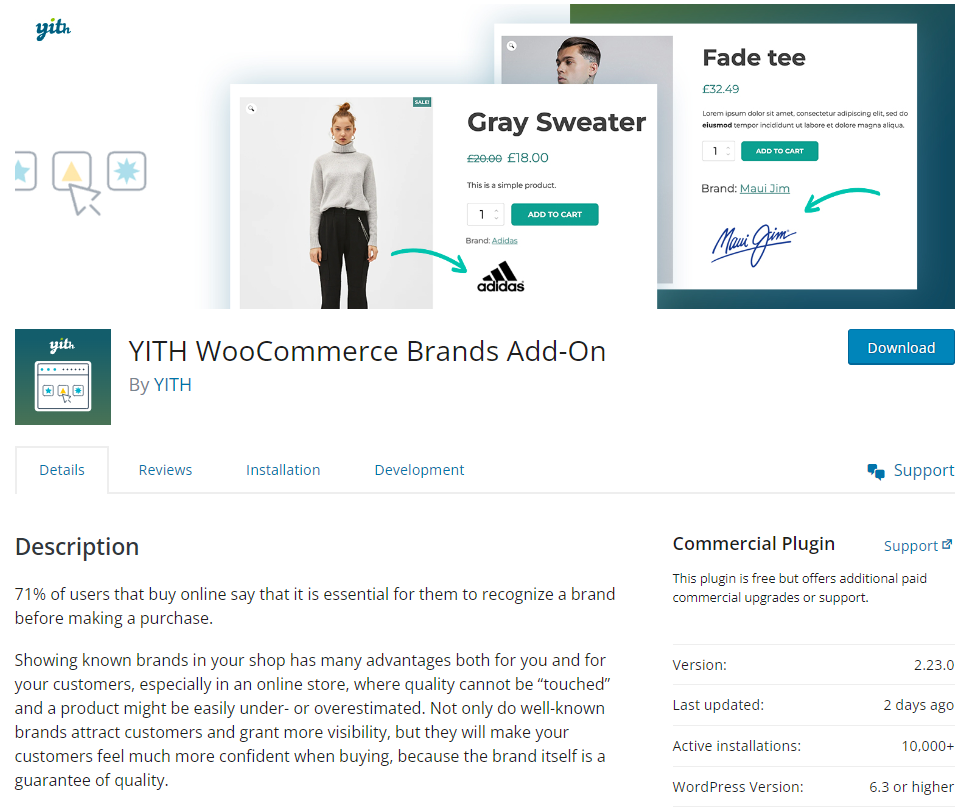
Developed by a reputable plugin team, YITH WooCommerce Brands Add-On offers essential features like brand logos and pages with regular updates and customer support.
However, its reliance on premium versions for some features may pose challenges for users on a budget.
Features:
- Create unlimited brands with name and logo
- Integration with popular themes
- Hierarchical brand management
- Compatibility with Yoast SEO in the premium version
- Include or Exclude brands from coupons
Pricing: Free or $79.99 per year for Premium
WooCommerce Brands
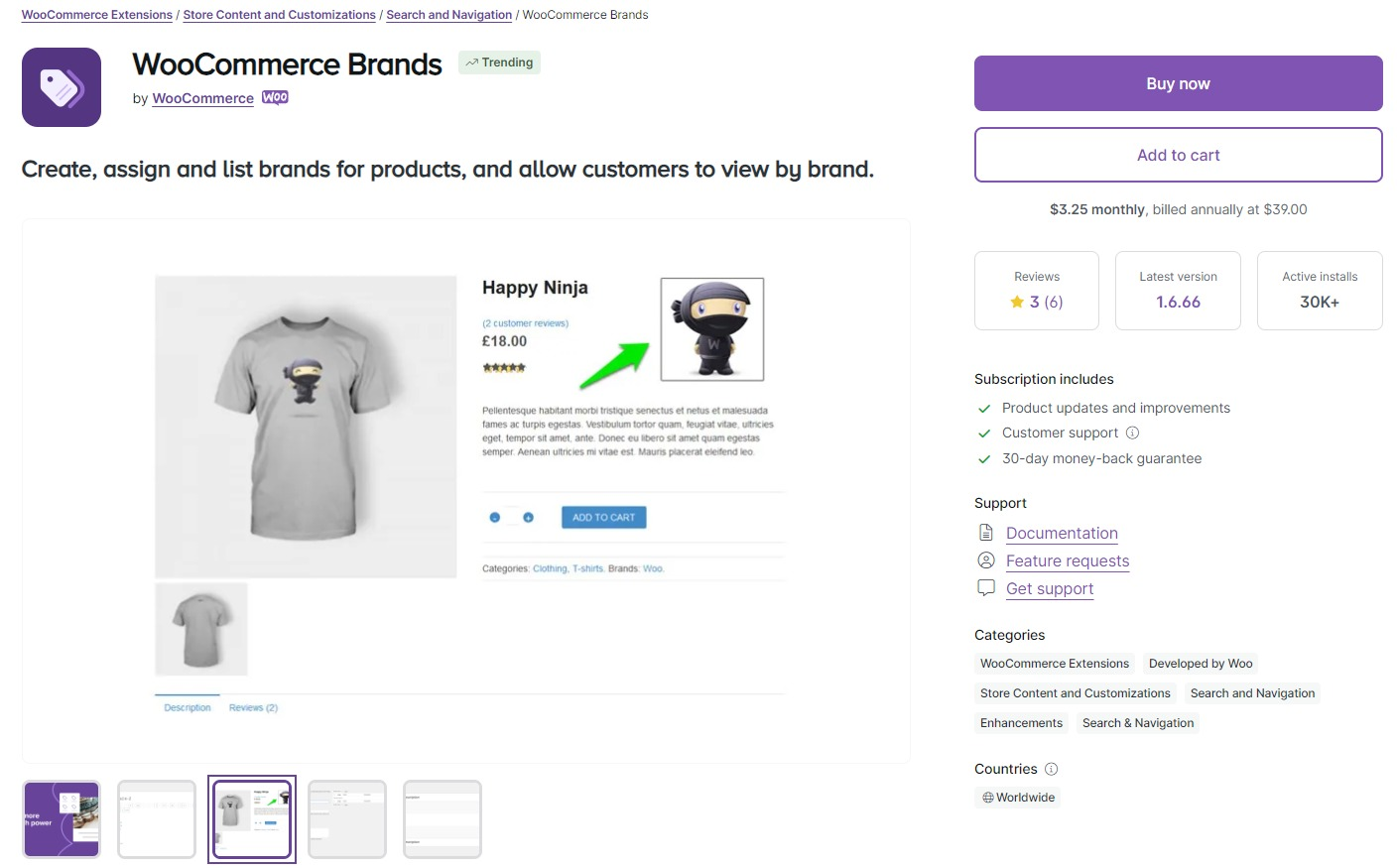
As the official WooCommerce extension, WooCommerce Brands ensures compatibility and reliability, offering core features like brand logos and pages.
While it seamlessly integrates with WooCommerce, its lack of customization options compared to third-party plugins and reliance on additional development may be limiting factors for most users.
Features:
- Basic brand management functionality
- Easy setup and configuration for quick integration with WooCommerce
- Sidebar widget display and list view shortcodes
Pricing: $3.25 per month
Smart Brands for WooCommerce
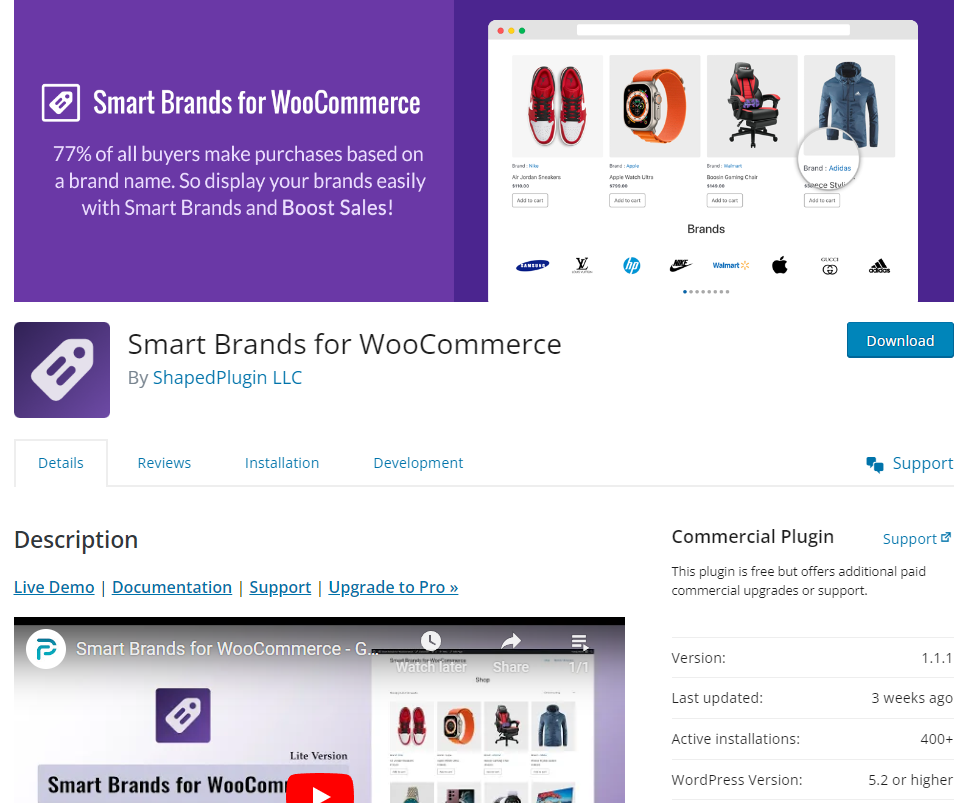
Smart Brands for WooCommerce stands out with advanced features such as sliding view.
The easy to use shortcode generator will come in handy to add brands lists and customize them without coding.
Features:
- Minimalist design
- Brand archive page
- Unique shortcode brands displays
- Brand styling options
- Set space between brands in carousel view
- RTL support
Pricing: Free
Final Thoughts
Each of these WooCommerce Brands plugins offers unique features and benefits to enhance your online store's branding and product visibility.
All of them are reliable and easy to use so it’s best to test them out before making a final decision to stick to one.
Some like the official WooCommerce Brands plugin might not be the best option given the vast array of third-party options that exist.
Others like ShopPress stand out as a prime choice for its unparalleled user-friendly interface, seamless integration with WooCommerce, and robust customization options.
ShopPress allows you to effortlessly manage your brand assets, create custom WooCommerce product and shop pages, and enhance product discoverability, all while enjoying a streamlined user experience.
The prevailing trend in WooCommerce extensions is going for more comprehensive plugins rather than ones that cover a specific niche.
We’ve included plugins that cover the brands for WooCommerce niche but also included one that has it all.
Whether you're a beginner or an experienced e-commerce entrepreneur, WooCommerce Brands plugins empower you to elevate your brand presence and drive sales in today's competitive online marketplace.
Recommended Posts



10 Must-Have WordPress Plugins for Every Successful Website in 2025
September 11, 2025
