


Elementor Single Builder
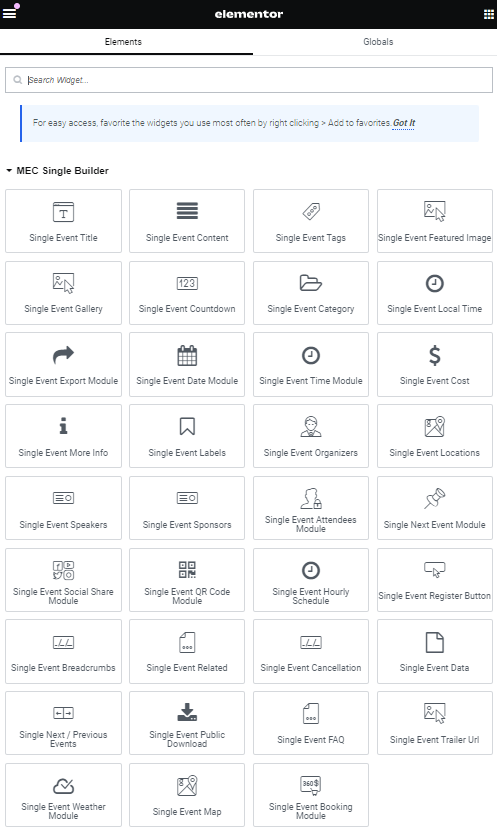
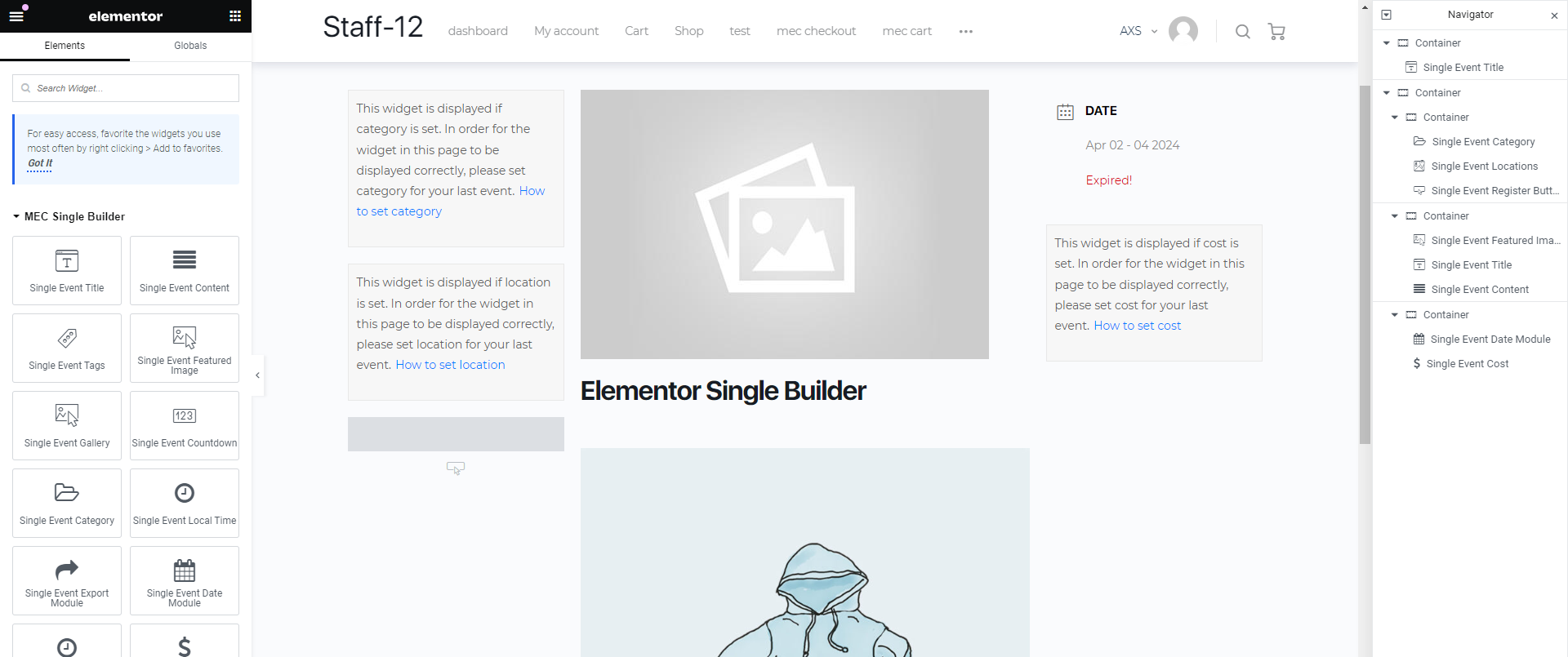
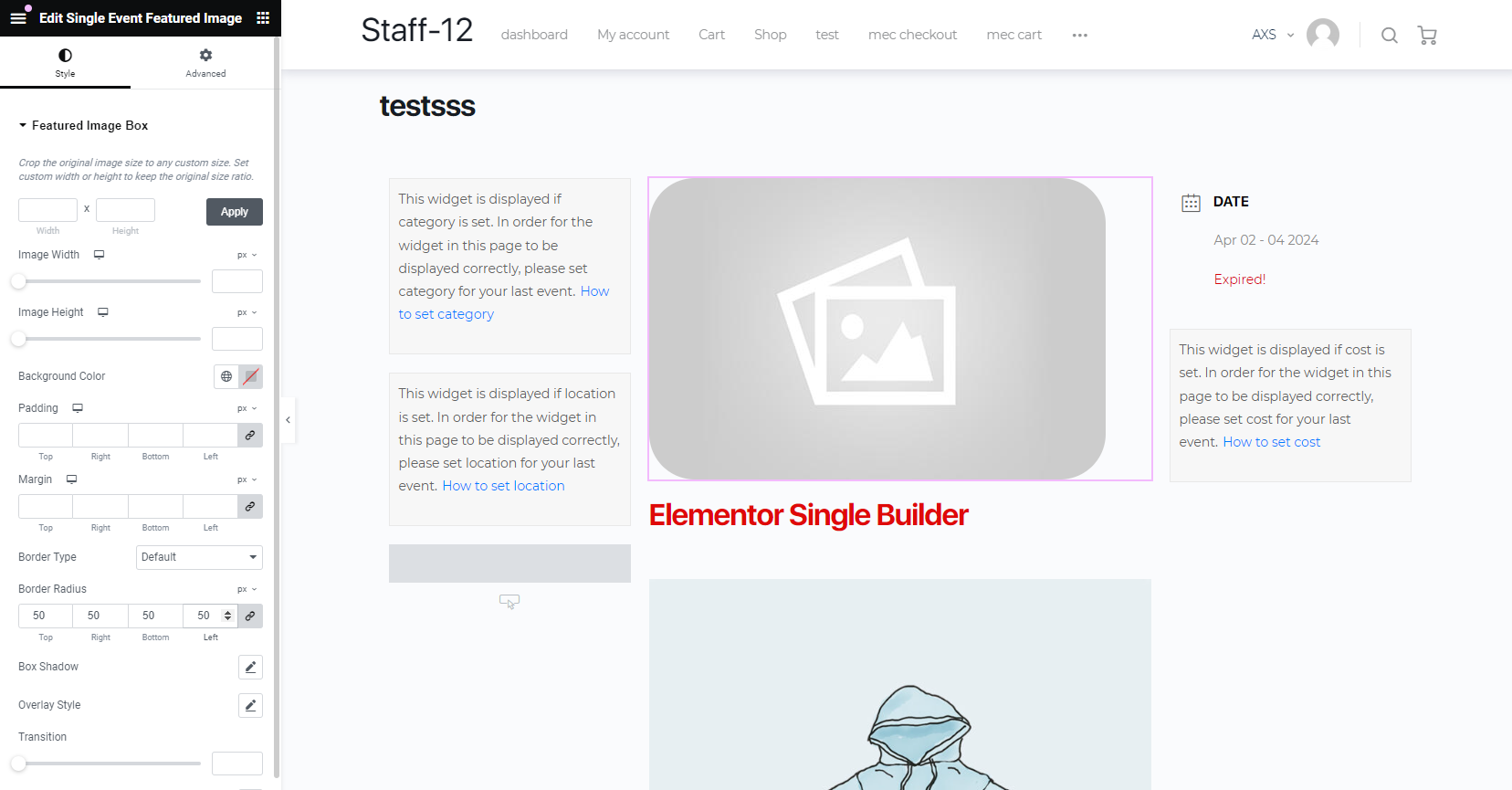
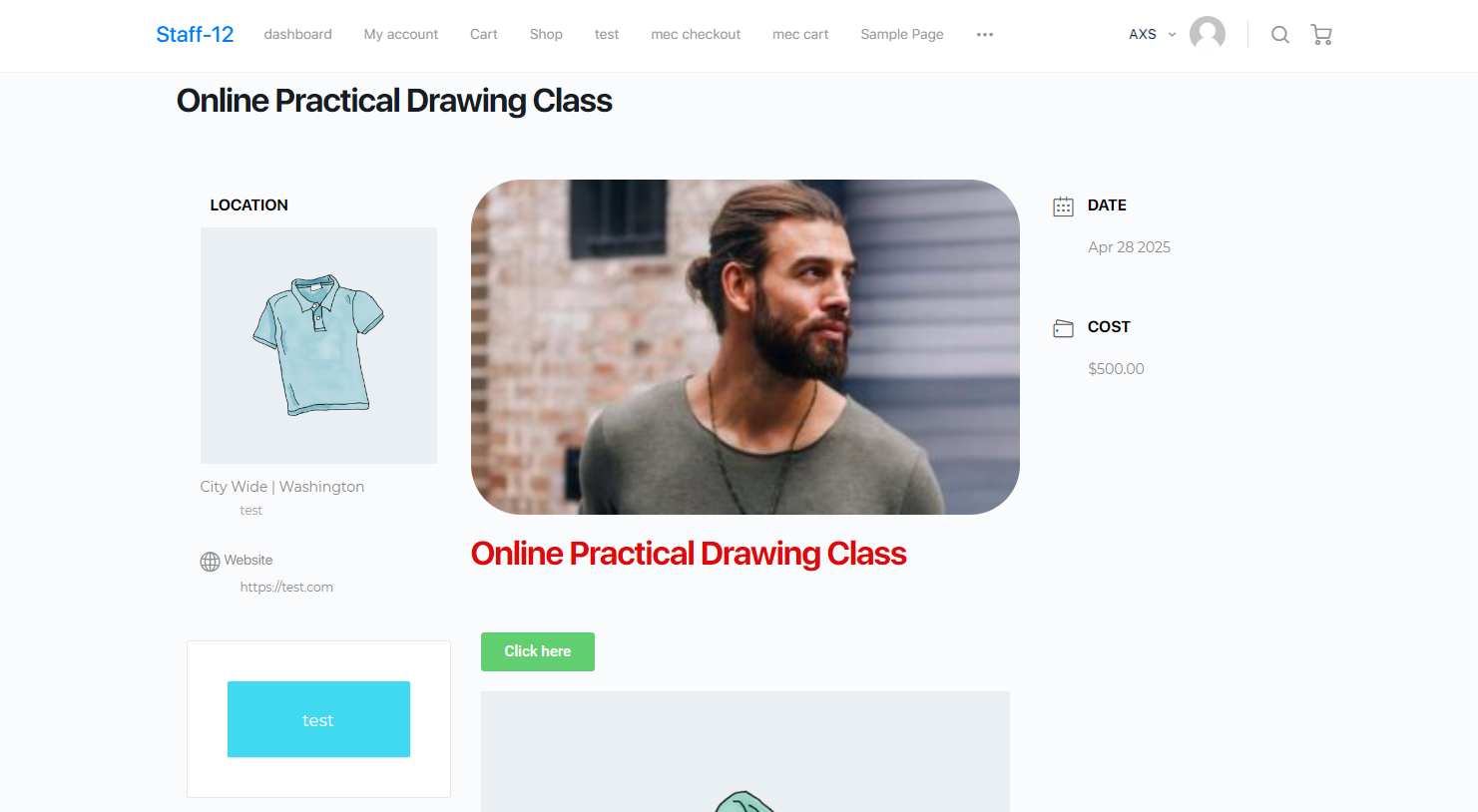
With the help of this add-on, you will be able to create a ready-made template for all your events, add styles that you like to your single events, and change the layout in Elementor with a single drag and drop. Also, if there is a widget that you do not like, you can delete it and use other widgets in the single event of your website. You can use all the widgets of the single event separately and create any section that you want with whatever size that you want. You can also set an animation for each widget.
Is Elementor Single Builder right for you?
Elementor Single Builder lets you design single event pages with Elementor’s drag and drop editor. It suits sites built with Elementor that want a custom event page layout.
Requirements
- MEC Lite or Pro, version 6.0 or higher
- Elementor 3.0 or higher
- PHP 7.4 or higher and WordPress 5.0 or higher
What to know
- You can create multiple templates and assign them globally, per event, or per category.
- It includes pre-made designs you can import into Elementor.
- It works only with Elementor, not Divi or other page builders.
- A widget preview shows a message if the sample event lacks that data.
Pricing
$39 for 1 site, $99 for 5 sites, or $179 for 10 sites. Each license includes 1 year of updates and premium support.
Setup
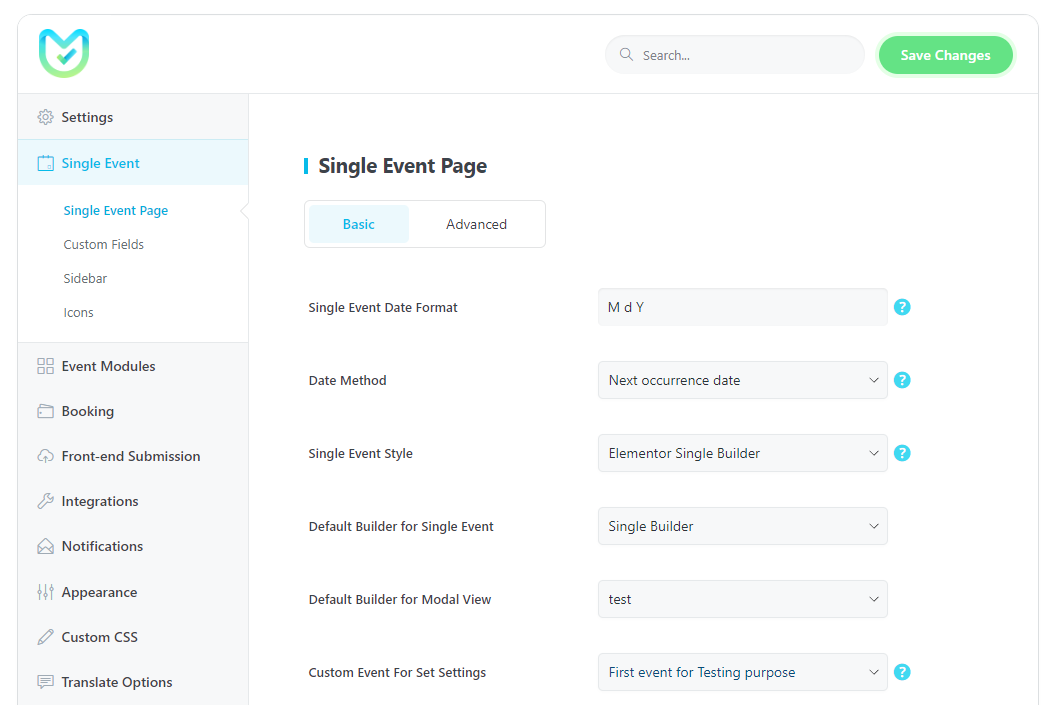
Enable Events Single Builder in Elementor > Settings > General, create templates in M.E. Calendar > Single Builder, and set the default in MEC Settings > Single Event. For the full walkthrough, see the Elementor Single Builder documentation.
Key Features
Creating Templates
Create a template with single event widgets for all events using Elementor.
Active Alongside Other Page Builders
You can use Elementor with other page builders such as VC, Divi Builder, and KC.
Unique Styling
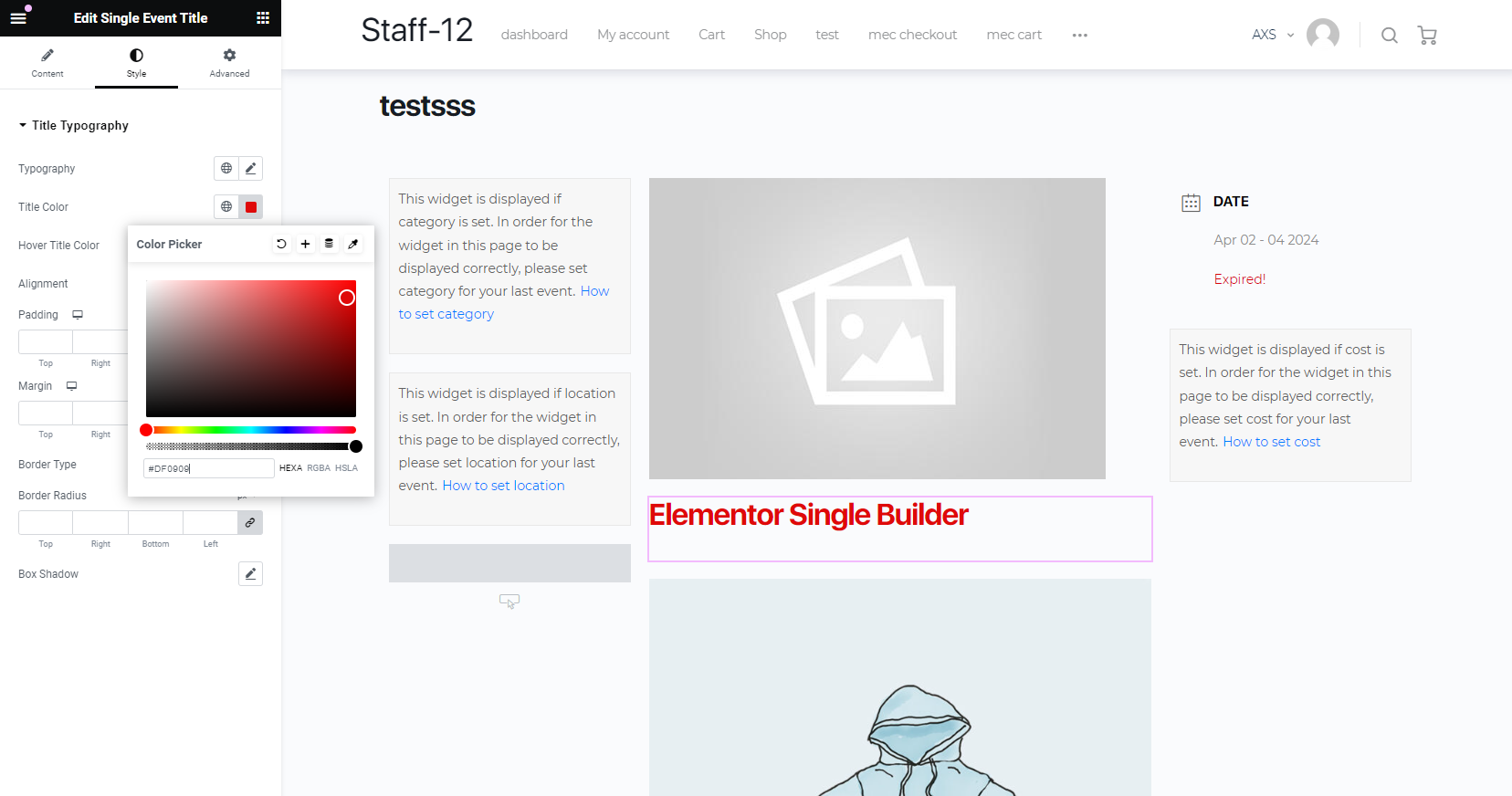
You can change the style of the widgets for single events and change the typographies.
Activate On MEC Lite
You can use the add-on on MEC Lite and MEC Pro without any restrictions.
Dedicated modal pop-up
set a template for the pop-up modals of your shortcodes.
Creating unlimited templates
You can set as many templates as you like for single event
Screenshots
Changelog
Subscribe to our newsletter for the latest news & promotions.
