

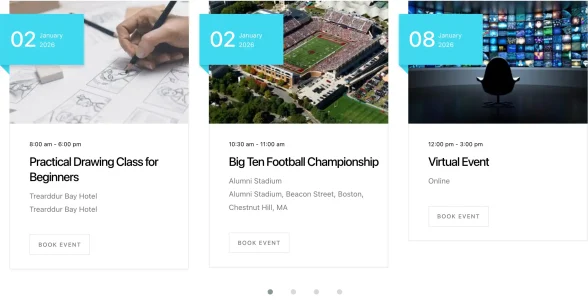

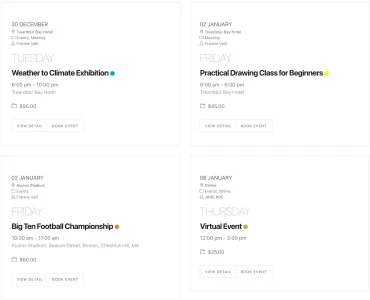





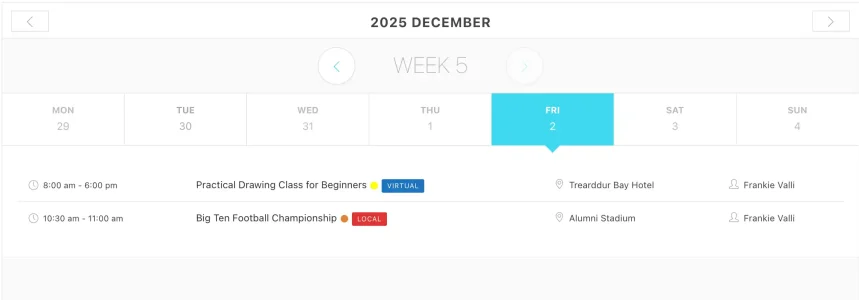
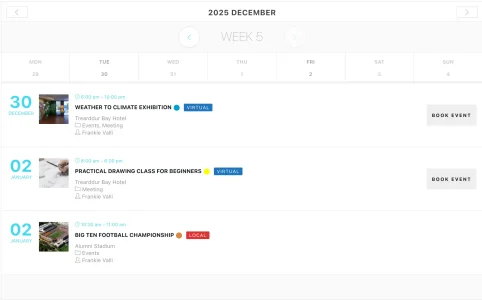
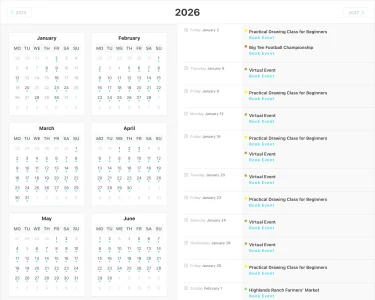

Create events, sell tickets, and manage all your bookings in one place. It's a WordPress plugin that's easy to customize and actually feels good to use.

Visit our live test area to explore every MEC Pro feature in action:
Manage every detail of your events, from scheduling to payments, in one place.
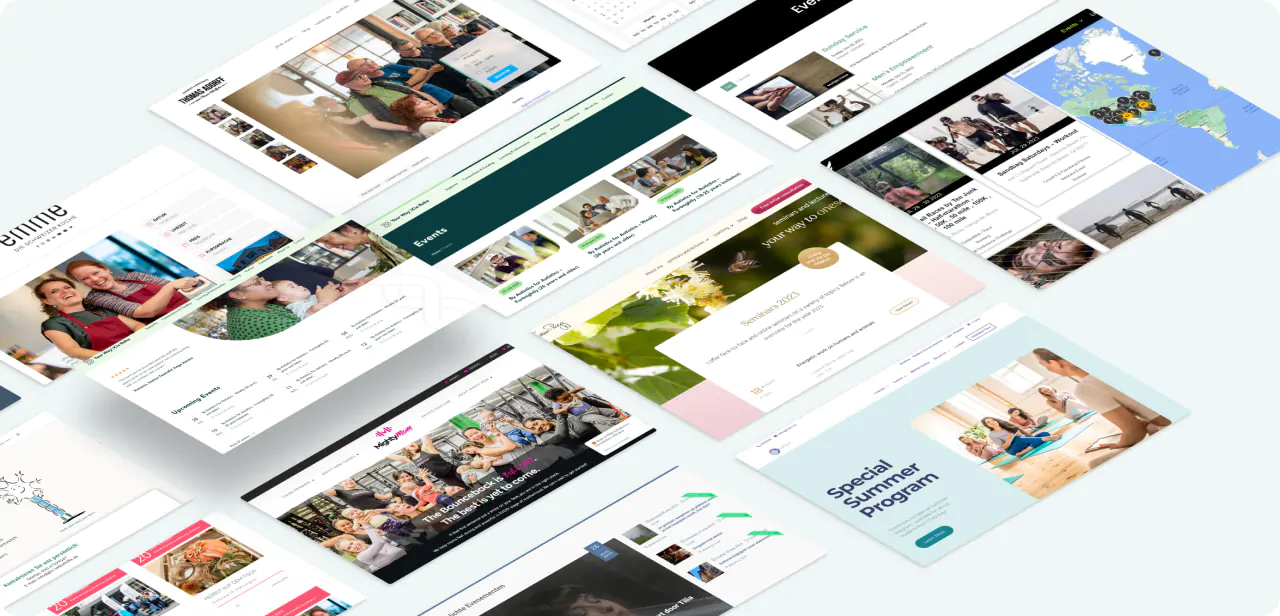
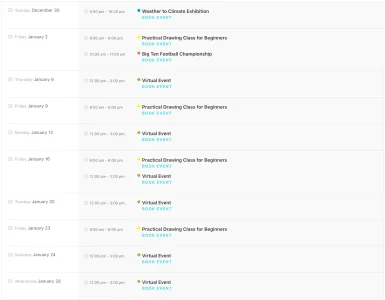
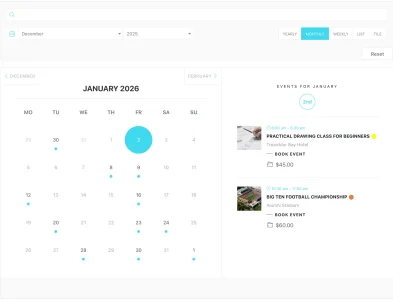
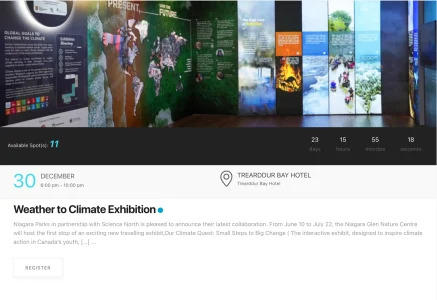
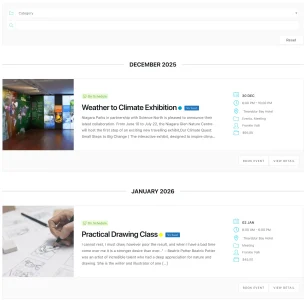
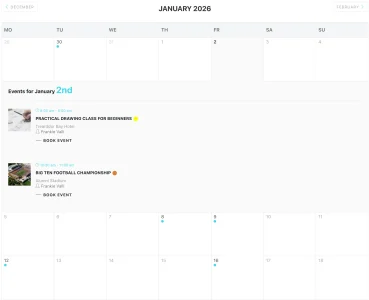
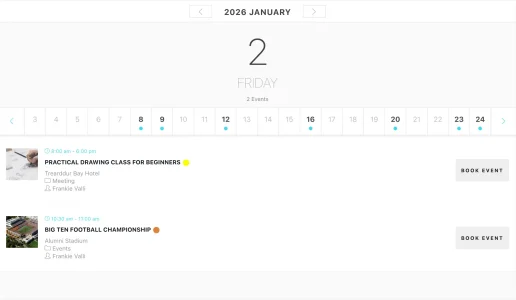
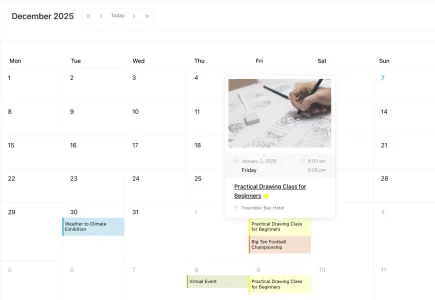
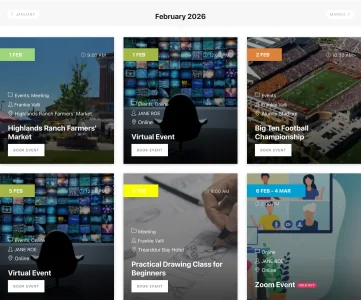
Choose from dozens of clean, aesthetic layouts to showcase your events.
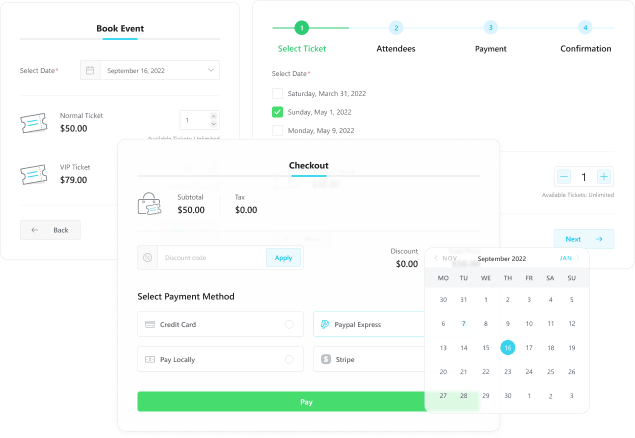
Sell tickets directly on your site and use QR code check-in for smooth attendee management.
Let users book time-slot services (consultations, classes, etc.) with flexible scheduling options.
Accept payments via major gateways like PayPal, Stripe, WooCommerce, etc.
A clean, intuitive back-end UI makes event creation and management effortless.
Modern Events Calendar is the most stylish and practical WordPress event calendar plugin, offering 60+ modern layouts.
Modern Events Calendar has been designed to help event planners manage events of any size and various businesses, such as yoga, cooking, makeup, education, workshops, restaurants, communities, etc.
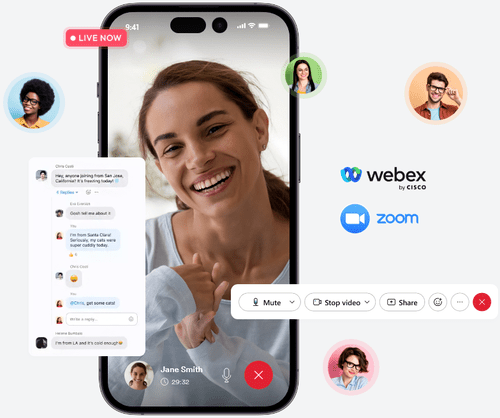
Host your online events using Virtual Events or Zoom Integration addon to paywall & even embed the meeting link.
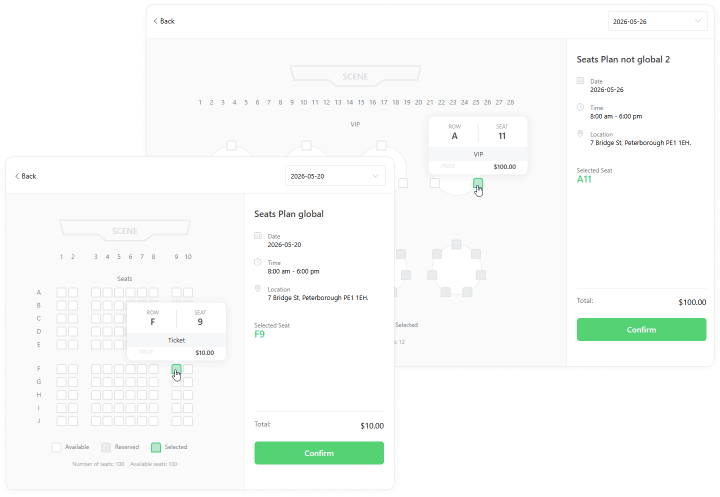
MEC is optimized for in-person events with seat layouts, location widgets and check in attendees using QR codes.
MEC gives you the option to hold both virtual and in-person events to maximize flexibility for your attendees.

Create an eye-catching and functional event website now.
* All prices are in USD (United States Dollars)
Save with our Pro Bundles.
Go beyond simple scheduling by combining Modern Events Calendar, ShopPress & Kata, a powerful WooCommerce toolkit, to build the ultimate website at a great price.
For Professionals & Agencies:

For Ticket Sellers & Shops:


Set up your schedule and let clients book the time slot they want. Just pick a layout, hit go with one click, and let your clients book the perfect time slot.
Connect your WordPress site with the MEC Events mobile app so your team can securely manage events, bookings, and attendees anytime, anywhere.
The MEC Pro Booking module enables online event reservations and offers multiple features accessible via the dashboard.

The Ticket & Invoice add-on lets you sell events, manage check-ins, and email tickets/invoices.

The Seat addon lets guests choose their seats with custom venue plans and ready-made layouts.

Streamline and enhance your virtual events with our comprehensive suite of tools, designed to make your events more engaging, interactive, and memorable.
MEC integrates with top seminar and conference software for a seamless online meeting experience.

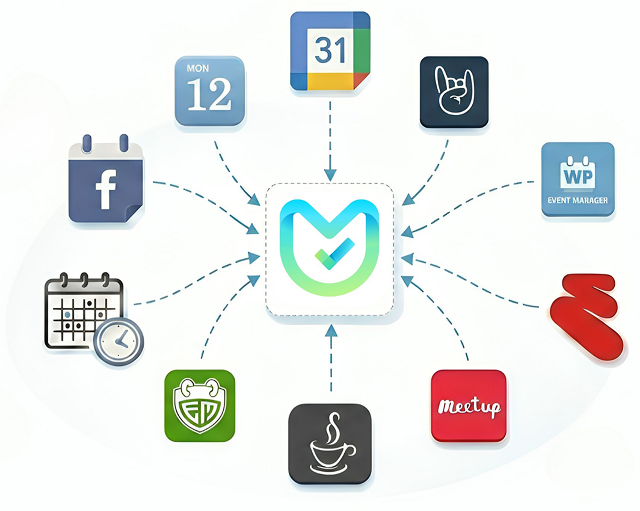
Switching to Modern Events Calendar is easy—import all events and content in seconds.


Support was specific to my needs -- not just a list of what I already tried. I've had to reach out to Webnus support for a few things that were really stumping me. Tried as I might, I could not find the solution. But hey! Webnus support was RIGHT THERE. Each time, my help ticket was completed within 24 -- and I didn't just get a list of what I already tried. It was SPECIFIC to my need.
MEC issue response - EXCELLENT! While I've always been a fan of MEC's capabilities, I recently uncovered an issue where there was a theme conflict with some MEC CSS. I reported it to the MEC support team, and they had a full-blown release patch out in less than two days that FULLY addressed it! What amazing support - I'm truly appreciative!
Great experience so far with their Modern Events Calendar. I love the interface and find it pretty easy to work with once you set everything up. I could see this being overwhelming for some users as there are SO many options inside but again, once it's set, its great. Chat support was helpful to me the couple times I have required their help and were quick to jump on chat and be of assistance. Thank you!
Great customer service I am not the most tech savvy person and have needed a fair bit of help over the years, with things that have turned out to be incredibly simple ranging to more complicated. Each time my support requests have been answered within 24 hours, more recently closer to 8 hours, which is great when you take in time differences. Support requests have always been answered politely and never once have they made me feel like an idiot (which quite often I am!) This makes all the difference in feeling confident with their service (in this case MEC Pro) and also confident in asking for help as I certainly don't use the product to the full extent of it's ability and now I know and have asked for more support which has made the difference for my small company.
I have tested most of the “Popular” and “well established” calendar plugins. modern events calendar lite was exactly what I wanted. We use the premium version as well for our customer training calendar on our company DIVI site and the lite version on our private Intranet site (Astra Pro and Elementor Pro) for scheduling events.
Out of the box this plugin looks great. All the other plugins I've used for events have had poor styling and required a lot of extra editing to make them presentable. I haven't ran into any problems thus far with this program, the support has been fantastic and I'd definitely recommend this to a friend.
This plugin looks very stylish and works great. It is also well supported for updates which is reassuring. My client is very happy with it because it is fairly easy to use once it’s set up. Thanks for your hard work on this plugin!
I love it… design functionality, features, responsive, support and… M.E. Calendar is growing fast and when I see the changelog, I amazed. I would like the reservation system to be free and available in modern events calendar lite, but it isn’t… But I love it yet… Thank you for your plugin Perfect <3
Great calendar, very feature-rich. My clients love it. 🙂 The Elementor addon is really promising, for now it lets you create identical widgets (as the mail templates). Hope they will give us more creative freedom in next updates.
If I could give you 6 stars I would. I have tried virtually every calendar plugin on the market. Besides the fact that this is by far the best one, the customer support is simply the best I've ever had with any purchase. I can't give you guys enough credit for an outstanding product and outstanding support. Thank You!
It’s exactly what I have wanted since FOREVER. Thank you, Webnus, for finally making it happen. A quick trial of the lite version showed me how easy it is to use, and how valuable the pro version and add-ons will be. (Great how-to videos, BTW!) Looking forward to putting MEC to good use!
In fact, I have many reasons for a positive rating, but the most important reason is a great set of thoughtful functions of this plugin. This calendar helped to create on my site the necessary functionality with an adaptive and modern design. And I'm sad that I can't use all the plugin functions, because there are too many of them. 🙂
As the name suggests, the core benefit of Modern Events Calendar is that it lets you create an events calendar plugin that looks pretty great out of the box. That latter part is important because some popular event calendar plugins require a lot of custom styling to make them look good, which is tough if you don’t know your way around CSS. Modern Events Calendar lets you create great-looking event displays right out of the box, along with advanced features like ticketing and a custom event display builder.
Modern Events Calendar plugin is an advanced events calendar solution for WordPress that simplifies the task of managing events, publicising events, and taking bookings. It is one of the best ways you can manage events and handle bookings on a WordPress website. As you have seen, the plugin has hundreds of settings to help you customise your events and its support of third-party services and WordPress plugins is superb.
Created to deliver a selection of useful features and a well-designed user experience, the Modern Events Calendar plugin is a tool for publishing events on WordPress websites.
With free and paid versions available, whether you simply want to add basic events publishing functionality to your website or you have more demanding needs, there’s a good chance this plugin will meet your requirements.
If you are running an event website or you want to start a WordPress powered website with booking services, you need a managed WordPress hosting that will not disappoint you and a strong and practical plugin that can provide all the required features. The most important factor in such projects is the user-friendly environment the plugin creates. In this regard, both Lite and Pro versions of Modern Events Calendar (MEC) can help you.
Should you have any issues with the plugin, do not hesitate to contact us and remember we are always here to help.
Does MEC integrate with Gutenberg, Elementor and other page builders?
Yes. MEC works with Gutenberg, Elementor, Divi, WPBakery, and other popular WordPress page builders. Dedicated add-ons, such as Elementor Single Builder and Divi Single Builder, are available for customizing single-event pages.
Is the license lifetime or do I have to renew it?
MEC Pro licenses include one year of automatic updates and premium support. The plugin continues to work after that period, but you must renew your license to receive future updates and support.
Can I try MEC out before I buy it?
Yes. You can download MEC Lite for free or explore MEC Pro and its add-ons in the live demo. Purchases are also covered by a 30-day money-back guarantee.
Are add-ons included with MEC Pro, or sold separately?
No. MEC Pro and its add-ons are sold separately. Each purchase includes one year of updates and support. Choose the license tier that matches the number of websites you need.
Do add-ons require MEC Pro?
Some MEC add-ons require MEC Pro, while others work with MEC Lite. Check the MEC Add-ons page for compatibility details before purchasing.
Does Modern Events Calendar (MEC) support appointments?
Yes. MEC Pro supports appointment-style bookings for time-slot services such as consultations, lessons, rentals, and private sessions.
How do I create an event website with WordPress and MEC?
Install MEC, add your events with their dates, venues, and organizers, then display them using a calendar or list. If you need native booking and ticketing, configure MEC Pro. Follow our complete guide to creating an event website with WordPress for planning, configuration, testing, and launch.