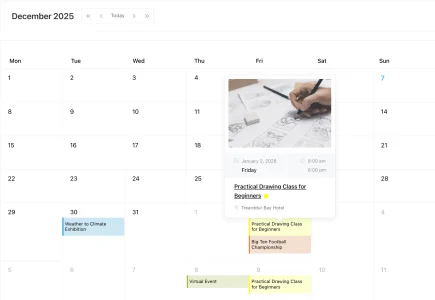
Create Any Type of Event
Publish single, multi-day, recurring, in-person, virtual, and hybrid events from WordPress.
 Modern Events Calendar MEC
One Calendar. Every Event. Total Control. All From One WordPress Dashboard.

Proudly Featured On










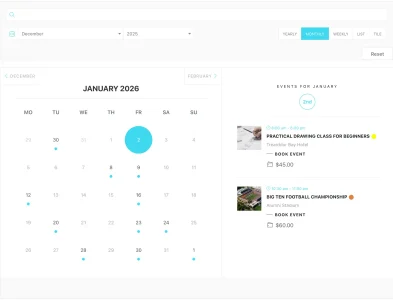
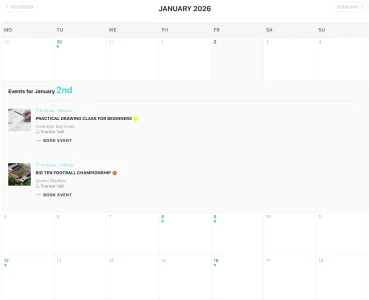
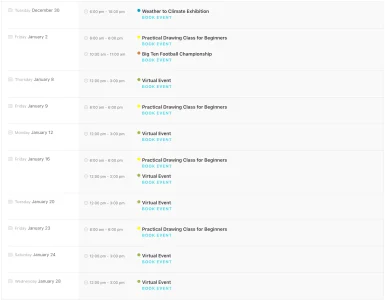
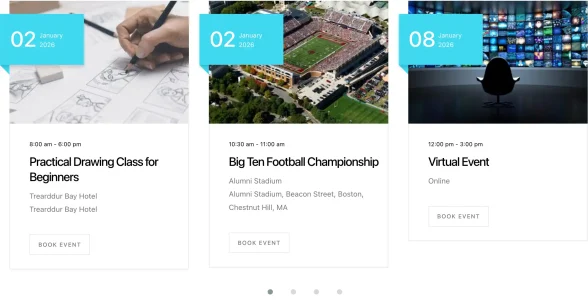
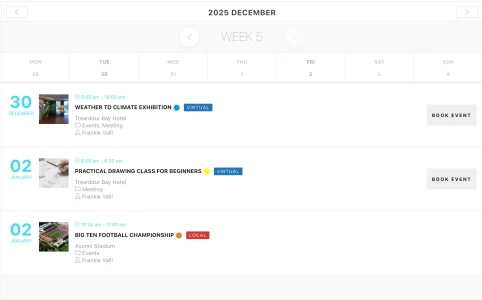
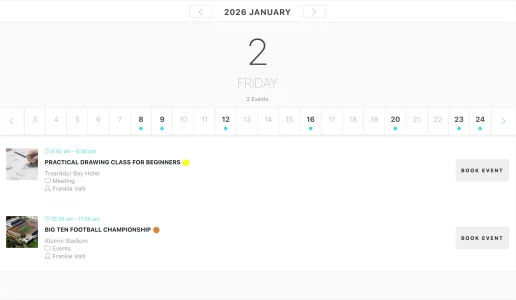
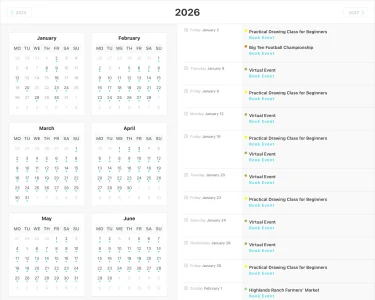
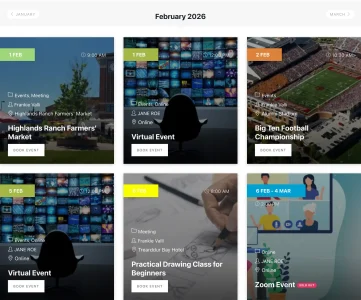
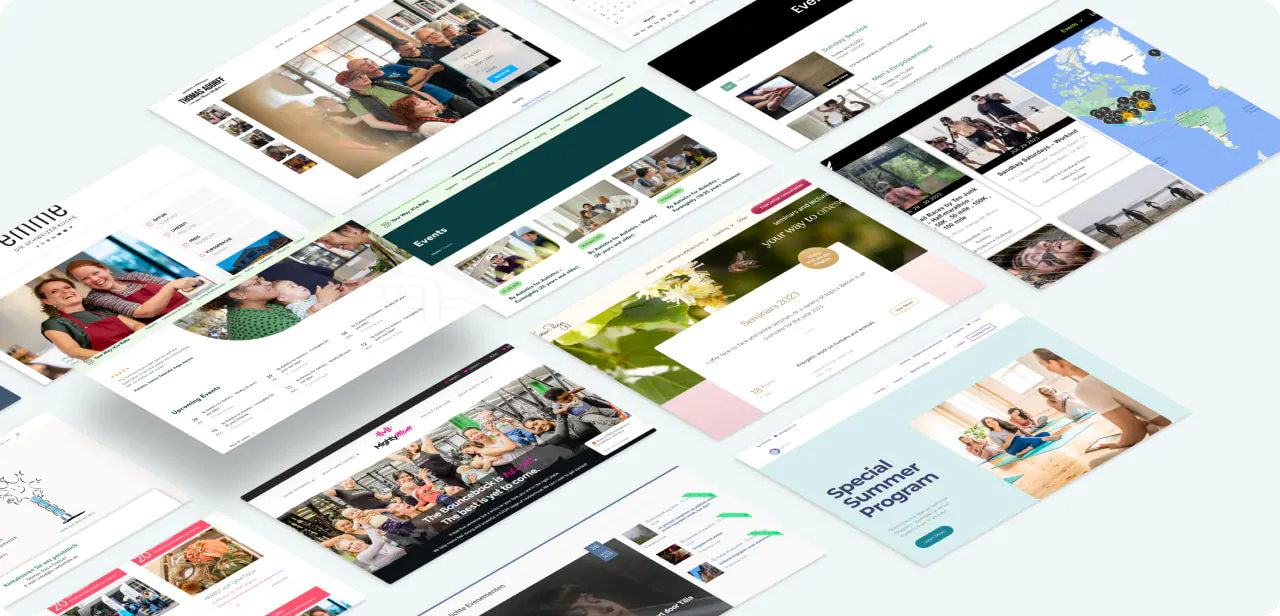
Event display layouts
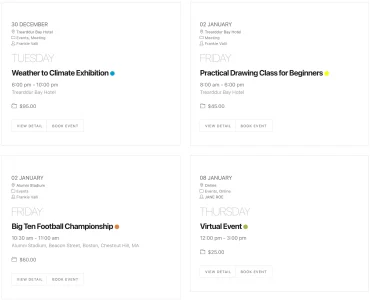
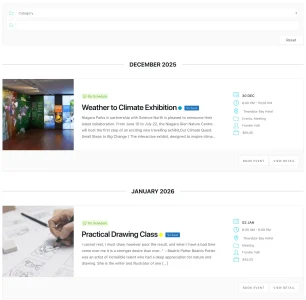
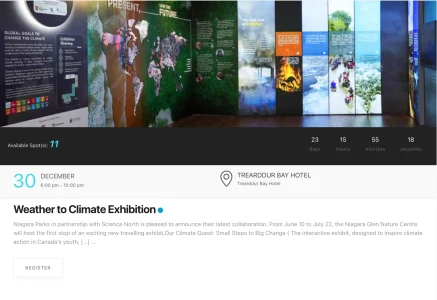
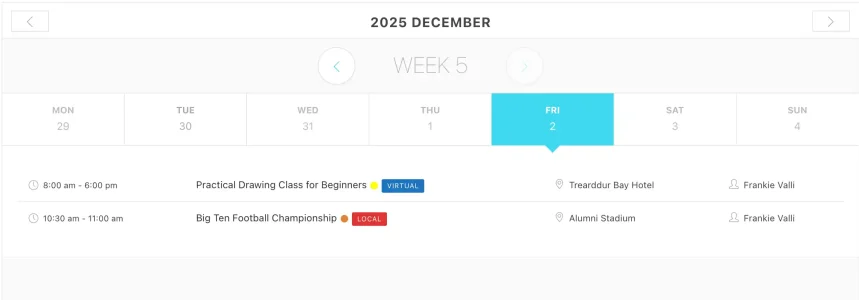
Choose from 90+ stylish calendar layouts and customize colors, typography, event cards, and single-event pages to fit your website.
Built for every organizer
From concert organizers and churches to doctors, educators, consultants, and yoga instructors, MEC adapts to a wide range of needs. Whether you’re a tourism business, professional association, web agency, arts organization, or nonprofit, you can create events and booking experiences that work for you.


Host online events with the Virtual Events or Zoom Integration add-on. Embed meeting links, restrict access to registered attendees, and offer paid virtual access.

Manage in-person events with location tools, seating layouts, ticketing, and QR-code check-in for faster attendee entry.

Combine virtual and in-person experiences in a single event, giving attendees the flexibility to join online or attend at the venue.
Pricing
Start with MEC Lite for essential event publishing and calendar layouts, or choose MEC Pro when you need advanced booking, ticketing, time-slot appointments, premium support, and additional event-management capabilities.
Essential event publishing and calendar layouts.
$0Free
Download Free
Advanced booking, ticketing, and appointments.
* All prices are in USD (United States Dollars)
Compare the Features available in MEC Lite and MEC Pro
Free vs Pro Comparison Table
Appointments
Set your availability and let clients choose the time slot that works for them. Select a layout, publish your schedule, and start accepting appointments in just a few steps.
Mobile app
Your events don’t stop when you leave your desk. Connect your WordPress website to the MEC Events Mobile App so your team can securely manage events, bookings, appointments, QR check-in, attendees, and day-to-day operations from anywhere.

MEC solutions
Solution 01
Manage events, organizers, locations, attendees, workflows, and reporting.
Manage the Complete Event LifecycleSolution 02 Pro Only
Accept online event reservations, set time-slot appointments, customize booking forms, manage capacity, and track attendee details directly from your WordPress dashboard.
Accept Booking and Registration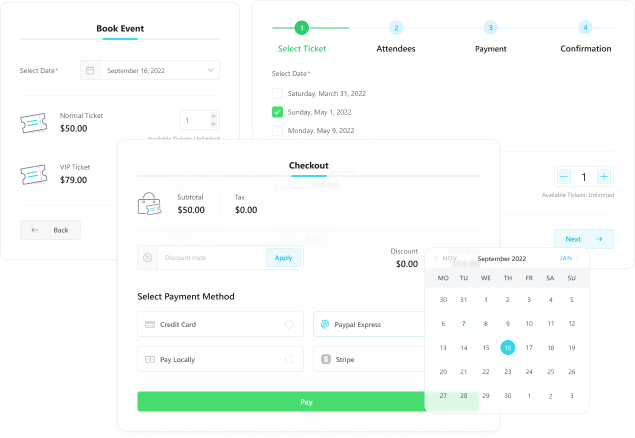
Solution 03 Add-on Required
Sell tickets, collect payments, issue invoices, assign seats, and scan check-in QR codes.
Sell Tickets and Manage Check-ins
Solution 04
Run online and hybrid events with controlled access and meeting integrations.
Run Virtual and Hybrid Events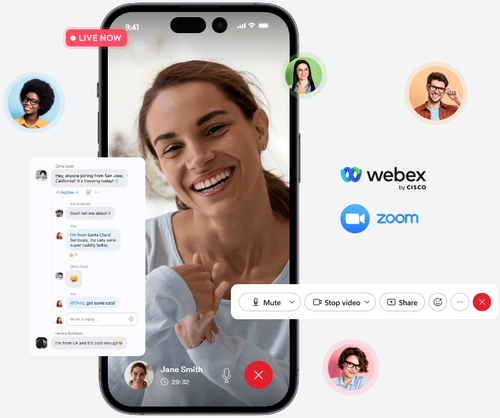
Solution 05
Connect MEC with the tools you already use for payments, ecommerce, automation, page building, video conferencing, memberships, and custom applications. Import, aggregate, and synchronize events from multiple sources, schedule recurring imports, connect external systems through REST API and webhooks, and keep event data aligned across WordPress multisite networks.
Browse MEC Add-ons and Integrations







MEC capabilities
Send confirmations, reminders, cancellations, rescheduling updates, sold-out alerts, and attendee reports to the right attendees, organizers, and administrators.
Speed up attendee entry by scanning ticket QR codes from a mobile device. Verify bookings instantly, reduce manual check-in, and keep attendance records accurate.
Create daily, weekly, monthly, yearly, custom-date, or ongoing event series without rebuilding each occurrence. Adjust individual dates, exclude exceptions, and manage complex recurring schedules from one event.
Collect events from supported calendars, platforms, plugins, and MEC websites, then manage and display them through one MEC-powered WordPress calendar. Schedule recurring imports with Advanced Importer or synchronize events across a WordPress multisite network.
Learn how to structure your event listings, individual event pages, registration, checkout, and confirmation journey with WordPress and MEC.
Move to Modern Events Calendar with built-in import tools that help you transfer events and essential event data from supported platforms quickly and easily.
Customer reviews
See what event organizers, agencies, and WordPress professionals say about using MEC for their everyday event-management needs.
4.2 Great on Trustpilot
Great experience so far with their Modern Events Calendar. I love the interface and find it pretty easy to work with once you set everything up.
 Bonnie S5-star review ·
Support was specific to my needs – not just a list of what I already tried. I’ve had to reach out to Webnus support for a few things that were really stumping me. Tried as I might, I could not find the solution. But hey! Webnus support was RIGHT THERE.
 Steven_W5-star review ·
I have tested most of the “popular” and “well established” calendar plugins. Modern Events Calendar Lite was exactly what I wanted. We use the premium version as well for our customer training calendar on our company DIVI site…
 Csasser5-star review
This plugin looks very stylish and works great. It is also well supported for updates which is reassuring. My client is very happy with it because it is fairly easy to use once it’s set up.
 Sherry Brimacombe5-star review
A quick trial of the lite version showed me how easy it is to use, and how valuable the pro version and add-ons will be. (Great how-to videos, BTW!)
 Awisechoicecomm5-star review
If I could give you 6 stars I would. I have tried virtually every calendar plugin on the market. Besides the fact that this is by far the best one, the customer support is simply the best I’ve ever had with any purchase.
While I’ve always been a fan of MEC’s capabilities, I recently uncovered an issue where there was a theme conflict with some MEC CSS. I reported it to the MEC support team, and they had a full-blown release patch out in less than two days that FULLY addressed it!
Each time my support requests have been answered within 24 hours, more recently closer to 8 hours, which is great when you take in time differences.
Out of the box this plugin looks great. All the other plugins I’ve used for events have had poor styling and required a lot of extra editing to make them presentable. I haven’t ran into any problems thus far with this program, the support has been fantastic and I’d definitely recommend this to a friend.
Expert reviews
Read expert opinions and independent reviews covering MEC’s features, usability, flexibility, and performance.
 Mustaasam Saleem
Full review in Cloudways.com →
If you are running an event website or you want to start a WordPress powered website with booking services, you need a managed WordPress hosting that will not disappoint you and a strong and practical plugin that can provide all the required features. The most important factor in such projects is the user-friendly environment the plugin creates. In this regard, both Lite and Pro versions of Modern Events Calendar (MEC) can help you.
 Joe Fylan
Full review in Athemes.com →
Created to deliver a selection of useful features and a well-designed user experience, the Modern Events Calendar plugin is a tool for publishing events on WordPress websites. With free and paid versions available, whether you simply want to add basic events publishing functionality to your website or you have more demanding needs, there’s a good chance this plugin will meet your requirements.
 Kevin Muldoon
Full review in KevinMuldoon.com →
Modern Events Calendar plugin is an advanced events calendar solution for WordPress that simplifies the task of managing events, publicising events, and taking bookings. It is one of the best ways you can manage events and handle bookings on a WordPress website. As you have seen, the plugin has hundreds of settings to help you customise your events and its support of third-party services and WordPress plugins is superb.
 Colin Newcomer
Full review in Athemes.com →
As the name suggests, the core benefit of Modern Events Calendar is that it lets you create an events calendar plugin that looks pretty great out of the box. That latter part is important because some popular event calendar plugins require a lot of custom styling to make them look good, which is tough if you don’t know your way around CSS. Modern Events Calendar lets you create great-looking event displays right out of the box, along with advanced features like ticketing and a custom event display builder.

Support
Our support team is here to help with installation, configuration, troubleshooting, and everyday use. Whenever you need assistance, contact us and we’ll help you get back on track.