
Daily View Skin Settings
You can use Daily View Skin in the Modern Events Calendar to present your events in the daily calendar to your viewers.
Daily View Skin Shortcode
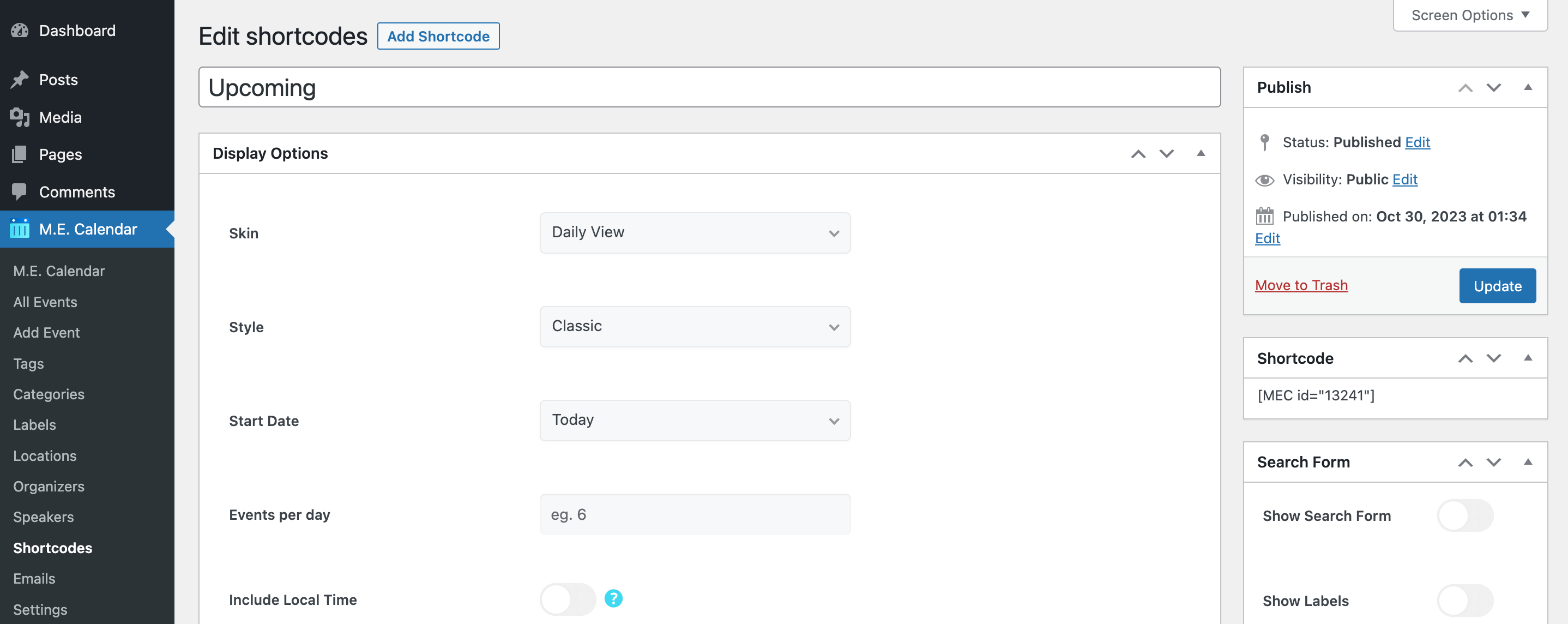
You can use shortcodes in your internal pages to have this on your website. The shortcodes are located in M.E. Calendar > Shortcodes.
Daily View Layouts
Here is the demo of Daily View Skin in the Modern Events Calendar:
Daily View Shortcode Options
These are the options you see in M.E. Calendar > Shortcodes after choosing the Daily View skin. MEC Pro and some addons can add more styles and options.
| Option | What it does | Values |
|---|---|---|
| Start Date | The date the view starts showing events from. | Today / Tomorrow / Yesterday / Start of Last Month / Start of Current Month / Start of Next Month / On a certain date |
| Certain Start Date | The exact start date, used when Start Date is set to "On a certain date". | Date |
| Events per day | Maximum number of events shown per day. | Number |
| Include Local Time | Also shows each event's time in the visitor's own time zone. | On / Off |
| Next/Previous Buttons | Shows buttons to move to the previous and next period. | On / Off |
| Display Normal Labels | Shows event labels such as "Featured" or "Canceled". | On / Off |
| Display Reason for Cancellation | Shows the cancellation reason on canceled events. | On / Off |
| Display Categories | Shows the categories of each event. | On / Off |
| Detailed Time | Shows detailed times for multiple-day events. | On / Off |
| Single Event Display Method | How the event opens when clicked. | Current Window / New Window / Modal Popup / Disable Link |
| Booking Button / Icon | Adds a booking button or icon to each event. | On / Off |
| Display Custom Fields | Shows event custom fields. | On / Off |
| Display Organizers | Shows the organizer of each event. | On / Off |
Daily View FAQ
How do I add the Daily View to a page?
Go to M.E. Calendar > Shortcodes, add a new shortcode, choose Daily View as the skin, set the options above and publish it. Then copy the generated shortcode (for example [MEC id="123"]) into any page, post or widget.
How do I show only some events?
Open the Filter Options of the same shortcode and limit events by category, location, organizer, label, tag or author. See Making Advanced Shortcodes for every filter.
Can visitors move to the next or previous period?
Yes. Turn on Next/Previous Buttons and visitors can browse earlier and later periods without leaving the page.