Skip to content
No results
Modern Events Calendar logo
  • Installation
    • Installation
    • Activation
    • Auto Update
    • Manual Update
    • Change License Domain
  • Settings
    • General
    • Archive Page
    • Slugs/Permalinks
    • Currency
    • View All
  • Single Event
    • Single Event Settings
    • How to Add Event In MEC Plugin?
    • MEC Single Sidebar
    • Custom Fields
    • View All
  • Event Modules
    • Speakers
    • Organizers
    • Locations
    • Map
    • View All
  • Booking Settings
    • Booking Module
    • Booking Elements
    • Booking Form
    • Payment Gateways
    • View All
  • Event Submission
    • General
    • Access Level
    • FES Sections
    • Required Fields
    • View All
  • Integrations
    • Mailchimp
    • Paid Memberships Pro
    • BuddyPress
    • LearnDash
    • View All
  • Notifications
    • Booking Notification
    • Booking Confirmation
    • Booking Reminder
    • Admin Notification
    • View All
  • Addons
    • Elementor Single Builder Addon
    • Ticket and Invoice Addon
    • Event Seat Addon
    • Virtual Events Addon
    • View All
  • Other
    • Appearance Settings
    • Translation
    • Knowledge
    • Troubleshooting
    • Developer
Modern Events Calendar logo

  • Categories
    • Installation
      • Installation
      • Activation
      • Auto Update
      • Manual Update
      • Change License Domain
    • General Settings
      • General
      • Archive Pages
      • Slugs/Permalinks
      • Currency
      • View All
    • Single Event
      • Single Event Settings
      • MEC Single Sidebar
      • How to Add Event In MEC Plugin?
      • Custom Fields
      • View All
    • Event Modules
      • Speakers
      • Organizers
      • Locations
      • Map
      • View All
    • Booking Settings
      • Booking Module
      • Add a Booking System
      • Booking Form
      • Organizer Payment Settings
      • View All
    • Event Submission
      • General
      • Access Level
      • FES Sections
      • Required Fields
      • View All
    • MEC Integrations
      • Mailchimp
      • BuddyPress
      • LearnDash
      • Paid Memberships Pro
      • View All
    • Notifications
      • Booking Notification
      • Booking Confirmation
      • Booking Reminder
      • Admin Notification
      • View All
    • Addons
      • Elementor Single Builder Addon
      • Ticket and Invoice Addon
      • Event Seat Addon
      • Virtual Events Addon
      • View All
    • Other
      • Appearance Settings
      • Translation
      • Knowledge
      • Troubleshooting
      • Developer

Submit a Ticket
Modern Events Calendar logo

Toggle
  • MEC Wizard
  • Add Event Wizard
  • Add Shortcode Wizard
  • Settings Wizard

Installation

MEC Wizard

 
After installing and activating MEC, you will be redirected to the MEC Wizard page. Here, you can click on any of the Import Dummy buttons to import events or shortcodes that are prebuilt in MEC.

MEC Wizard

MEC Wizard offers you access to Add Event, Add Shortcode, Settings, Import Dummy Events, Import Dummy Shortcodes, and Getting Started Videos of MEC. It’s noteworthy that these wizards would not show all of the available fields on those pages. They are just a shortcut to create and manage events and settings faster.

Add Event and Add Shortcode wizards can be disabled from MEC Settings > General.

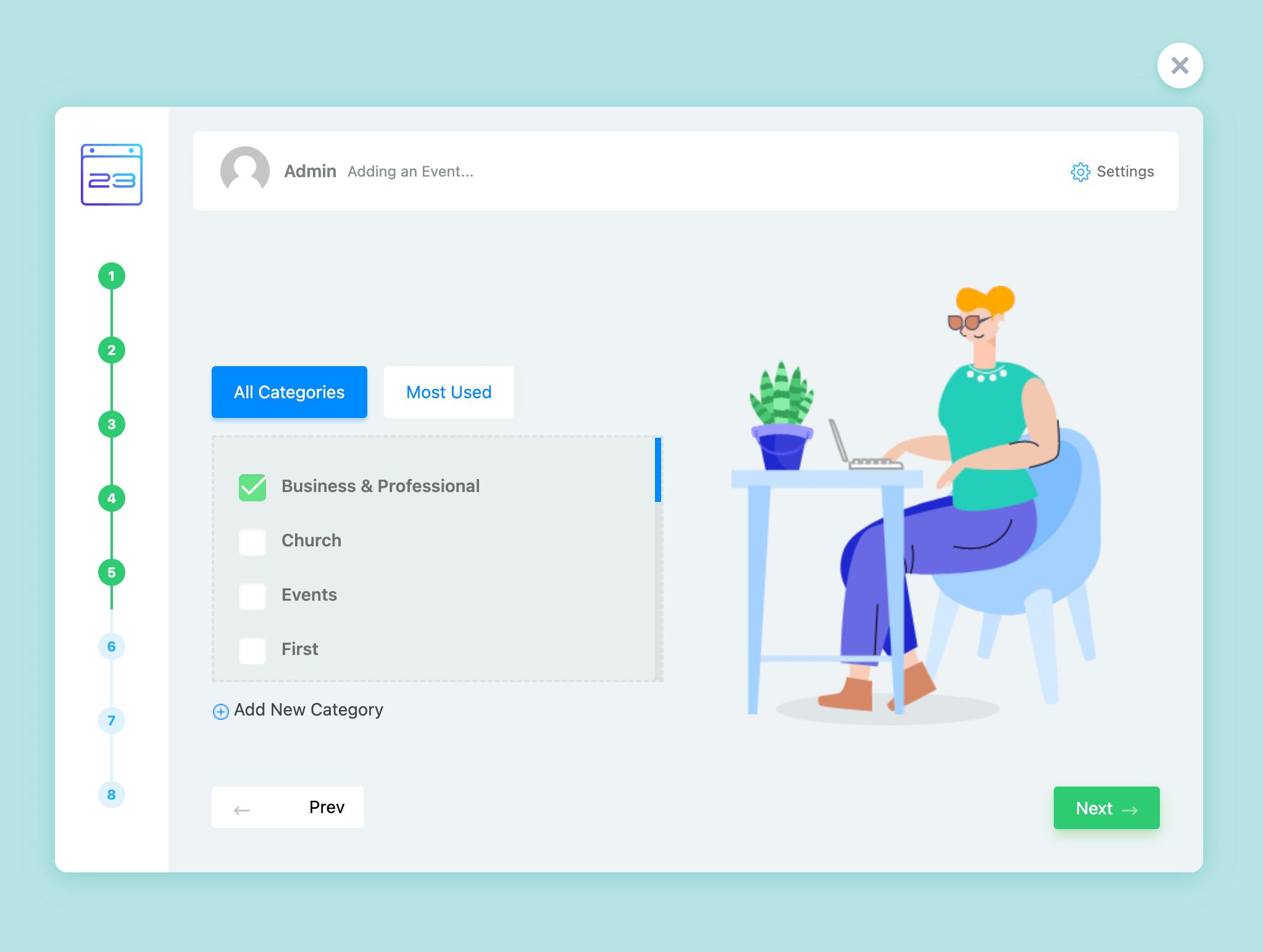
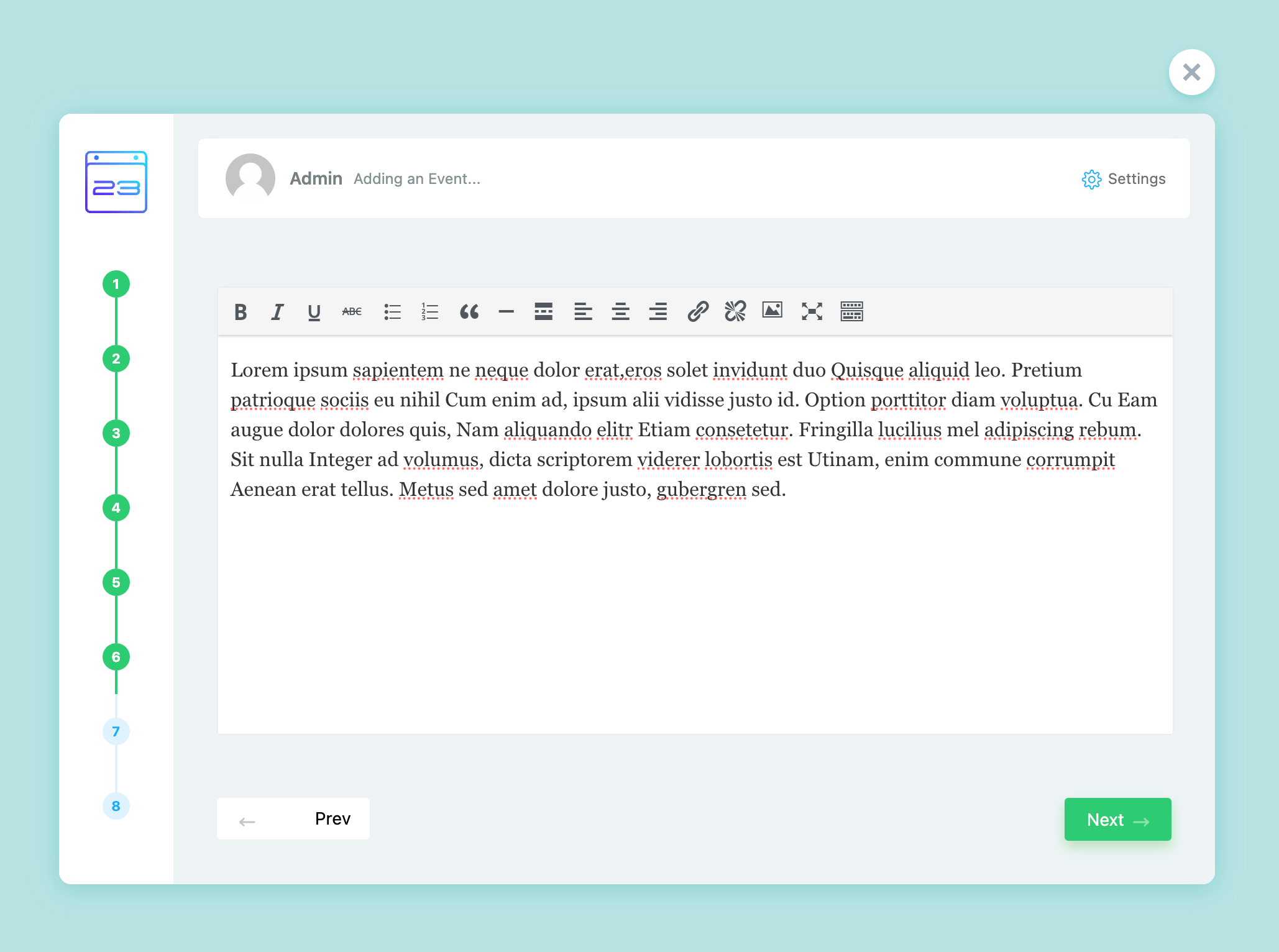
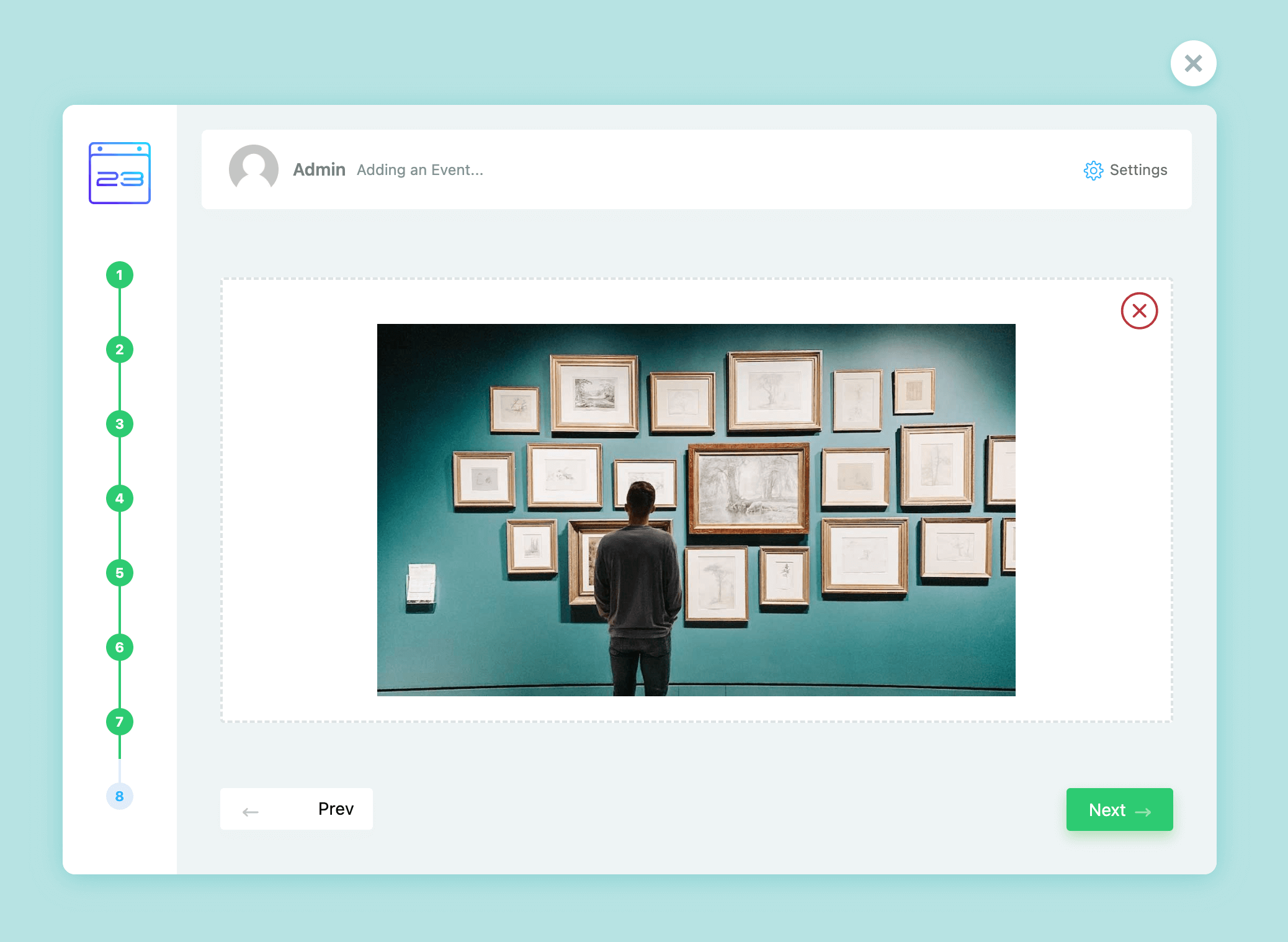
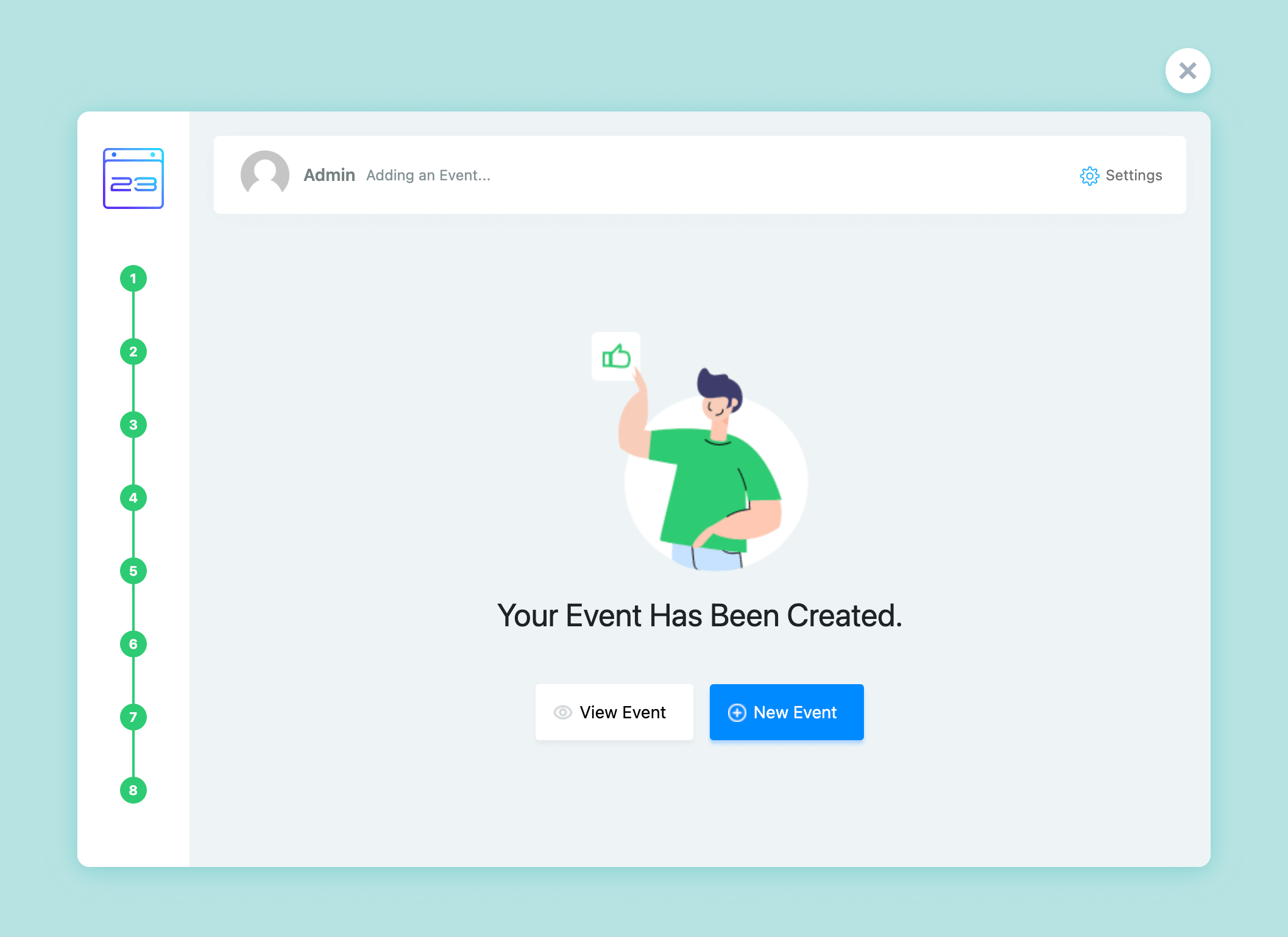
Below you can see images of these wizards and their overall steps.
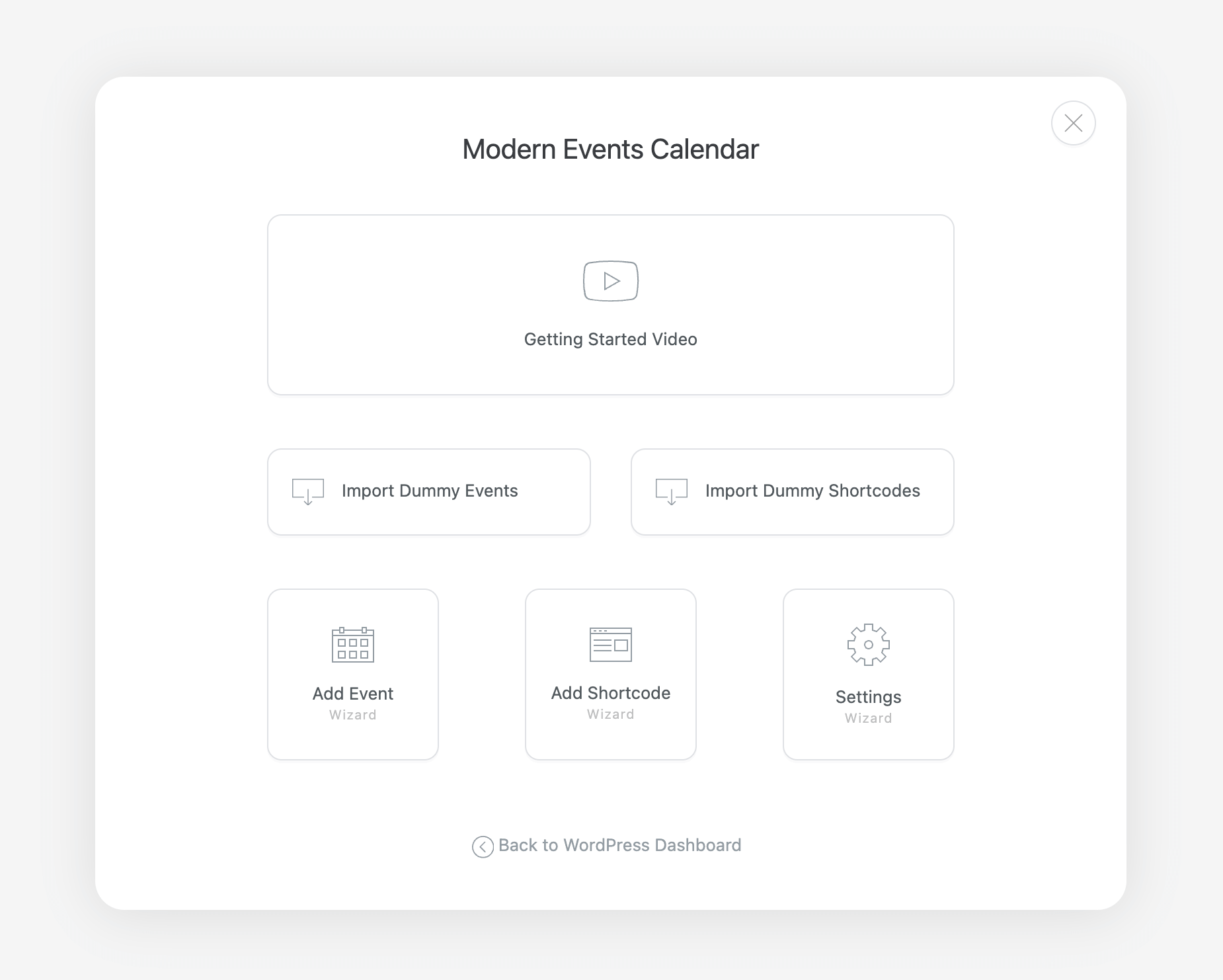
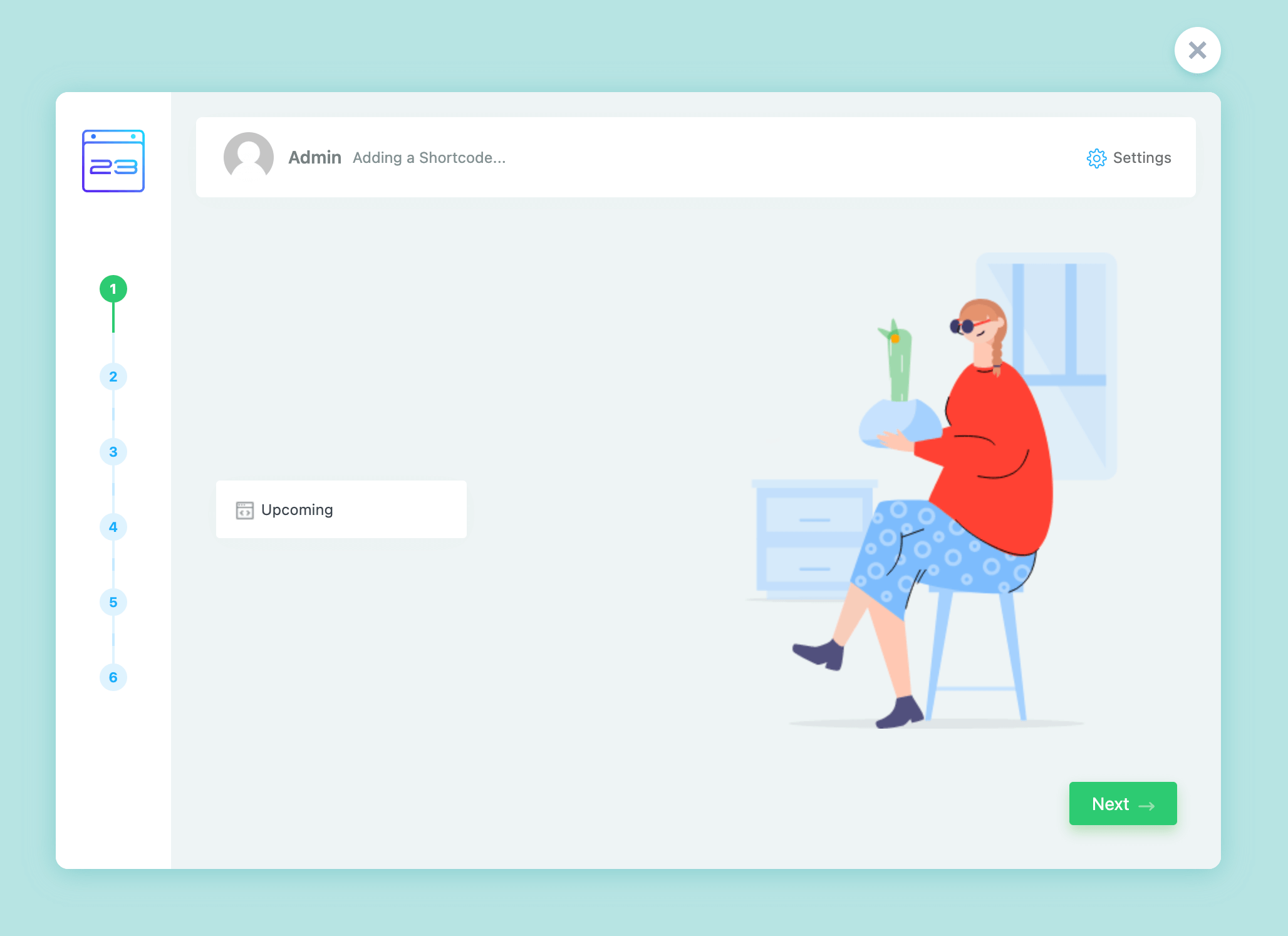
MEC setup wizard start screen with Getting Started video, import dummy events and settings options

Add Event Wizard

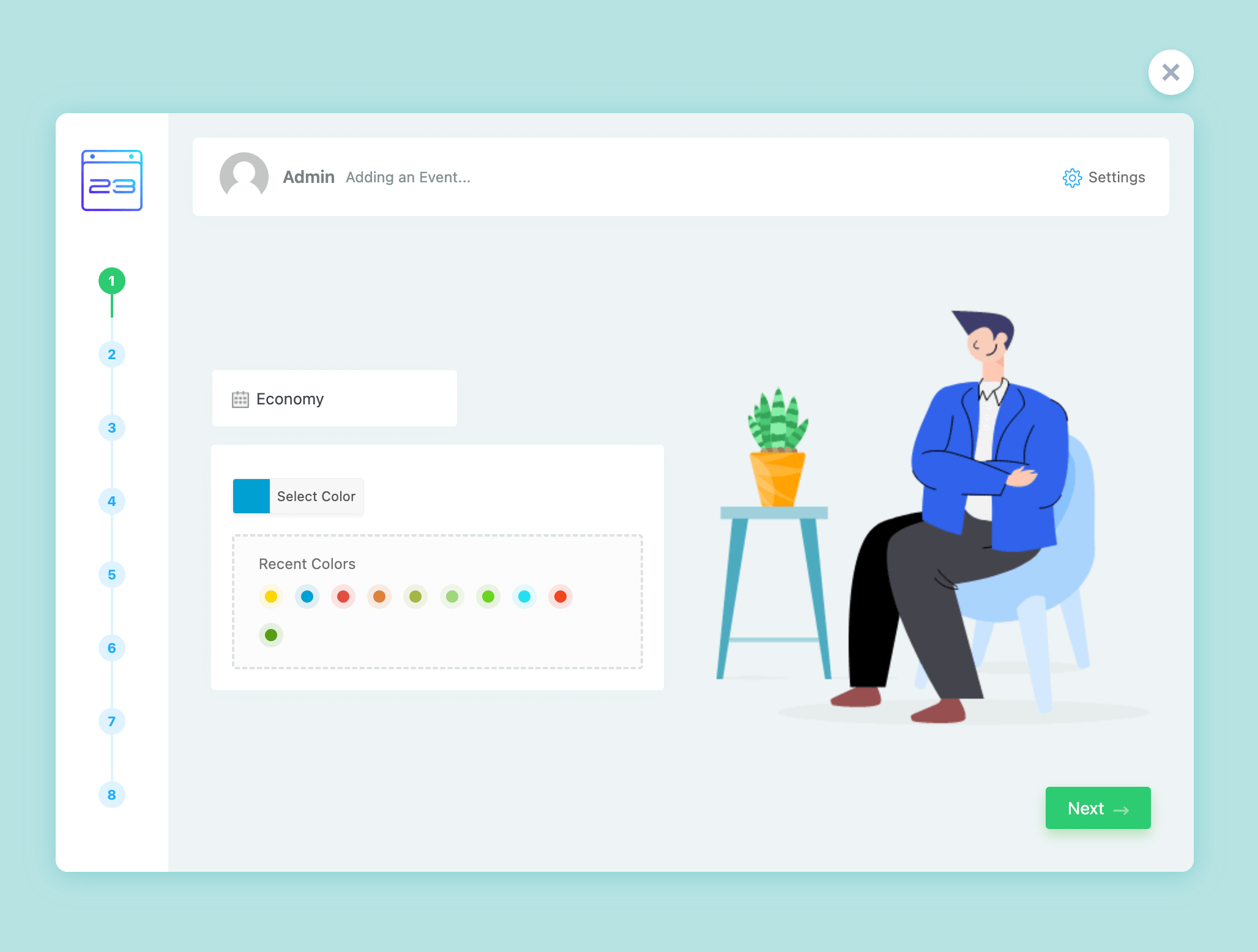
MEC setup wizard event title and color selection step
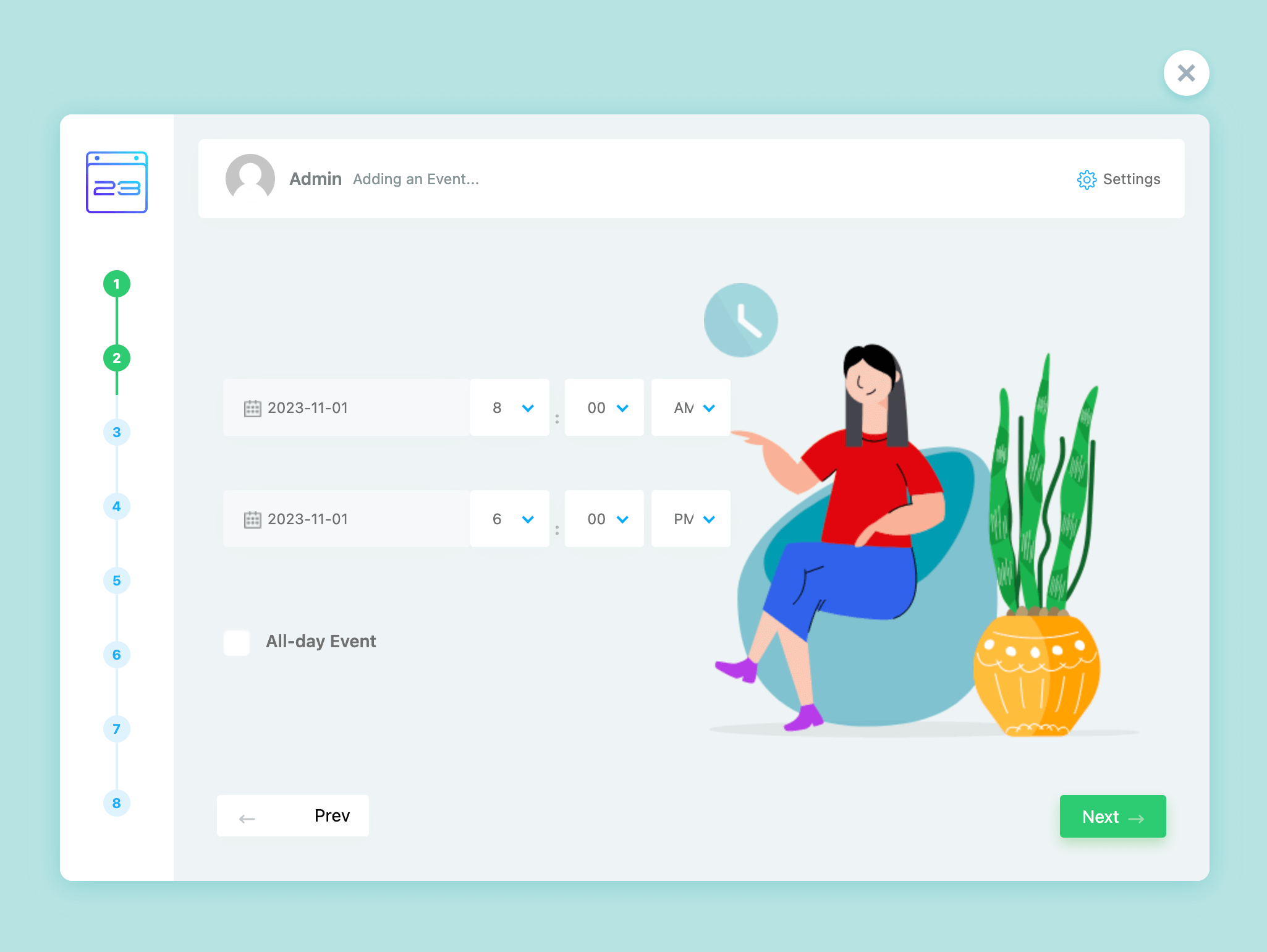
MEC setup wizard event date and time step with start and end fields
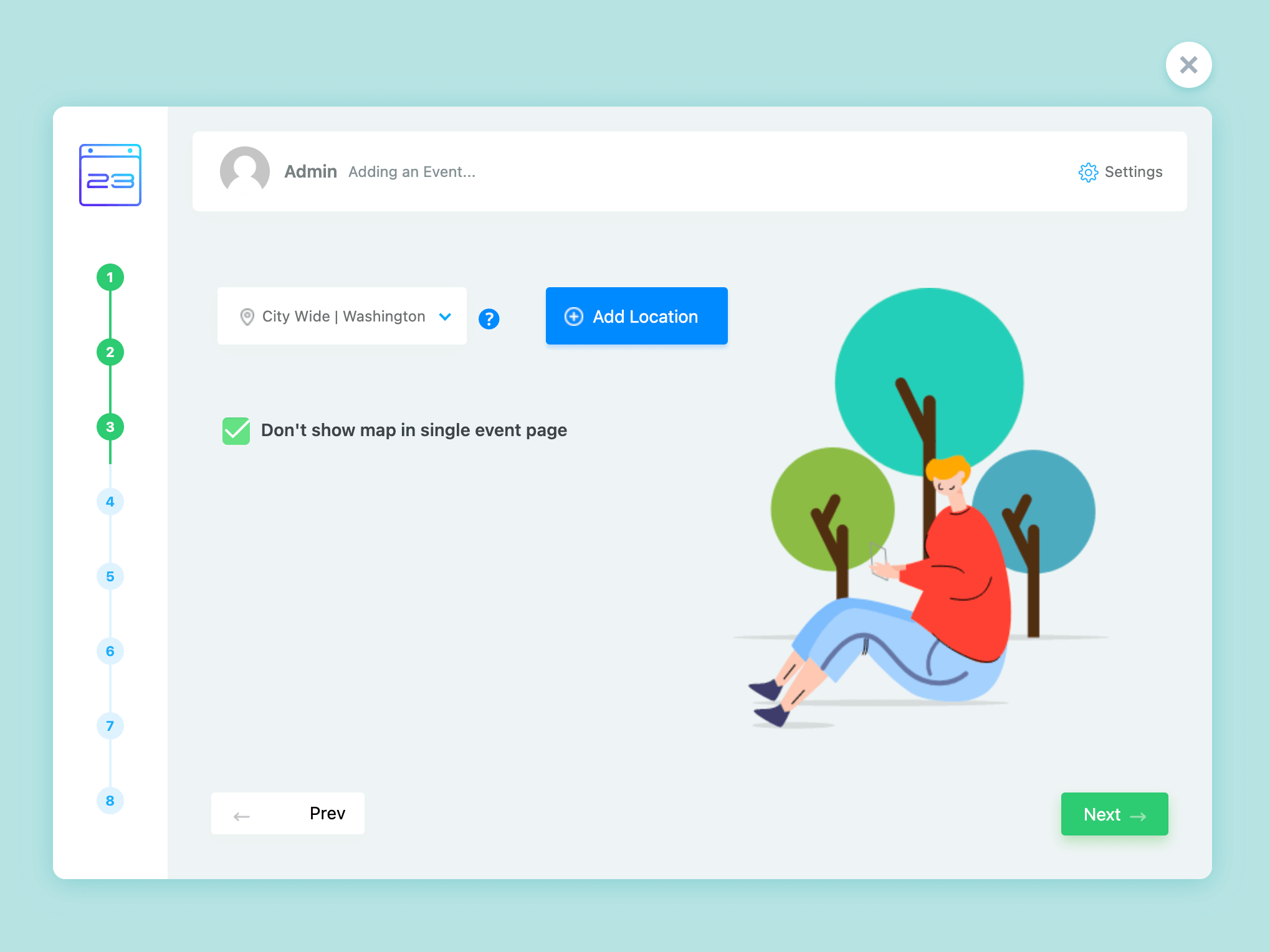
MEC setup wizard location step with an Add Location button and map option
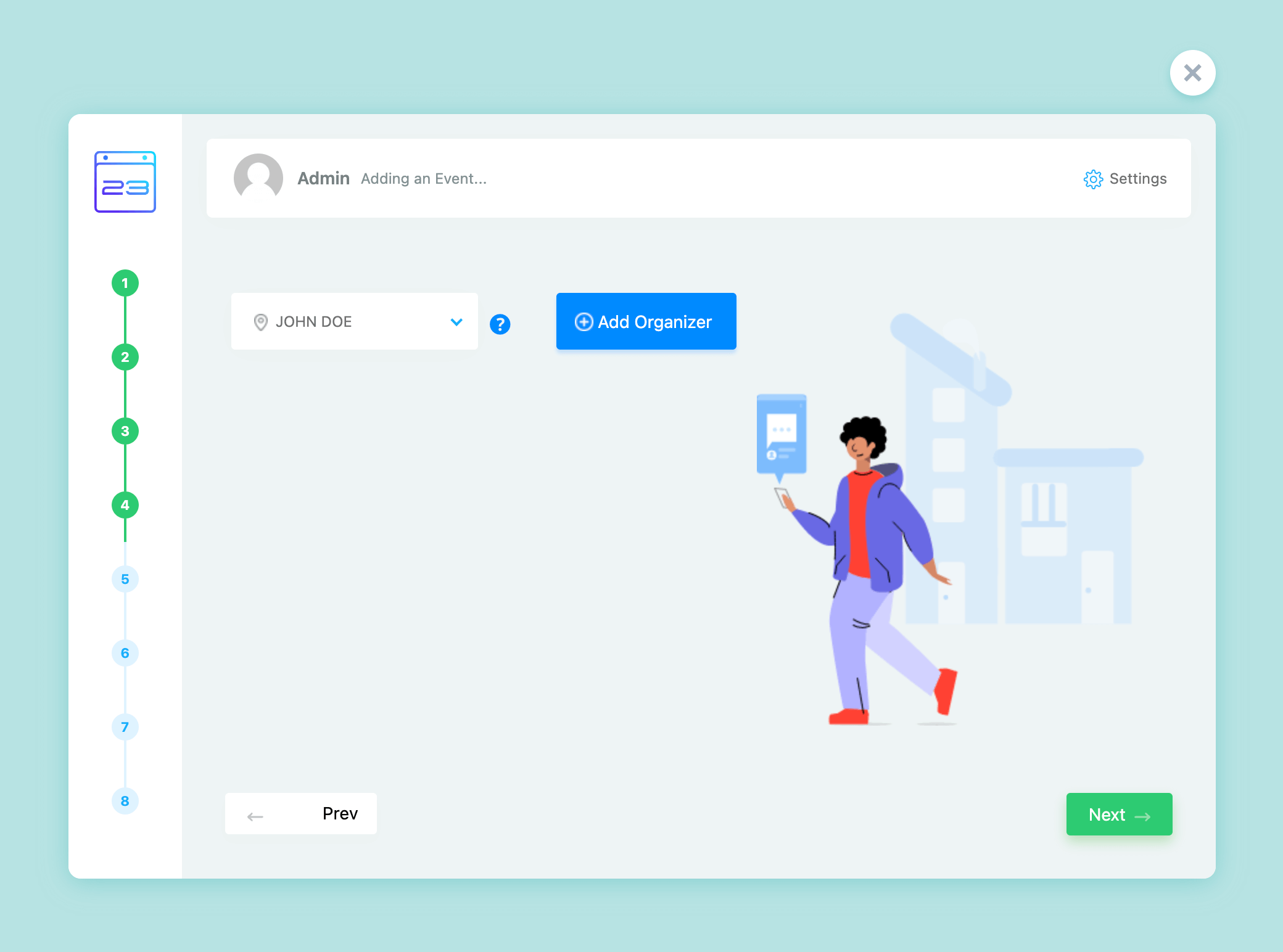
MEC setup wizard organizer step with an Add Organizer button
MEC setup wizard event categories step with category checkboxes
MEC setup wizard event description step with a text editor
MEC setup wizard featured image step with a gallery photo
MEC setup wizard confirmation screen saying Your Event Has Been Created

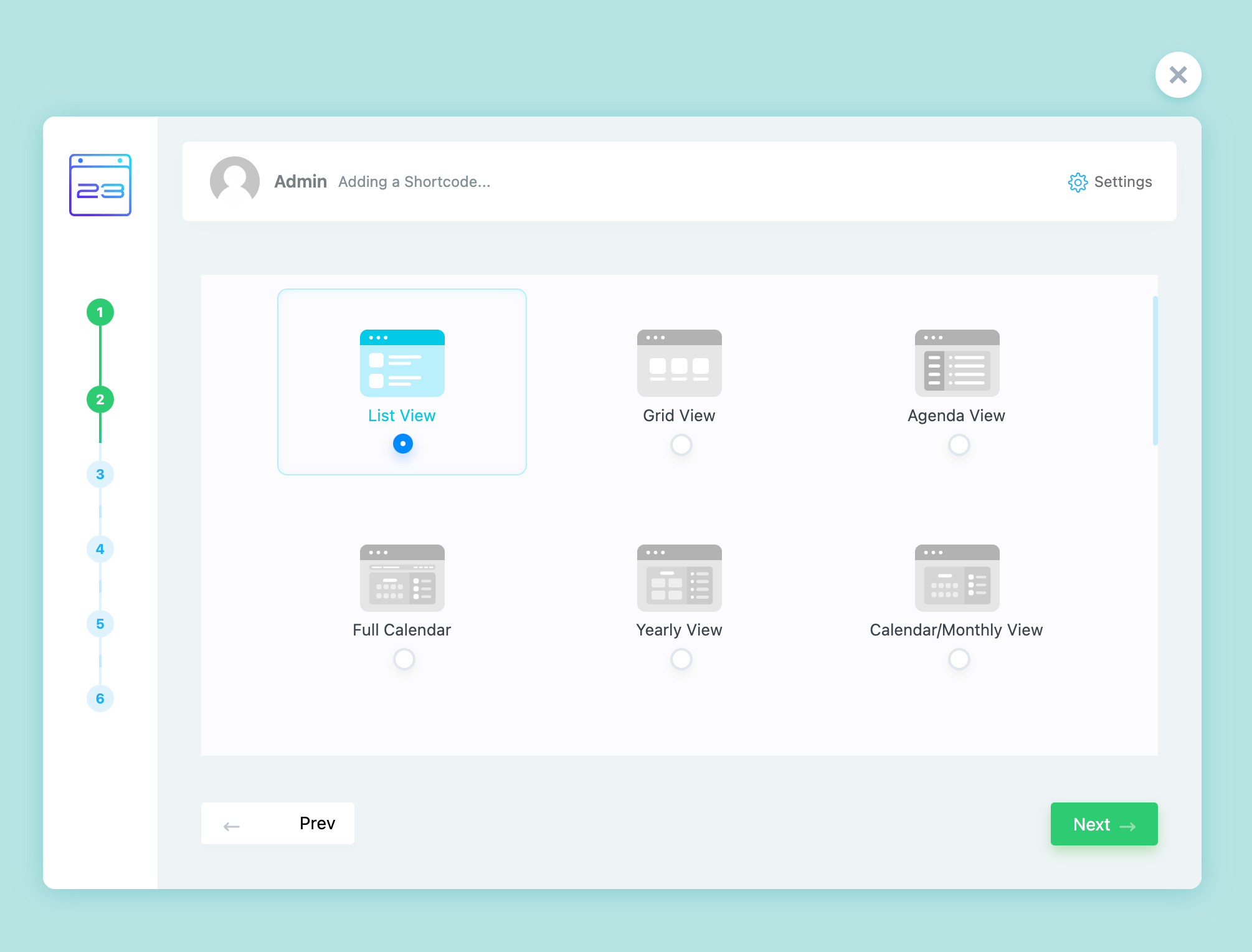
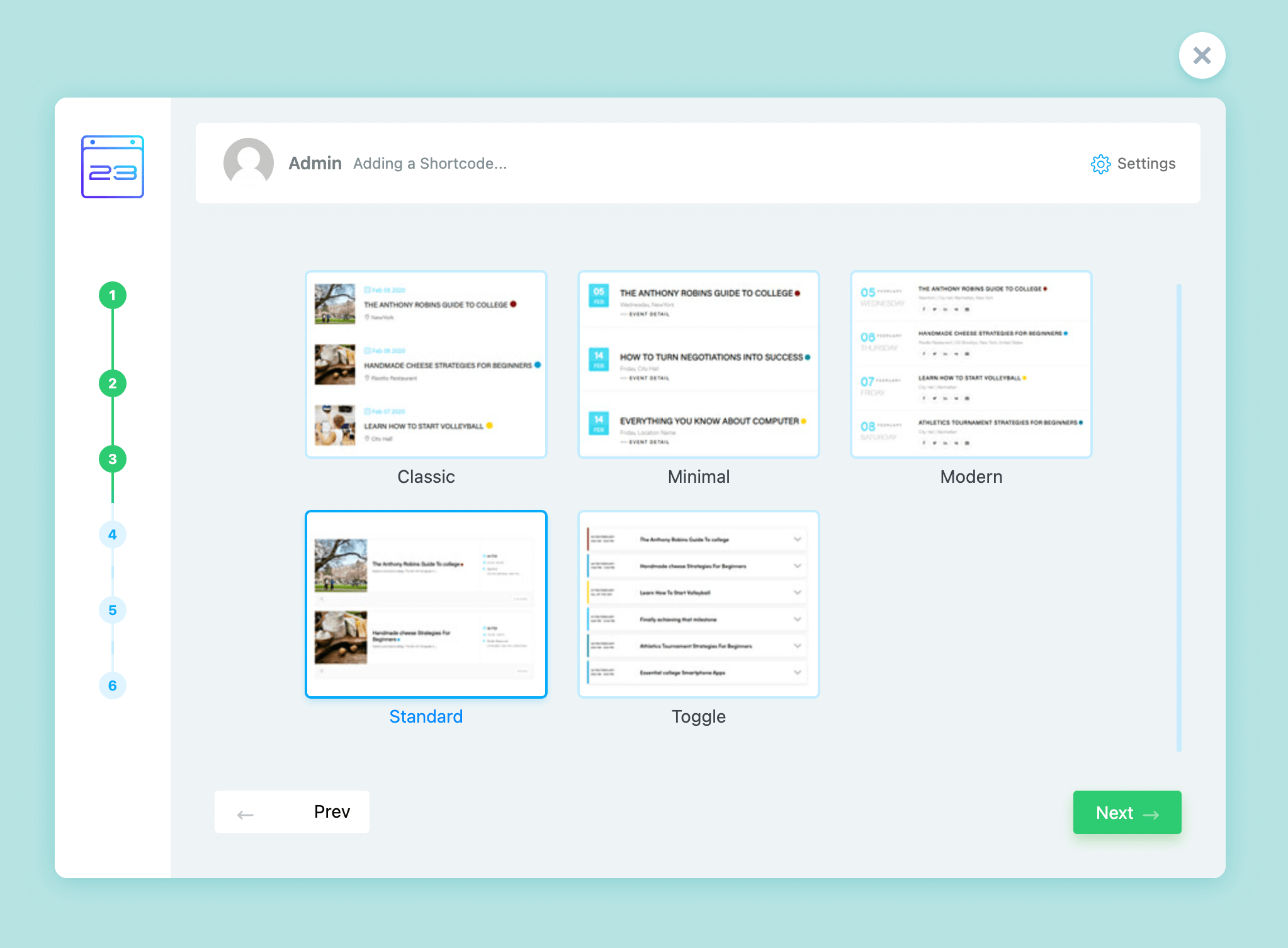
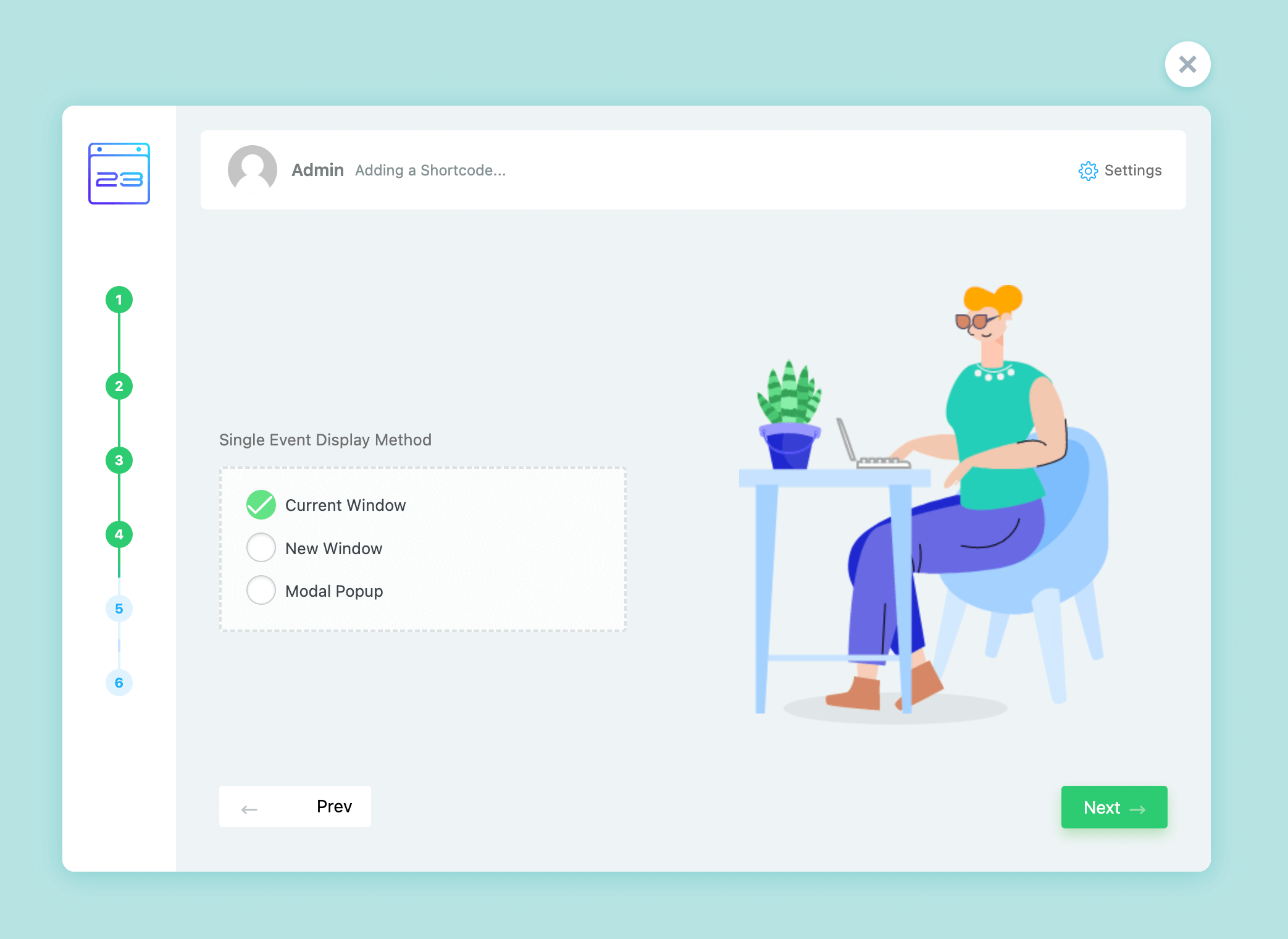
Add Shortcode Wizard

MEC setup wizard shortcode step for entering a shortcode name
MEC setup wizard shortcode step for choosing a view like list, grid or full calendar
MEC setup wizard shortcode step for choosing a skin style such as classic, minimal or modern
MEC setup wizard shortcode step with single event display method options
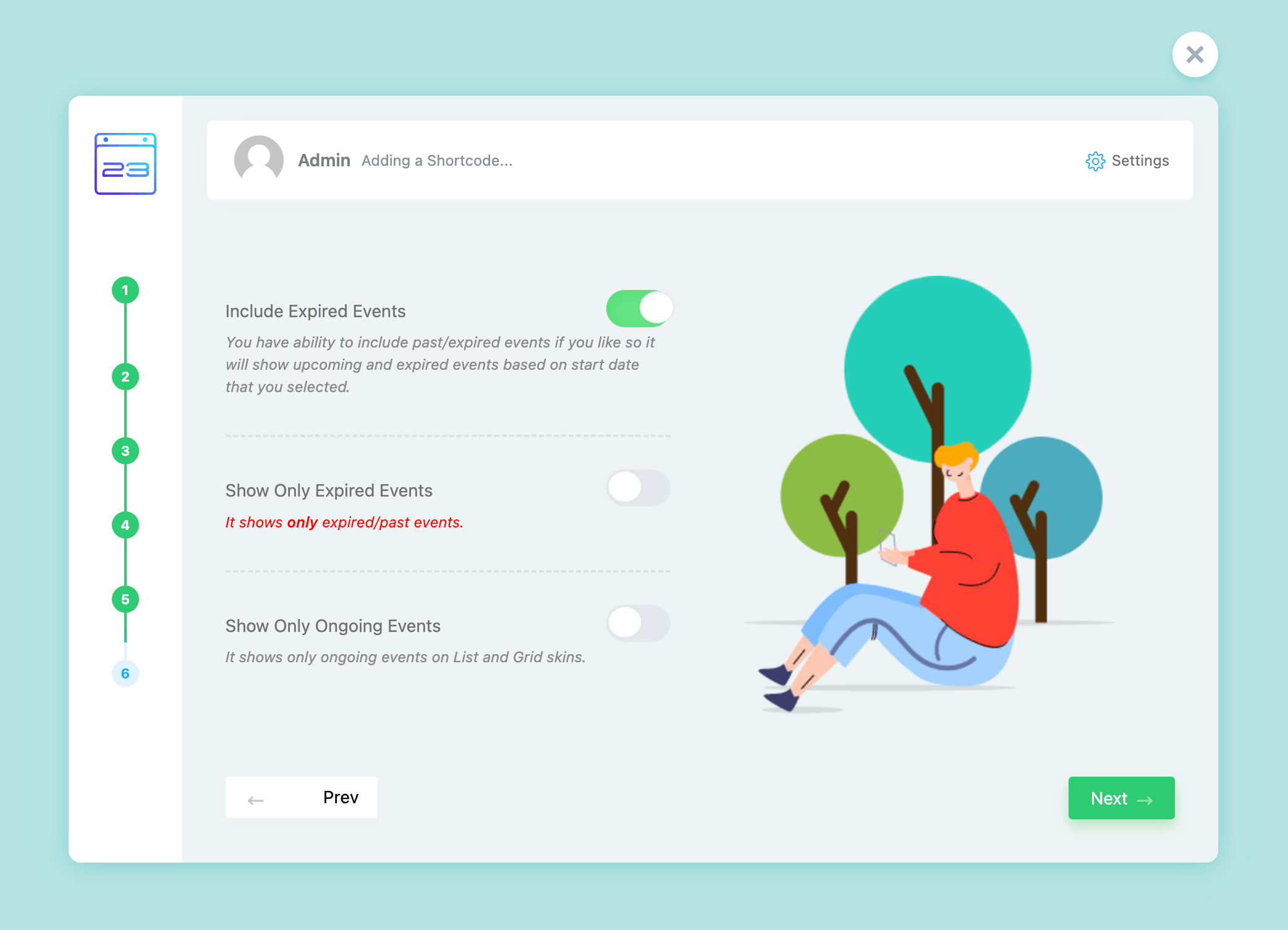
MEC setup wizard shortcode step with expired and ongoing events options
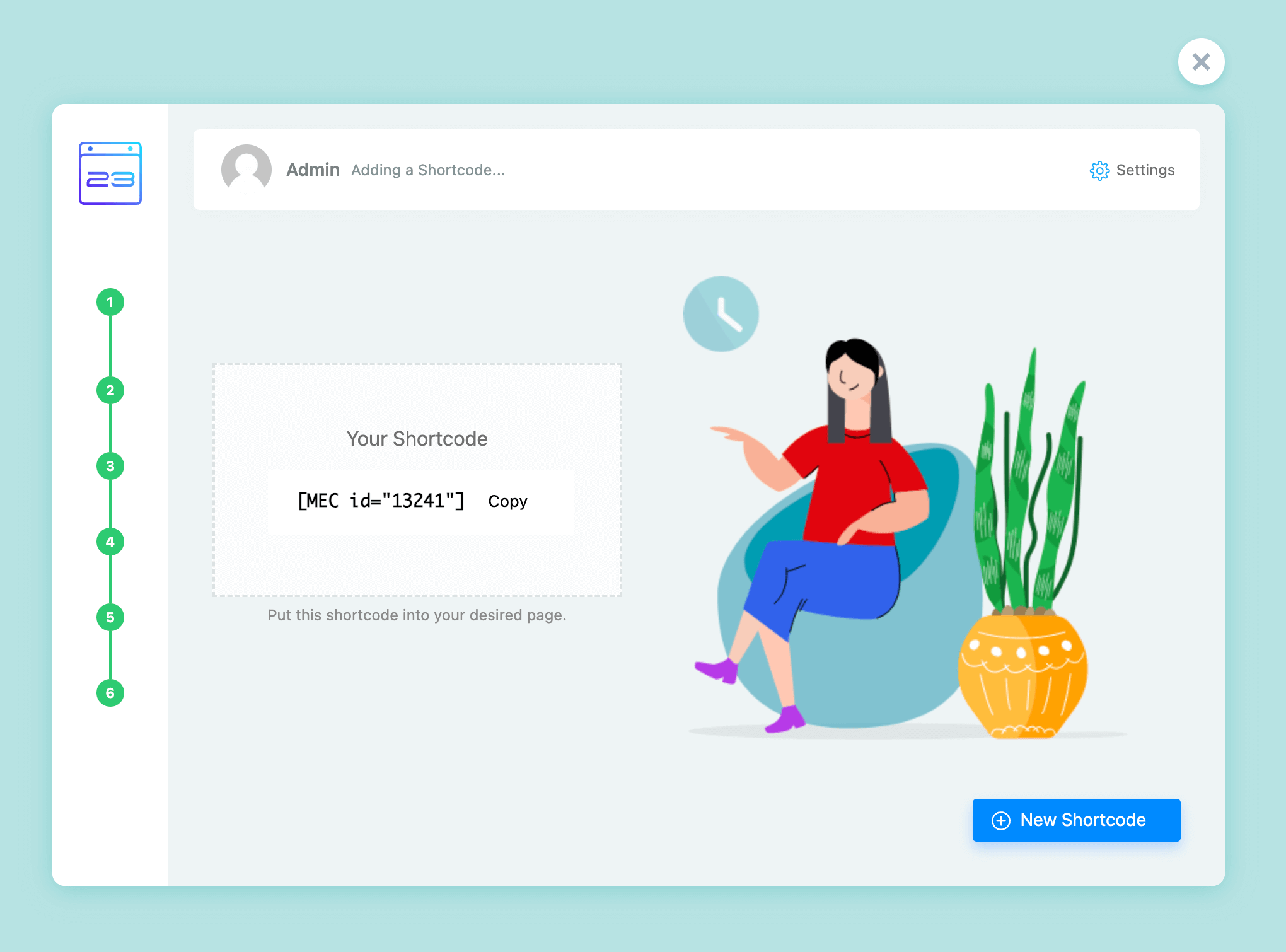
MEC setup wizard shortcode created step with the generated shortcode and Copy button

Settings Wizard

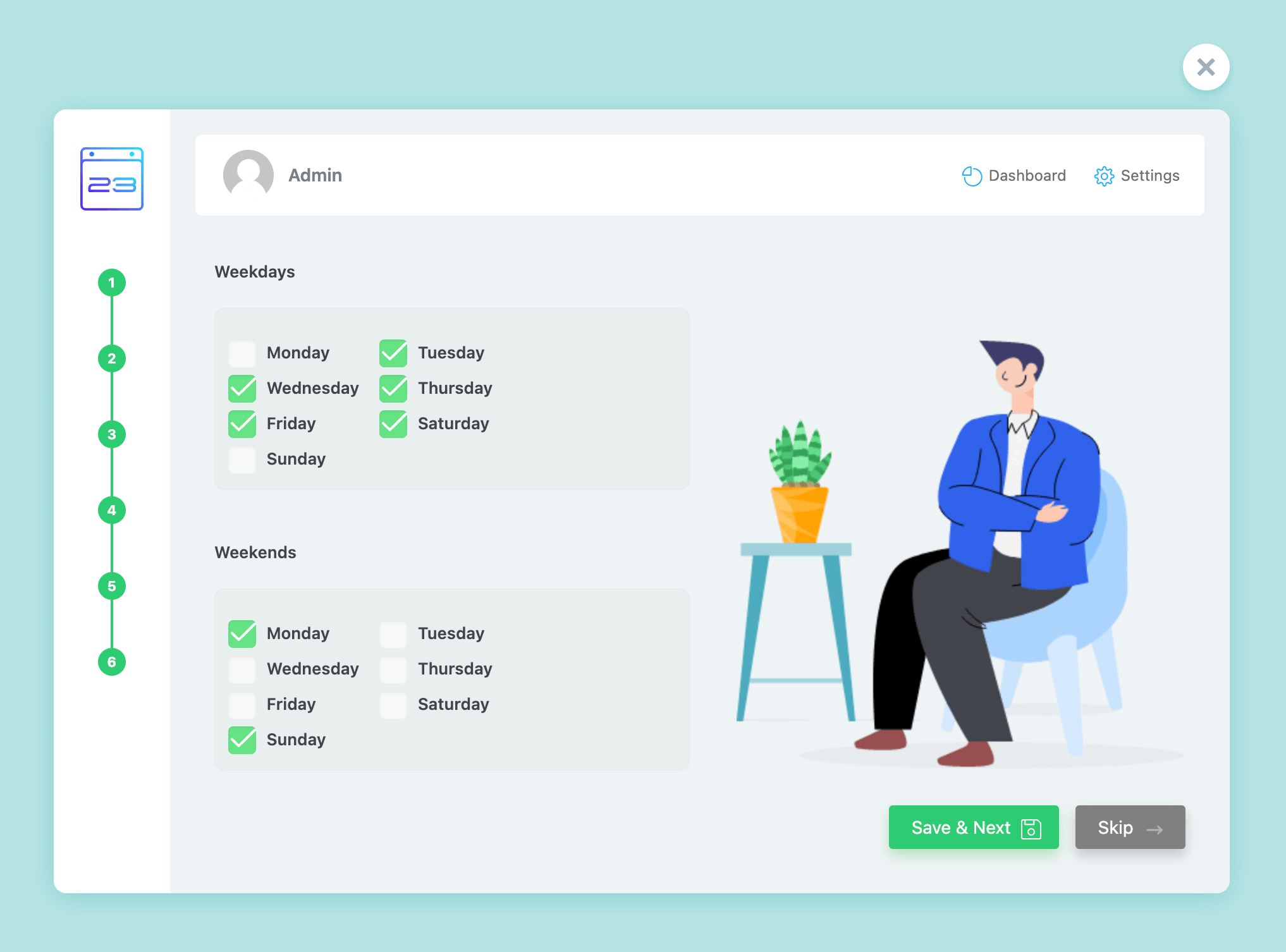
MEC setup wizard weekdays and weekends selection step
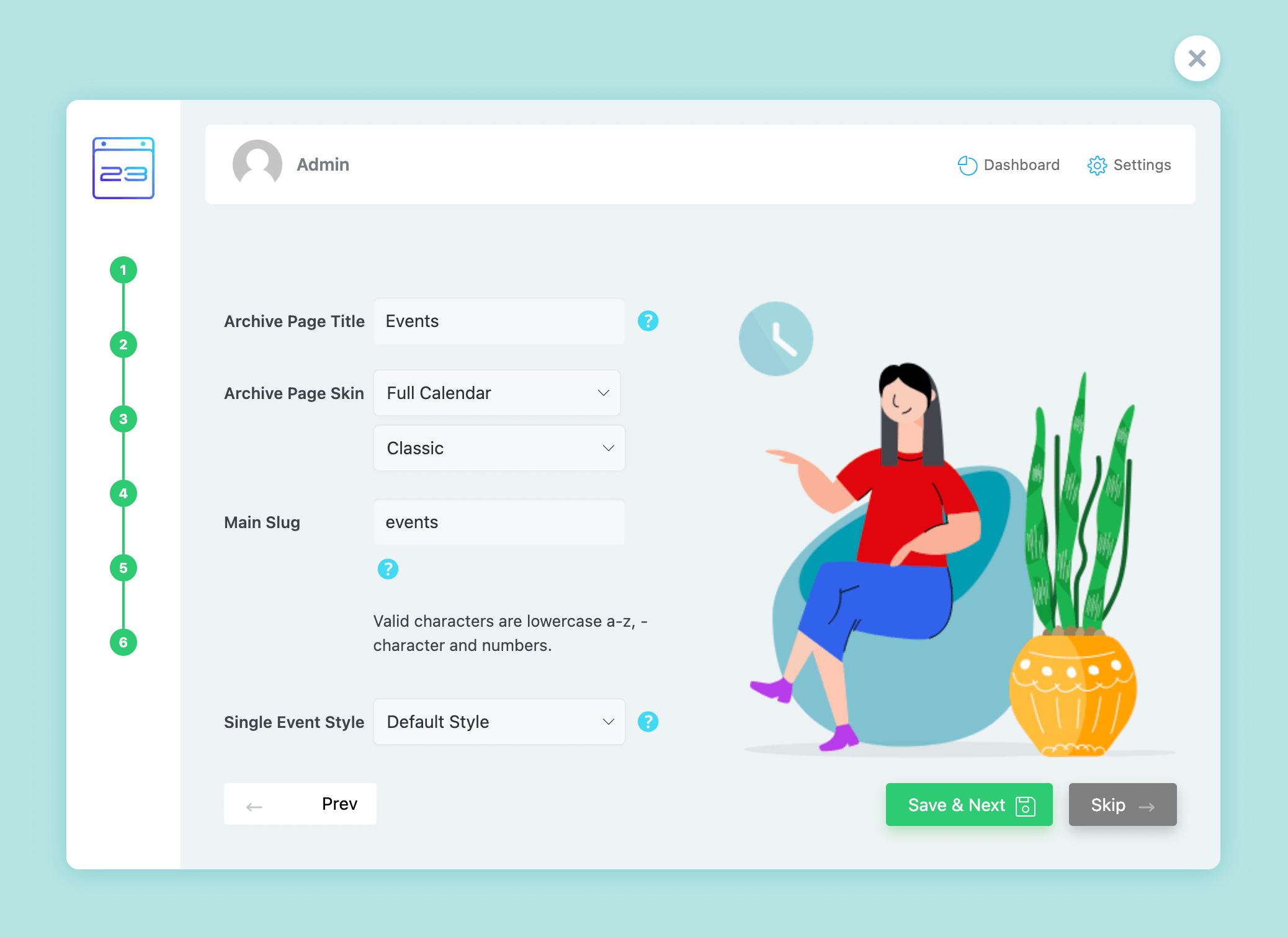
MEC setup wizard settings step with archive page title, skin, main slug and single event style
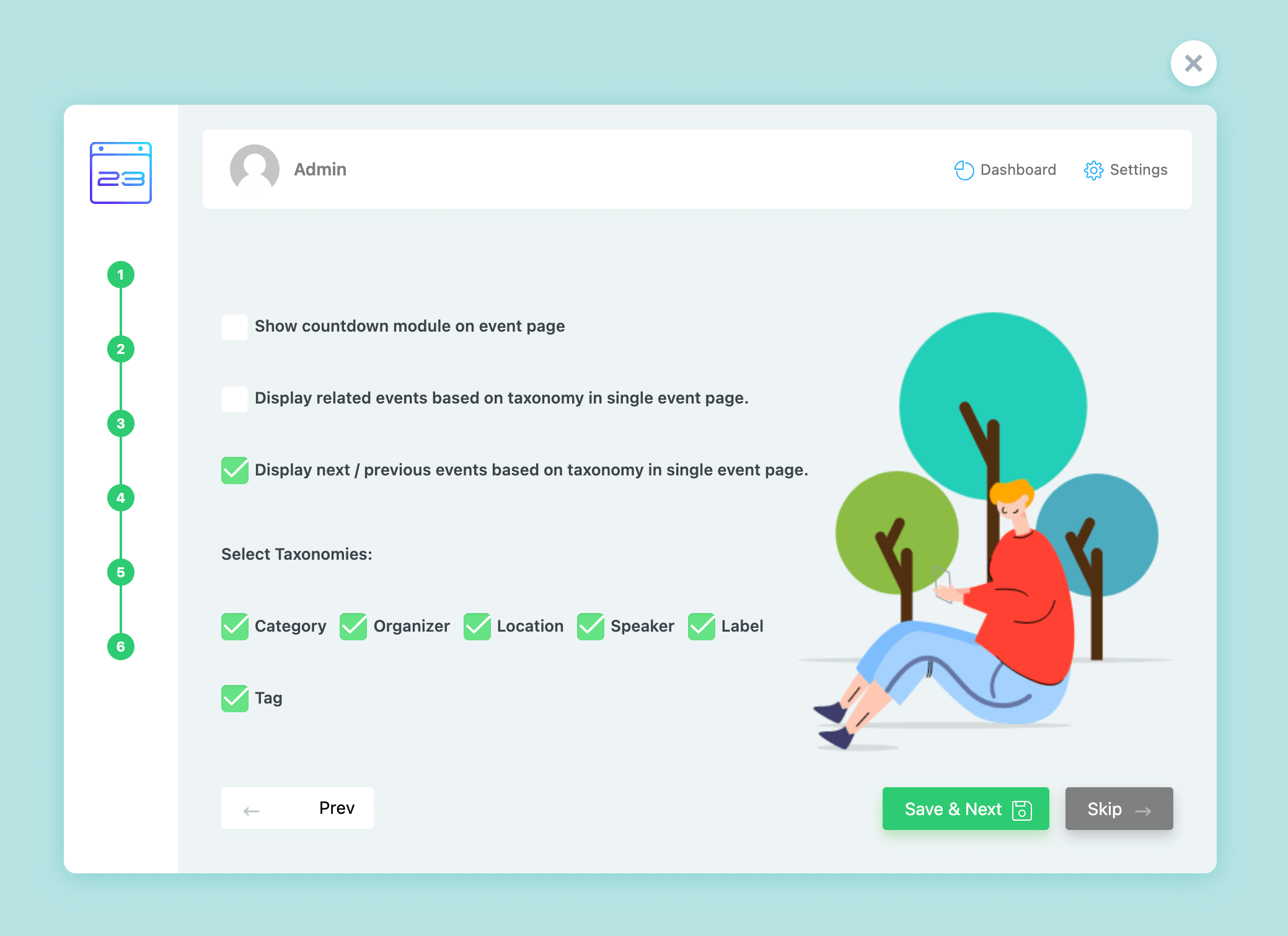
MEC setup wizard single event step with countdown and related events options
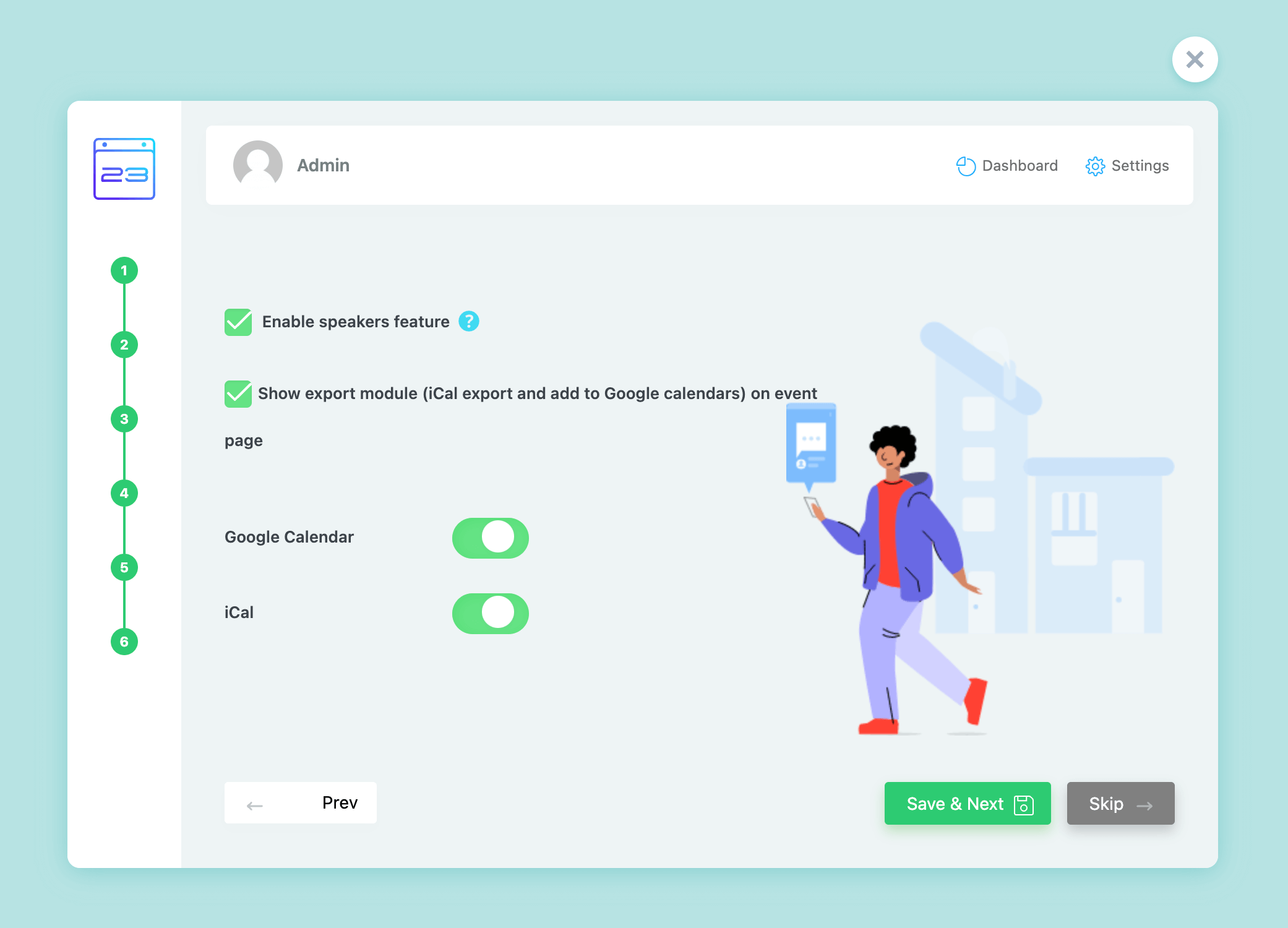
MEC setup wizard modules step with speakers, export and calendar options
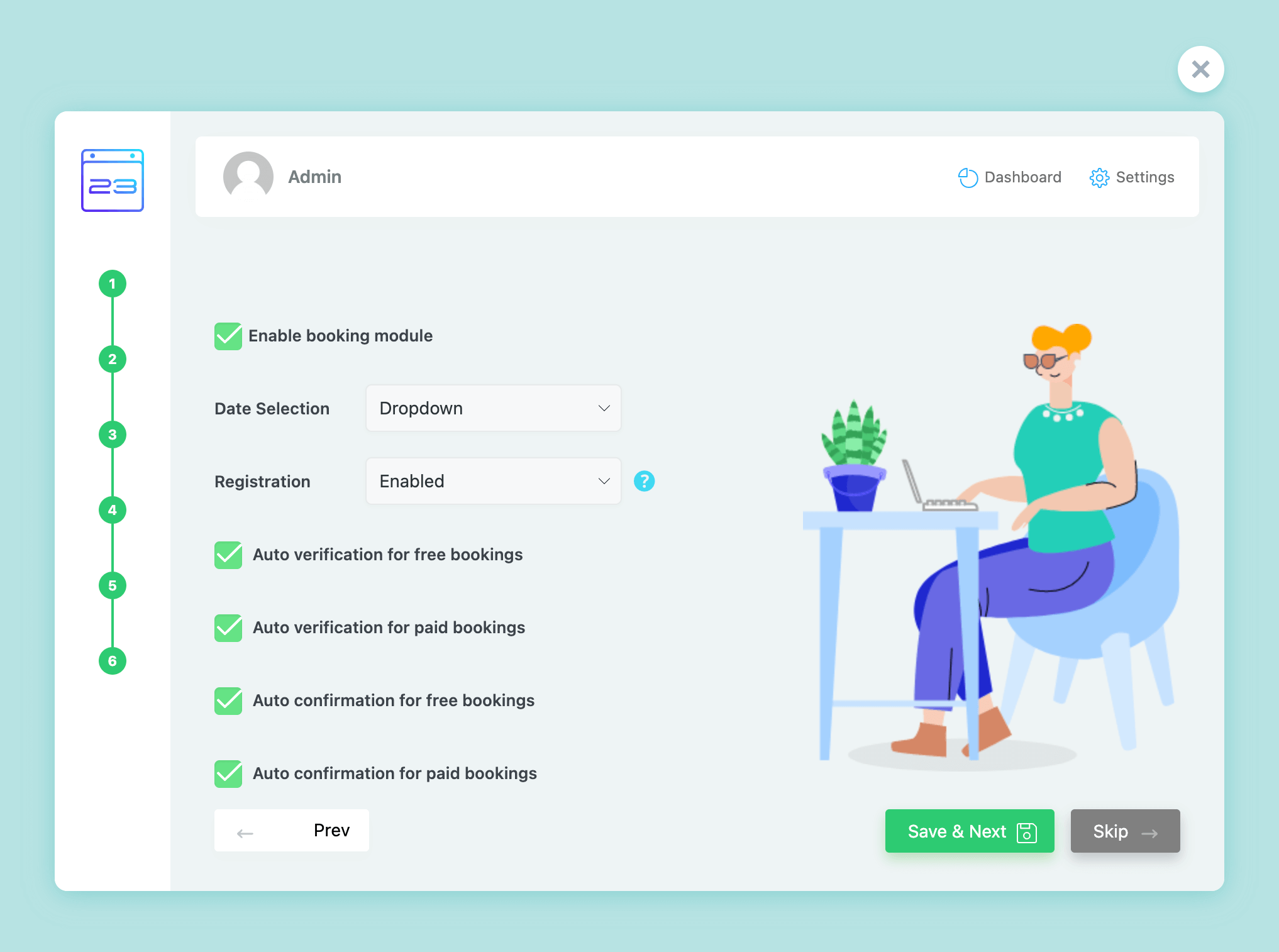
MEC setup wizard booking step with booking module and confirmation options
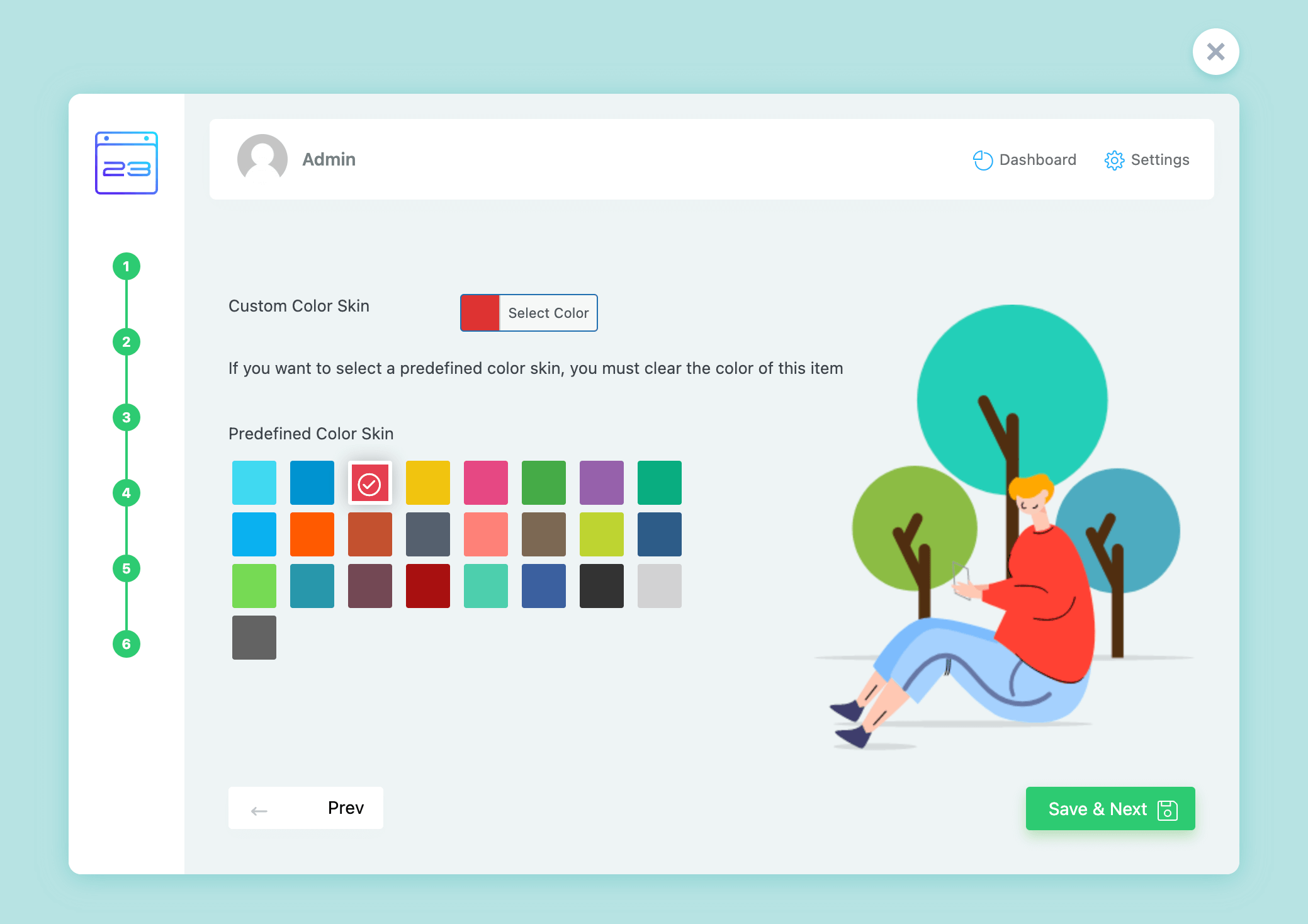
MEC setup wizard color skin step with predefined color palette

Share

Related Articles

  • Staging Activation
  • X Theme Activation
  • Offline Activation
  • MEC Activation Issue
  • Welcome Page (Intro)
Login Submit
0 Comments

No Comment.

Still no luck? We can help!

If you did not find what you were looking for, please submit a ticket in our support system.

Submit a Ticket
Webnus Banner
Modern Events Calendar

Please read our Terms and Conditions and Privacy Policy.

4.2 Great

About 11 Review us on Trustpilot

Copyright © 2026. All rights reserved. Webnus Inc.