
Importar eventos desde complementos de terceros
Si estaba utilizando un complemento de gestión de eventos diferente antes de cambiar a Modern Events Calendar, you can Import Events From Third Party Plugins easily. Luckily, you don’t have to start from scratch when migrating to MEC. Instead, you can use the Import function to easily transfer your events from the previous plugin to MEC.
¿Cómo importar eventos desde complementos de terceros?
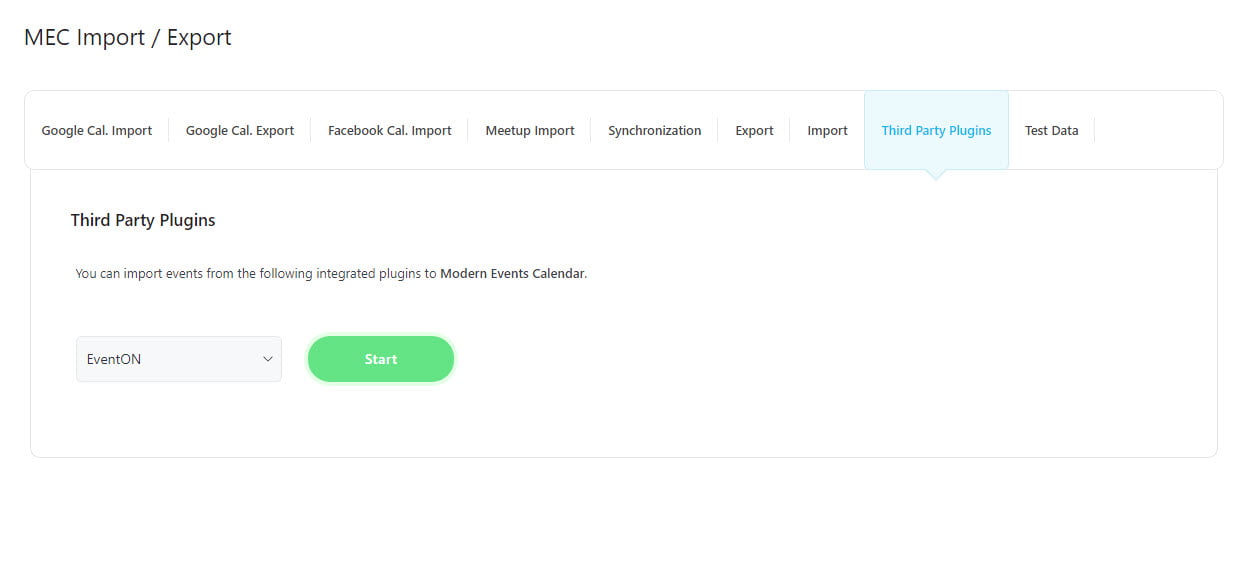
The process is very simple and can be done with a few clicks. You just need to select the previous event management plugin which is activated on your WordPress along with MEC then click the Start button. MEC will scan your website and will find the events.
Opciones de importación
Seleccione los eventos deseados y elija las Opciones de importación para importarlos.
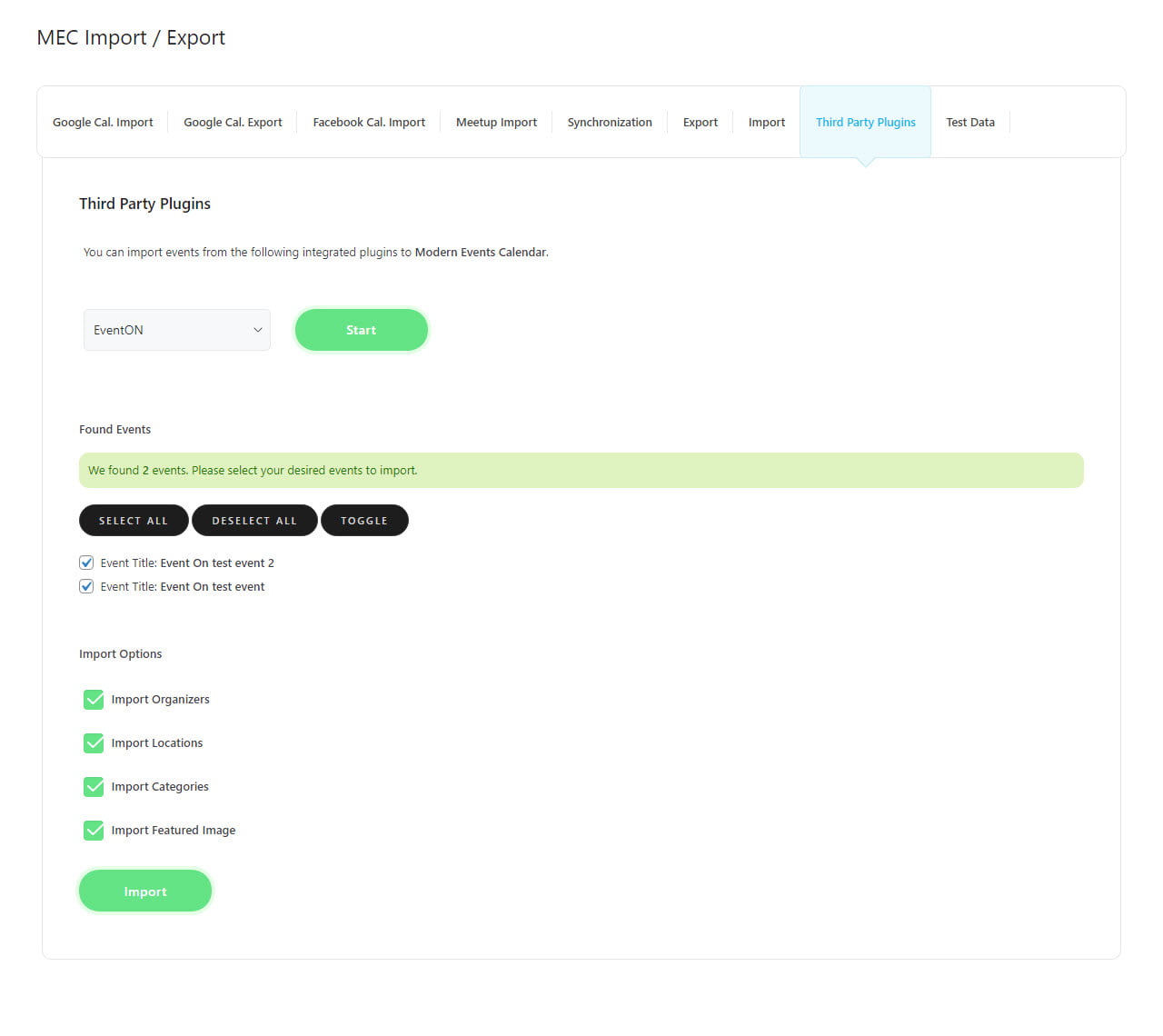
Finalmente, haga clic en el botón Importar. Si el proceso es exitoso, se mostrará un mensaje indicando el éxito.
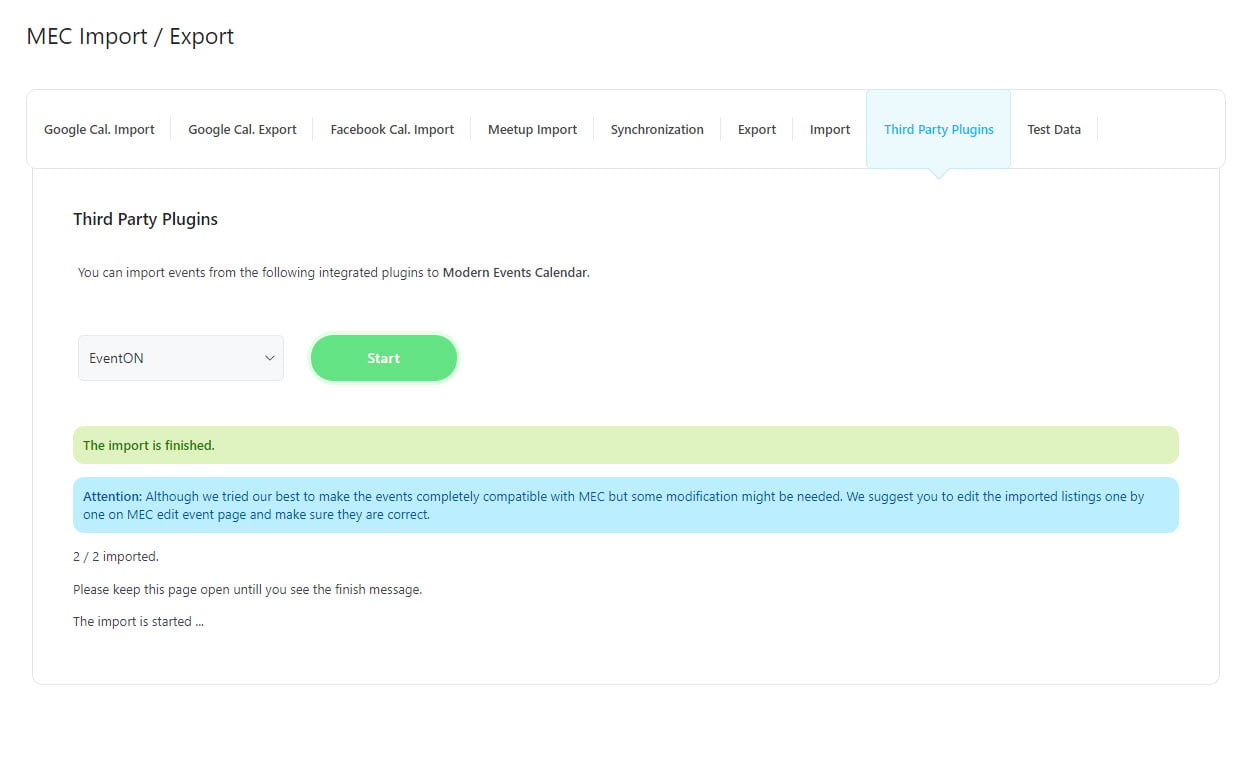
Nota: La duración del proceso de importación está determinada tanto por la cantidad de eventos como por la configuración de su servidor WordPress.
This feature is accessible for numerous plugins, and you can easily transfer events from these plugins to MEC using the same method. Here are the plugins that you can use to import your events into MEC:
- Eventon
- The Events Calendar
- Bookly
- Amelia
- Calendario de eventos Complemento WP
- Calendario
- Evento Espresso
- Administrador de eventos (eventos únicos y recurrentes)
- Administrador de eventos de WP