

After importing a demo, I can’t see my slider
After importing a demo, its category and tag IDs will change automatically, and you need to set them again on your website to fix it.
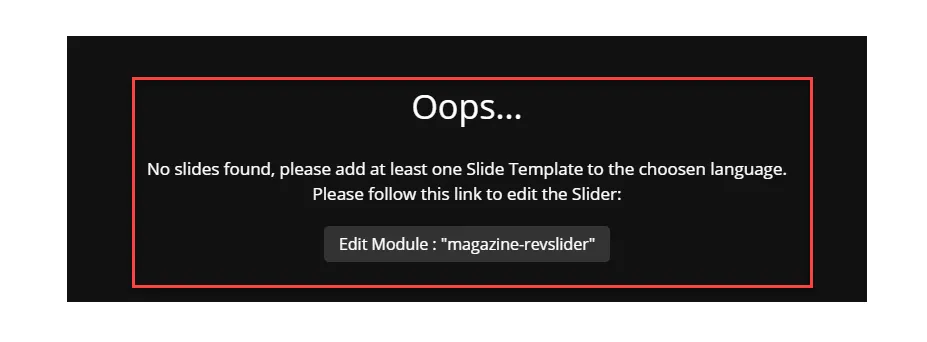
You just need to edit the current slider of the demo and select the proper category and tag.
In the following section we have explained how you can fix this issue:
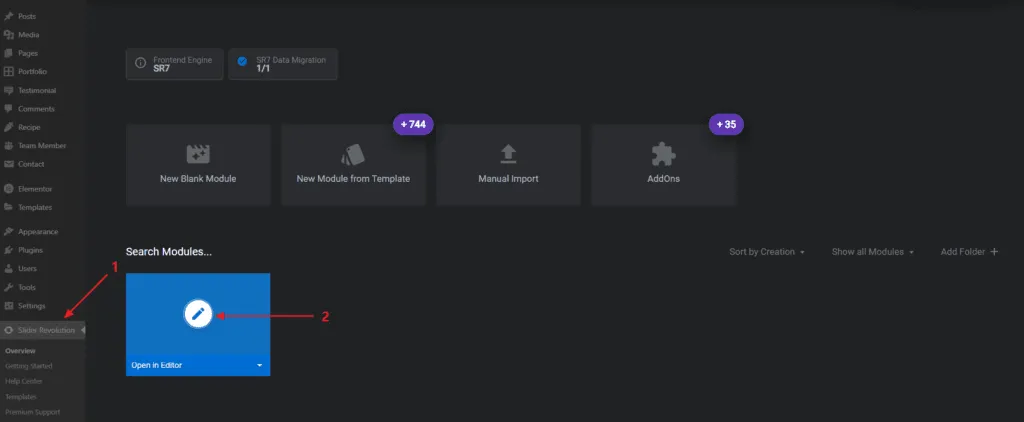
1- Edit your Slider Revolution template:
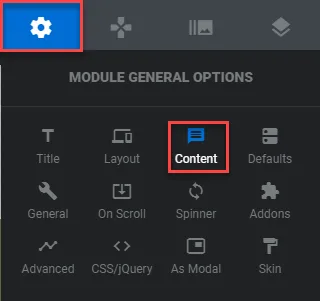
2- In the “edit slider” page, navigate to “Settings > Content” from the right sidebar of the page:
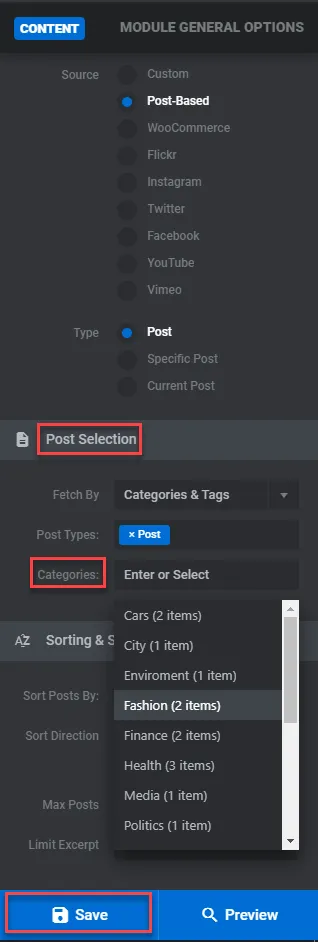
Next, scroll down to find the “post-selection” option, select the appropriate category, and save the slider.
3- Now, simply check the slider on your website’s front-end view.