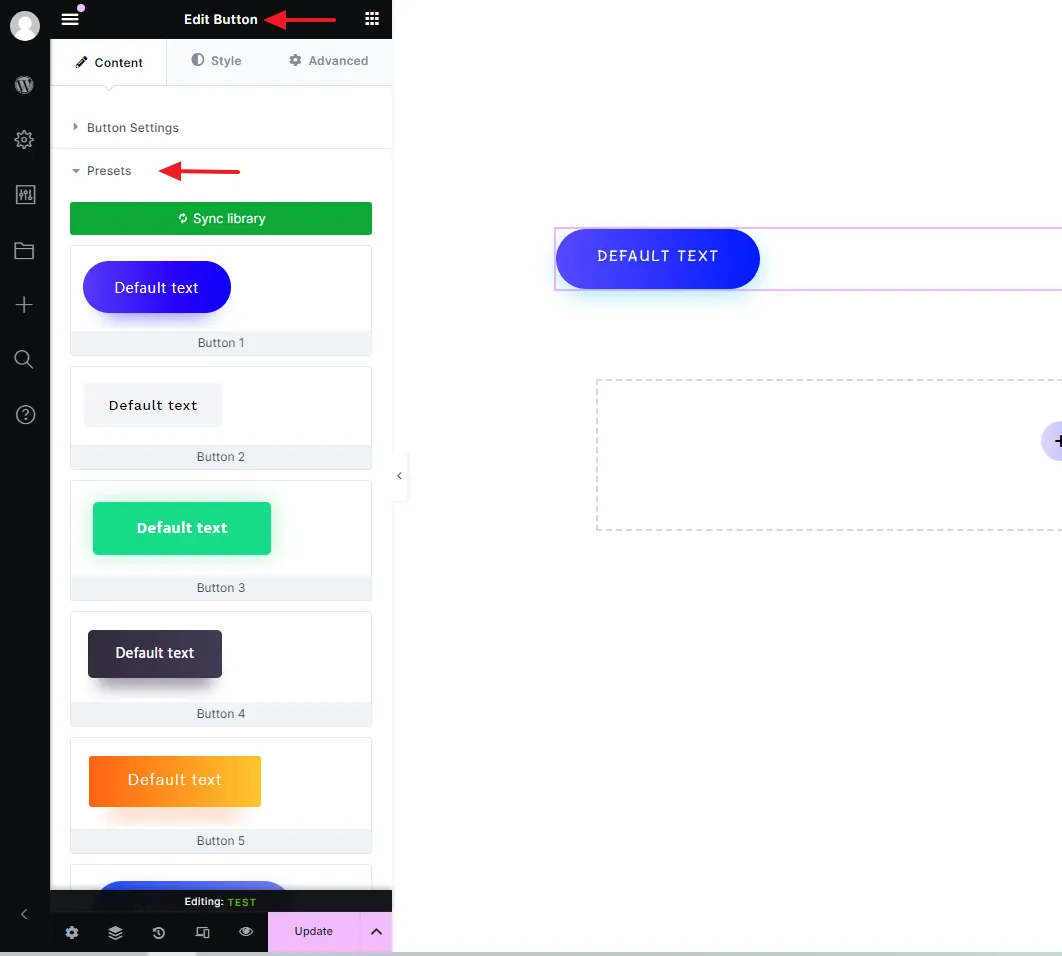

Presets
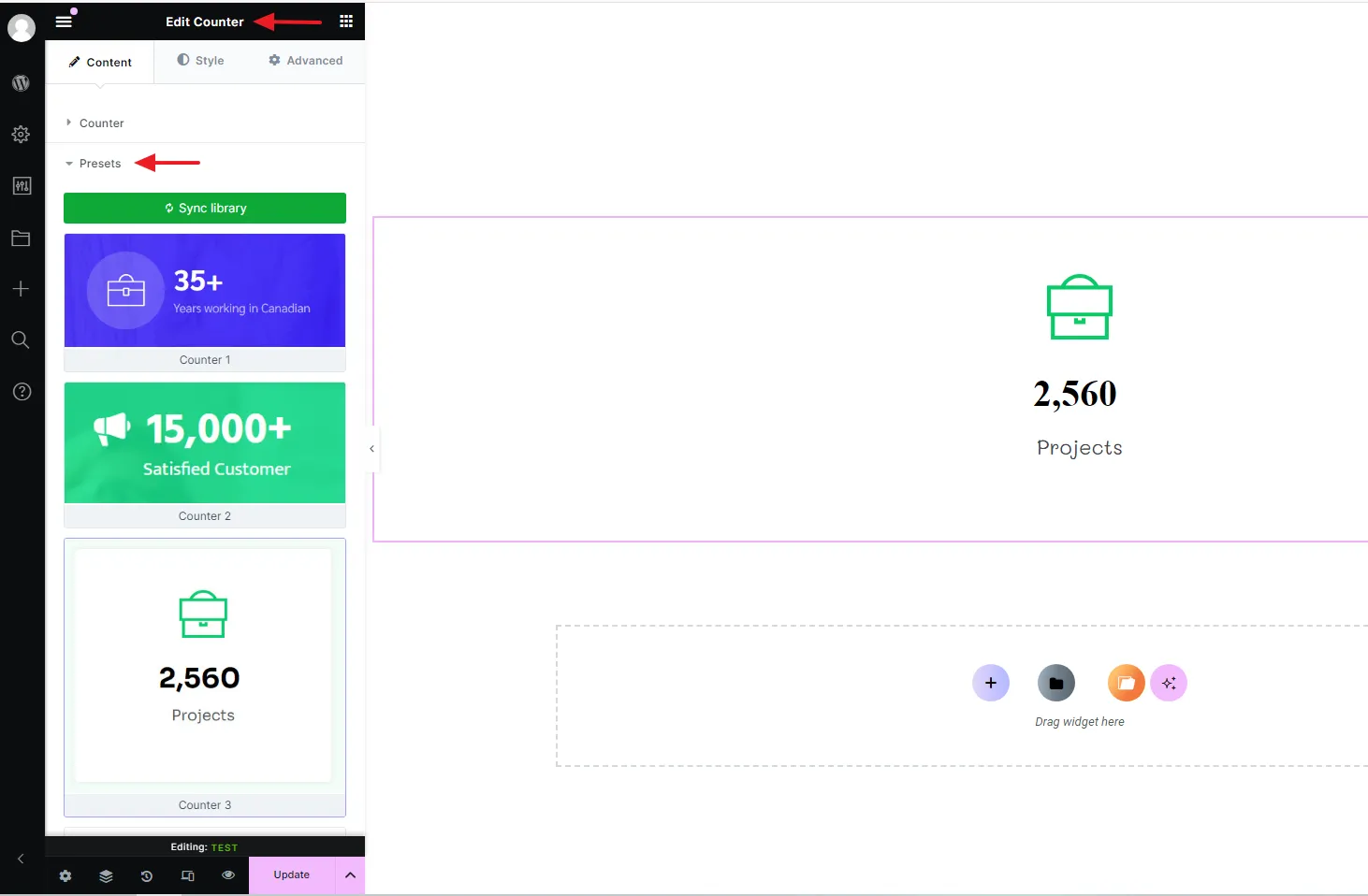
One of the best features of Kata is Preset, which facilitates the user’s speed with the theme. As you may know, there are a number of widgets in Kata, such as counter, icon box, testimonial, list, title, etc. We have created a number of templates, using which you can design and publish your posts faster than ever!
In order to do this, go to the page you are designing and open it in Elementor. Then choose the widget you want and drag it to the page.
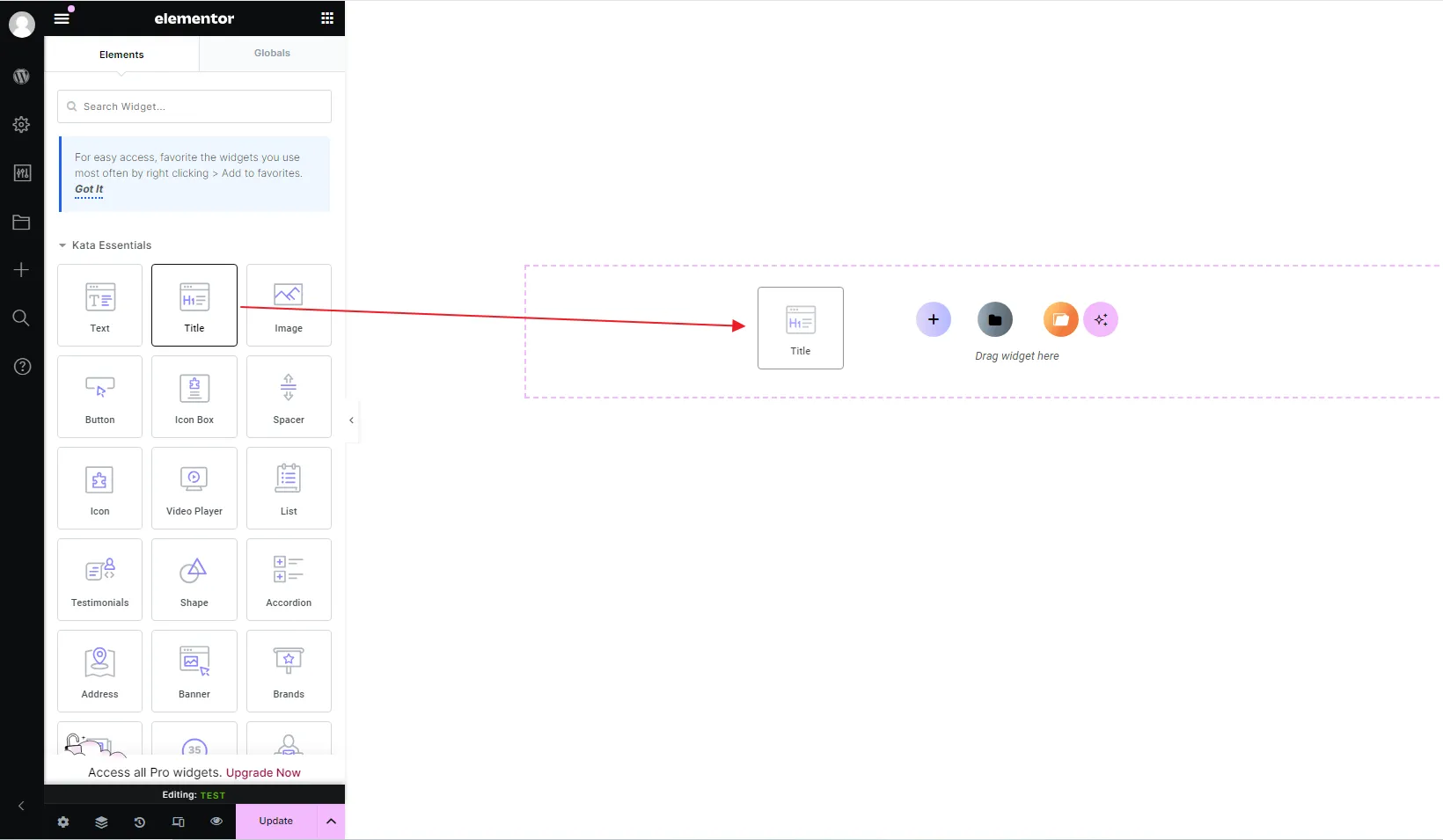
Then go to ‘Styler’ tab and choose the last option, ‘Preset’.
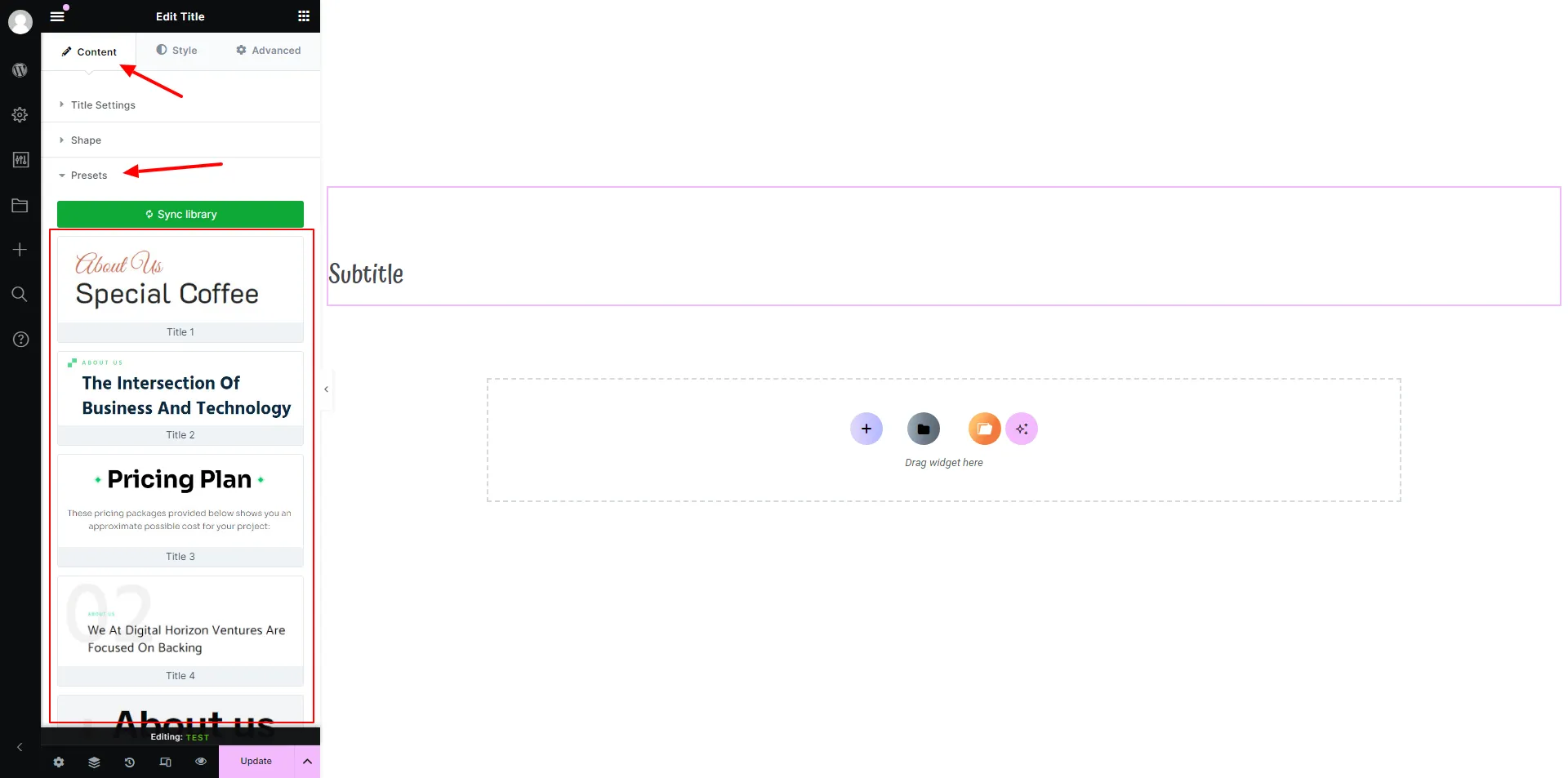
You will see that there a number of pre-designed titles you can easily choose and load your style.
Here are a number of examples.
List Widget
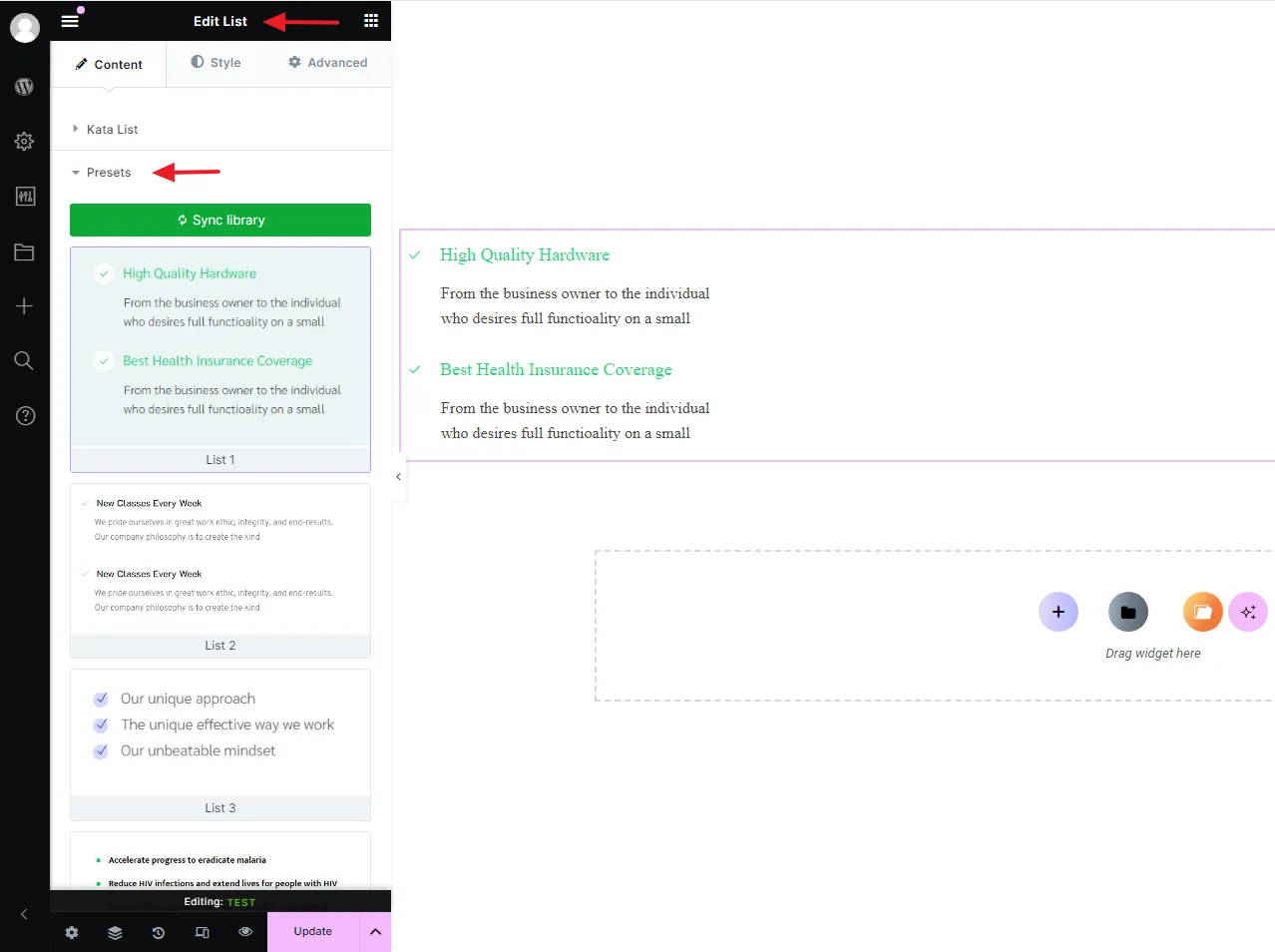
Counter Widget
Button Widget