
How to change site background
In the Kata theme, changing the site background allows you to personalize the overall look of your pages by adding specific colors, images, or patterns. This adjustment can greatly enhance the visual appeal and design atmosphere of the site, helping to create a unique user experience.
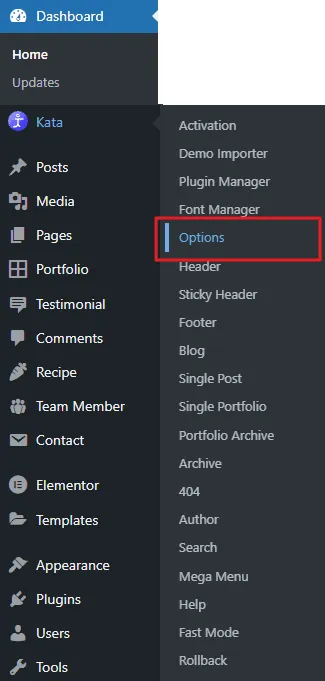
To change the site background You need to navigate to wp-admin> Kata > options.
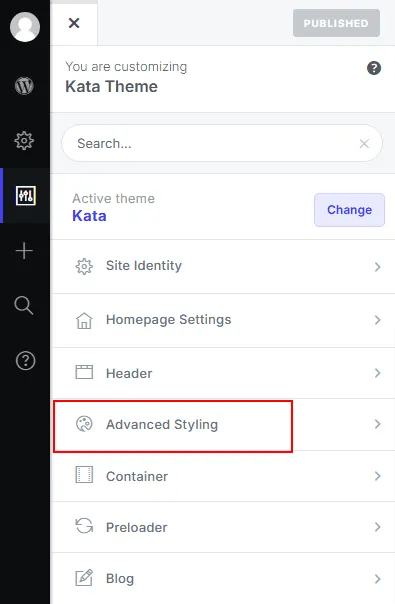
After that, you have to navigate to the Advanced Styling
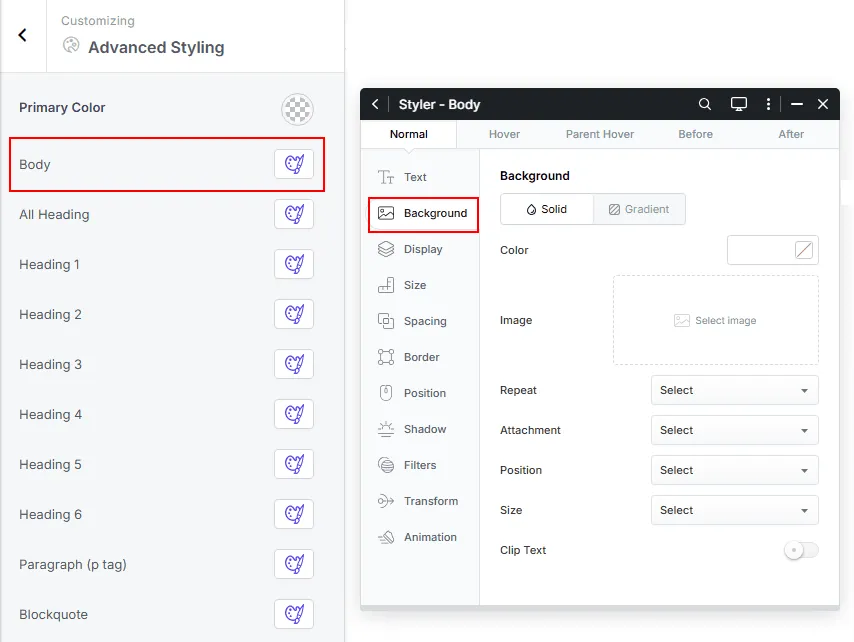
Click the body styler button and go to the background section. From there, you can set a background color and image for the site background.