

How to design your own typography
In the Customizer, you can modify the primary color and the most common color patterns of your theme using the Styler tool. Additionally, you can easily implement unique typography for your website by navigating to Customizer (Theme Options) > Advanced Styling. The available tags in this section include:
- Body
- All Heading
- Heading 1
- Heading 2
- Heading 3
- Heading 4
- Heading 5
- Heading 6
- Paragraph (p tag)
- Blockquote
- Links (a tag)
- ul tag
- li tag
- ol tag
- Image (img tag)
- Button
- Table
- tr tag
- th tag
- td tag
- Input
- Textarea
- Select
- Checkbox
- Radio
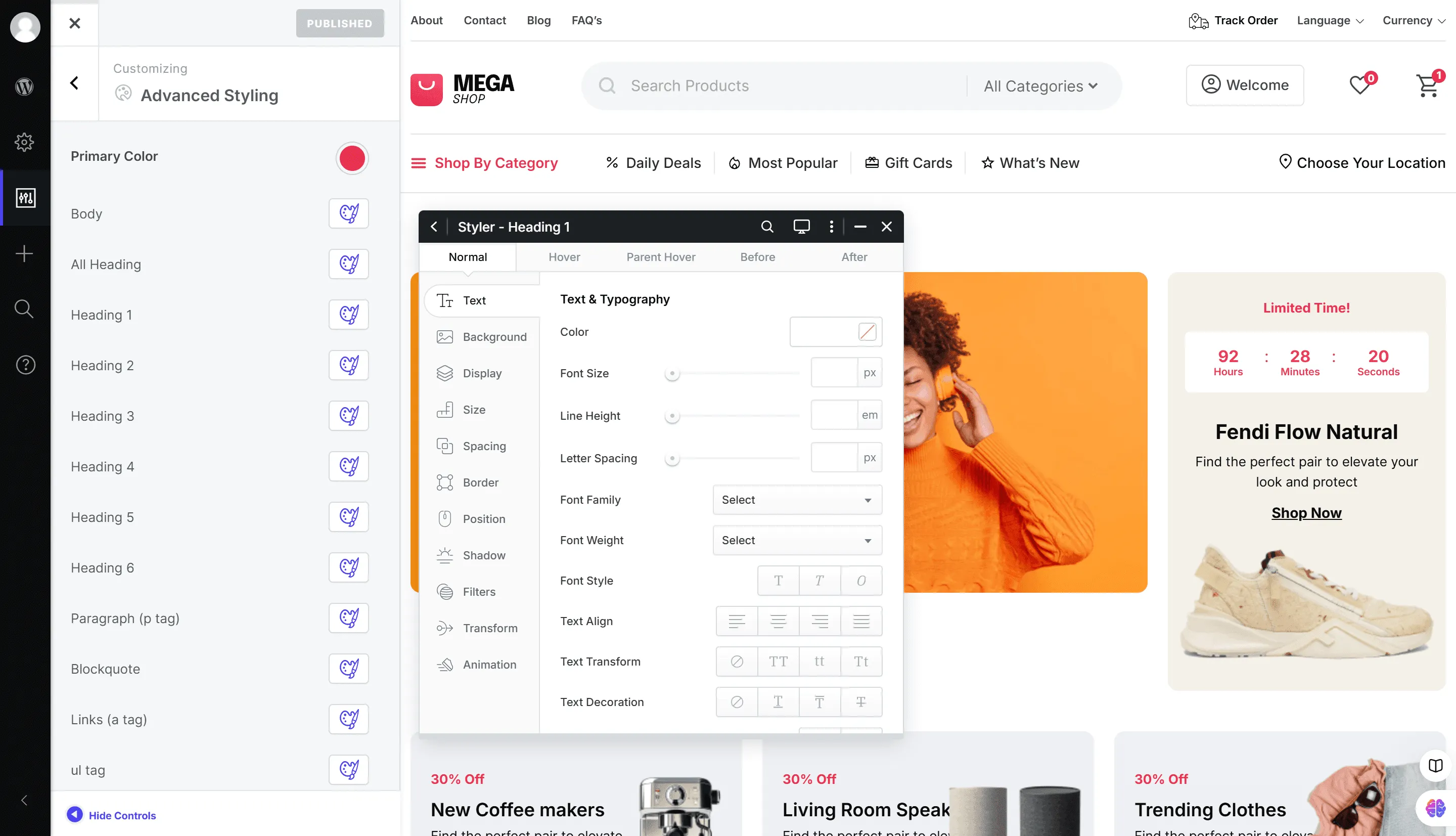
You can add any styles you wish to these HTML tags using the Styler, and your unique typography will be ready.