

Section Templates
The Kata theme offers a robust library of section templates, giving users access to over 500 pre-built templates that can be quickly imported into a website. With Kata, you can easily customize individual sections like headers and footers, or even complete pages, creating a seamless, professional look without the need for complex coding.
This guide walks you through using these section templates in Kata, specifically focusing on how to edit headers, footers, blocks, and pages through Elementor, Kata’s page builder.
Getting Started with Section Templates in Elementor
Section titled “Getting Started with Section Templates in Elementor”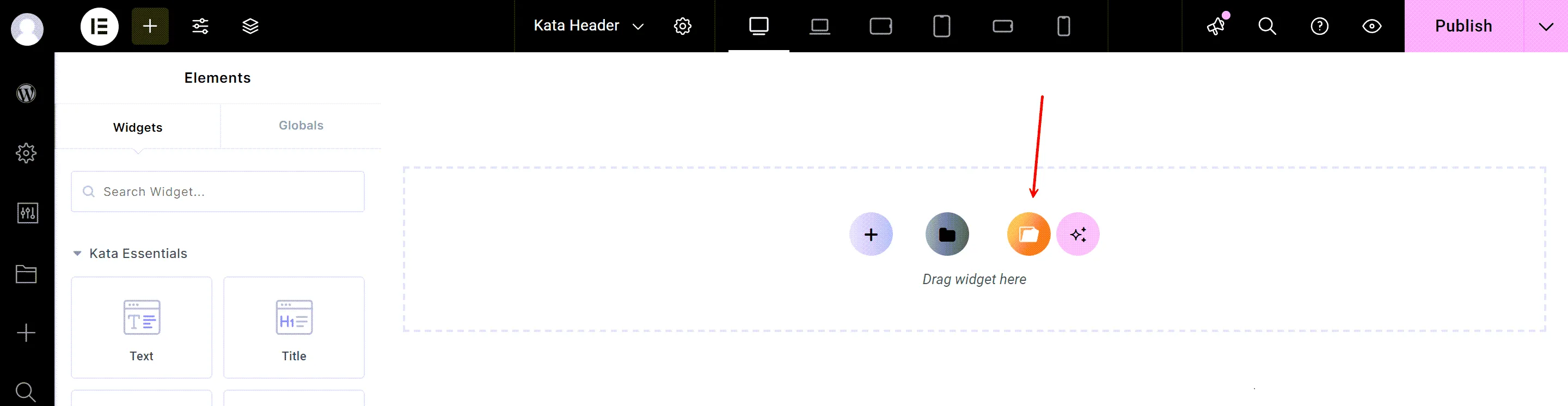
- Enter Page Edit Mode in Elementor:
Begin by navigating to the page you want to edit in Elementor. Once inside, you’ll have full access to the section templates library. - Open the Elementor Template Library:
To access the template library, click the folder icon in the middle of the Elementor screen. This opens Elementor’s library, where you can select from various sections to insert into your page. - Choose the Desired Section from the Tabs:
In the library, you’ll see tabs for different types of templates. Each tab categorizes templates based on their specific purpose, such as headers, footers, blocks, and pages. Below, we’ll go over each of these tabs and explain how to use them.
Adding a Header Template
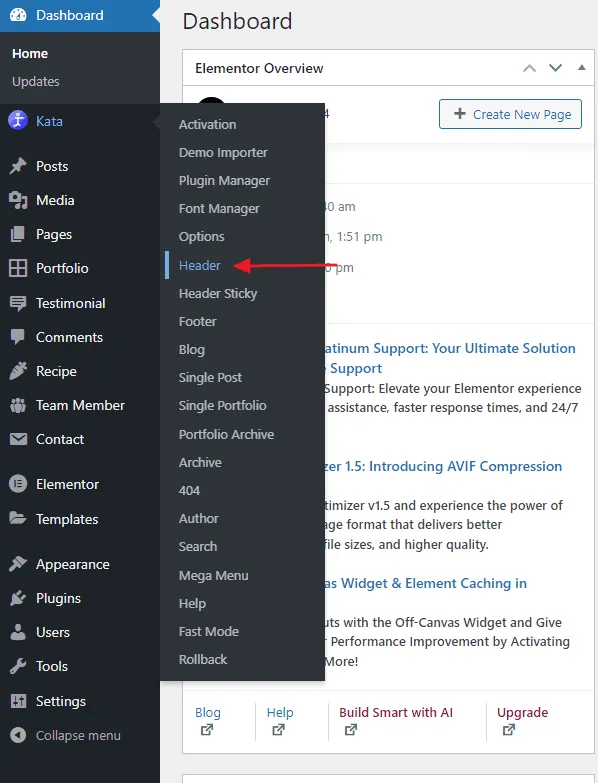
Section titled “Adding a Header Template”Select Header from the Kata Menu:
Section titled “Select Header from the Kata Menu:”To customize your header, go to the Kata menu in Elementor and select the Header menu. Here, you’ll find a collection of pre-designed header templates.
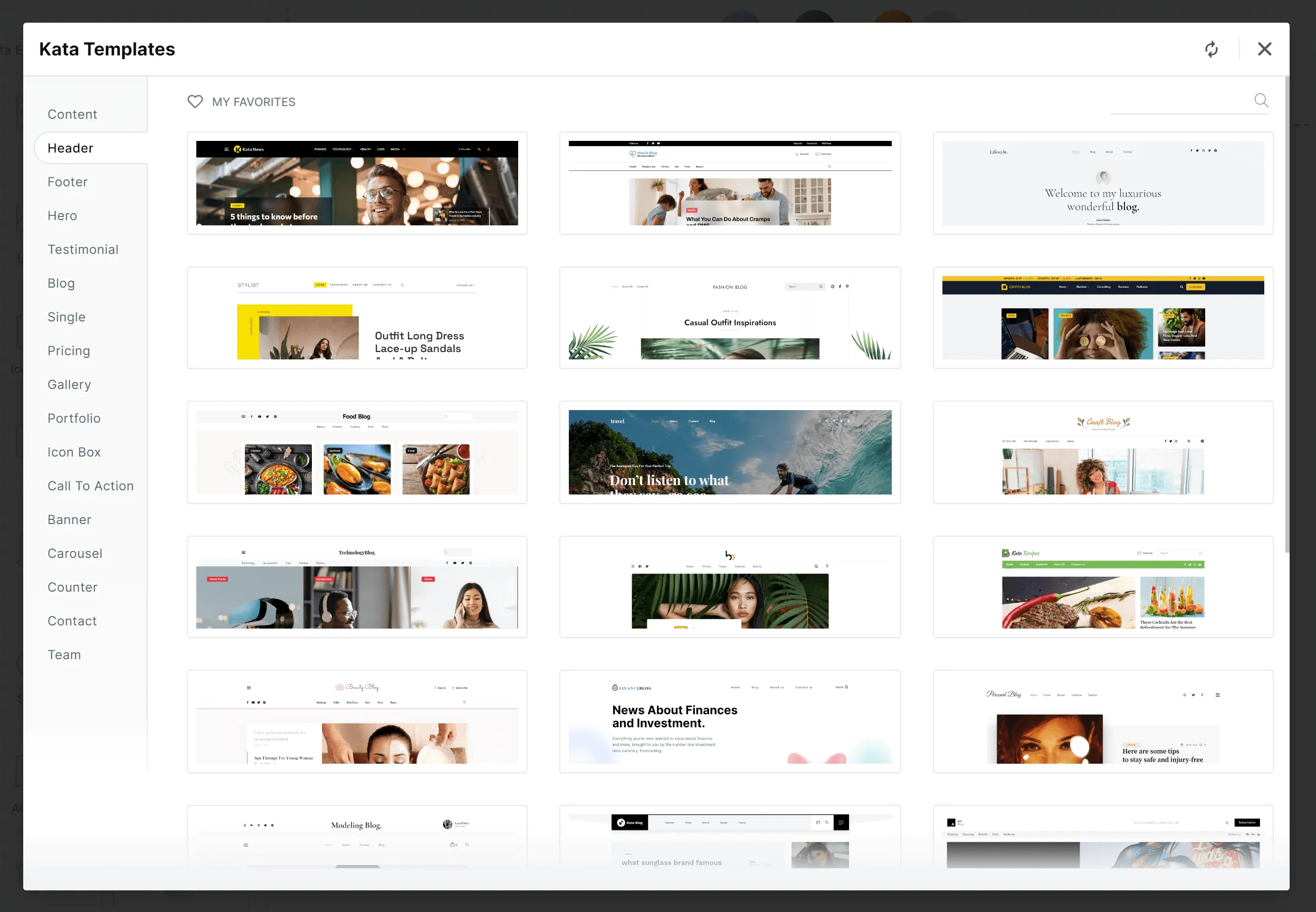
Preview the Header:
Section titled “Preview the Header:”For a quick preview, click on the magnifier icon, which allows you to view a demo of the template’s appearance.
Insert the Template:
Section titled “Insert the Template:”When you’re satisfied with a template, click “Insert.” This action will place the header template directly onto your page, allowing you to see how it integrates with the rest of your content.

Adding a Footer Template
Section titled “Adding a Footer Template”Adding a footer template follows the same steps as the header:
Go to Footer in the Kata Menu:
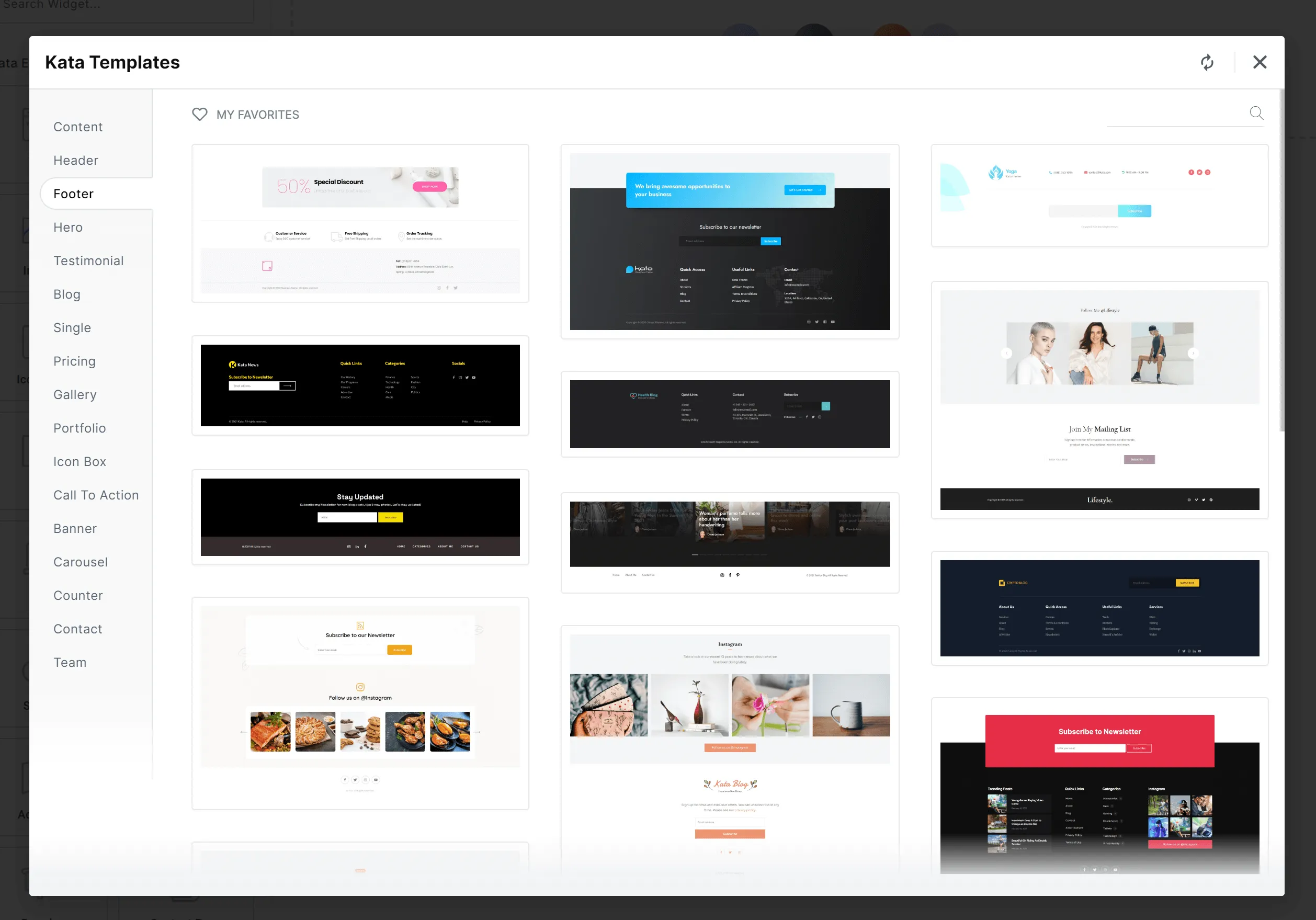
Section titled “Go to Footer in the Kata Menu:”Navigate to the Footer tab in the Kata menu.
Preview and Insert:
Section titled “Preview and Insert:”Choose a footer template, preview it if needed, and then click “Insert” to place it on your page.
Import and Finalize:
Section titled “Import and Finalize:”Once inserted, you’ll see the footer section appear at the bottom of your page, completing your design.

Using Block Templates
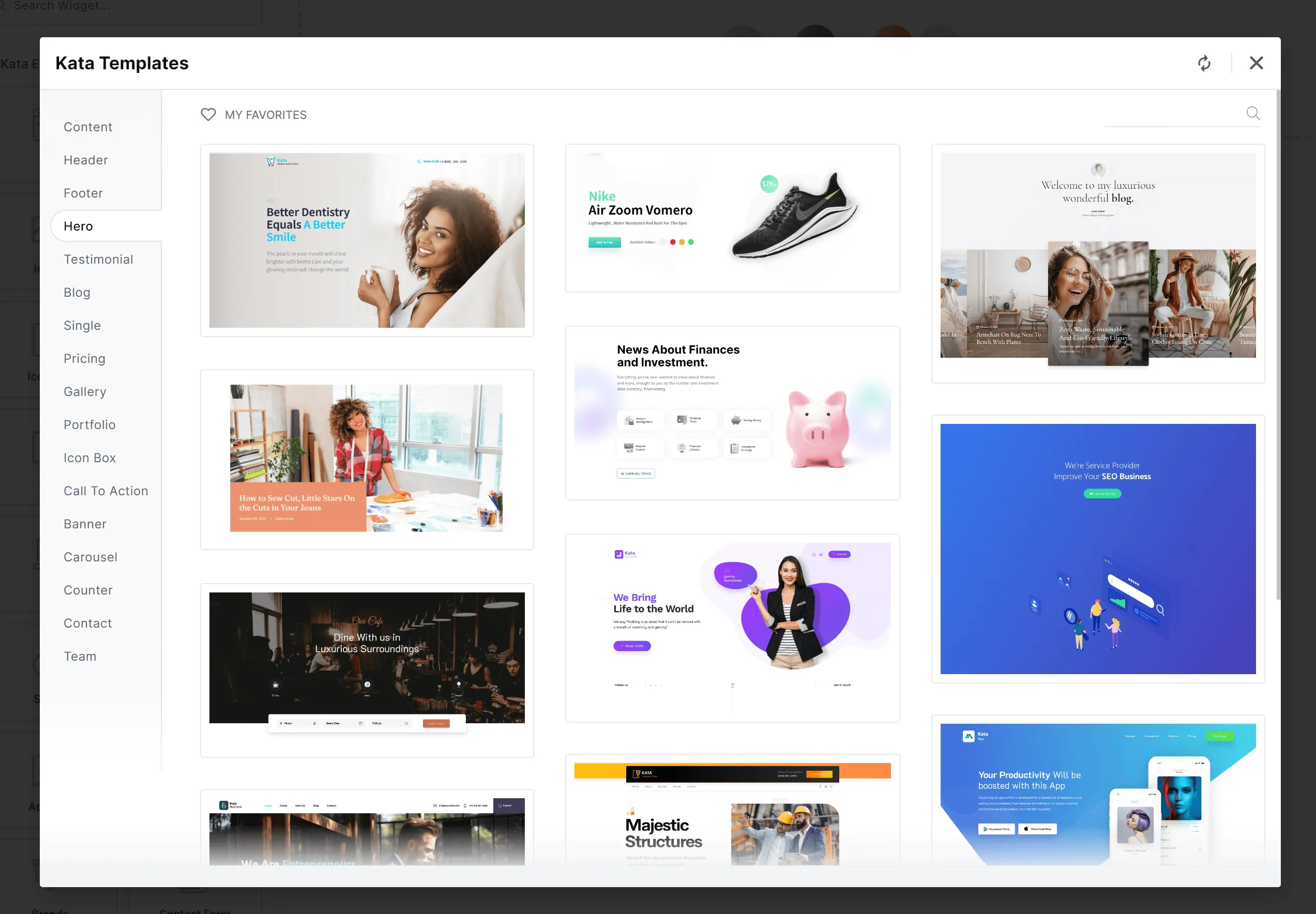
Section titled “Using Block Templates”Kata’s Block templates offer unparalleled flexibility, allowing you to create visually appealing sections like pricing tables, galleries, portfolios, icon boxes, and more.
Open the Blocks Tab:
Section titled “Open the Blocks Tab:”Navigate to the Blocks tab in Elementor’s template library.
Browse and Select:
Section titled “Browse and Select:”Here, you’ll find hundreds of pre-designed blocks. Whether you’re looking to add a gallery section or a pricing table, you can quickly select and insert a template that fits your needs.
Insert and Customize:
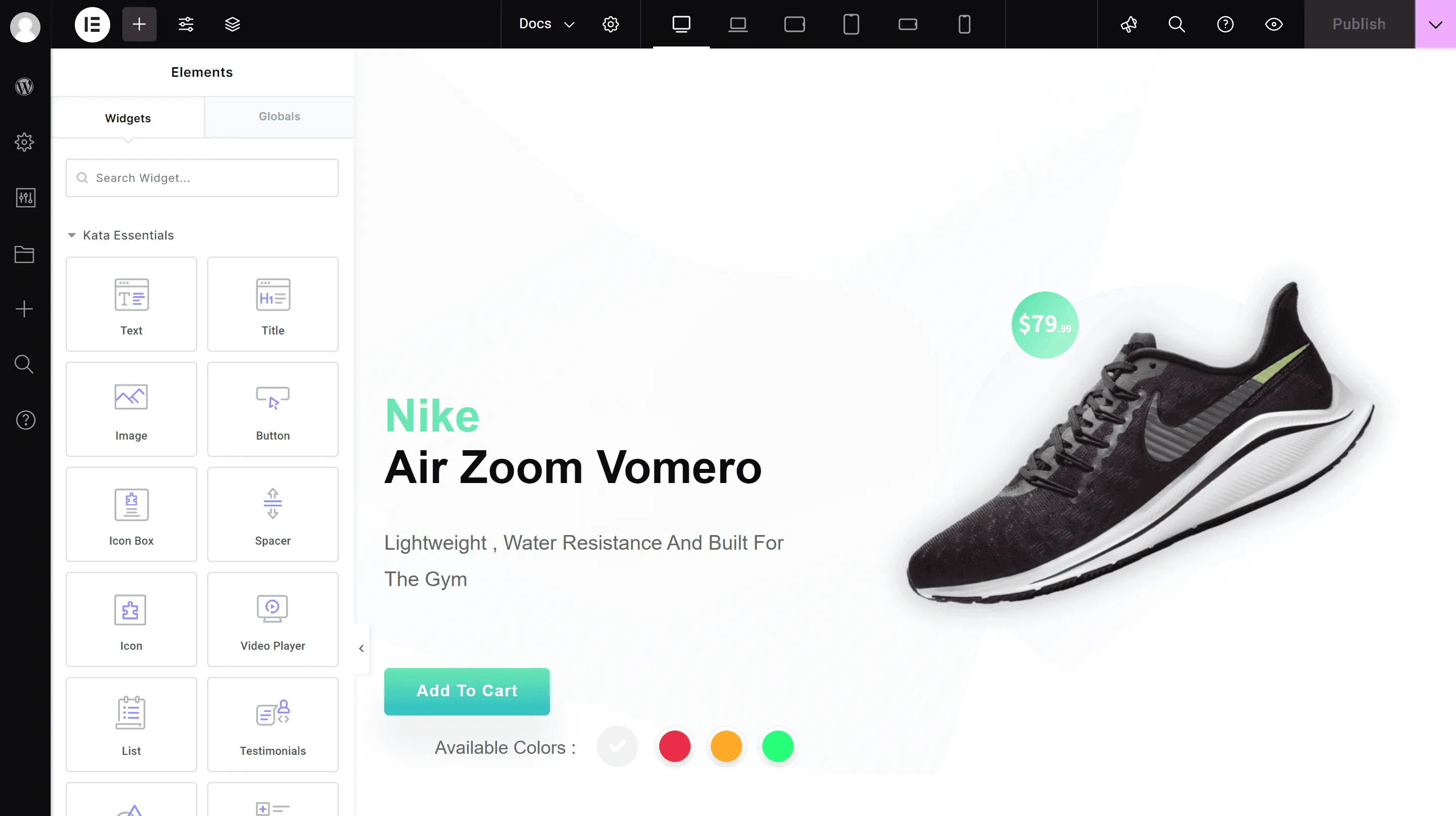
Section titled “Insert and Customize:”Once you’ve chosen a block, click “Insert” to place it on your page. You can then customize it further to fit your brand’s style and aesthetic.
Adding Complete Page Templates
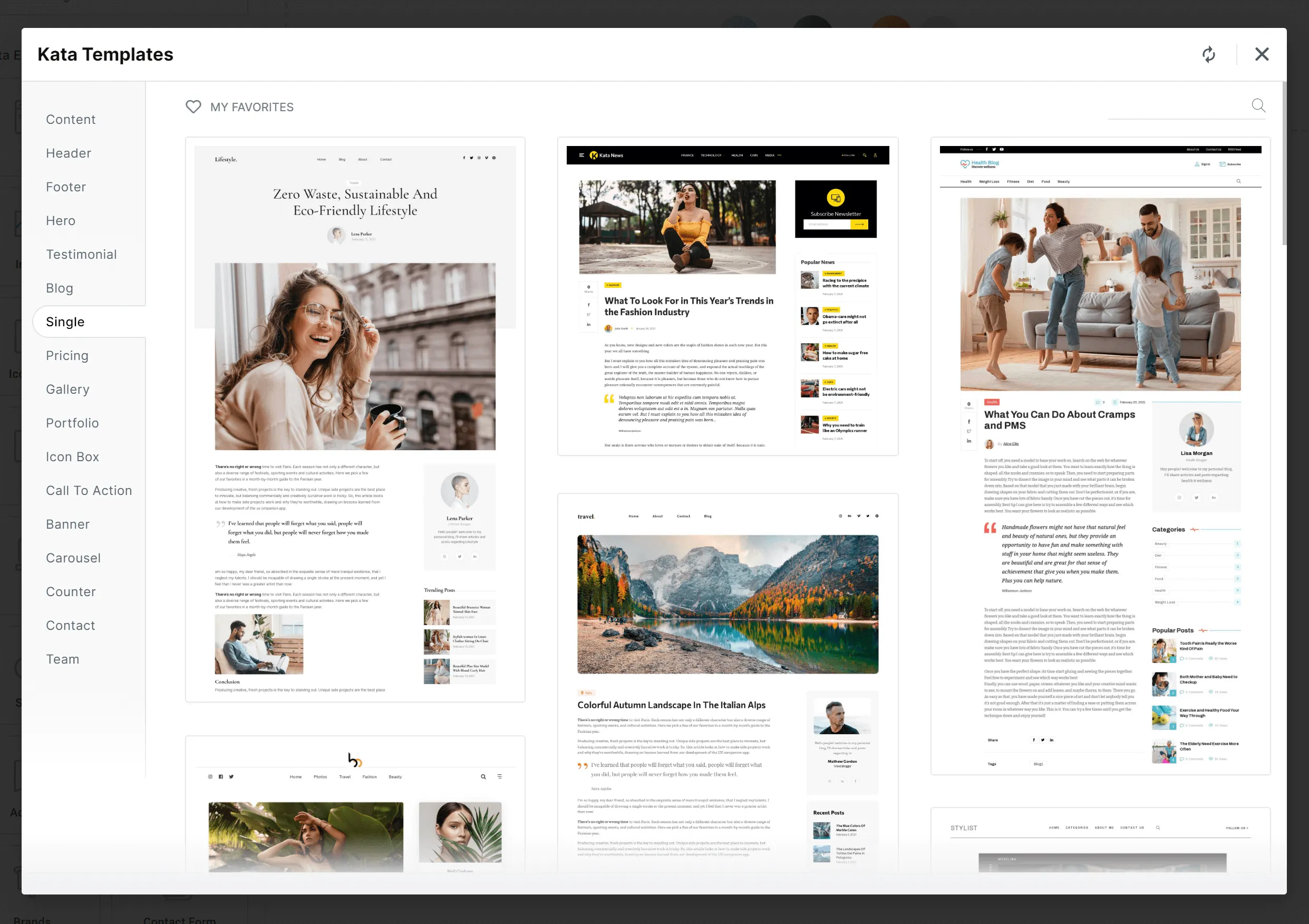
Section titled “Adding Complete Page Templates”In addition to individual sections, Kata also provides complete page templates. For example, if you’re setting up a dedicated services page, Kata’s pre-designed service pages make it simple.
Navigate to Single Pages in the Library:
Section titled “Navigate to Single Pages in the Library:”Go to the “Single Pages” tab to view Kata’s collection of full-page templates.
Choose a Page Template:
Section titled “Choose a Page Template:”Browse through the available options and select a template that best matches the purpose of your page.
Insert the Page Template:
Section titled “Insert the Page Template:”Click “Insert,” and all the page content will appear on your chosen page. You can now adjust this content within Elementor to perfectly match your site’s design.
Conclusion
Section titled “Conclusion”Kata’s section templates make it easy to build beautiful, cohesive pages with just a few clicks. By utilizing its extensive library of headers, footers, blocks, and full-page templates, you can create a professional website quickly, without needing any advanced coding knowledge.