



You can customize every WooCommerce pages using Elementor page builder
ShopPress Builder offers this option and it allows your users to simply filter products by Category, Brand, Color, Rating, Tag, Size and Price, and find what they are looking for in a matter of seconds.
Off-Canvas panel widget is a fly-out content panel for showcasing contents like WooCommerce Filter, Wishlist, Cart etc. This panel can be in various formats like, Drop-Down, Popup and Slide-in.
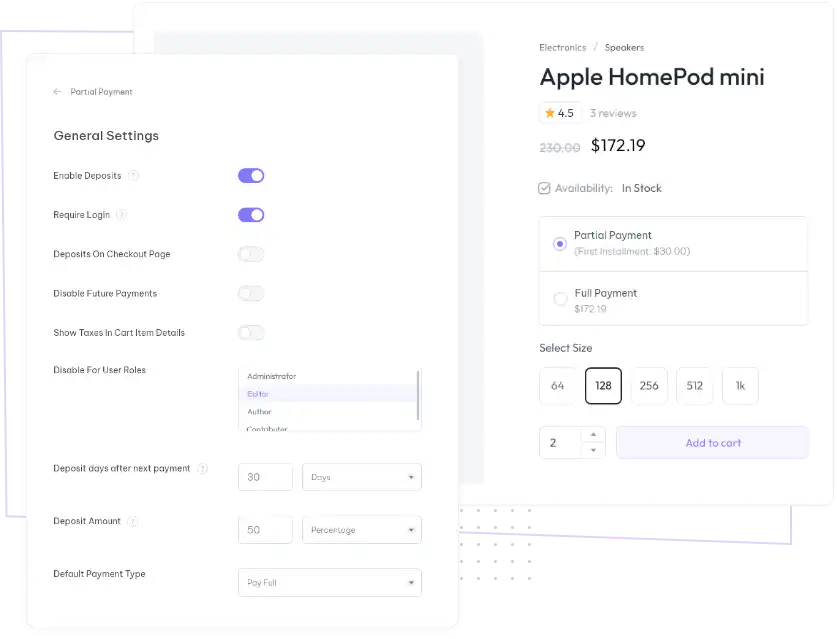
Gives your customers more flexibility with an option for partial payments, e.g., %20 via online payment and the rest through other payment methods.

For instance, you can choose to make an initial online payment of 20% of the total price and then receive the remaining amount through other payment methods such as cash, credit card, or bank transfer.
With the Partial Payment Module, you can easily and effectively manage your finances by selecting the payment method that suits your needs best. This feature provides you with the convenience of making partial payments towards your dues, allowing you to better plan your finances and avoid any unnecessary financial burden.
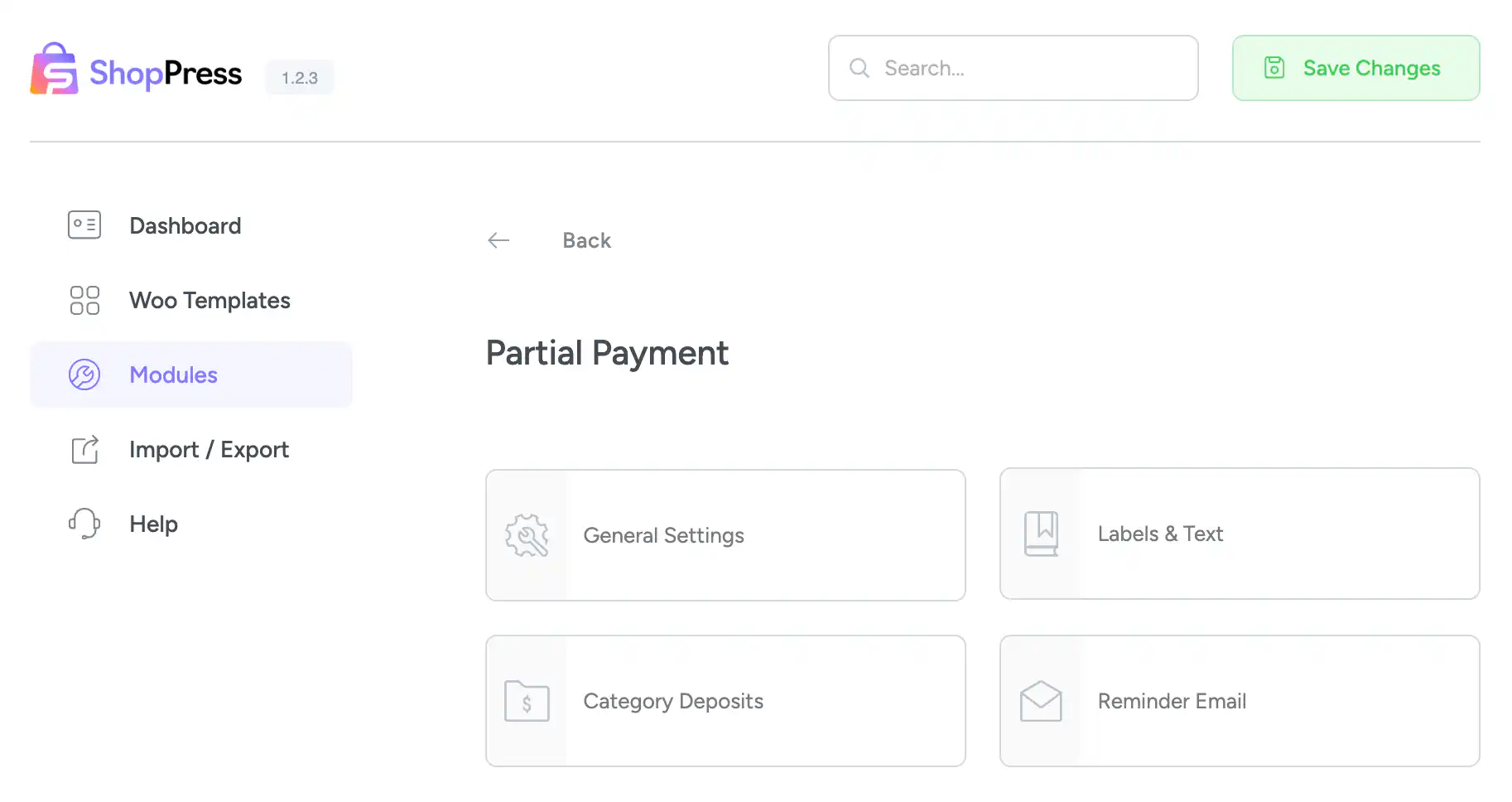
ShopPress Partial Payment lets WooCommerce customers pay part of an order now and the rest later. For example, you can take 20% online and collect the remainder in cash or by another payment method. You set the deposit amount and the time of the next payment, deposits per category, which user roles can use it, and automatic reminder emails before the due date. Partial Payment is a ShopPress Pro feature.
| Setting | What it does |
|---|---|
| Deposit amount | The amount of the first payment |
| Next payment | When the second payment is due |
| Require login | Offer partial payments only to logged-in customers |
| Disable for user roles | Turn partial payments off for selected roles |
| Category deposits | Set a fixed or percentage deposit per product category |
| Labels and text | Rename the deposit, due amount, installment and other labels |
| Reminder email | Send a reminder a set number of days before the due date, with your own title and content |
Full guide: read the documentation →
No. Partial Payment is part of ShopPress Pro.
Yes. Category Deposits let you set a fixed or percentage deposit for each product category.
Yes. Enable the reminder email and choose how many days before the due date it is sent.
Yes. Require login, or disable partial payments for specific user roles.
Last updated: November 2026

ShopPress fully compatible with most of the popular WooCommerce themes and plugins, is all you need to run a shop. For more information please refer to ShopPress knowledge-base.

Subscribe to our newsletter and receive our news and promotions
You can unsubscribe at any time