



You can customize every WooCommerce pages using Elementor page builder
ShopPress Builder offers this option and it allows your users to simply filter products by Category, Brand, Color, Rating, Tag, Size and Price, and find what they are looking for in a matter of seconds.
Off-Canvas panel widget is a fly-out content panel for showcasing contents like WooCommerce Filter, Wishlist, Cart etc. This panel can be in various formats like, Drop-Down, Popup and Slide-in.
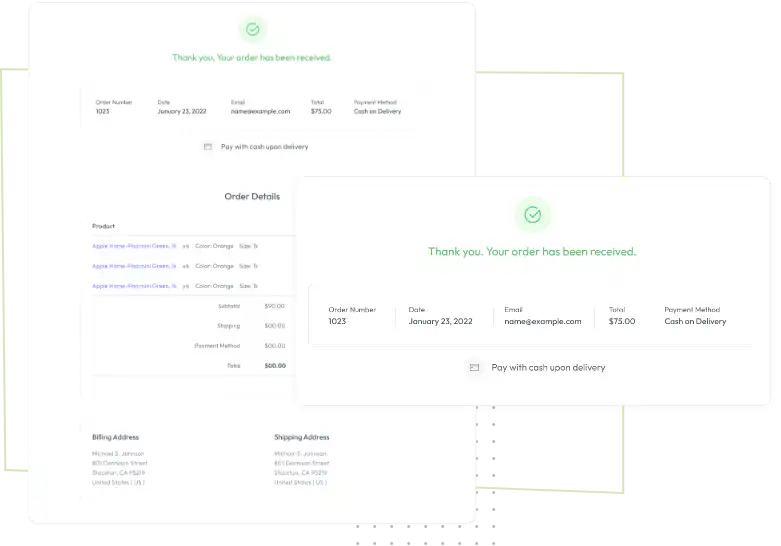
Using Thank You Page Builder in ShopPress create a customized thank you page from scratch for a delightful post-purchase experience.

That’s why It is highly advantageous for e-commerce websites to incorporate a thank you page, where users are automatically redirected after completing their orders. This simple addition can add significant benefits in terms of customer satisfaction and user experience. With this component, you will be able to create a beautifully designed Thank you page using the powerful Elementor Page Builder.
With the Elementor Page Builder, it is easy to create a beautifully designed thank you page for your e-commerce website. You can create your desired design in the Elementor editor and make it available to customers after they make a purchase.
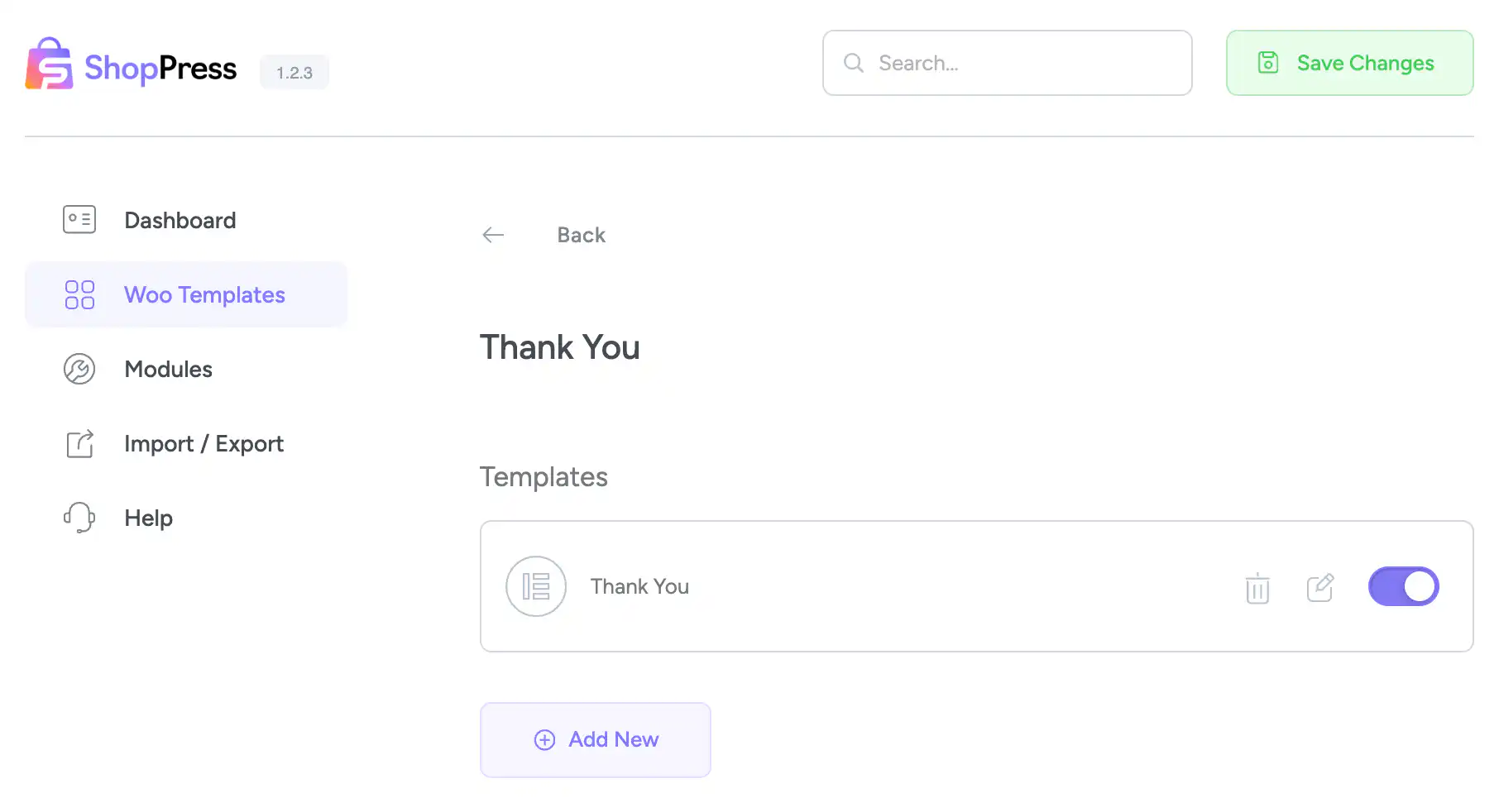
The ShopPress Thank You Page Builder lets you design the page customers see after a successful WooCommerce checkout. You create a template in Elementor and use the Order Details and Customer Details widgets, plus any other content, so the confirmation page matches your store. The Thank You Page Builder is a ShopPress Pro feature.
| Widget | What it does |
|---|---|
| Thank You Page Order Details | Shows the details of the order just placed |
| Thank You Order Customer Details | Shows the customer billing and shipping details |
| Any Elementor content | Add offers, links or messages around the order details |
Full guide: read the documentation →
No. It is part of ShopPress Pro.
After a successful checkout, WooCommerce redirects them to it.
Yes. Use the Order Details and Customer Details widgets.
Yes. You can add any Elementor content, such as messages or links.
Last updated: November 2026

ShopPress fully compatible with most of the popular WooCommerce themes and plugins, is all you need to run a shop. For more information please refer to ShopPress knowledge-base.

Subscribe to our newsletter and receive our news and promotions
You can unsubscribe at any time