


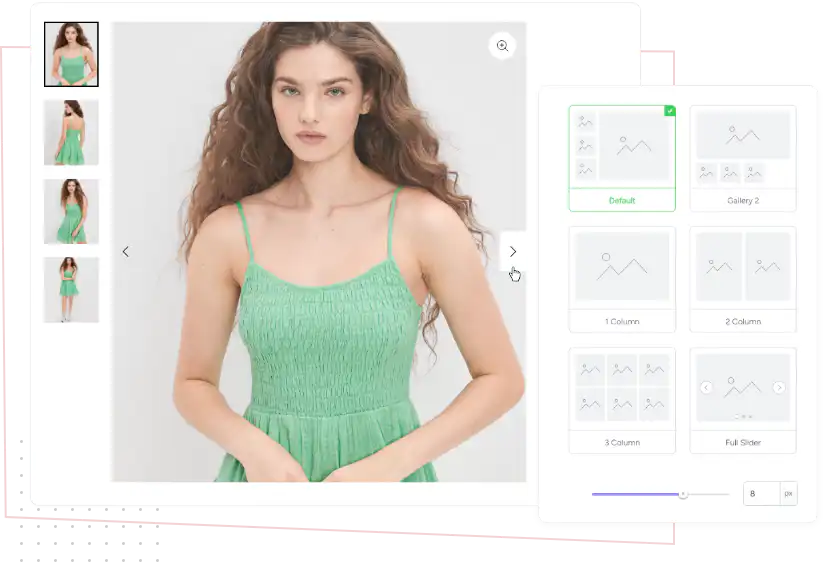

You can customize every WooCommerce pages using Elementor page builder
ShopPress Builder offers this option and it allows your users to simply filter products by Category, Brand, Color, Rating, Tag, Size and Price, and find what they are looking for in a matter of seconds.
Off-Canvas panel widget is a fly-out content panel for showcasing contents like WooCommerce Filter, Wishlist, Cart etc. This panel can be in various formats like, Drop-Down, Popup and Slide-in.
Introducing the Product Gallery module, a powerful tool that enables you to showcase a stunning and mobile-friendly product gallery on your single product page.

With this module, you can easily customize sliders to perfectly complement your store's aesthetics. Take full control of your gallery's layout by positioning sliders in a range of options, including horizontal, vertical left, and grid layout, ensuring a visually captivating shopping experience for your customers.
 Left Thumbs
 Bottom Thumbs
 1 Column
 2 Column
 3 Column
 Full Slider
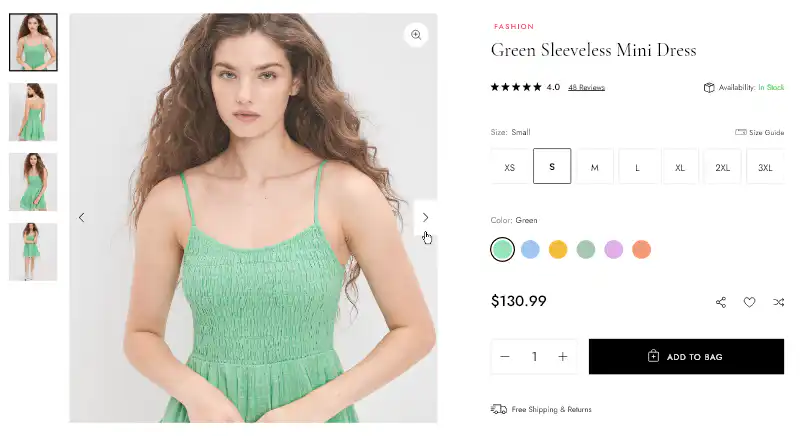
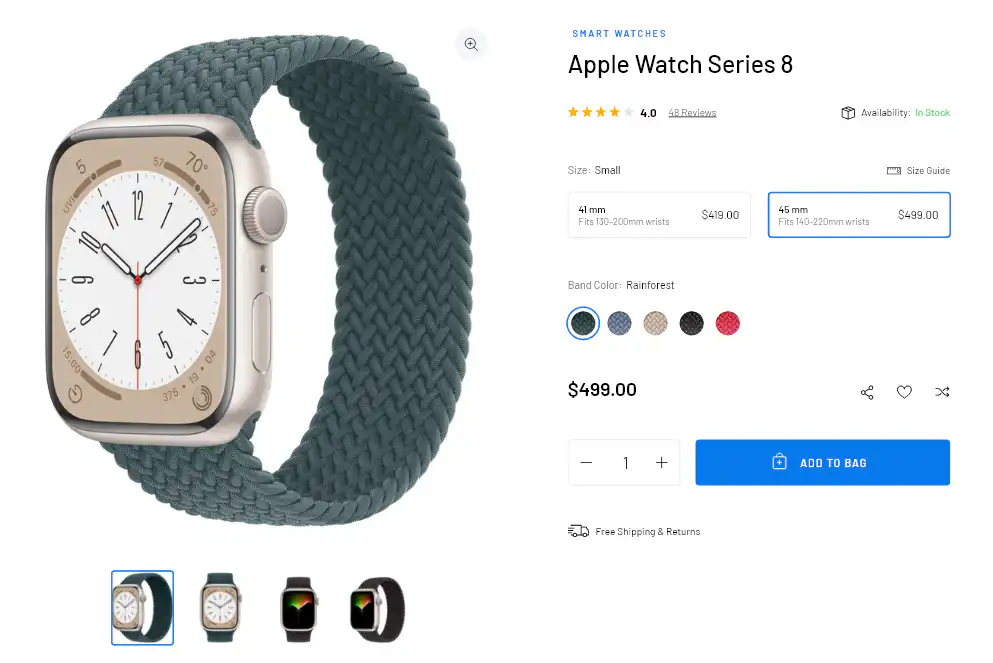
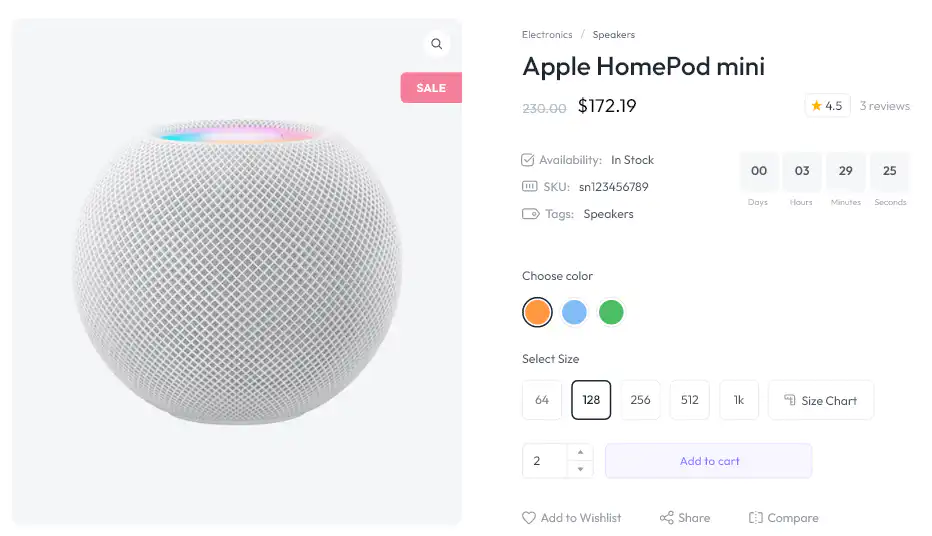
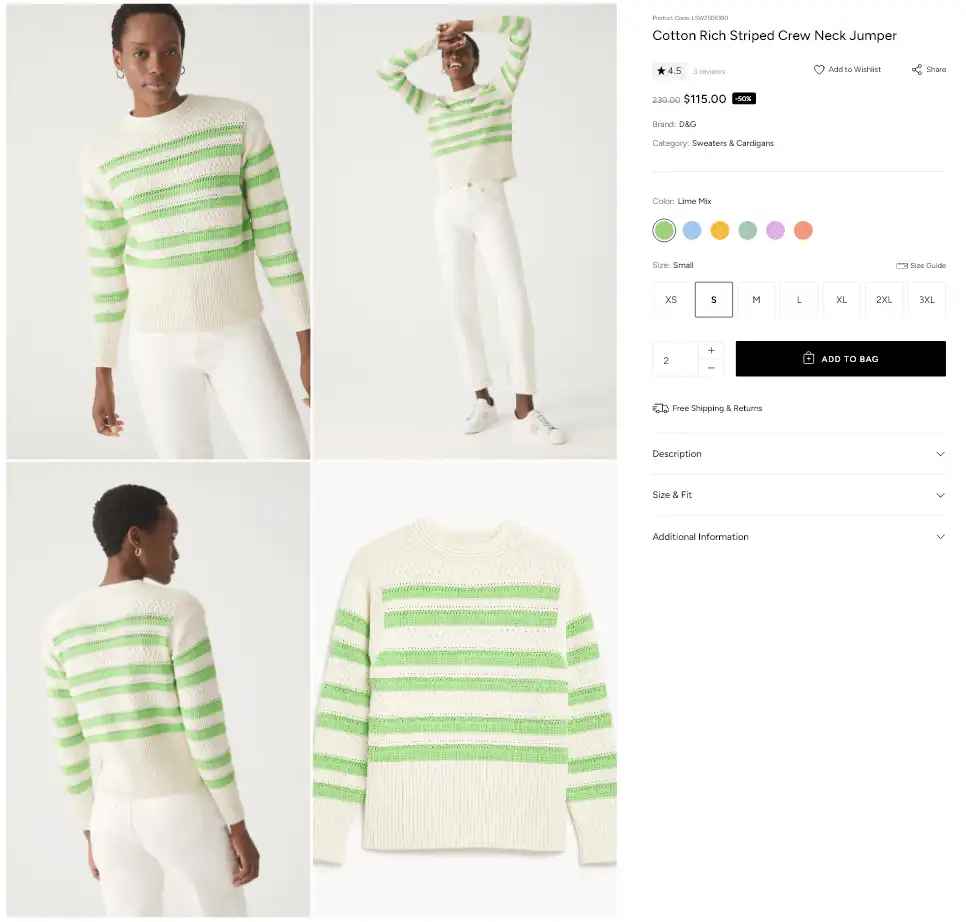
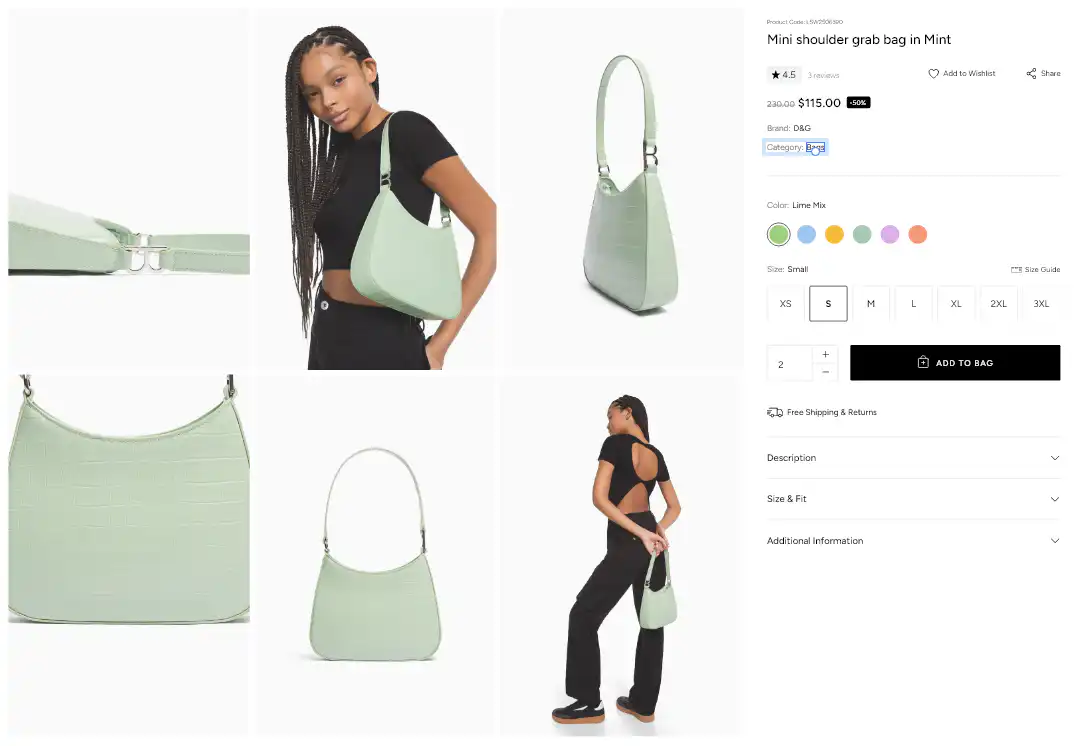
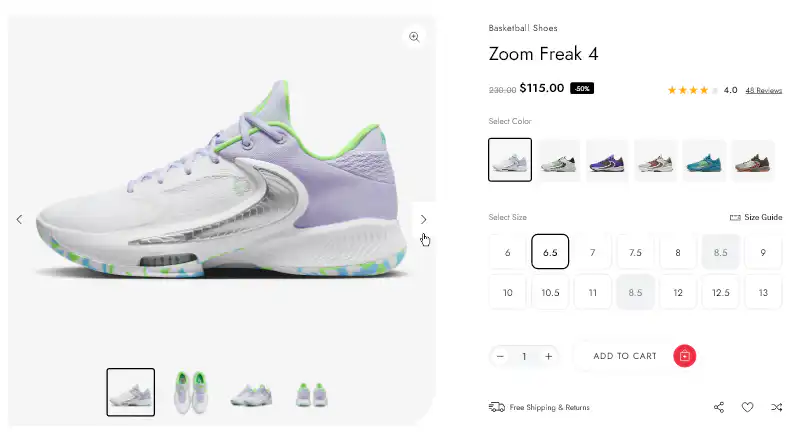
ShopPress Product Gallery replaces the default WooCommerce product image gallery with layouts such as horizontal slider, vertical left slider and grid. You can set the gap between images, turn on zoom on hover and add a full screen button. Product Gallery is a ShopPress Pro feature.
| Setting | What it does |
|---|---|
| Gallery type | Choose a layout: horizontal, vertical left, grid and more |
| Image gap | Space between gallery images |
| Zoom | Zoom the main image on hover |
| Full screen | A button to open the image full screen |
Full guide: read the documentation →
No. It is part of ShopPress Pro.
Horizontal, vertical left and grid layouts, among others.
Yes. Turn on zoom on hover.
Yes, with image Variation Swatches.
Last updated: November 2026

ShopPress fully compatible with most of the popular WooCommerce themes and plugins, is all you need to run a shop. For more information please refer to ShopPress knowledge-base.
Subscribe to our newsletter and receive our news and promotions
You can unsubscribe at any time