


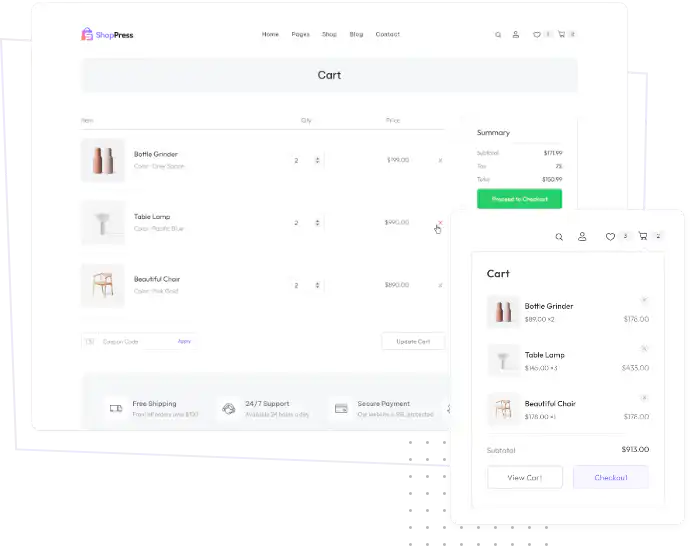

You can customize every WooCommerce pages using Elementor page builder
ShopPress Builder offers this option and it allows your users to simply filter products by Category, Brand, Color, Rating, Tag, Size and Price, and find what they are looking for in a matter of seconds.
Off-Canvas panel widget is a fly-out content panel for showcasing contents like WooCommerce Filter, Wishlist, Cart etc. This panel can be in various formats like, Drop-Down, Popup and Slide-in.
Enhance user experience with ShopPress Cart Builder by customizing your Cart Page and Ajax Header Cart. Choose practical templates and personalize them to suit your needs effortlessly.

WooCommerce has a fairly straightforward cart page design. Even though many themes bring various designs to the website, it still sorts of looks the same.
With Woocommerce cart Builder, you can create your uniquely designed cart page for your online store that will accelerate the collaboration and interaction of users and decrease the abandonment rate of your shop pages.
With the help of the ShopPress cart builder feature, you can design your cart page with the powerful Elementor page builder and you can use the various widgets that has been provided to edit the cart page with just a few clicks.
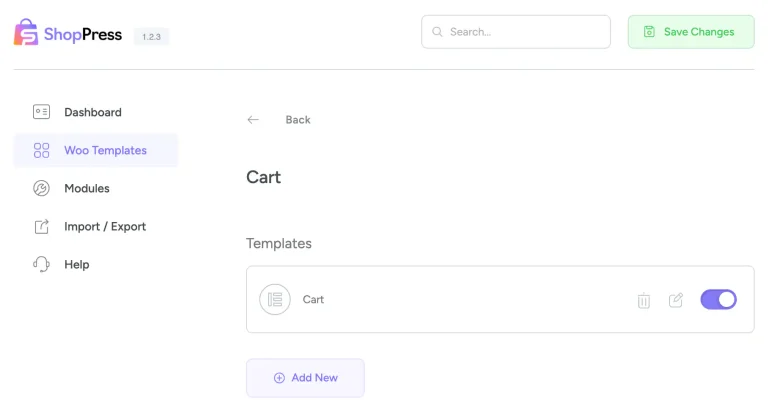
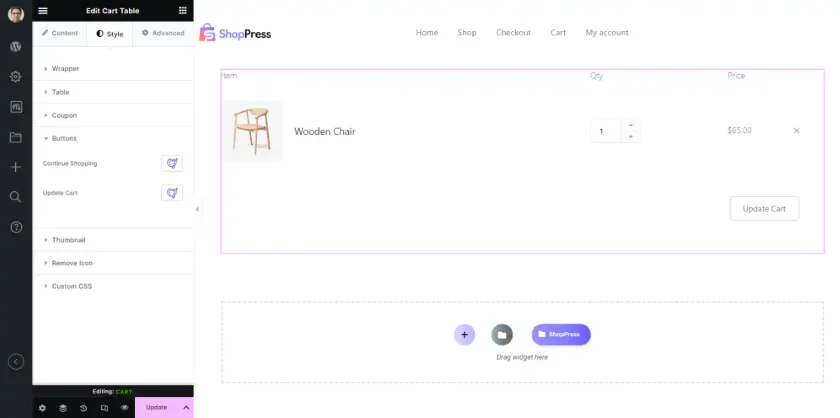
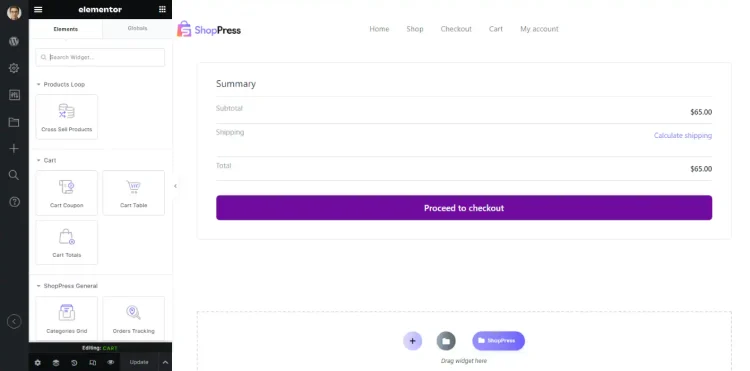
ShopPress has provided drag-and-drop Cart Copoun, Cart Table, and Cart Total widgets in order to edit the whole cart page directly from Elementor.
You do not need to write even a single line of code to customize your online store's cart page. All the processes will be taken care of by the integration between Elementor and ShopPpress.
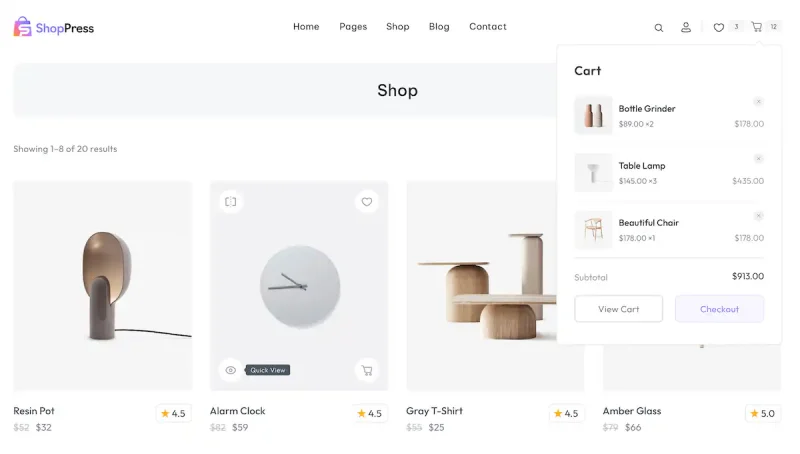
Display any number of your cart products and information in the header of your website by just using the cart widget in the header.
The ShopPress Cart Builder lets you design the WooCommerce cart page in Elementor instead of the default layout. You build it from three widgets, Cart Table, Cart Totals and Cart Coupon, and style each one with Styler. The Cart Page Builder is included in both ShopPress Free and ShopPress Pro.
| Widget | What it does |
|---|---|
| Cart Table | Lists the products in the cart; show or hide the table header and the coupon form |
| Cart Totals | Shows the cart totals, styled from the Style tab |
| Cart Coupon | A coupon field you can fully style |
Full guide: read the documentation →
Yes. The Cart Page Builder is included in ShopPress Free and ShopPress Pro.
Yes. The Cart Table widget can show or hide the coupon form and the table header.
Yes, with the Empty Cart Builder.
Yes. The Menu Cart module shows a mini cart in your menu as a dropdown or drawer.
Last updated: November 2026

ShopPress fully compatible with most of the popular WooCommerce themes and plugins, is all you need to run a shop. For more information please refer to ShopPress knowledge-base.

Subscribe to our newsletter and receive our news and promotions
You can unsubscribe at any time