


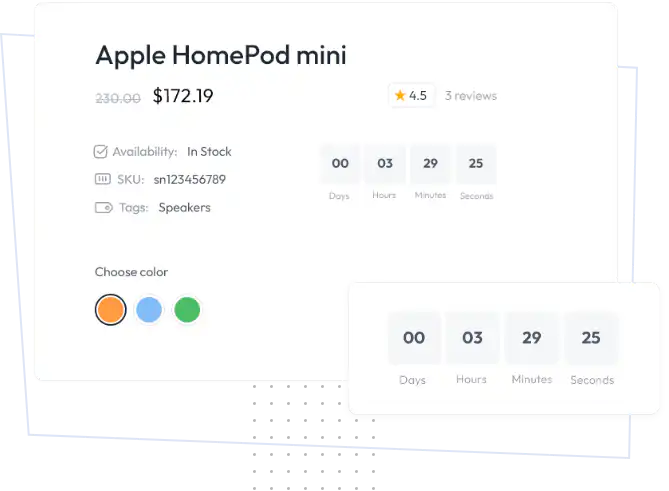

You can customize every WooCommerce pages using Elementor page builder
ShopPress Builder offers this option and it allows your users to simply filter products by Category, Brand, Color, Rating, Tag, Size and Price, and find what they are looking for in a matter of seconds.
Off-Canvas panel widget is a fly-out content panel for showcasing contents like WooCommerce Filter, Wishlist, Cart etc. This panel can be in various formats like, Drop-Down, Popup and Slide-in.
Want to boost your sales using WooCommerce Flash Sale Countdown? Consider using a WooCommerce Flash Sale Countdown timer Module! This handy tool creates a sense of urgency among your customers, motivating them to make a purchase.

Adding a flash sale countdown module to your website's product pages is a simple and effective way to boost your sales. With this module, you can easily display a timer that counts down the time remaining until the end of the sale.
The countdown timer is highly customizable, allowing you to choose from a variety of designs and position it anywhere on your website. By using this feature, you can create a sense of urgency and motivate your visitors to take action before the sale ends. Try out this module today and see an increase in your sales!
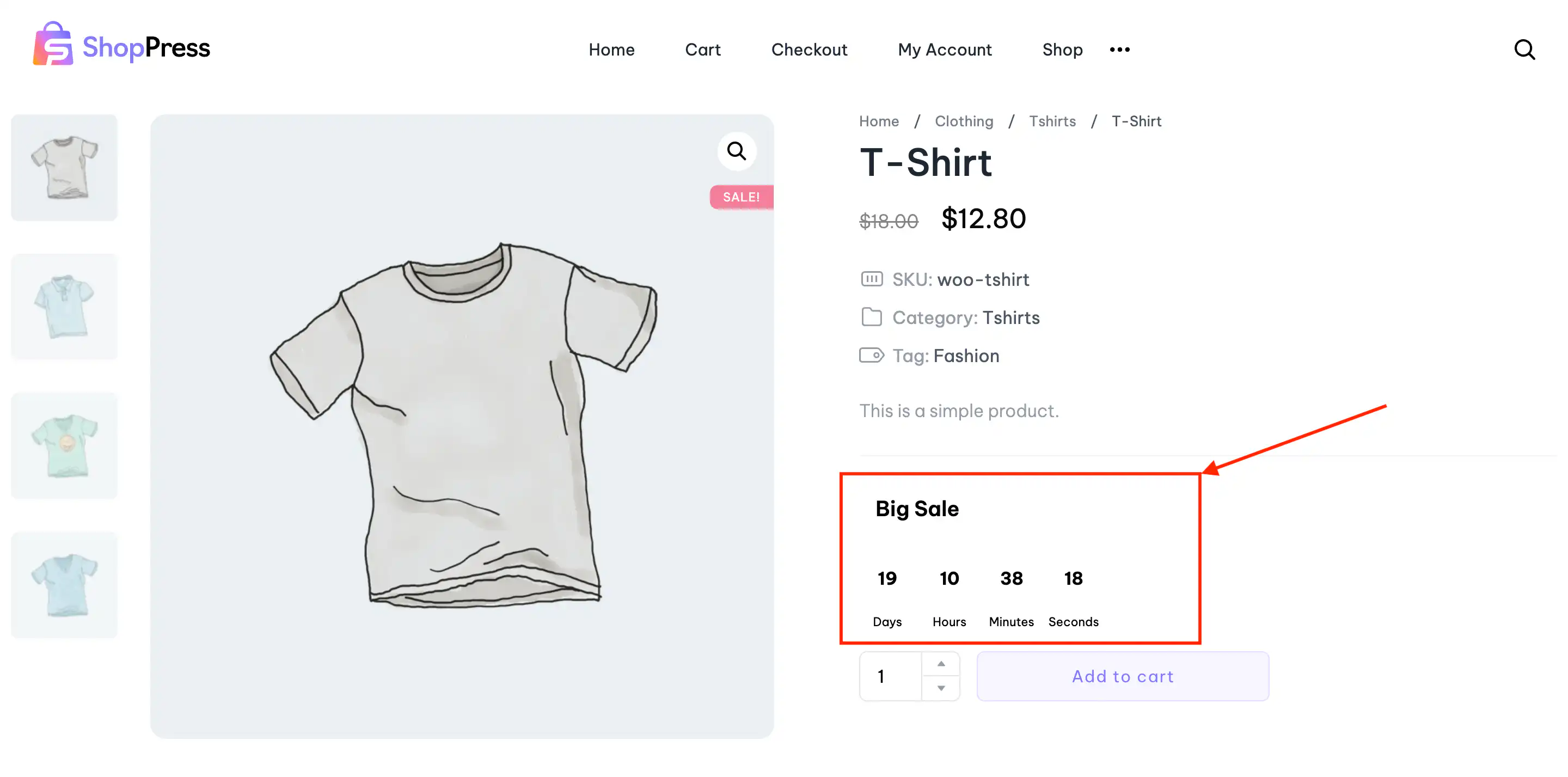
ShopPress Flash Sale Countdown runs time-limited sales in WooCommerce and shows a countdown timer on product pages. You create sale events with start and end dates, choose the products and categories, set a fixed, percentage or fixed-price discount, and can limit the sale to registered customers or user roles. Flash Sale Countdown is included in both ShopPress Free and ShopPress Pro.
| Setting | What it does |
|---|---|
| Countdown title | A custom title, for example for Black Friday |
| Valid from / to | Start and end dates of the sale |
| Products and categories | Include or exclude products and categories |
| Discount type and value | Fixed discount, percentage discount or fixed price |
| Override sale price | Replace the product’s own sale price |
| Registered customers or roles | Limit the discount to logged-in users or roles |
| Show on product page and position | Where the countdown appears |
Full guide: read the documentation →
Yes. It is included in ShopPress Free and ShopPress Pro.
Yes. Add multiple sale events with their own dates, products and discounts.
Yes. Limit it to registered customers or specific user roles.
Fixed discount, percentage discount and fixed price.
Last updated: November 2026

ShopPress fully compatible with most of the popular WooCommerce themes and plugins, is all you need to run a shop. For more information please refer to ShopPress knowledge-base.

Subscribe to our newsletter and receive our news and promotions
You can unsubscribe at any time