



You can customize every WooCommerce pages using Elementor page builder
ShopPress Builder offers this option and it allows your users to simply filter products by Category, Brand, Color, Rating, Tag, Size and Price, and find what they are looking for in a matter of seconds.
Off-Canvas panel widget is a fly-out content panel for showcasing contents like WooCommerce Filter, Wishlist, Cart etc. This panel can be in various formats like, Drop-Down, Popup and Slide-in.
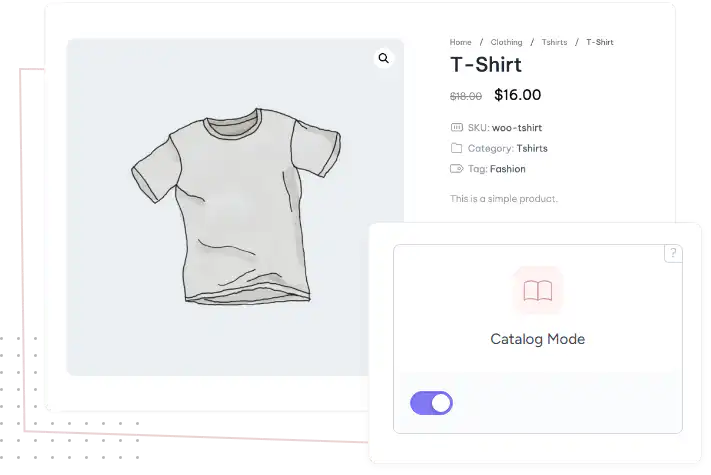
Creates visually appealing online product catalogs without any kind of payments by disabling the add to cart feature turning it to a simple product.

With Catalog Mode module, you can easily showcase your products without the need for any e-commerce functionality. This feature is particularly useful for businesses that want to display their product offerings without the hassle of managing an online store.
By enabling the ShopPress Catalog Mode, you can create a visually appealing online catalog of your products while still maintaining full control over the display and presentation. This feature is a great way to promote your products and increase brand awareness without the need for any online transactions.
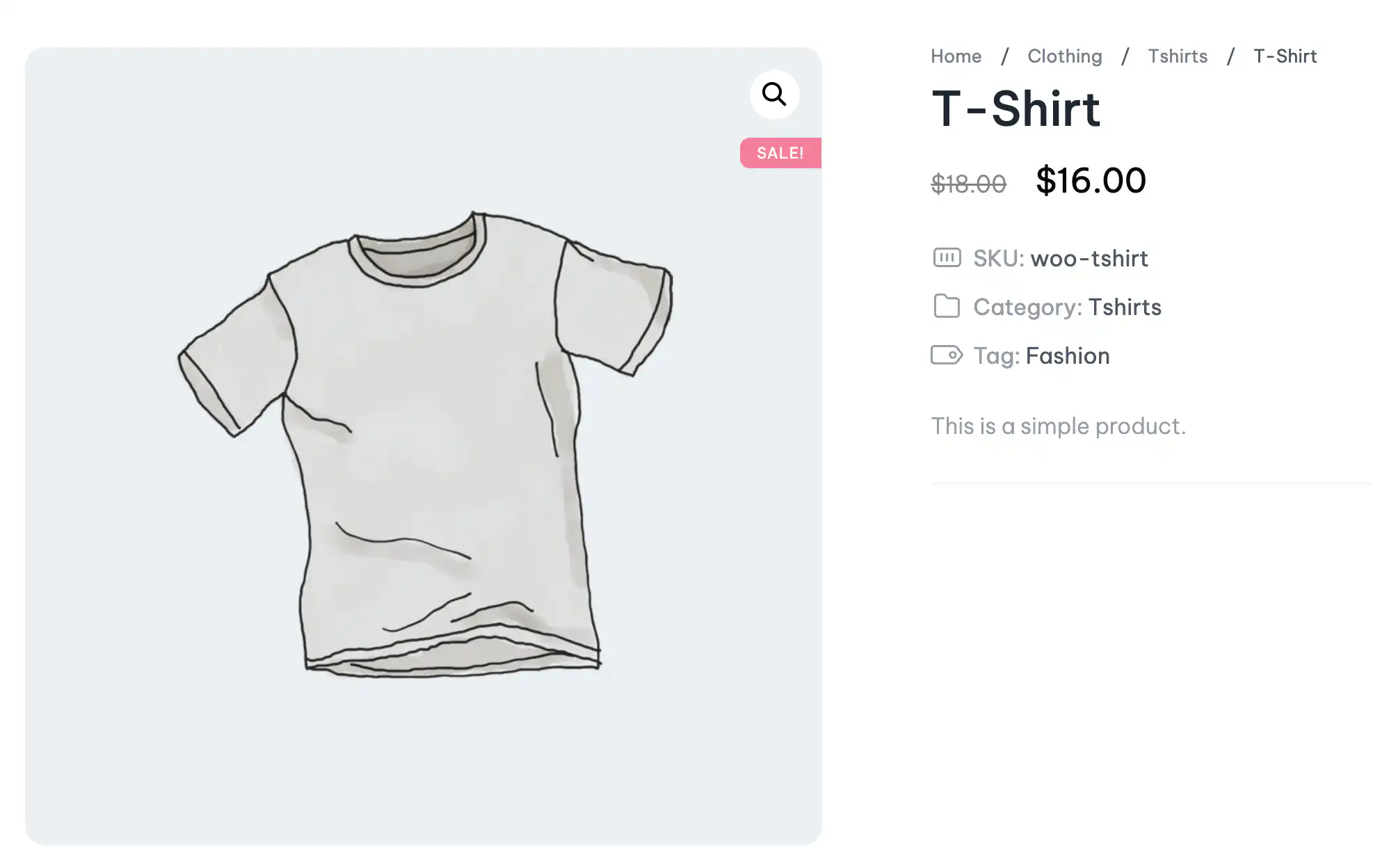
ShopPress Catalog Mode turns your WooCommerce store into an online catalog. When it is enabled, the Add to Cart button disappears and visitors cannot place orders, so you can show products without selling online. Catalog Mode is included in both ShopPress Free and ShopPress Pro.
| Element | In catalog mode |
|---|---|
| Add to Cart button | Hidden |
| Placing orders | Disabled for visitors |
| Product pages and shop | Still visible, so visitors can browse |
| Your products and settings | Unchanged; turn catalog mode off to sell again |
Full guide: read the documentation →
Yes. It is included in ShopPress Free and ShopPress Pro.
Stores that want to show products but not sell online, such as showrooms or wholesale catalogs.
Yes. Only the Add to Cart button and ordering are disabled.
ShopPress also includes Call for Price and Suggest Price features.
Last updated: November 2026

ShopPress fully compatible with most of the popular WooCommerce themes and plugins, is all you need to run a shop. For more information please refer to ShopPress knowledge-base.

Subscribe to our newsletter and receive our news and promotions
You can unsubscribe at any time