


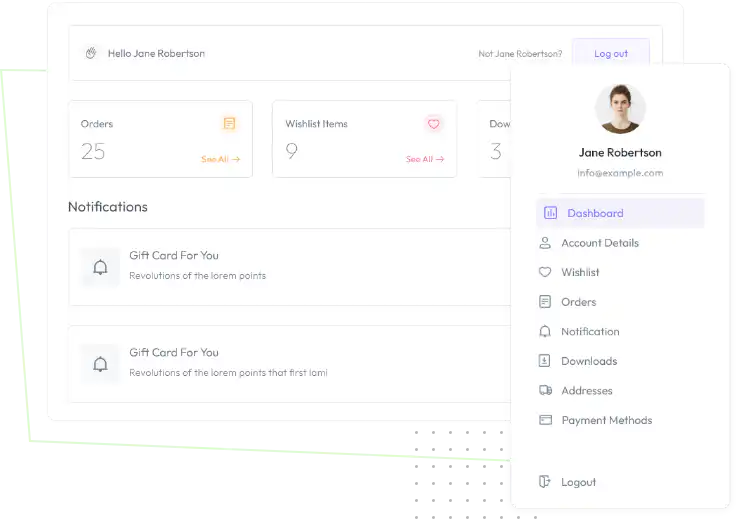

You can customize every WooCommerce pages using Elementor page builder
ShopPress Builder offers this option and it allows your users to simply filter products by Category, Brand, Color, Rating, Tag, Size and Price, and find what they are looking for in a matter of seconds.
Off-Canvas panel widget is a fly-out content panel for showcasing contents like WooCommerce Filter, Wishlist, Cart etc. This panel can be in various formats like, Drop-Down, Popup and Slide-in.
Enhance your WooCommerce dashboard with this Elementor widget to customize every detail on the dashboard. You can save time and effort with My Account Builder template options and hand in a seamless and tailored dashboard experience.

It is crucial to provide a user-friendly space that is designed to help users locate the information they're looking for as well as to make use of this area by including personalized content, promotions, and information that can encourage users to make purchases.
With My Account Page Builder for WooCommerce, you can add or remove custom sections from the My Account Page and alter the WooCommerce parts that come with it. These sections can contain any type of material, including words, photographs, videos, downloadable files, discount codes, and more.
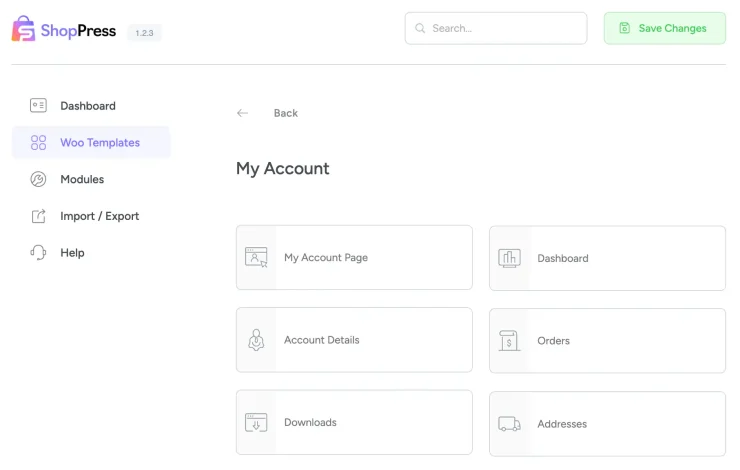
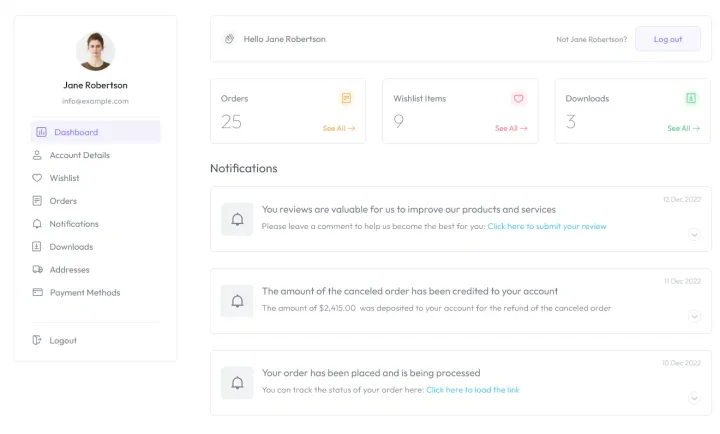
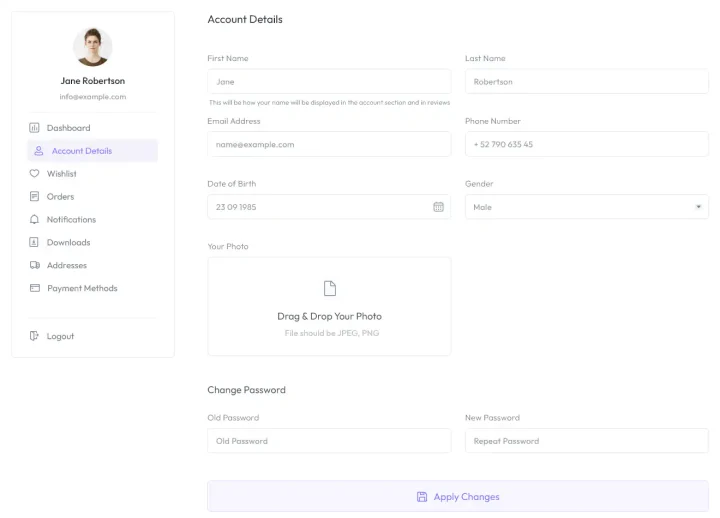
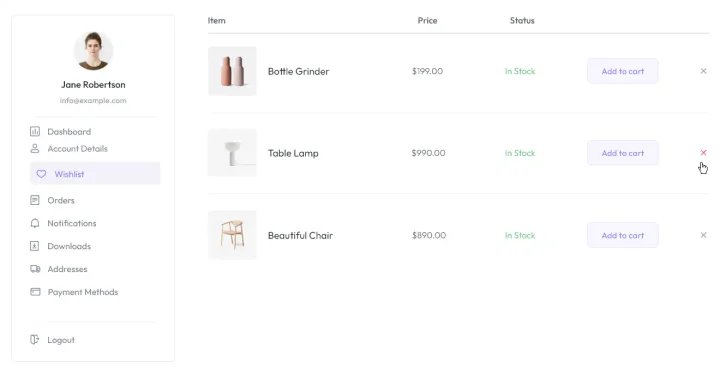
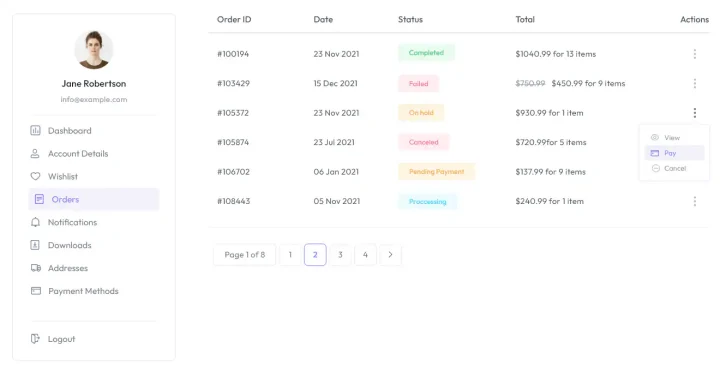
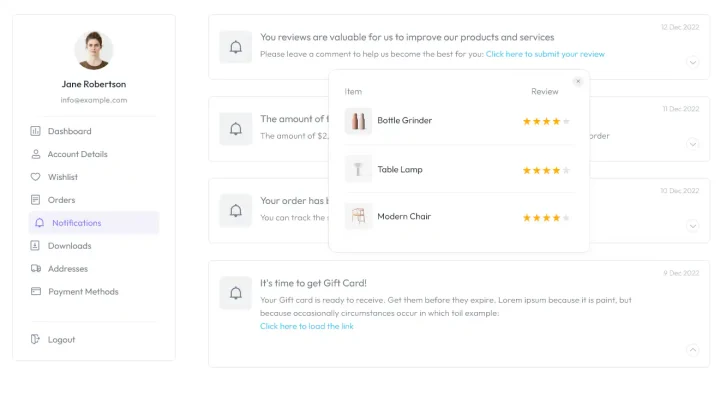
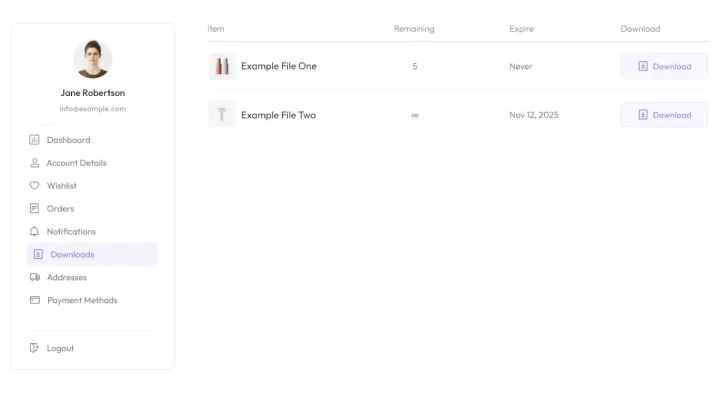
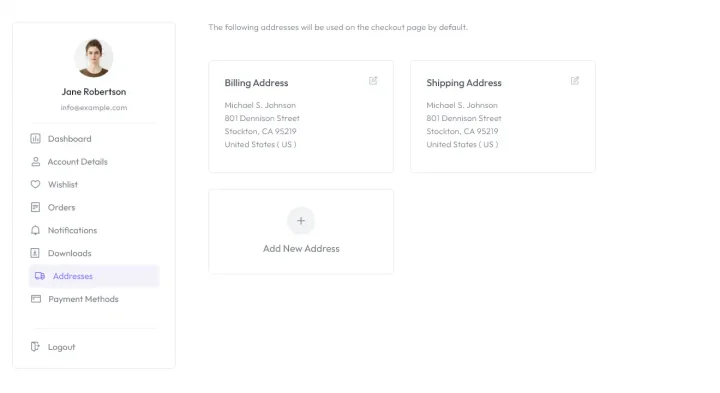
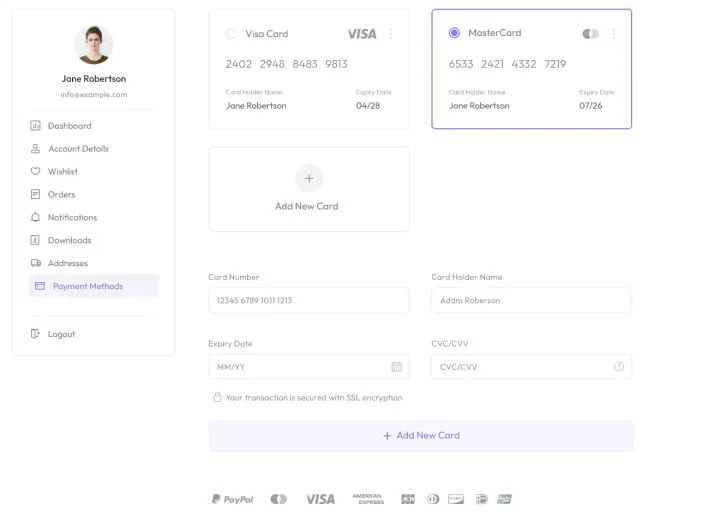
Using Elementor Page Builder, it is possible to create a whole new design for your Woocommerce account page easily.
Woocomerce has a “My Account Page” by default. Working with it is very simple and does not provide any specific feature itself.
Here you can use the miracle of the ShopPress plugin which allows you to design the whole My Account Page sections individually with the powerful Elementor page builder.
Every “my account-related” page such as downloads, addresses, dashboard, orders, and account details is customizable and you can add your custom content in every single tab as well.
In every new tab you create, you can use any shortcode you want unlimitedly based on your need to design your unique my account page.
This task is as simple to create a new tab to the WooCommerce My Account page as it is to add a new page to WordPress.
The ShopPress My Account Builder lets you design every part of the WooCommerce My Account area in Elementor: the navigation menu, Dashboard, Orders, Downloads, Addresses and Account Details pages. Each page gets its own template and widget with full style controls, and you can remove menu items you do not need. The My Account builders are included in both ShopPress Free and ShopPress Pro.
| Page | What you can style |
|---|---|
| Navigation menu | The left-side menu; remove items you do not need |
| Dashboard | Box, paragraph, name and links |
| Orders | Box, table, table head and cells |
| Downloads | The downloads table |
| Addresses | Box, description, title, add address button and addresses |
| Account Details | Box, labels, inputs, notes and button |
Full guide: read the documentation →
Yes. It is included in ShopPress Free and ShopPress Pro.
Yes. The My Account widget lets you remove menu items.
Yes. The Wishlist settings can add it to the My Account menu.
Yes. The User Notifications module adds an order status report to My Account.
Last updated: November 2026

ShopPress fully compatible with most of the popular WooCommerce themes and plugins, is all you need to run a shop. For more information please refer to ShopPress knowledge-base.

Subscribe to our newsletter and receive our news and promotions
You can unsubscribe at any time