


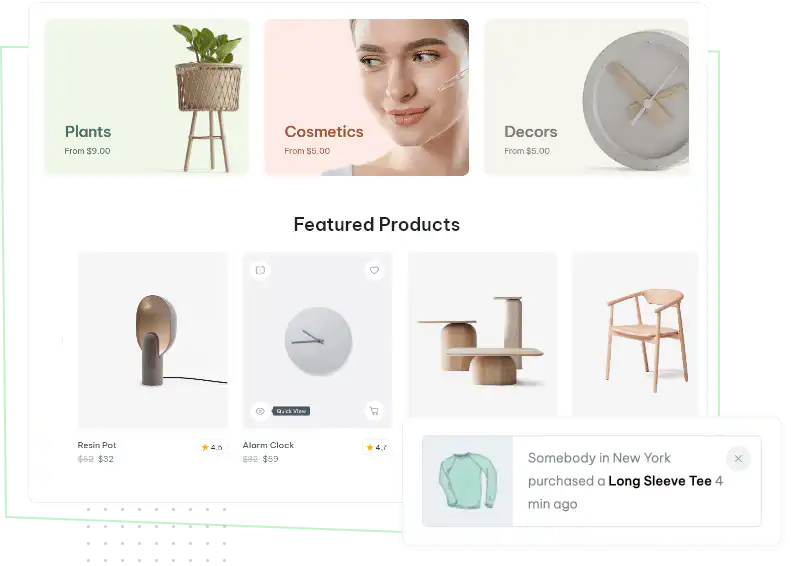

You can customize every WooCommerce pages using Elementor page builder
ShopPress Builder offers this option and it allows your users to simply filter products by Category, Brand, Color, Rating, Tag, Size and Price, and find what they are looking for in a matter of seconds.
Off-Canvas panel widget is a fly-out content panel for showcasing contents like WooCommerce Filter, Wishlist, Cart etc. This panel can be in various formats like, Drop-Down, Popup and Slide-in.
Displays a popup at the corner of the screen, notifying your website visitors that a purchase has been made by someone from a specific country.

One of the most valuable features that you can add to your website is the ability to keep your users informed about their transactions professionally and respectfully. This feature provides a seamless and secure experience for your users by sending them real-time notifications and updates about other transactions. By implementing this feature, you can enhance the user experience and build trust with your customers, ultimately leading to increased customer satisfaction and loyalty.
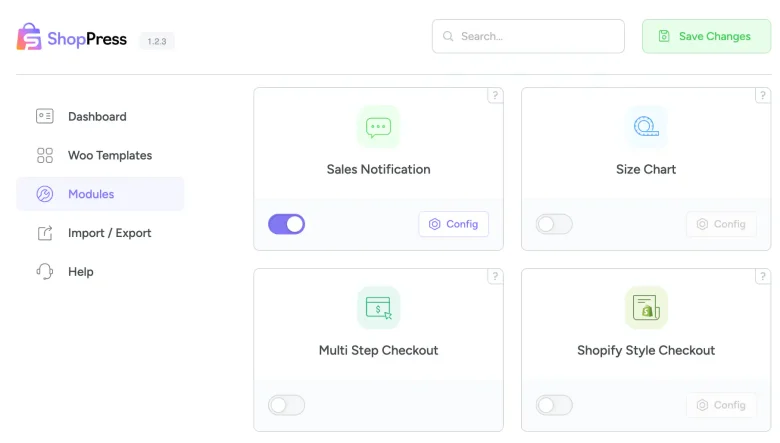
ShopPress Sales Notification Module allows you to create a personalized message for users, informing them about a purchase. You can customize the message by specifying the city, product, and even enable sound notifications, making it easier for users to pay attention to the details.
ShopPress Sales Notification shows small popups that tell visitors about recent purchases in your WooCommerce store. You choose which order statuses and how many days of orders to include, write the message with placeholders, decide who sees it and on which pages, and set the popup position. Sales Notification is a ShopPress Pro feature.
| Setting | What it does |
|---|---|
| Order status | Include completed, processing or on-hold orders |
| Orders from the last X days | Only show recent orders |
| Message | Your notification text, with placeholders |
| Show to | All visitors, logged-in users or guests |
| Display rules | Limit by products, categories and pages |
| Max per page and position | How many popups appear and where |
| Random orders, mobile | Shuffle orders and hide popups on mobile |
Full guide: read the documentation →
No. It is part of ShopPress Pro.
Yes. Set the number of days of orders to include.
Yes. Enable the option to hide notifications on mobile devices.
Yes. Display rules limit them by products, categories and pages.
Last updated: November 2026

ShopPress fully compatible with most of the popular WooCommerce themes and plugins, is all you need to run a shop. For more information please refer to ShopPress knowledge-base.

Subscribe to our newsletter and receive our news and promotions
You can unsubscribe at any time